This service is for legal vehicle owners to retrieve their lost radio code after battery reset. Misuse is strictly prohibited.
Radio Code and Map SD Card Error Fix for Japanese Cars
🏆 SSL Secured ✓ Money-Back Guarantee ⭐ Trusted by 1000+ Customers 🚀 Fast Shipping
🎬 WATCH HOW IT WORKS - Real Customer Feedback Videos
New Arrivals
JapanRadios: Fastest, Most Trusted JDM Navigation & Radio Recovery – Globally Shipped, Expert-Backed, 100% Guaranteed
We Provide High Quality Goods
We believe every concern deserves to be heard. If a client is unhappy, we’re committed to listening, understanding, and making it right—because your trust means everything to us.
Expert Solutions for Japanese Car Multimedia Unlock & SD Card Issues
Fast Delivery
Express shipping with tracking in 4–5 working days.
Same-day dispatch after order confirmation.
Best Quality
100% tested and fully functional products.
Guaranteed reliable performance every time.
Satisfaction Guarantee
Full technical support for your JDM car systems.
We ensure complete access and customer satisfaction.
Safe. Fast. Guaranteed Results.
Customer Favorites – Tried, Tested, and Trusted
Unlock Japanese Car Radio & Navigation Excellence
Instant Radio Codes, Genuine SD Card Fixes & Multilingual Conversion for JDM Imports. Trusted Worldwide.
Troubleshooting & FAQs: Japanese Car Radio Unlocks & SD Navigation Fixes
We fix locked or unusable Japanese import car head units, including map SD card errors, radio unlock code problems, Japanese-only language menus, and disabled Apple CarPlay or Android Auto features on supported models.
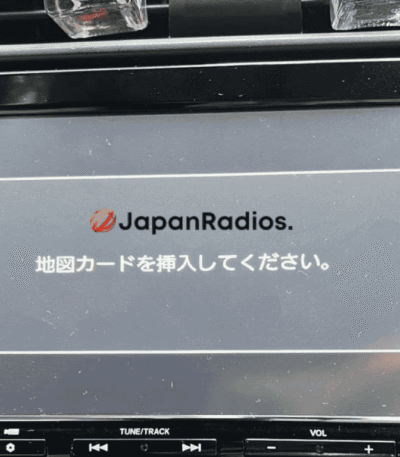
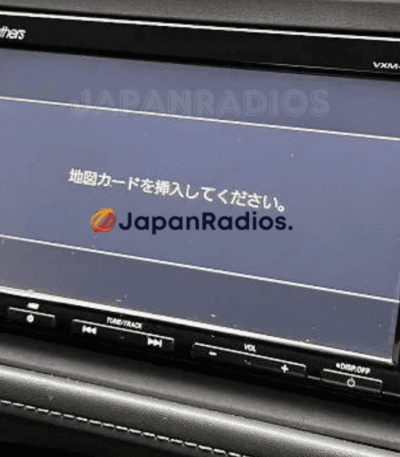
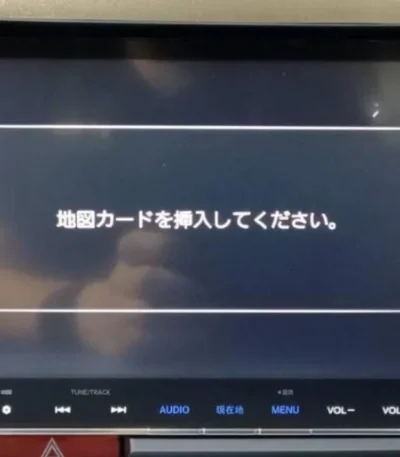
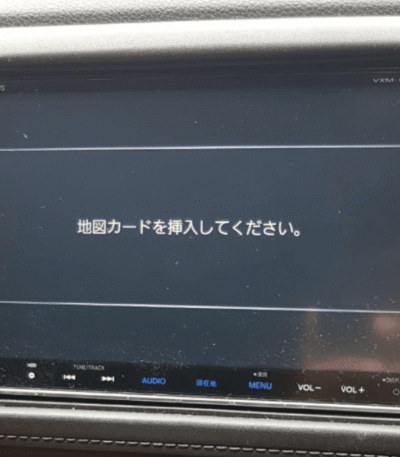
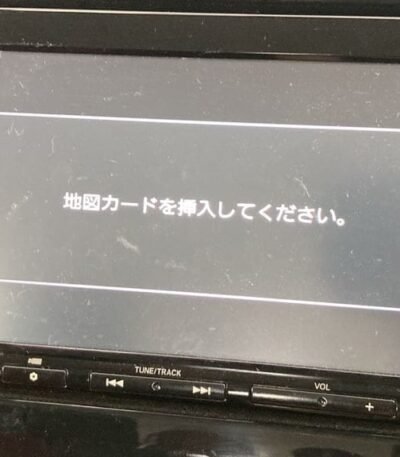
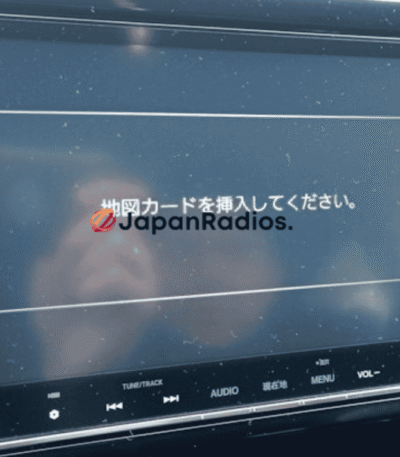
A map SD card error appears when the original SD card is missing, corrupted, or unreadable, which can freeze navigation and other functions; we supply model-specific SD card solutions that restore maps, operating system files, and normal unit operation
Common triggers include a dead/disconnected battery, removing the unit for repairs, or replacing parts.
It usually means the navigation SD card is missing or unreadable, and the unit can’t load required map data (and sometimes system files)
Yes—some services bundle an unlock solution together with the correct SD card for certain models, because both issues can occur together.
Turnaround depends on the model; some providers quote ranges from minutes up to about an hour (and longer in edge cases) depending on the unit and method used.
Many competitor solutions focus heavily on Toyota “missing SD” and unlock/password issues, so Toyota model-based FAQs and model-number capture forms tend to perform well.
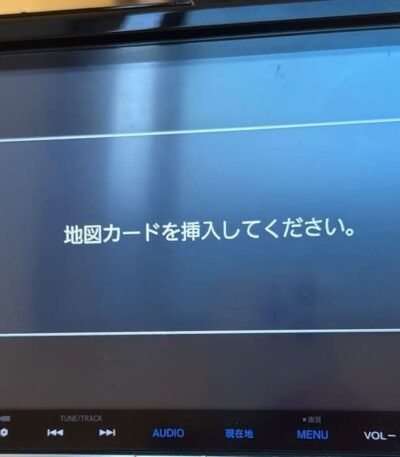
Yes, we specialize in fixing “Insert Map SD Card” and similar messages on Japanese import units by providing the correct SD card or software solution for your exact model, so the system boots normally again.
Yes, we offer language conversion from Japanese to English on supported head units, including many Toyota, Mazda, Kenwood, and other JDM systems, so menus and navigation become easy to use. T&C Applied
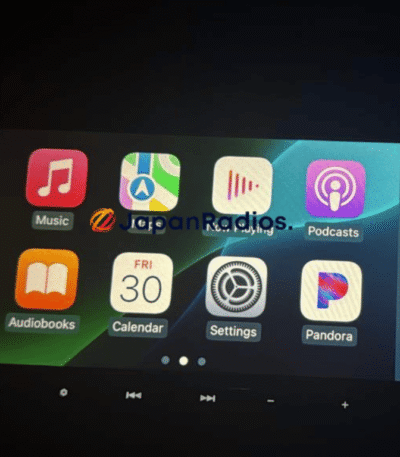
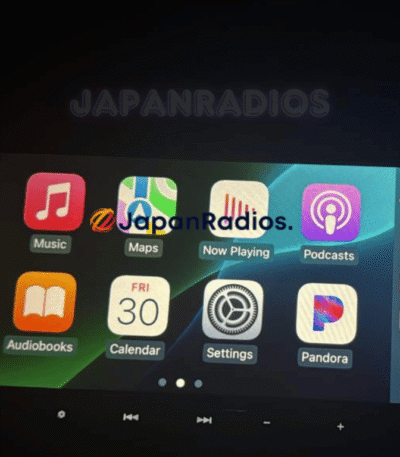
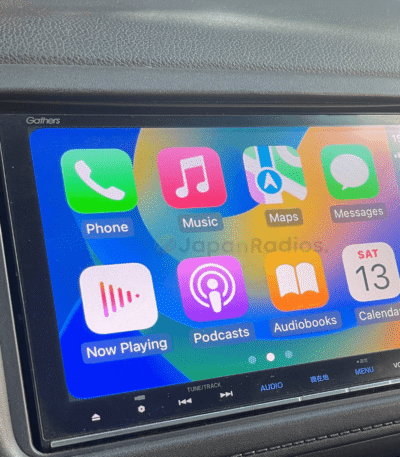
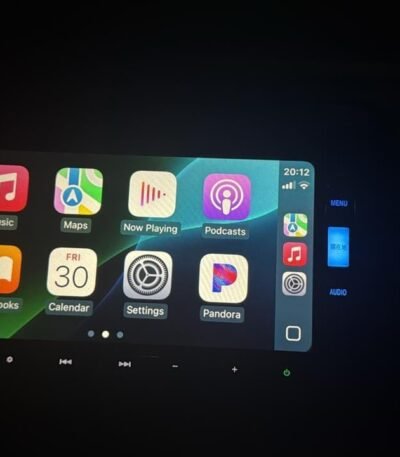
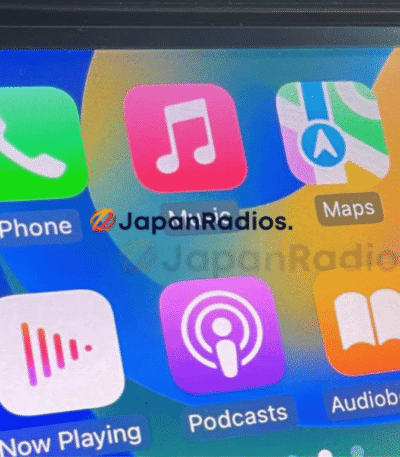
For many Honda Gathers , Subaru Panasonic and Nissan JDM units, we provide SD-card based fixes that both clear SD errors and activate Apple CarPlay and Android Auto where the hardware is compatible.
Yes, we can advise on or supply FM expander and related solutions so Japanese radios can receive local FM frequencies correctly in your country instead of only Japanese bands.
To generate your unlock code, we need the 16-digit ERC number from your screen. Follow these steps:
Press and hold the main button on your navigation unit.
While holding the button, switch your parking lights ON and OFF 3 to 4 times until a new menu screen appears.
Follow the on-screen prompts, pressing only the active/highlighted buttons.
The system will display your 16-digit ERC code (e.g.,
68ED23CE134BAD21or2A128A00F2506091).Enter this code into our order form to receive your unlock key.
We support nearly every Toyota JDM navigation unit produced. Below are the specific series we can decode:
Latest Supported Models: NSZT-W68T, NSZT-Y68T, NSZN-Z68T, NSCN-W68, NSLN-W68, NSZT-Y68, NSZN-Z68.
NS Series: NSZT (W66T, W64, Y66T, etc.), NSZN (Z68T, W64T), NSCN (W59C-W68), NSCP (W61-W64), and NSDD-W61.
NH Series: NHZN (W57-W61G), NHDT (W57-W60G), NHZD-W62G, and NH3N/NH3T models.
ND & NM Series: NDDN (W56-W58), ND3T, NDCN, NMCN, and NMCT models.
DS Series: DSZT-YC4T.
Note: If your specific model is not listed, please contact us.
Our decoding service works for Toyota radios found in almost all JDM imports, including:
Sedans & Compacts: Prius, Aqua, Camry, Corolla, Vitz, Yaris, Aygo, Probox, Roomy.
Vans & MPVs: Alphard, Vellfire, Voxy, Noah, Sienna, Sienta.
SUVs & Trucks: Land Cruiser, Harrier, Highlander, RAV4, Hilux, Tacoma, Tundra, Raize.
Sports: Toyota Supra.
We offer a 100% Money-Back Guarantee. If the code we provide does not unlock the radio serial number you specified in your order, we will issue a full refund immediately.
Unlike other sellers who just email you a code and disappear, we offer Live WhatsApp Video Support. If you are stuck, our technician can hop on a video call to guide your fingers to the right buttons. We don't stop until your radio is working.
Please Read Carefully: For most JDM Toyota/Honda units, the SD card fixes the boot error and maps, but the main buttons and system voice will remain in Japanese (hardware limitation). However, our SD cards enable Bluetooth , DVD, CD, USB, CarPlay/Android Auto (on supported models), which allows you to use Google Maps and Spotify in English effectively bypassing the Japanese system.
We offer a comprehensive range of solutions for Japanese Domestic Market (JDM) vehicles. Below is the full list of manufacturers and services we support:
1. Radio Code Unlocks (ERC Password) We can unlock audio units for the following brands if your battery was disconnected or the device is locked:
Toyota & Honda Gathers (Most popular)
Alpine, Carrozzeria (Pioneer), and Clarion
Kenwood, Panasonic, and Eclipse ESN
Pioneer Aftermarket units
2. Map SD Cards (Boot & Navigation Fixes) If you are seeing the "Insert Correct SD Card" error, we stock boot cards for:
Nissan (Including MC, MM, and MP Series)
Toyota, Lexus, and Suzuki
Volkswagen (JDM) Imports
Aftermarket Brands: Alpine, Carrozzeria, Clarion, Eclipse, Panasonic, and Pioneer.
3. Language Conversion Services We offer software solutions to convert menus from Japanese to English for specific models:
Mazda Connect Systems
Mitsubishi Multi-Communication Systems (MMCS)
Nissan & Kenwood Units
4. Accessories & Upgrades Modernize your JDM vehicle with our compatible hardware:
Android Auto & Apple CarPlay Kits: Add modern streaming to older units.
Cameras: Dash Cams and Reverse Cameras compatible with JDM wiring.
Cables & Parts: USB adapters and spare parts for Japanese systems.
Don't see your specific model? Please [Contact Us] with a photo of your radio's label, and we will verify compatibility within 24 hours.