
Nissan MM Series Map SD Card
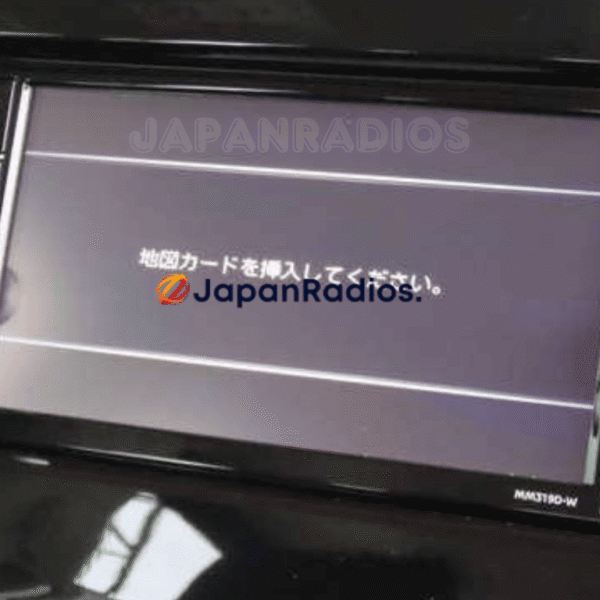
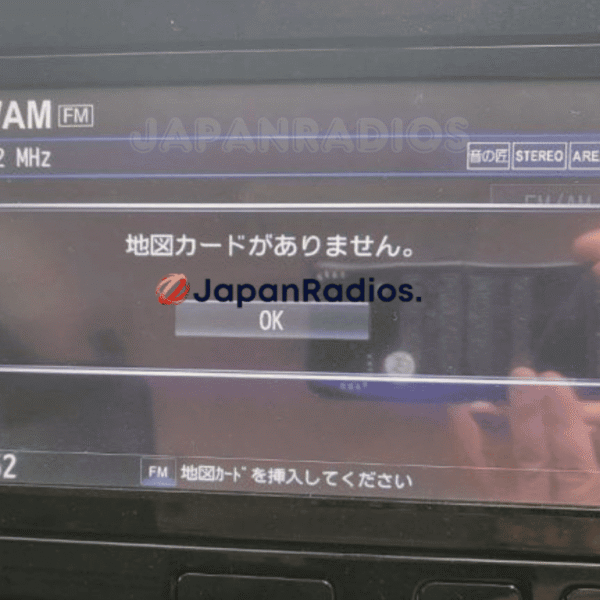
Is your Nissan import displaying a blank screen or a map card error warning after a battery change or power disconnect? Nissan MM Series JDM infotainment systems require a bootable Nissan MM Series Map SD Card containing the specific firmware files to load past the startup screen. Without this card, the system remains completely non-functional, disabling the rear camera, A/C display overlays, Bluetooth, and radio controls.
Supported Nissan JDM MM Series Models
Our pre-loaded plug-and-play recovery cards support all major Panasonic-OEM Nissan MM units:
MM113 Series: MM113D-A, MM113D-W.
MM114 Series: MM114D-A, MM114D-W.
MM115 Series: MM115D-A, MM115D-W.
Other MM Series models including MM312, MM318, and related variants.
How to Install Your Nissan MM Boot Card
Installation is simple and requires no tools:
Check your radio bezel to locate the model number (typically starts with MM).
Open the SD slot cover (usually labeled MAP or SD).
Insert the Nissan MM Map SD Card we provide.
Restart your vehicle. The system will read the boot files, show a progress bar, and fully restore all multimedia features!
Showing 1–18 of 24 results
Interactive JDM Radio ERC / Serial & Map SD Compatibility Checker
Select your JDM head unit brand, enter your model code (e.g. NSZT-W68T, NSCN-W68, VXM-185VFi, MM318D-L) or paste your 16-digit Toyota ERC / 8-digit Serial to verify instant unlock & SD boot compatibility:
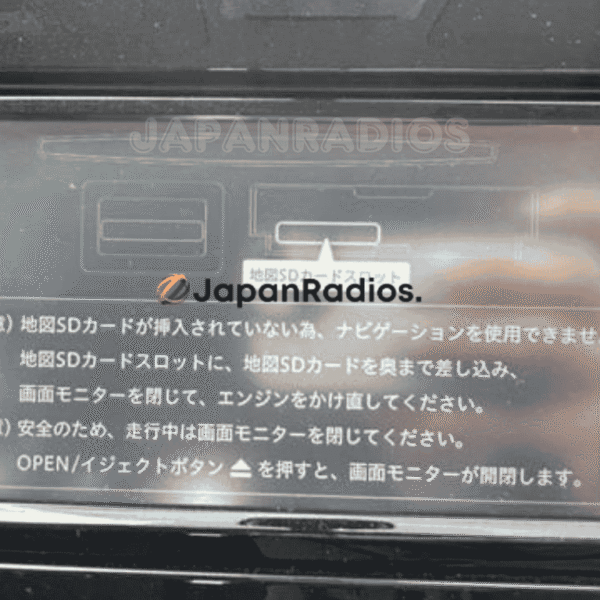
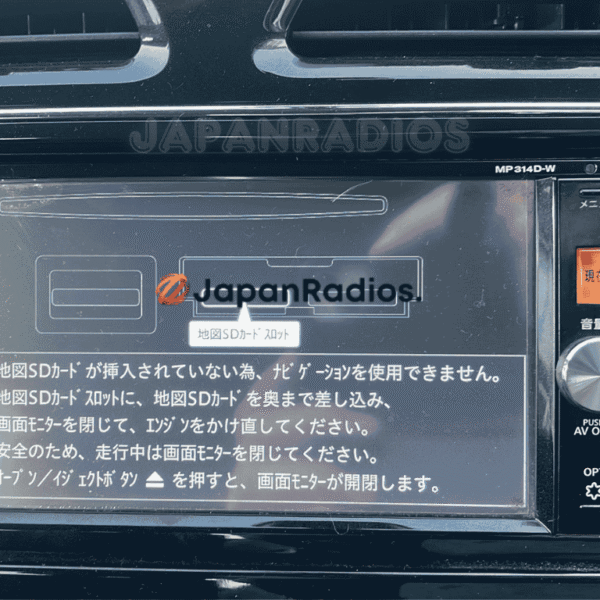
MM522D-L SD error fix for Elgrand – Ultimate Restore Bluetooth & Multimedia | Nissan JDM
💬 Get Current Price via WhatsApp
MM322D-L SD error fix – For Kicks Permanent Solution | Restore Bluetooth & Multimedia for Nissan JDM
💬 Get Current Price via WhatsApp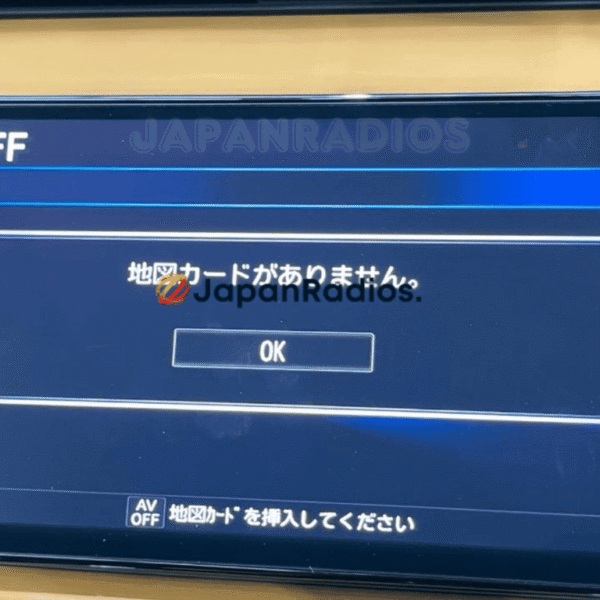
MM320D-L SD error fix Guaranteed Solution – Universal, Serena, X-Trail, Kicks, Dayz, Roox
💬 Get Current Price via WhatsApp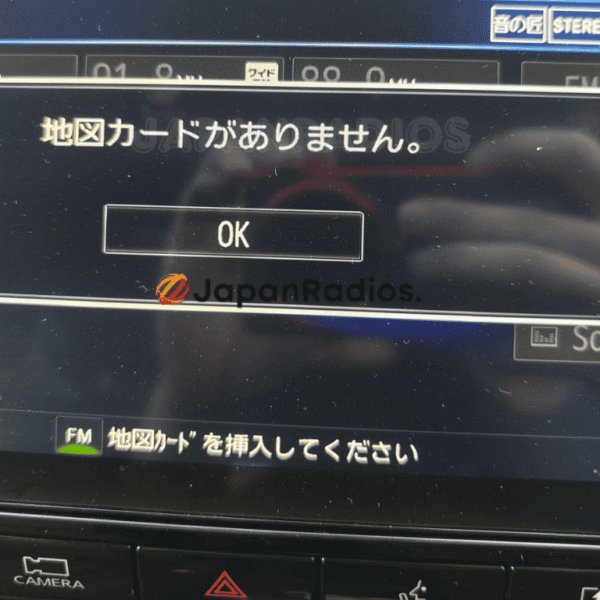
MM520D-L SD error fix – Universal, Elgrand, Serena, X-Trail | Ultimate SD Error Fix
💬 Get Current Price via WhatsApp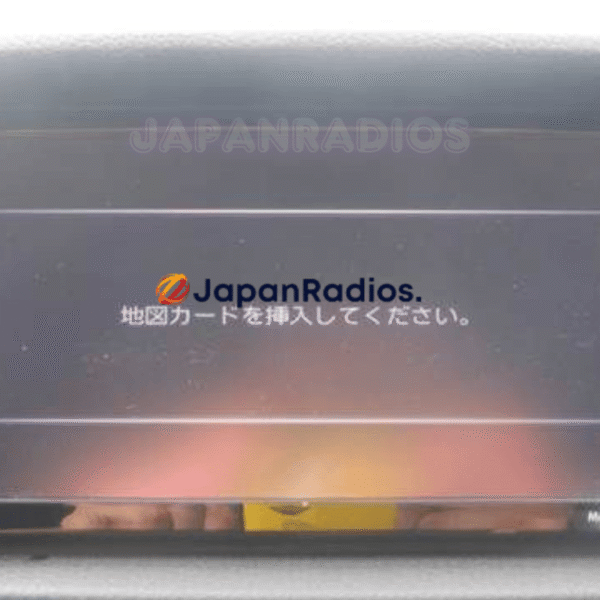
MM319D-W SD error fix – Ultimate Restore Bluetooth & Multimedia for Nissan JDM
💬 Get Current Price via WhatsApp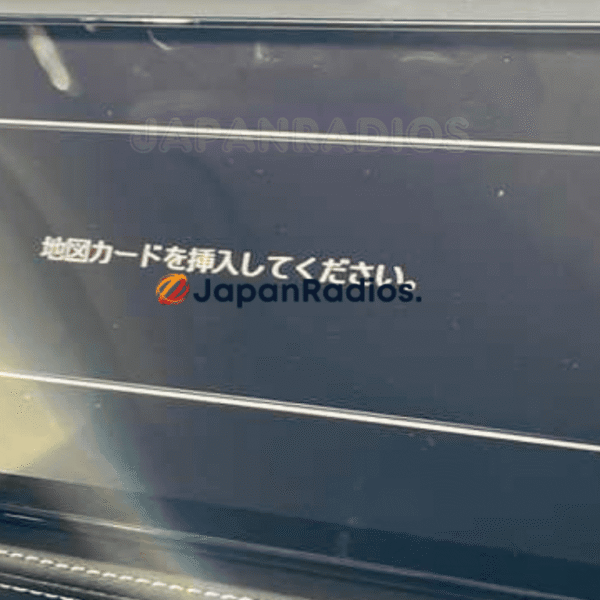
MM319D-L SD error fix Guaranteed – Enable Bluetooth & Restore Features for Nissan JDM (B8260-5RY20)
💬 Get Current Price via WhatsApp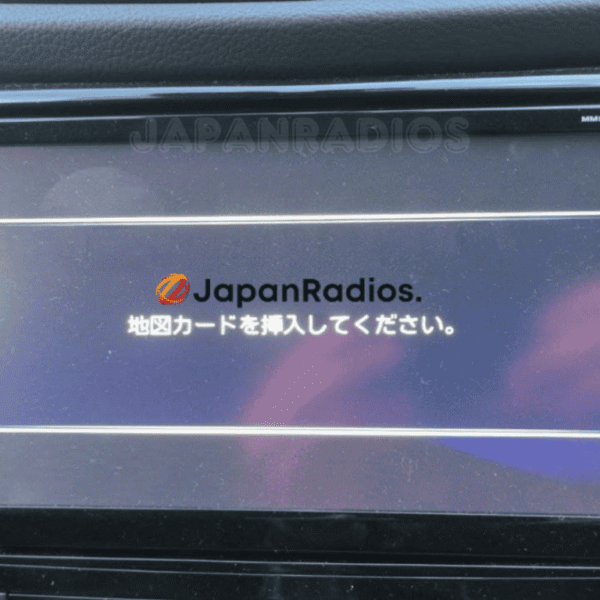
MM519D-L SD error fix – Ultimate Android Auto & Apple CarPlay Restore for Nissan JDM
💬 Get Current Price via WhatsApp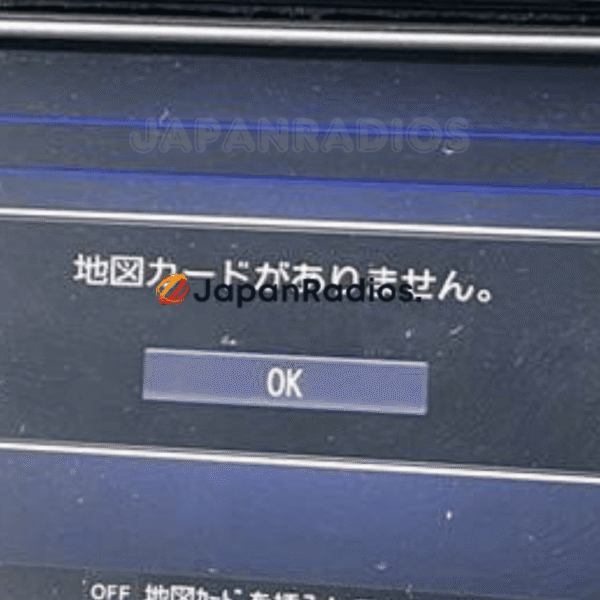
MM517D-W SD error fix – Ultimate Android Auto & Apple CarPlay Restore for Nissan JDM
💬 Get Current Price via WhatsApp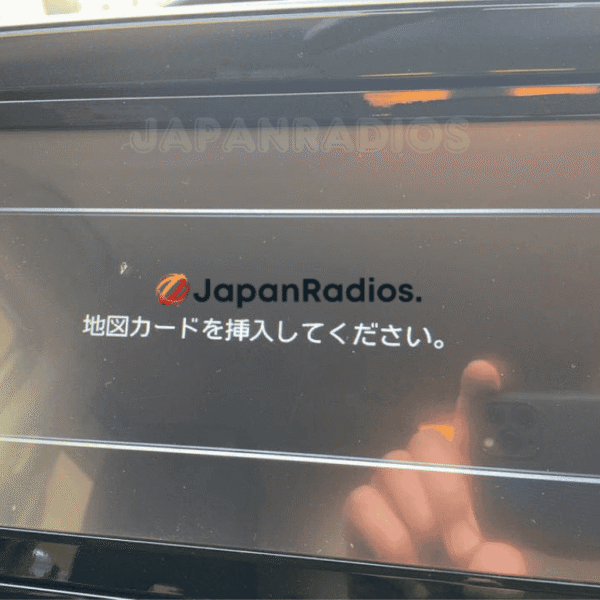
MM517D-L SD error fix – Android Auto & Apple CarPlay Restore for Nissan JDM Ultimate Fix
💬 Get Current Price via WhatsApp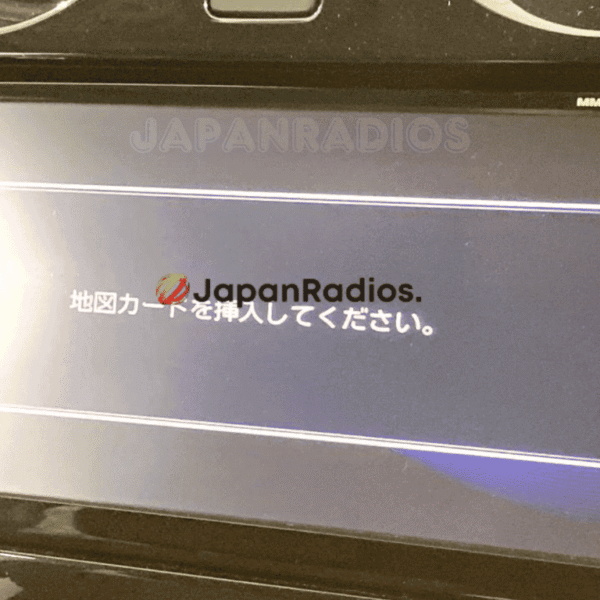
MM516D-L SD error fix – Apple CarPlay & Android Auto Restore for Nissan JDM Ultimate Fix
💬 Get Current Price via WhatsApp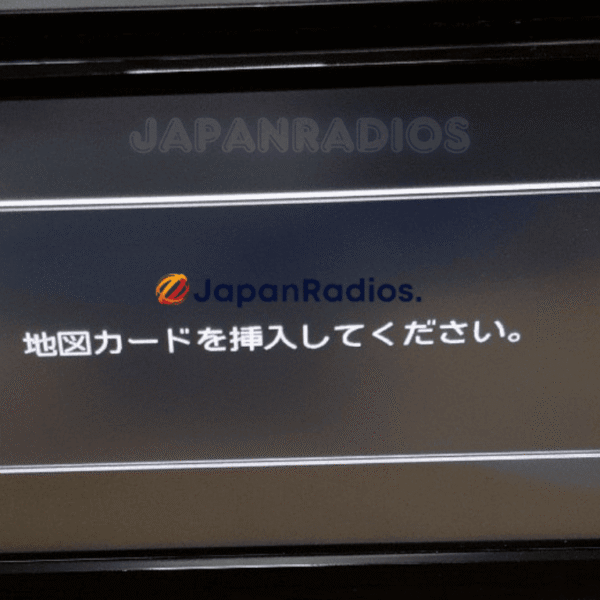
MM516D-W SD error fix – Apple CarPlay & Android Auto Activation for Nissan JDM Ultimate Fix
💬 Get Current Price via WhatsApp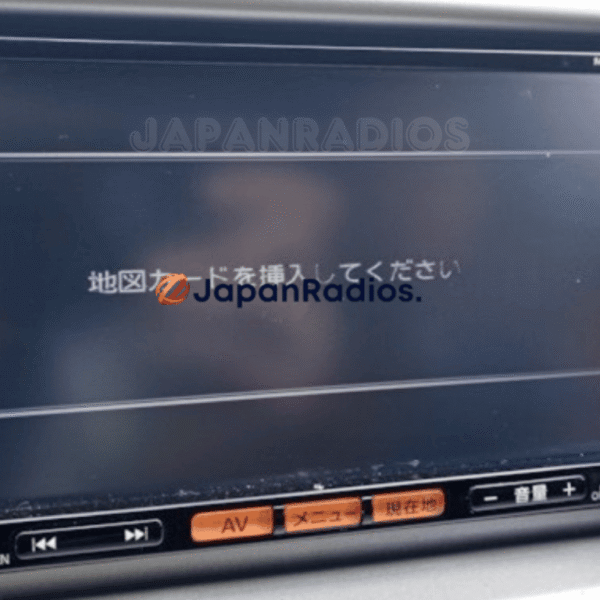
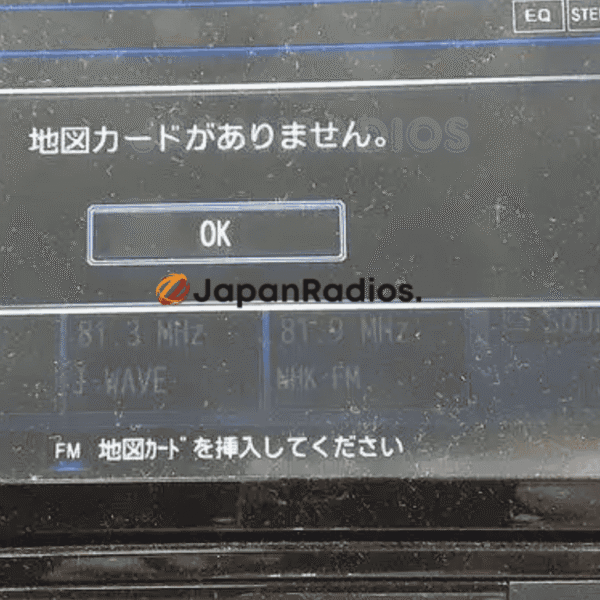
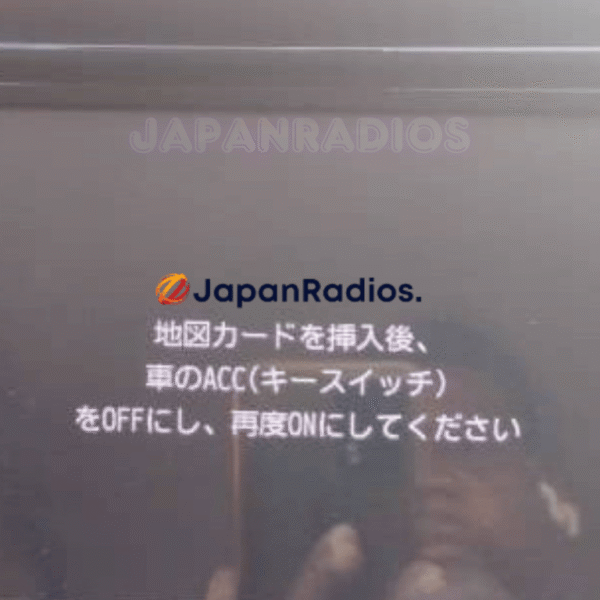
Nissan MM Series Map SD Card Car Navigation & Infotainment Recovery Support
Struggling with missing map SD card warnings,暗証番号を入力してください security PIN prompts, or reboot loops in your Japanese import vehicle? JapanRadios supplies official ERC security code unlock services, bootable SD cards, and Japanese-to-English menu conversions across 54 target import markets. Restores default OEM touchscreen setup menus, Bluetooth calling (if available), reversing camera grid lines (if equipped), AM/FM audio, and Apple CarPlay / Android Auto retrofits (if supported). Contact our expert team via WhatsApp — Chat with the JapanRadios support team now → for an instant 0–10 min fix.