
Honda Gathers Radio Code Unlock
Instant 24/7 Honda Unlock Service
Honda Gathers Radio Code Unlock Service
Unlock your Honda Fit, Vezel, Freed, Stepwgn, or N-Box head unit in 10-20 minutes without visiting a dealer.
How to Find Your Honda Gathers Serial Number (2 Methods)
Turn on ignition. When the “Enter Code” prompt appears, press & hold Power + Menu for 5 seconds. An 8-digit serial number (or serial beginning with ‘B’ or ‘1’) will display on screen.
Slide the radio slightly out of dashboard. On the top or side metal cover, locate the white sticker with an 8-digit barcode serial number (e.g., 12345678 or GB…).
Supported Honda Import Models & Gathers Systems
Honda JDM Vehicle
Supported Gathers Model
Unlock Method
Turnaround
Honda Fit / Jazz (GK, GR)
VXM-145VFi, VXM-155VFi, VXM-175VFi
Serial Code Calculation
⚡ 10 – 20 Mins
Honda Vezel / HR-V (RU)
VXM-165VFEi, VXM-185VFNi, VXM-195VFi
Serial Code Calculation
⚡ 10 – 20 Mins
Honda Stepwgn Spada (RP)
VXM-165VFNi, VXM-185VFNi, VXM-205VFi
Serial Code Calculation
⚡ 10 – 20 Mins
Honda Freed / Grace / Shuttle
VXM-155VSi, VRM-155VFi, VXM-175VFNi
Serial Code Calculation
⚡ 10 – 20 Mins
Honda N-Box / N-WGN / N-One
VXU-185NBi, VXU-195NBi, VXU-207NBi
Serial Code Calculation
⚡ 10 – 20 Mins
Showing all 14 results
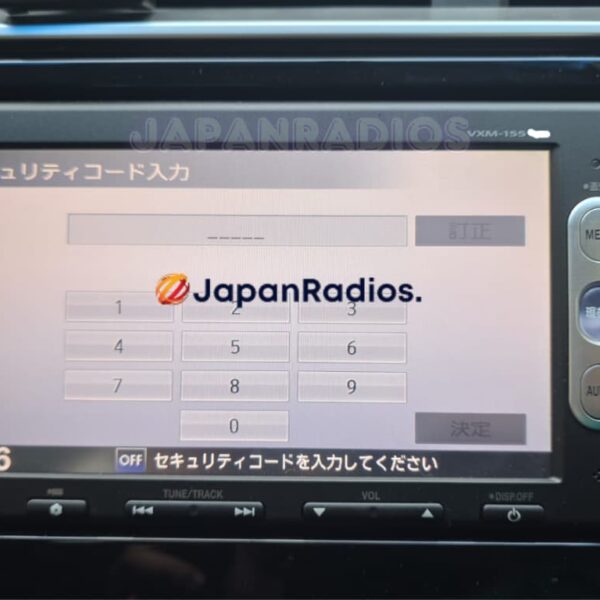
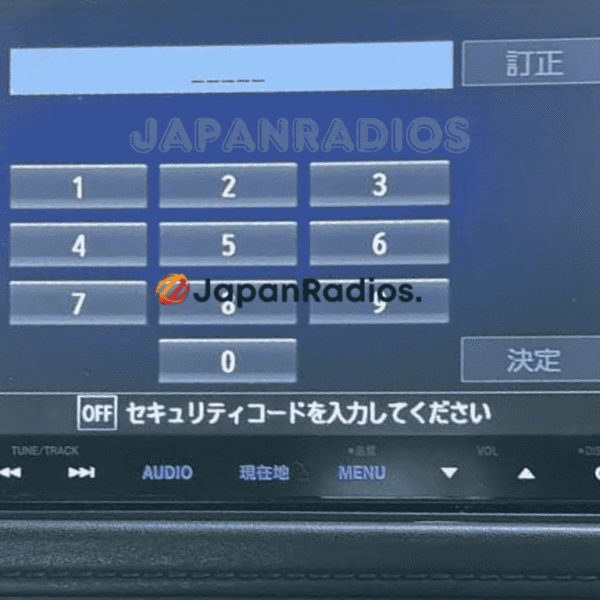
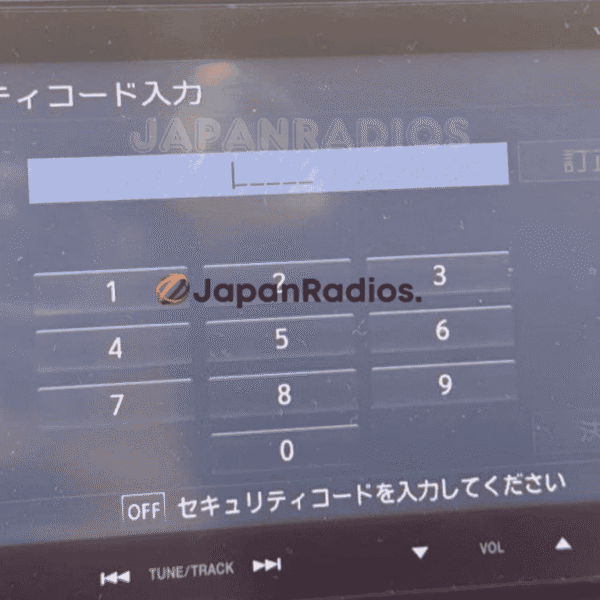
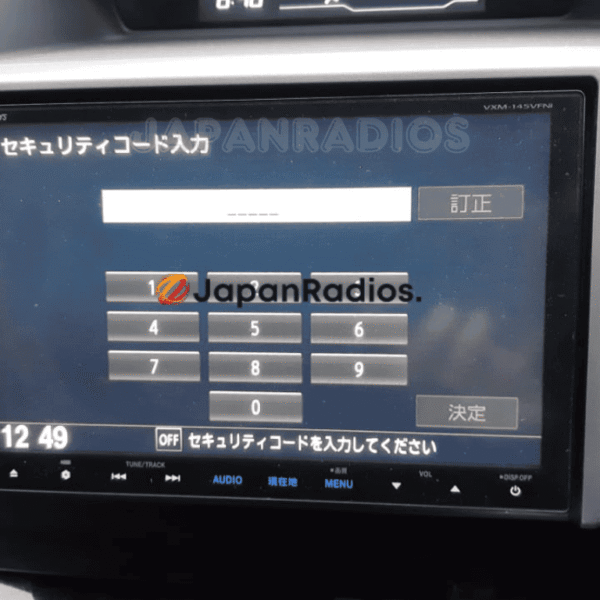
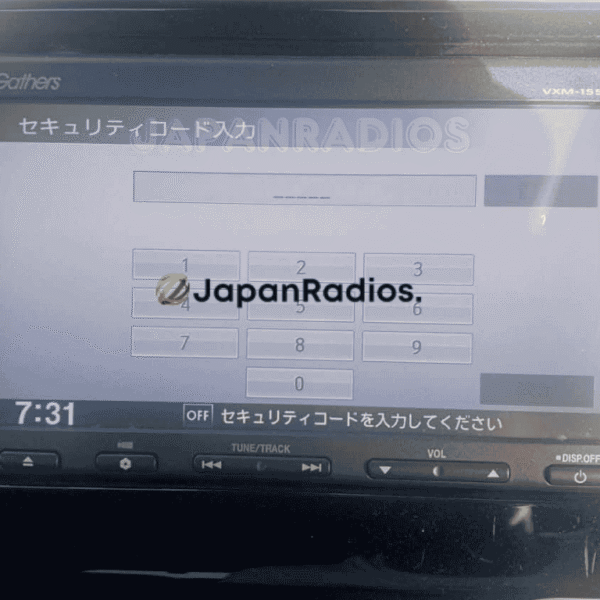
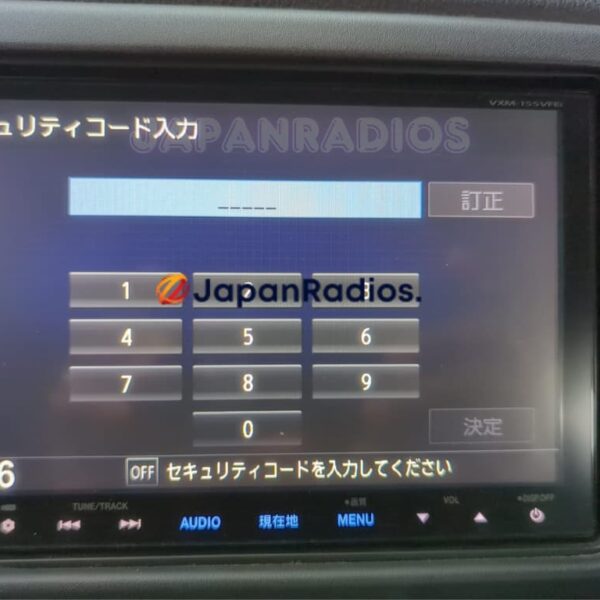
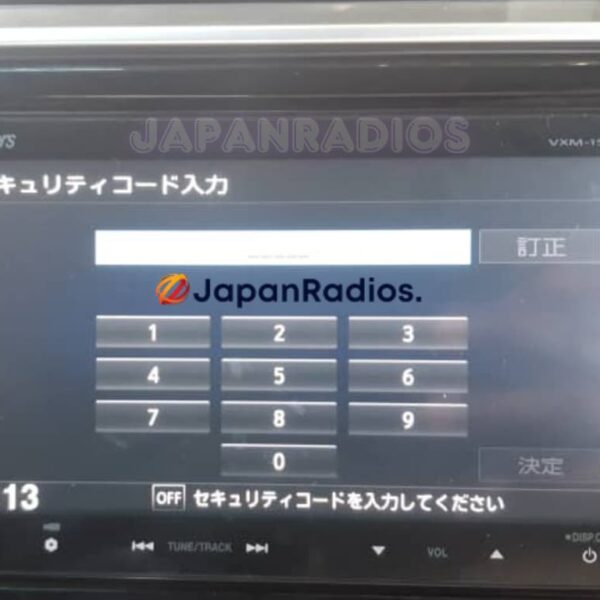
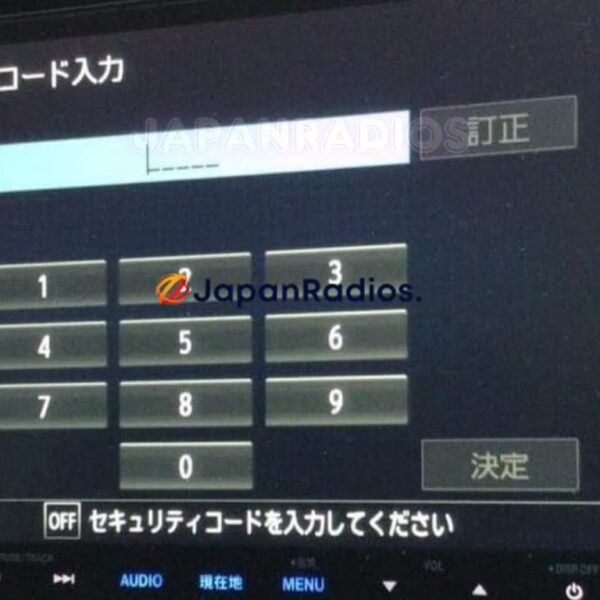
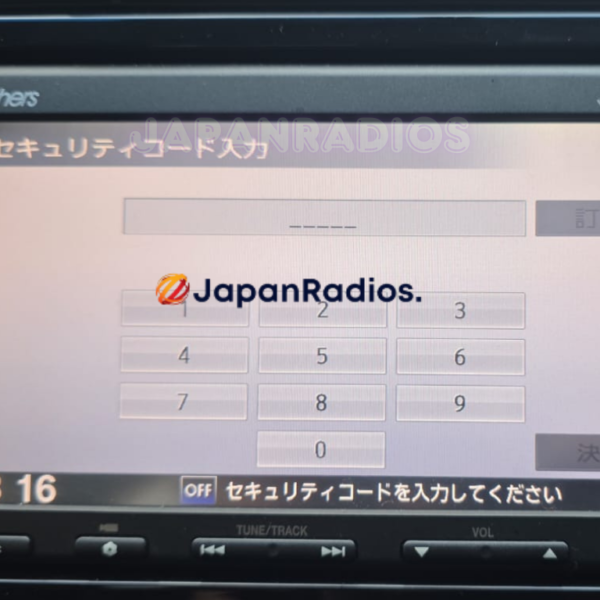
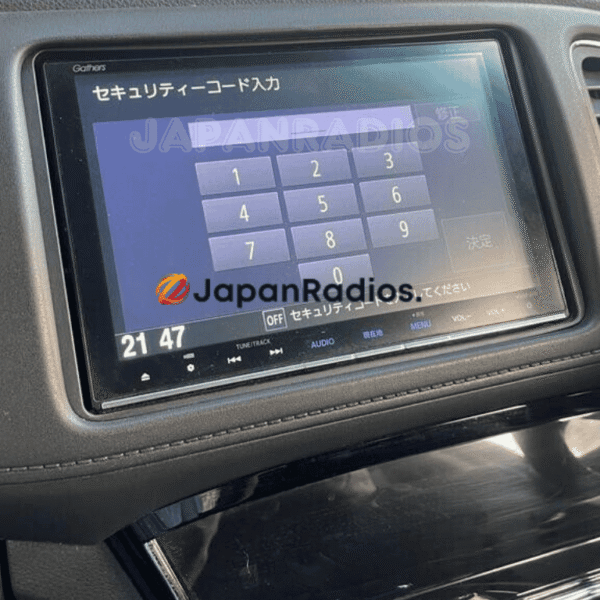
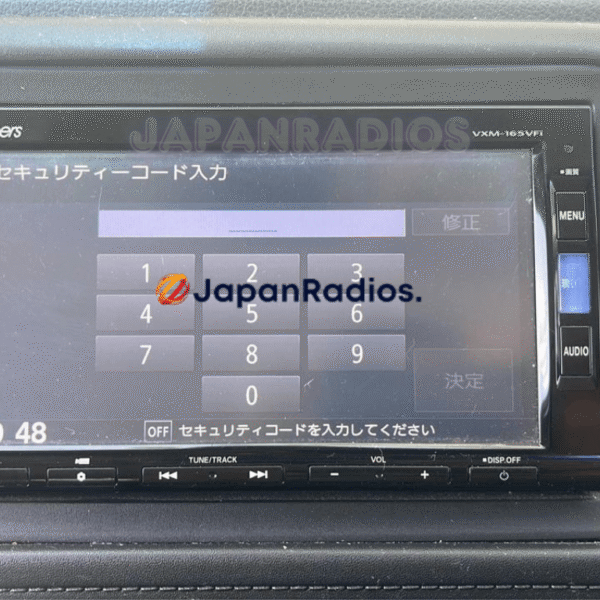
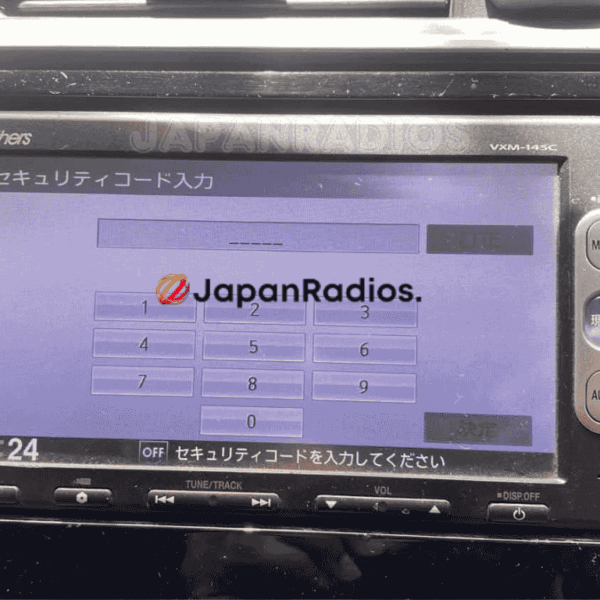
Honda Gathers Radio Code Unlock Car Navigation & Infotainment Recovery Support
Struggling with missing map SD card warnings,暗証番号を入力してください security PIN prompts, or reboot loops in your Japanese import vehicle? JapanRadios supplies official ERC security code unlock services, bootable SD cards, and Japanese-to-English menu conversions across 54 target import markets. Restores default OEM touchscreen setup menus, Bluetooth calling (if available), reversing camera grid lines (if equipped), AM/FM audio, and Apple CarPlay / Android Auto retrofits (if supported). Contact our expert team via WhatsApp at https://wa.me/message/5ERJCHJVVYJ6H1 for an instant 0–10 min fix.