
Toyota Map SD Card
Has your Toyota dashboard screen gone blank or started showing the warning “Insert Map SD Card” (地図SDカードを挿入してください) after a battery disconnect? We offer plug-and-play Toyota Map SD Card replacement solutions loaded with the exact software files required to boot and restore your JDM navigation system. Restoring your system takes just seconds and completely reactivates key features like Bluetooth, FM/AM radio, audio controls, and the backup camera.
Compatible Toyota JDM Navigation Models
Our pre-loaded and downloadable software cards support all major genuine Toyota multimedia series:
NSZT Series: NSZT-W60, NSZT-W61G, NSZT-W62G, NSZT-W64, NSZT-W66T, NSZT-W68T, NSZT-Y68T.
NSDN & NSCN Series: NSDN-W59, NSDN-W60, NSCN-W59, NSCN-W60, NSCN-W68.
NSZN Series: NSZN-W64T, NSZN-Z66T, NSZN-Z68T.
Step-by-Step Restore Instructions
Using our bootable Toyota SD cards is quick and requires no technical tools:
Locate the SD card slot on the front of your Toyota head unit (sometimes hidden behind a motorized tilt screen labeled “MAP” or “SD CARD”).
Remove any old or corrupted card currently inside the slot.
Insert your new recovery Toyota Map SD Card.
Turn the car ignition ON. The system will automatically detect the boot files and start the installation progress bar.
Once complete, the radio will reboot, and all multimedia features will be fully functional. For many models, our card also unlocks menus in English!
Showing all 8 results
Interactive JDM Radio ERC / Serial & Map SD Compatibility Checker
Select your JDM head unit brand, enter your model code (e.g. NSZT-W68T, NSCN-W68, VXM-185VFi, MM318D-L) or paste your 16-digit Toyota ERC / 8-digit Serial to verify instant unlock & SD boot compatibility:
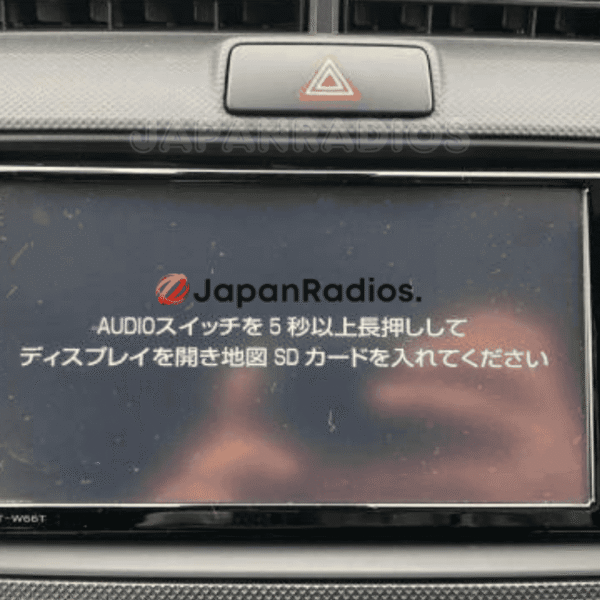
Toyota NSZT-W66T Map SD Card Error Solution | Permanent Unlock All Features: Bluetooth, FM, USB Fix
💬 Get Current Price via WhatsApp
Toyota NSZA-X64T Map SD Card Error Solution | Guaranteed & Expert Support
💬 Get Current Price via WhatsApp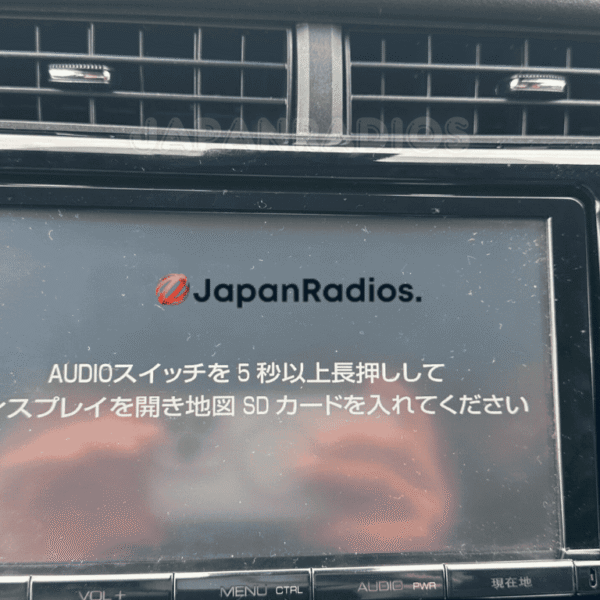
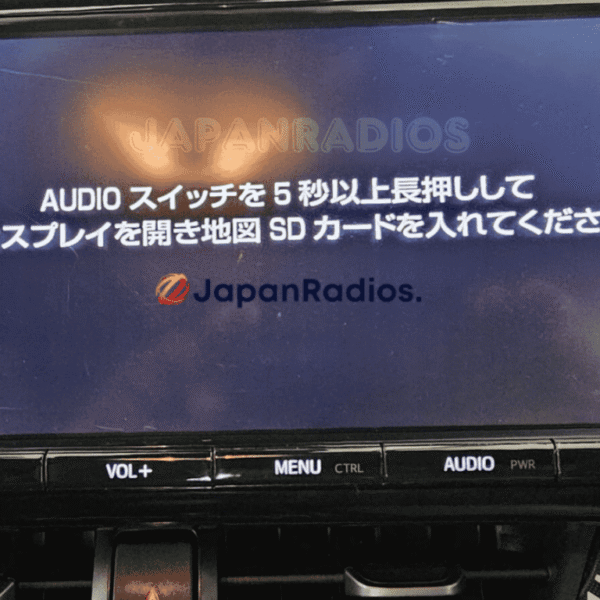
Toyota NSZT-Y66T Map SD Card Error Solution | Ultimate SD Error Fix, Bluetooth, FM, USB
💬 Get Current Price via WhatsApp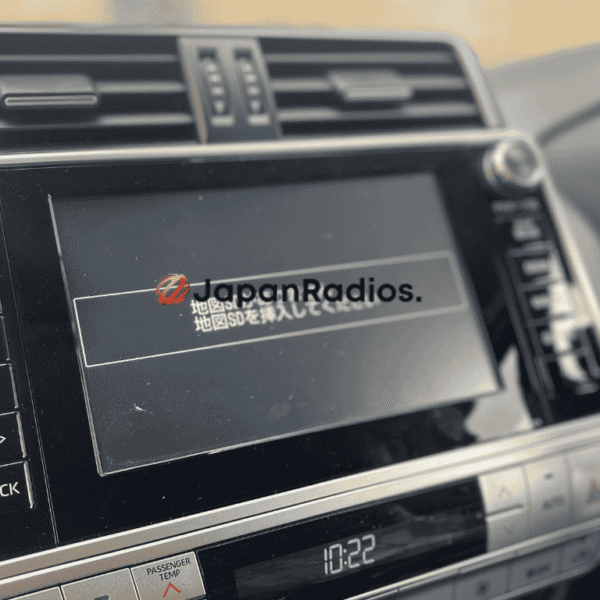
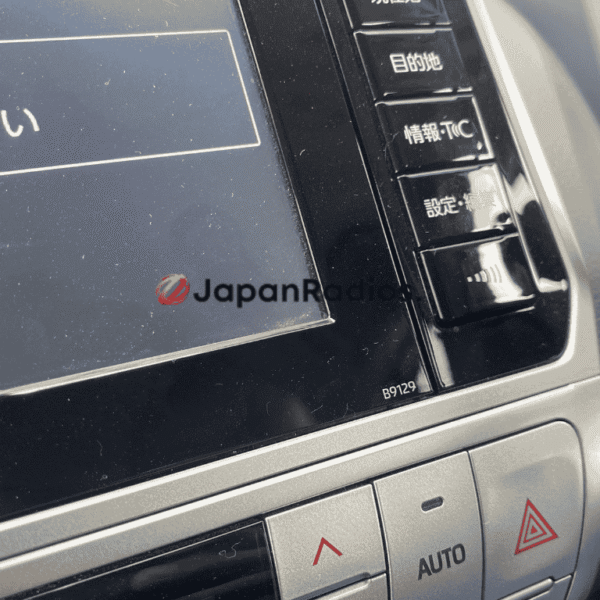
Toyota Prado B9129 Navigation SD Card Unlock English | Permanent SD Error Fix
💬 Get Current Price via WhatsApp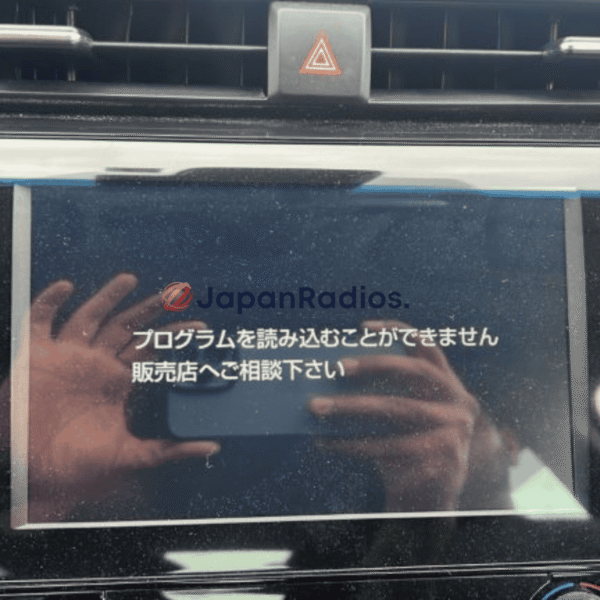
Toyota Camry XV70 Map SD Card – Ultimate B9108 B9124 B9144 SD Card Error Fix
💬 Get Current Price via WhatsApp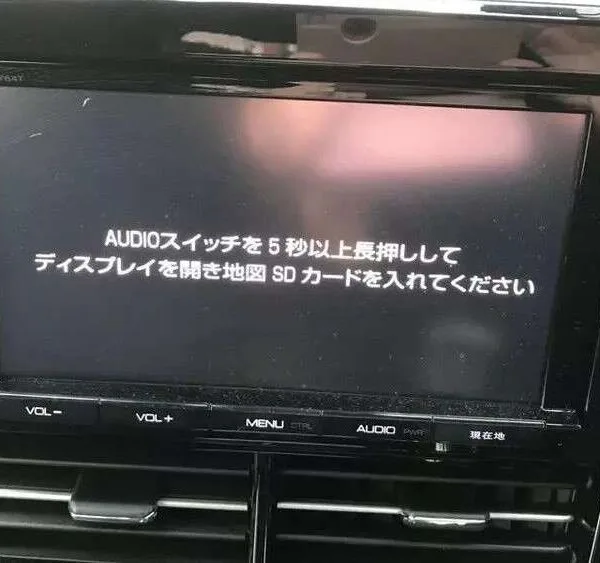
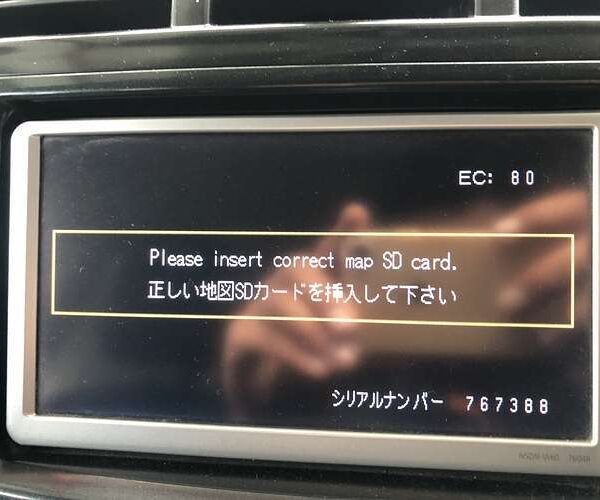
Toyota Map SD Card Car Navigation & Infotainment Recovery Support
Struggling with missing map SD card warnings,暗証番号を入力してください security PIN prompts, or reboot loops in your Japanese import vehicle? JapanRadios supplies official ERC security code unlock services, bootable SD cards, and Japanese-to-English menu conversions across 54 target import markets. Restores default OEM touchscreen setup menus, Bluetooth calling (if available), reversing camera grid lines (if equipped), AM/FM audio, and Apple CarPlay / Android Auto retrofits (if supported). Contact our expert team via WhatsApp — Chat with the JapanRadios support team now → for an instant 0–10 min fix.