
Honda Gathers Map SD Card
What Is a Honda Gathers Map SD Card and Why Is It Required?
A Honda Gathers Map SD Card is a bootable storage medium containing the proprietary operating system firmware required to initialize Japanese-market Honda navigation and infotainment head units. When your vehicle’s 12V battery is disconnected during maintenance, shipping, or replacement, the head unit’s volatile memory resets. Without a valid model-matched Map SD card inserted, the system cannot load its bootloader kernel, resulting in a frozen screen displaying the Japanese prompt: 「地図カードを挿入してください」 (Please insert map card) or 「プログラム読み込みが必要です」 (Program loading required). Our recovery cards reload the factory system files to fully restore touchscreen menus, Apple CarPlay, Bluetooth calling, AM/FM radio, and reversing camera guidelines.
“Japanese automotive infotainment systems developed under the Honda Gathers specification utilize hardware-matched boot cards to safeguard internal operating system partitions and verify regional system parameters before enabling telematics.”
Does My Honda Gathers Navigation Support Apple CarPlay?
All current Japanese Honda Gathers 165, 175, 185, 195, 187, 197, 207, 217, 227, and 237 series head units support Apple CarPlay when loaded with a verified JapanRadios Map SD Card. Apple CarPlay functionality is available for the following model lines:
Which Honda Gathers Map SD Card Models Are Supported?
JapanRadios provides verified software-matched Map SD cards for all major Japanese-market Honda Gathers VXM, VXU, VRM, and VRU navigation series manufactured by Panasonic, Clarion, and JVC Kenwood. Complete model coverage includes:
VRM-165VFEi, VRM-165VFi, VRM-175VFEi, VRM-175VFi, VRM-185VFEi, VRM-185VFi, VRM-195VFEi, VRM-195VFi, VRU-195CVi, VRU-205CVi, VRU-215CVi, VRU-225CVi, VXM-142VFi, VXM-152VFi, VXM-165VFEi, VXM-165VFi, VXM-165VFNi, VXM-175VFEi, VXM-175VFi, VXM-175VFNi, VXM-185VFEi, VXM-185VFi, VXM-185VFNi, VXM-195VFEi, VXM-195VFi, VXM-205Ci, VXM-205VFEi, VXM-215Ci, VXM-215VFEi, VXM-224VFi, VXM-225Ci, VXM-225VFEi, VXM-235Ci, VXU-185NBi, VXU-195NBi, VXU-205FTi, VXU-215FTi, VXU-215VZi, VXU-225FTi, VXU-225VZi, VXU-235FTi, VXU-235VZi, VXU-245FTi, VXU-245VZi
How Do You Restore a Frozen Honda Gathers Navigation Screen?
You can restore a frozen Honda Gathers navigation screen in under three minutes by inserting a software-matched replacement Map SD Card directly into the dedicated map slot and cycling vehicle ignition. Follow this simple 3-step recovery procedure:
- Locate the Map SD Slot: Press the “OPEN” or “TILT” button on your Gathers screen bezel to tilt the monitor. Identify the slot labeled MAP / 地図 (do NOT use the MUSIC / SD slot).
- Insert the Matched Card: Insert your JapanRadios Honda Gathers Map SD Card with the gold pins facing forward until it clicks firmly into place, then close the screen.
- Cycle Vehicle Ignition: Turn the ignition to ACC or ON. The Gathers system will detect the firmware files, display a progress bar, and reboot back to the fully functional home menu.
Showing 1–18 of 44 results
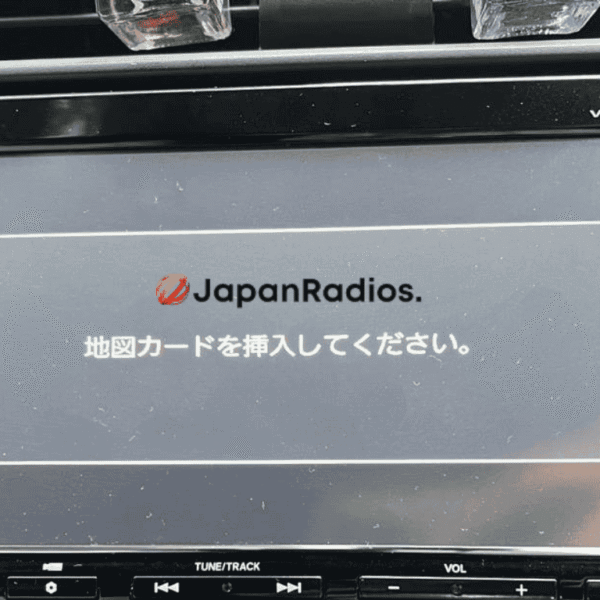
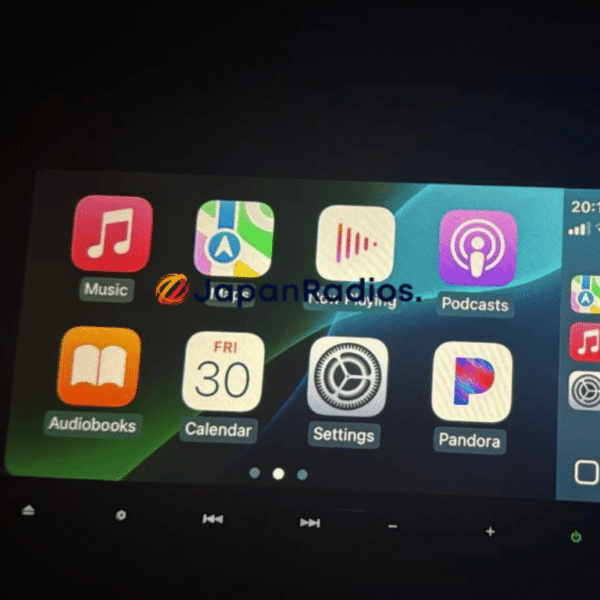
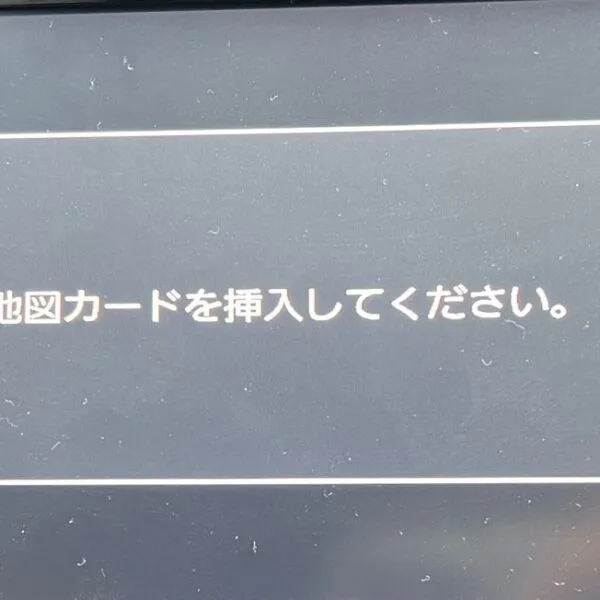
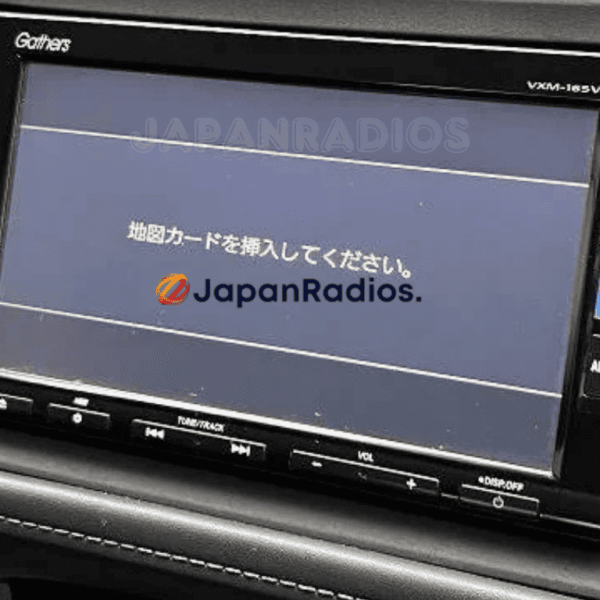
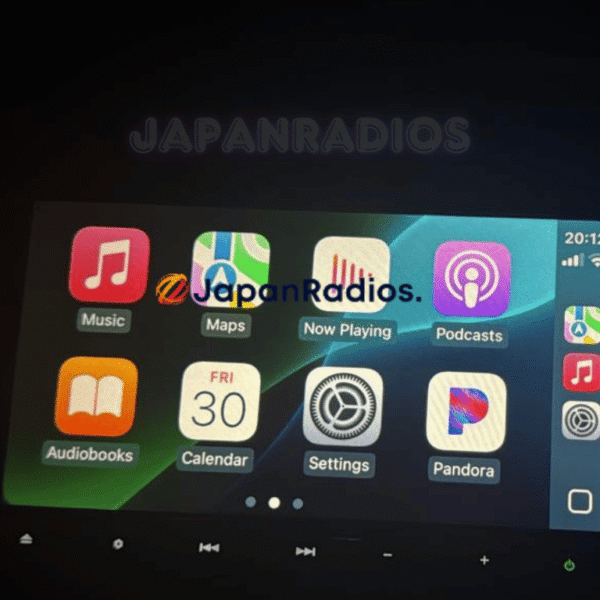
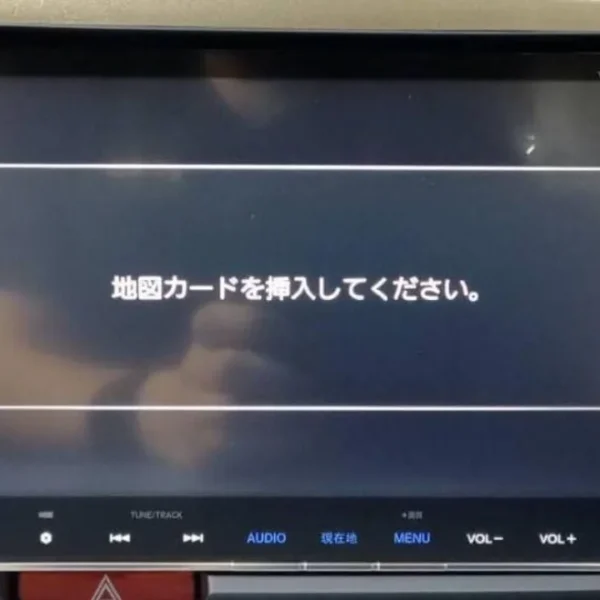
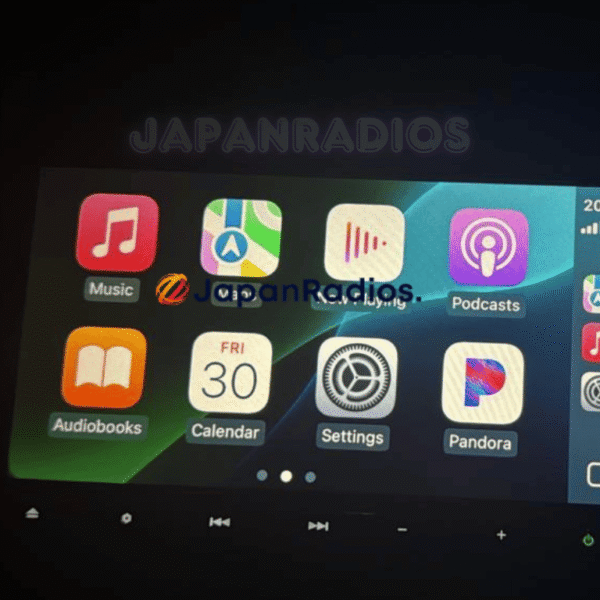
Honda Gathers Map SD Card Car Navigation & Infotainment Recovery Support
Struggling with missing map SD card warnings,暗証番号を入力してください security PIN prompts, or reboot loops in your Japanese import vehicle? JapanRadios supplies official ERC security code unlock services, bootable SD cards, and Japanese-to-English menu conversions across 54 target import markets. Restores default OEM touchscreen setup menus, Bluetooth calling (if available), reversing camera grid lines (if equipped), AM/FM audio, and Apple CarPlay / Android Auto retrofits (if supported). Contact our expert team via WhatsApp at https://wa.me/message/5ERJCHJVVYJ6H1 for an instant 0–10 min fix.