VXM-185VFNi SD Card | Map Error Solution + Apple CarPlay Bluetooth
Get Instant Price for Unlock Code & SD Card
Send us your radio model or a photo on WhatsApp. We reply with pricing and next steps in under 10 minutes.
Chat on WhatsAppGet Instant Price & Unlock CodeVXM-185VFNi SD card: Fix map errors & enable Apple CarPlay + Bluetooth. Restores navigation, OS & hands-free calls. Ships worldwide. Works with PIN-protected units.
⚡ Quick Product Specifications
What is this product and how does it help?
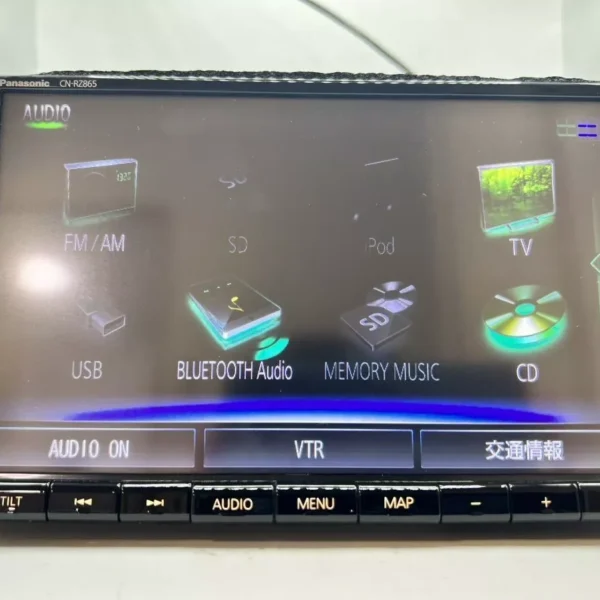
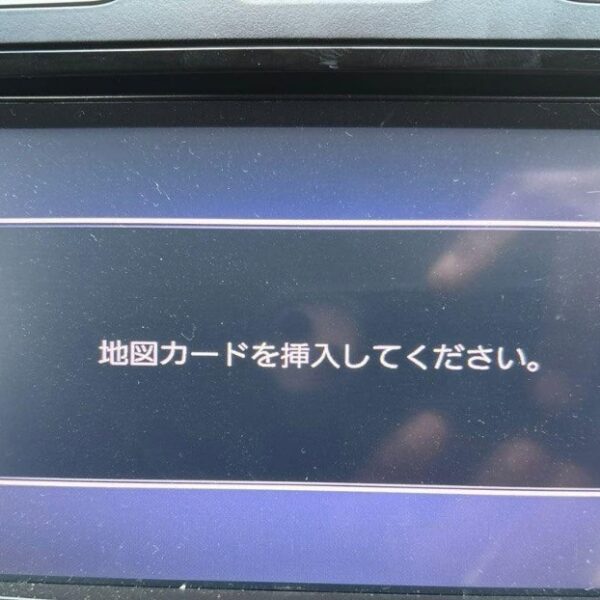
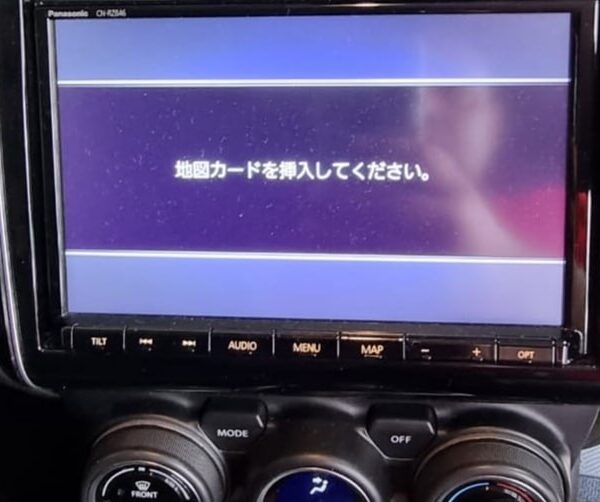
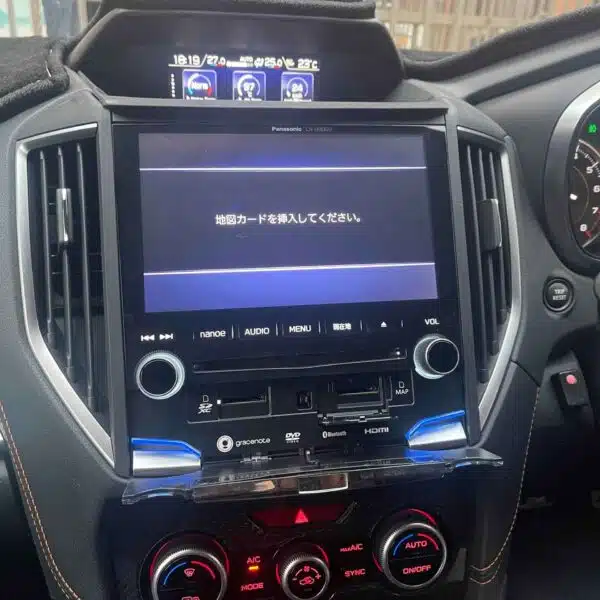
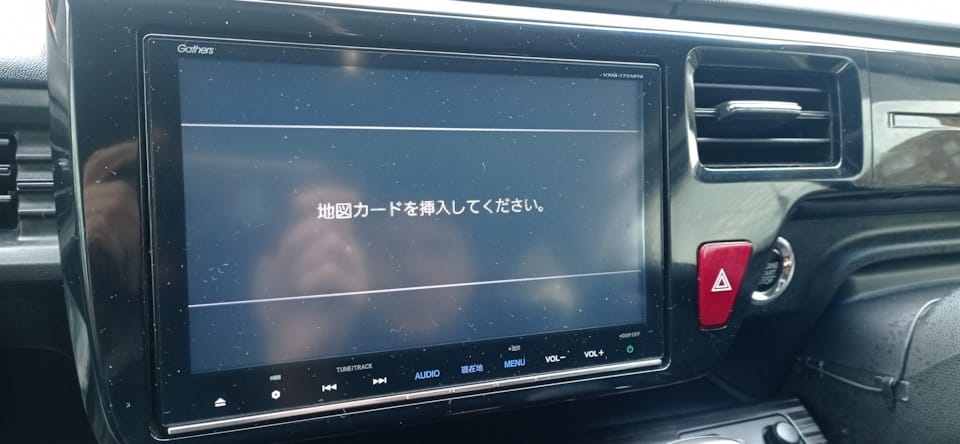
This product provides a replacement bootable Map SD Card or firmware download files for VXM-185VFNi SD Card | Map Error Solution + Apple CarPlay Bluetooth. It resolves the 'Insert Map SD Card' or 'Unable to Read Data' error screen typical in JDM imported vehicles. The SD card is pre-loaded with the exact software files required by your vehicle's multimedia head unit. Inserting this card will automatically bypass the lock screen, reboot the system, and restore A/C climate controls, Bluetooth, and radio features.
📦 What You Receive in Your Order
- 1x Pre-loaded high-speed Map SD Card (or fast download links if files chosen).
- 1x System Boot Recovery Firmware: Pre-flashed and model-matched files.
- 1x Step-by-Step Installation Notes: Simple guide to plug-and-play.
- Warranty Protection: Fully covered against data corruption.
- Lifetime Technical Support: Full assistance with system setup and conversion.
💬 Need Quick Compatibility Verification for VXM-185VFNi SD Card?
Send a photo of your locked radio screen or Japanese error message to our 24/7 WhatsApp support. We will confirm the exact solution and processing time instantly before you order.
Get Instant Price for Unlock Code & SD Card →What Japanese errors does the VXM-185VFNi SD Card resolve?
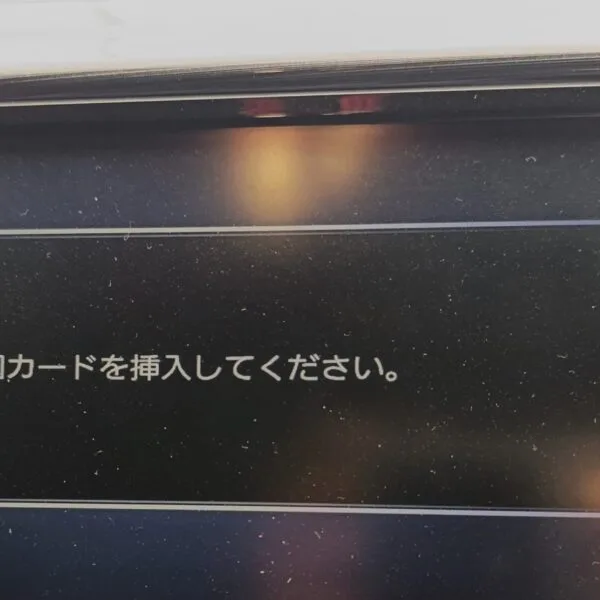
The VXM-185VFNi SD Card clears on-screen Japanese error messages such as 「地図ディスクを確認しています しばらくお待ち下さい」, 「ディスプレイを開き地図SDカードに入れてください」, 「プログラムを読み込むことができません」, 地図カードがありません。, and ファイルが見つかりません。SDカードをご確認ください。. It restores default OEM infotainment functions for JDM import vehicles in the UK, Australia, NZ, Ireland, Mauritius, Jamaica, Singapore, and 54 target countries.
VXM-185VFNi SD Card OEM Feature Restoration Matrix
| OEM Infotainment Parameter | Locked Error State | Restored via JapanRadios |
|---|---|---|
| Japanese Error Display | ❌ "地図SDカードを挿入してください" | ✅ Cleared / Full System Access |
| Bluetooth Calling & Audio | ❌ Settings Inaccessible | ✅ Restored (if available) |
| Reversing & 360° Camera Feed | ❌ Screen Frozen / Black | ✅ Active Guides (where equipped) |
| AM/FM Radio, CD/DVD & USB | ❌ Blocked Audio Output | ✅ Fully Active (if available) |
🚨 VXM-185VFNi SD Card: Ultimate Map Error Fix + Apple CarPlay Bluetooth!
Stop struggling with “SD Card Error” and missing Bluetooth! Our VXM-185VFNi SD card instantly fixes map errors while enabling Apple CarPlay AND Bluetooth hands-free calling in one complete solution.
This VXM-185VFNi SD Card Delivers:
- 🔧 Map Error Fix: Ends “No Map Data”, “Format Error”, and navigation failures
- 📱 Apple CarPlay Enable: Full Maps, Music, Messages & Waze via USB
- 📞 Bluetooth Hands-Free: Activate phone calls, contacts & audio streaming
- ⚙️ Complete OS Restore: Fixes crashes, frozen screens & boot failures
- 🌍 Global Delivery: Ships to Jamaica, Malaysia, UK & 40+ countries
🔍 Compatible Models:
Our VXM-185VFNi SD card works with ALL these Gathers models:
VXM Series: VXM-185VFNi, VXM-185VFEi, VXM-185VFi, VXM-175VFi, VXM-175VFEi, VXM-175VFNi, VXM-195VFi, VXM-195VFEi, VXM-205VFEi, VXM-205VFi, VXM-205Ci, VXM-215VFEi
VXM-215Ci, VXM-225VFEi, VXM-225Ci, VXM-235Ci, VXM-165VFi, VXM-165VFEi, VXM-165VFNi
VRM Series: VRM-185VFEi, VRM-185VFi, VRM-185VFNi, VRM-195VFEi, VRM-195VFi, VRM-165VFEi
VRM-165VFi
VXU Series: VXU-245FTi, VXU-245VZi, VXU-235VZi, VXU-235FTi, VXU-225FTi, VXU-215FTi, VXU-205FTi, VXU-195NBi, VXU-197SGi, VXU-185NBi
VRU Series: VRU-225CVi, VRU-195CVi
Simple 2-Step Activation:
1️⃣ Enter your radio PIN code
2️⃣ Insert our SD card → Map errors fix + CarPlay/Bluetooth ACTIVATE!
Need PIN? We provide it (paid service available)
Order Now:
🚚 Free global delivery
🔓 PIN code provision service
💯 Lifetime error-free guarantee
📱 24/7 setup support
Transform your system: Get SD card → Fix maps → Enable CarPlay → Add Bluetooth!
Technical Unlocking & Compatibility Overview
The VXM-185VFNi SD Card | Map Error Solution + Apple CarPlay Bluetooth provides a 100% guaranteed, direct factory recovery solution for Japanese Domestic Market (JDM) infotainment systems. When Japanese vehicles undergo battery replacement, vehicle shipping, or maintenance, the head unit memory resets and locks out all multimedia features, requiring a genuine unlock code or specialized boot files.
Key Features & Benefits- Instant 24/7 Digital Delivery: Retrieve your security unlock password or software recovery files quickly without visiting a dealership.
- Complete System Restoration: Fully reactivates FM/AM radio frequencies, Bluetooth pairing, hands-free calling, reverse camera overlays, and touchscreen navigation.
- Zero Hardware Modification: Plug-and-play solution. Does not require wiring alterations, soldering, or removal of dashboard components.
- Worldwide Compatibility: Works globally for imported Japanese vehicles in New Zealand, Jamaica, United Kingdom, Australia, Kenya, Malta, and beyond.
Step-by-Step Instructions- Locate your unit’s model number or Electronic Radio Code (ERC) / Serial Number on the locked screen prompt.
- Submit your details during order checkout or send a screen photo directly via WhatsApp support for instant verification.
- Receive your custom 8-digit unlock code or bootable media instructions and restore full access to your Japanese car stereo in under 5 minutes.
- Locate your unit’s model number or Electronic Radio Code (ERC) / Serial Number on the locked screen prompt.
- Submit your details during order checkout or send a screen photo directly via WhatsApp support for instant verification.
- Receive your custom 8-digit unlock code or bootable media instructions and restore full access to your Japanese car stereo in under 5 minutes.
Need another model? Browse our complete Map SD Card Unlocking & Diagnostic Hub or contact our 24/7 WhatsApp support to Get Instant Price for Unlock Code & SD Card →
⚙️ How the Unlock Process Works
Identify Unit
Locate the SD card slot on your unit (usually on front or behind screen).
Place Order
Select your exact car radio model number and complete checkout.
Generation
We configure the files. We ship the SD card or send instant download links.
Instant Fix
Insert the card, reboot the radio, and enjoy full functions in English.
Please verify your radio model number matches exactly. Unlocks and firmware are generated specific to your unit's serial number. We do not provide physical returns for digital codes once generated, but we guarantee our solutions 100% when compatibility is verified before purchase.