Panasonic Strada CN-RA07D / CN-RA07WD Map SD Card — JDM Boot Fix
Request Compatibility Check & Complete Quote
Recover your original Japanese car radio where a verified recovery solution is available. Confirm the exact unit and error before paying.
Chat on WhatsAppConfirm Unit & Complete Quote on WhatsAppSolve your Panasonic CN-RA07D SD Card error instantly with JapanRadios’ original replacement SD card. Get your Subaru radio fully functional again with a fast, easy, and plug-and-play fix.
⚡ Quick Product Specifications
What is this product and how does it help?
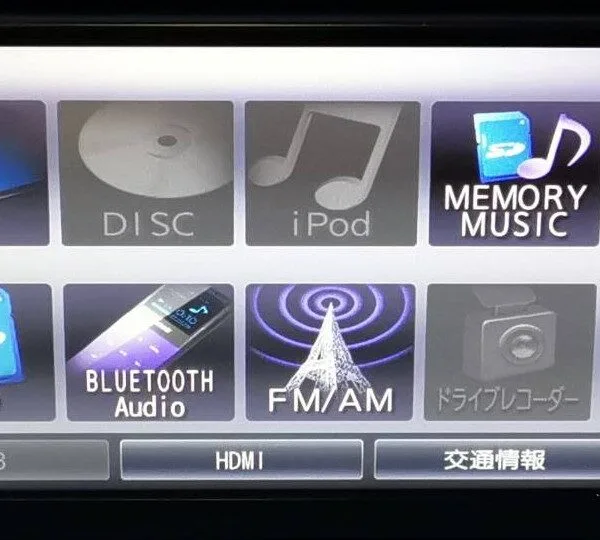
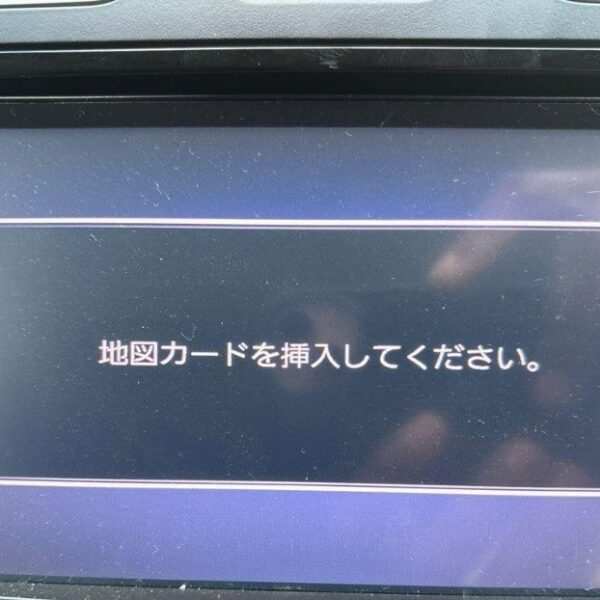
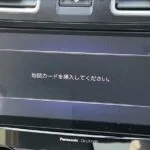
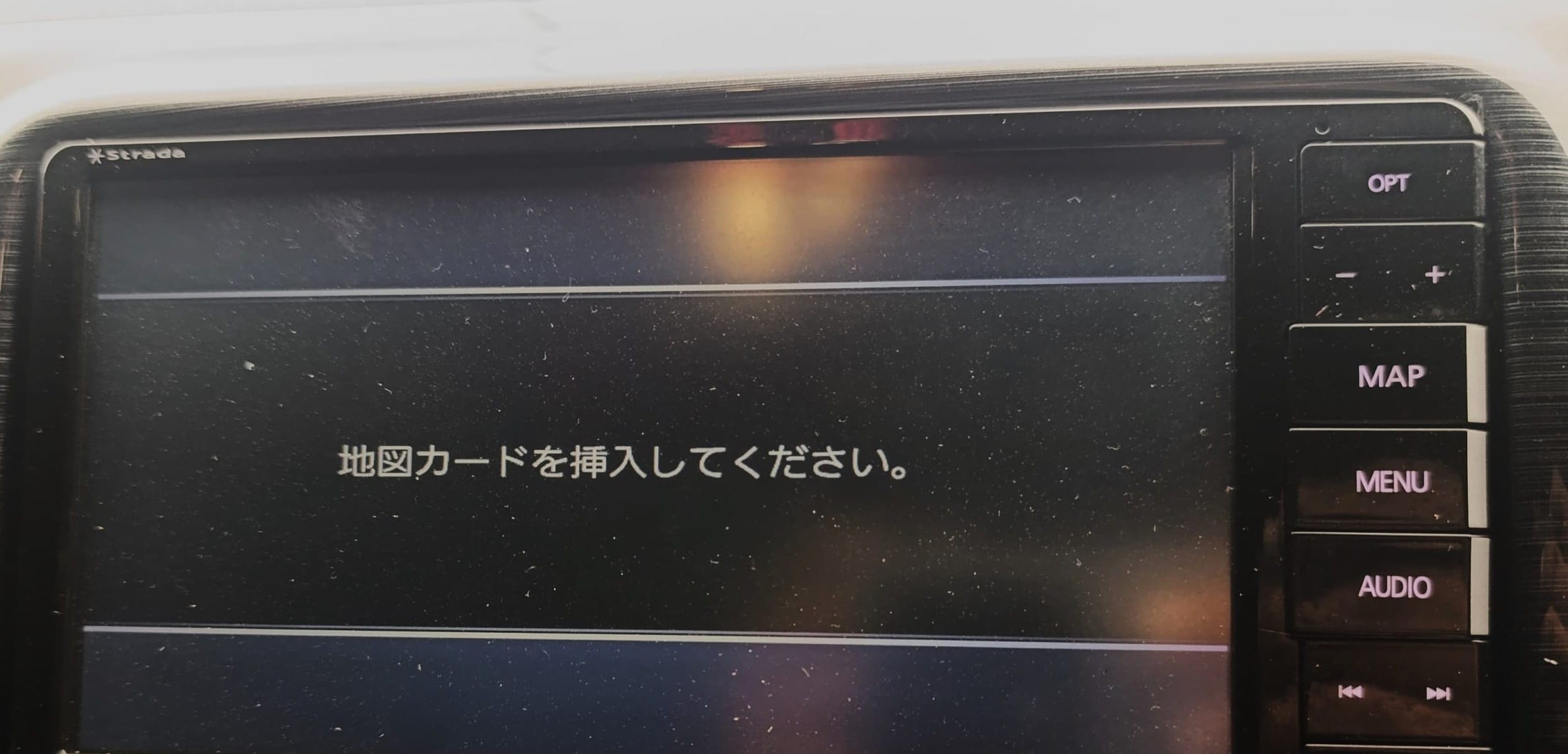
This product provides a replacement bootable Map SD Card or firmware download files for Panasonic Strada CN-RA07D / CN-RA07WD Map SD Card — JDM Boot Fix. It resolves the 'Insert Map SD Card' or 'Unable to Read Data' error screen typical in JDM imported vehicles. The SD card is pre-loaded with the exact software files required by your vehicle's multimedia head unit. Inserting this card will automatically bypass the lock screen, reboot the system, and restore A/C climate controls, Bluetooth, and radio features.
📦 What You Receive in Your Order
- 1x Pre-loaded high-speed Map SD Card (or fast download links if files chosen).
- 1x System Boot Recovery Firmware: Pre-flashed and model-matched files.
- 1x Step-by-Step Installation Notes: Simple guide to plug-and-play.
- Warranty Protection: Fully covered against data corruption.
- Lifetime Technical Support: Full assistance with system setup and conversion.
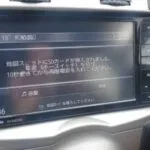
MAP / 地図SD slot and turn ignition to ACC. Within 60 seconds, “プログラムを読込中です。電源を切らないでください” completes—restoring Bluetooth audio, FM/AM radio, Apple CarPlay / DVD playback, and reverse camera guidelines on Subaru Forester / XV / Impreza / Levorg, Suzuki Swift / Hustler / Spacia / Jimny, Daihatsu Tanto / Move / Taft, Toyota Vitz / Roomy / Tank. Need instant verification? Message us on WhatsApp.🚨 Experiencing “Insert Map SD Card” or memory card errors on your Subaru’s Panasonic CN-RA07D infotainment system? This is a common issue with Japanese-import vehicles caused by missing or damaged system SD cards.
Why This SD Card Matters
The SD card installed in your Panasonic unit contains essential firmware needed for your radio to operate. Without it, key functions like Bluetooth, DVD playback, and touchscreen controls become inaccessible, leaving your unit frozen or locked.
Common reasons for this problem include lost SD cards, battery disconnection, or system resets.
What JapanRadios Offers
📦 Genuine replacement SD card preloaded for Panasonic CN-RA07D
🔄 Plug-and-play installation—no programming needed
🌏 Fast global shipping
🧠 Expert customer support specializing in Japanese car radios
Installation Instructions
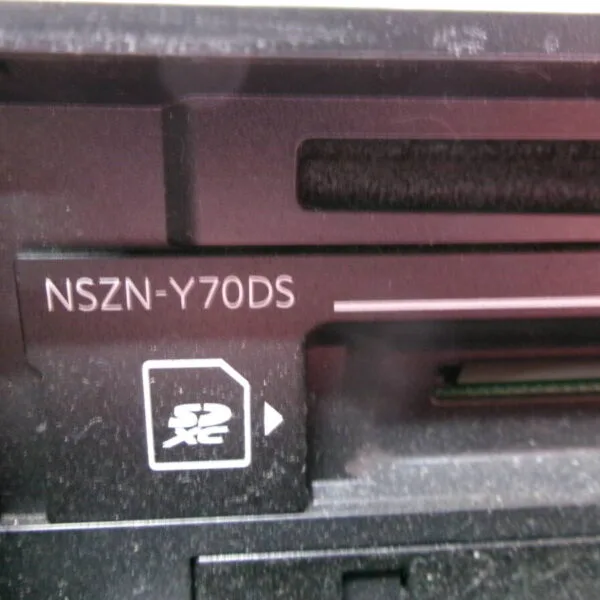
Simply insert the replacement card into your radio’s SD slot and power on your vehicle. The system will automatically reboot and restore full radio features.
Features & Benefits
Fully restores Bluetooth, audio, DVD, and camera functions
Solves “Insert Map SD Card” error messages
Compatible with Subaru models equipped with the Panasonic CN-RA07D head unit
No permanent changes to your vehicle; completely reversible
Note: This SD card includes Japanese firmware only and does not provide local navigation outside Japan.
Compatible Subaru Models
Works with the following Subaru vehicles equipped with the Panasonic CN-RA07D:
Forester
Impreza
XV / Crosstrek
WRX / STI
Outback
Levorg
Legacy
BRZ
Always verify your head unit model before purchase.
FAQ
Will this fix the “Insert Map SD Card” error?
Yes, the replacement card contains the necessary system firmware.
Is installation difficult?
No tools or coding required—just insert and power on.
Does this provide GPS navigation outside Japan?
No, it includes only Japanese map data and is meant for system restoration.
Why Choose JapanRadios?
With 10,000+ successful repairs, JapanRadios leads in Japanese import radio restoration. Our genuine SD cards provide a fast and affordable fix for your Panasonic Subaru radio.
Video Guide: How to Load Your CN-RA07D Map SD Card & Fix 地図SDカードを挿入してください
Frequently Asked Questions (CN-RA07D Map SD Card)
1. Which OEM SD card part number fits CN-RA07D?
The genuine Panasonic Strada / OEM map & program SD series for CN-RA07D is YESSZ16820 / YESSZ17820 / YESSZ18820 / CA-SDL18GD–25GD.
2. Does this SD card unlock Bluetooth, FM radio, and reverse camera after a dead battery?
Yes. Loading the CN-RA07D boot PRIVATE and SD_BIND files clears the 地図SDカードを挿入してください screen and immediately restores Bluetooth pairing, FM/AM/CD/DVD audio, and reverse camera lines.
3. Can I download the digital SD card files today or order a physical card?
Standard Strada & Daihatsu/Suzuki/Subaru units support instant digital ZIP download onto a 16GB/32GB FAT32 SDHC card, plus DHL/FedEx physical SD card shipping worldwide via WhatsApp.
Related Panasonic Strada, Subaru, Suzuki & Daihatsu Map SD Models
Looking for another Panasonic Strada (CN-RE / RA / RX / RS), Subaru (CN-LR710D–840D), Suzuki (CN-RZ72W–1067), or Daihatsu (NSZN-W66D–W71D) Map SD card? Select a sibling model below or browse the complete Panasonic Map SD Card & OEM Part-Number Hub (All 210+ Models):
Menus stuck in Japanese? Check Panasonic Strada Japanese-to-English Language Conversion (38+ Models) →
⚙️ How the Unlock Process Works
Identify Unit
Locate the SD card slot on your unit (usually on front or behind screen).
Place Order
Select your exact car radio model number and complete checkout.
Generation
We configure the files. We ship the SD card or send instant download links.
Instant Fix
Insert the card, reboot the radio, and enjoy full functions in English.
Please verify your radio model number matches exactly. Unlocks and firmware are generated specific to your unit's serial number. We do not provide physical returns for digital codes once generated, but we guarantee our solutions 100% when compatibility is verified before purchase.