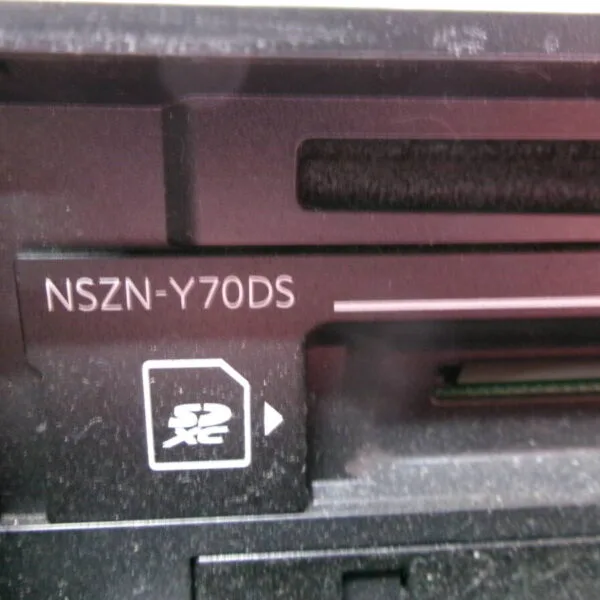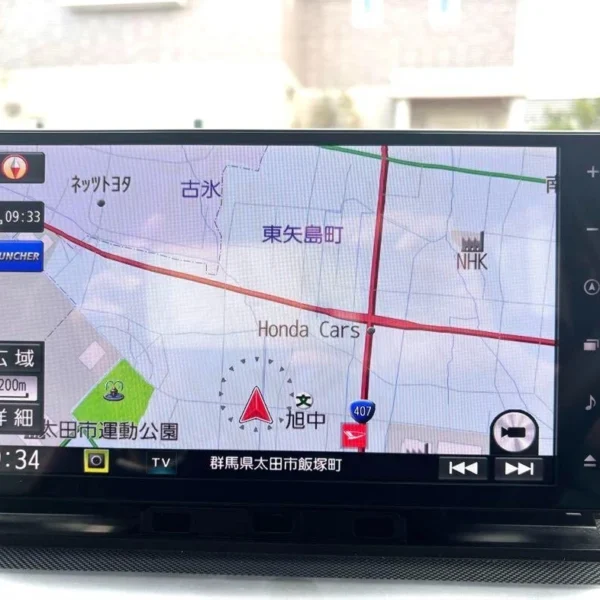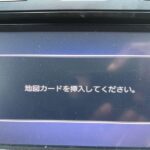
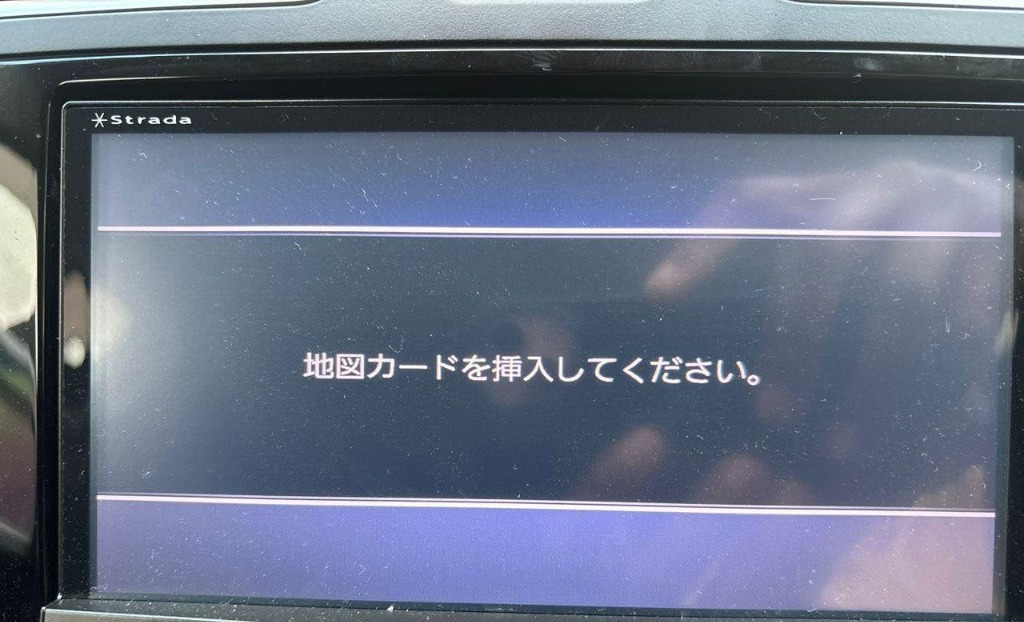
MAP / 地図SD slot and turn ignition to ACC. Within 60 seconds, “プログラムを読込中です。電源を切らないでください” completes—restoring Bluetooth audio, FM/AM radio, Apple CarPlay / DVD playback, and reverse camera guidelines on Daihatsu Tanto (LA600S/LA650S), Move / Canbus (LA150S/LA800S), Taft, Rocky / Toyota Raize, Roomy / Tank (M900A). Need instant verification? Message us on WhatsApp.Panasonic Strada JDM Navigation Insert Map Card error display
🚨 Subaru CN-LR840 Radio Locked? Missing SD Card? Here’s the Fix!
Are you seeing errors like:
❗ Insert Map SD Card
❗ Check Map SD / Please Consult Dealer
❗ Correct Memory Card Required
These issues often occur in Subaru imports equipped with Panasonic head units (CN-LR840DFS / CN-LR840DFT / CN-LR840DFU) when the original SD card is missing or corrupted.
Why You See These Errors
The missing SD card contains vital system files, not just navigation data. Without it:
Your stereo won’t start properly
Key features like Bluetooth, radio, DVD, and camera stop working
You may see a frozen screen or constant error loop
What’s Included from JapanRadios
📦 Official firmware SD for Subaru CN-LR840 models
🔄 Works right away — just insert and reboot
🌍 Fast shipping to US, Canada, Europe & more
🧠 Support from JDM radio experts
️ Simple Installation
Just slide the card into your radio’s SD slot. No tools, coding, or dealer visit required. Your system will auto-reboot and fully restore in under 5 minutes.
⭐ Highlights
✅ Compatible with Panasonic models CN-LR840DFS, CN-LR840DFT, CN-LR840DFU
✅ Restores all functionality: Bluetooth, DVD, FM/AM, backup camera
✅ Fixes SD card-related lockout errors instantly
✅ No need for dealer reprogramming
Supported Subaru Models
Works with many Japanese Domestic Market (JDM) Subaru vehicles using these Panasonic head units. Always confirm your model number before ordering.
FAQ
Q: My radio is frozen — will this help?
Yes, this card contains the firmware needed to restore normal operation.
Q: Can I install it myself?
Absolutely. It’s plug-and-play. No skills or tools needed.
Q: Will this work outside Japan?
It restores original Japanese system data — not local maps — but all core functions will work.
Why JapanRadios?
We’ve helped thousands of JDM import car owners restore their factory radios. With OEM parts, expert guidance, and fast shipping — you’re in good hands.
Video Guide: How to Load Your NSZN-X69D Map SD Card & Fix 地図SDカードを挿入してください
Frequently Asked Questions (NSZN-X69D Map SD Card)
1. Which OEM SD card part number fits NSZN-X69D?
The genuine Panasonic Strada / OEM map & program SD series for NSZN-X69D is 08675-K9092 / 08675-K9108 / 08675-K9118 / 08675-K9126 / 08675-K9136 (YESSZ1478x–1982x).
2. Does this SD card unlock Bluetooth, FM radio, and reverse camera after a dead battery?
Yes. Loading the NSZN-X69D boot PRIVATE and SD_BIND files clears the 地図SDカードを挿入してください screen and immediately restores Bluetooth pairing, FM/AM/CD/DVD audio, and reverse camera lines.
3. Can I download the digital SD card files today or order a physical card?
Standard Strada & Daihatsu/Suzuki/Subaru units support instant digital ZIP download onto a 16GB/32GB FAT32 SDHC card, plus DHL/FedEx physical SD card shipping worldwide via WhatsApp.
Menus stuck in Japanese? Check Panasonic Strada Japanese-to-English Language Conversion (38+ Models) →
Related products

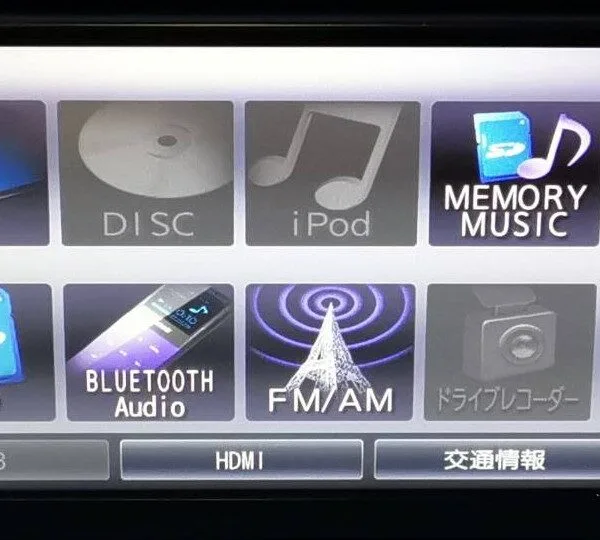
Unlock NSZN-W71D Toyota & Daihatsu Radio: SD Card Fix for Bluetooth, FM, CD & DVD
💬 Get Current Price via WhatsApp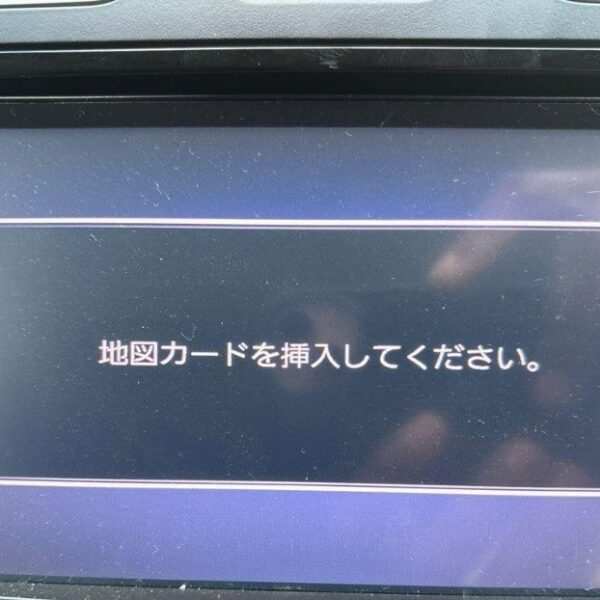
Daihatsu Panasonic NSZN-X68D Map SD Card (08675-K9207) — Boot Error Fix
💬 Get Current Price via WhatsApp Daihatsu Panasonic NSZN-X69D Map SD Card — Boot & Firmware Recovery
💬 Get Current Price via WhatsApp