
MAP SD slot and turn ignition to ACC. Within 60 seconds, firmware reload completes—restoring Bluetooth audio/calls, AM/FM radio, CD/DVD playback, and reverse camera guidelines on Honda Fit (GK/GP5), Vezel (RU1–RU4), Grace, N-Box & Freed. Need instant verification? Message us on WhatsApp.What Is the Honda Gathers VXM-152VFi Map SD Card?
The Honda Gathers VXM-152VFi Map SD Card is a dedicated boot storage medium containing the proprietary operating system firmware and navigation software required to initialize the JVC Kenwood infotainment head unit found in Japanese-market Honda vehicles. Without this authentic software-matched SD card inserted into the dedicated map drive, the infotainment unit remains trapped in an unbootable state, disabling on-screen media, smartphone connectivity, and audio controls.
Table of Contents
Why Does Your VXM-152VFi Display an “Insert Map SD Card” Error?
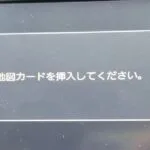
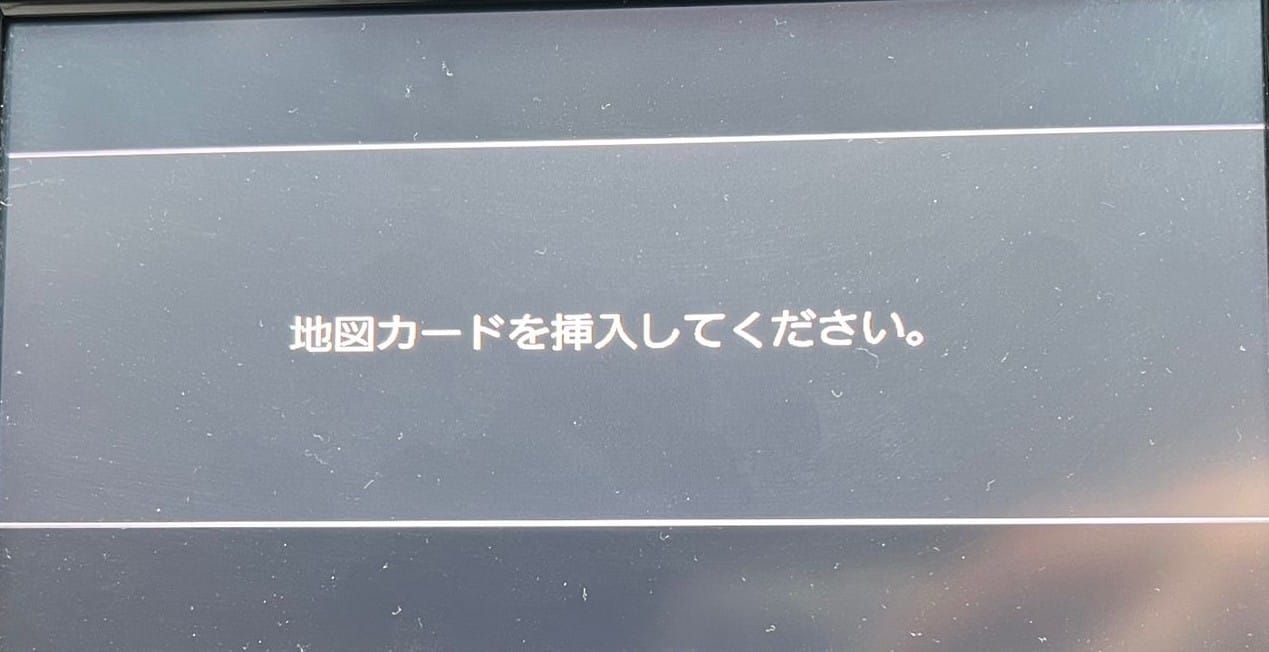
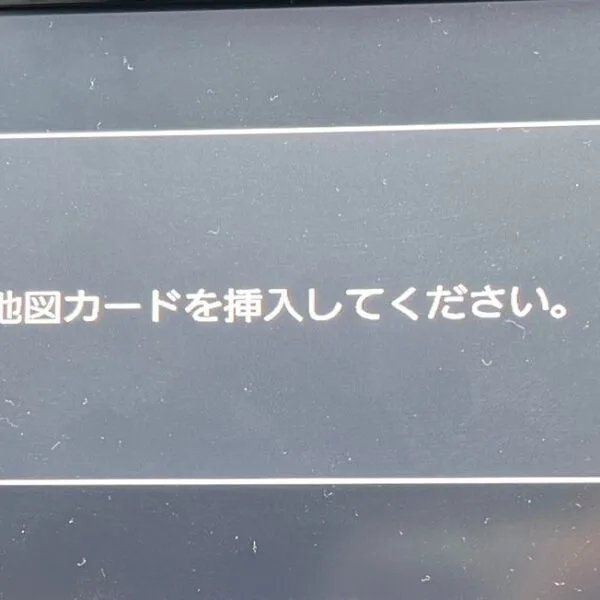
In Japanese Domestic Market (JDM) Honda vehicles, the Gathers VXM-152VFi system loads core telematics and audio drivers from the map SD card. Disconnecting the 12V battery clears volatile memory, causing the head unit to lock on the Japanese error screen (“地図SDカードを挿入してください” / “Please insert correct map SD card”) until verified boot media is provided.
“Japanese automotive infotainment systems developed under the Honda Gathers specification utilize hardware-matched boot cards to safeguard internal operating system partitions and verify regional system parameters before enabling telematics.”
Does the Honda Gathers VXM-152VFi Support Apple CarPlay?
The Honda Gathers VXM-152VFi is an authentic JDM navigation unit engineered for core multimedia and radio functions. While this specific model does not feature native Apple CarPlay, inserting our map SD card completely restores Bluetooth hands-free audio, AM/FM radio, CD/DVD playback, and backup camera feed.
“Automotive multimedia receivers and navigation systems rely on verified external system memory to maintain bus communications and prevent unauthorized tampering with core vehicle telematics.”
Can the Honda Gathers VXM-152VFi Be Used in English?
While native Japanese factory menus remain in Japanese, multimedia audio streaming and smartphone apps operate seamlessly in English once the boot barrier is resolved.
What If Your Unit Asks for a Radio Security Unlock Code?
If your screen displays a security PIN request after battery reconnection, JapanRadios calculates your authentic 5-digit unlock code 24/7 via our Honda Radio Unlock Code Service.
How to Install the VXM-152VFi Map SD Card
- Turn off ignition completely before handling the navigation unit.
- Open the dedicated MAP SD card slot behind the front bezel.
- Insert the Honda Gathers VXM-152VFi Map SD Card with metallic contacts aligned properly.
- Turn ignition to ACC/ON. The system will initialize firmware and reboot within 60 to 90 seconds.
- Verify functions: Test radio tuner, Bluetooth, and multimedia features.
Technical Specifications
| Target Model | Honda Gathers VXM-152VFi (2015 Release) |
| OEM Manufacturer | JVC Kenwood Corporation for Honda Motor Co., Japan |
| Primary Fitments | Honda Fit (GK), Grace, N-Box, Shuttle |
| Functions Restored | OS Boot, Bluetooth Audio Streaming, AM/FM Tuner, Backup Camera Feed |
| Delivery Format | Instant 24/7 Digital Setup + Worldwide Physical SD Card |
Frequently Asked Questions
What happens if my Honda Gathers VXM-152VFi has no map SD card?
The unit cannot boot its operating system, leaving the display frozen on the Japanese insert map SD error screen and disabling audio features.
Does the Honda Gathers VXM-152VFi support Apple CarPlay?
The VXM-152VFi provides full Bluetooth audio streaming, radio, and backup camera features. Native Apple CarPlay is reserved for the higher-tier VFEi/VFNi/VZi models.
Is this compatible with other Gathers models?
Each Gathers model requires dedicated firmware. Browse our Honda Gathers Map SD Card category for other models.
How do I confirm my head unit model number?
The model number “VXM-152VFi” is printed directly on the front lower bezel or cassette/SD flap door of your unit.
What if the SD card does not resolve my boot error?
We provide a 100% money-back guarantee for verified VXM-152VFi units if our solution does not restore your system.
100% Compatibility & Customer Support Guarantee
Every Honda Gathers VXM-152VFi Map SD Card is tested on hardware benches to ensure seamless boot sequence recognition. For assistance, contact our technical team 24/7.
🎥 Official @japanradios Clarion Video Guide: Fix JDM Map SD Card Error
Frequently Asked Questions (Honda Gathers Clarion VXM-152VFi)
1. Which OEM SD part numbers fit Honda Gathers Clarion VXM-152VFi?
Compatible OEM Clarion / Honda Gathers SD part numbers for Honda Gathers Clarion VXM-152VFi include 08A40-2T0-420 / 08A40-2S0-420 / Clarion QHV-200.
2. Does this restore Bluetooth, FM radio, DVD, and my reverse camera?
Yes. Completing the 60-second firmware reload clears 地図SDカードを挿入してください / SDカードを確認してください and restores Bluetooth pairing, AM/FM/CD/DVD audio, and camera guidelines.
3. How fast can I get the boot solution?
Compatible Clarion Gathers units support instant digital boot download (5–15 mins), plus Express Tracked physical OEM SD shipping worldwide (4–5 business days) via WhatsApp.
Related products
Honda Gathers VRU-225CVi Map SD Card | Navigation Boot Fix & Unlock
💬 Get Current Price via WhatsApp Honda Gathers VRU-215CVi Map SD Card | Navigation Boot Fix & Unlock
💬 Get Current Price via WhatsApp Honda Gathers VRU-205CVi Map SD Card | Navigation Boot Fix & Unlock
💬 Get Current Price via WhatsApp Honda Gathers VRU-195CVi Map SD Card | Navigation Boot Fix & Unlock
💬 Get Current Price via WhatsApp Honda Gathers VRM-195VFEi Map SD Card | Navigation Boot Fix & Unlock
💬 Get Current Price via WhatsApp