💬 Need Quick Compatibility Verification for Honda Gathers VXM-195VFi Map SD Card?
Send a photo of your locked radio screen or Japanese error message to our 24/7 WhatsApp support. We will confirm the exact solution and processing time instantly before you order.
Get Instant Price for Unlock Code & SD Card →What Japanese errors does the Honda Gathers VXM-195VFi Map SD Card resolve?
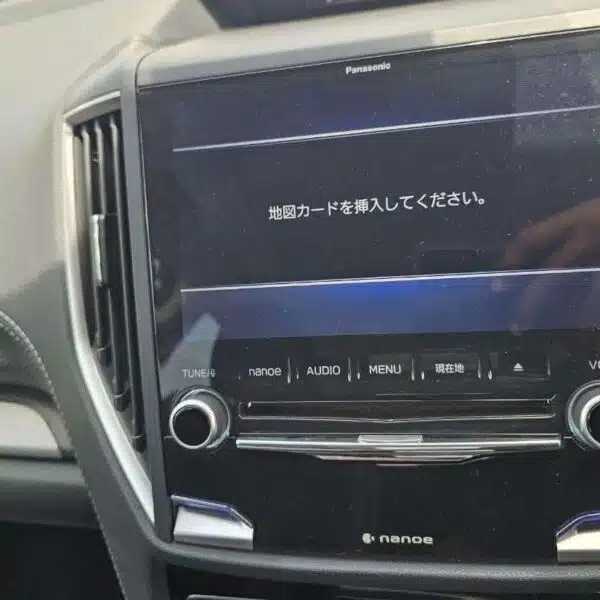
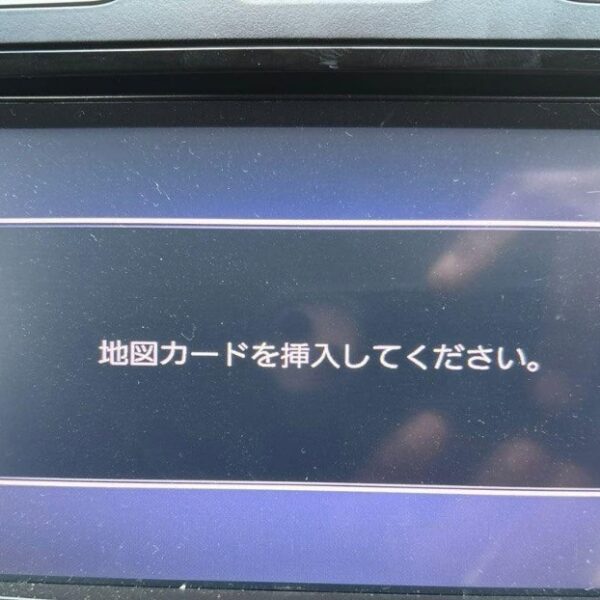
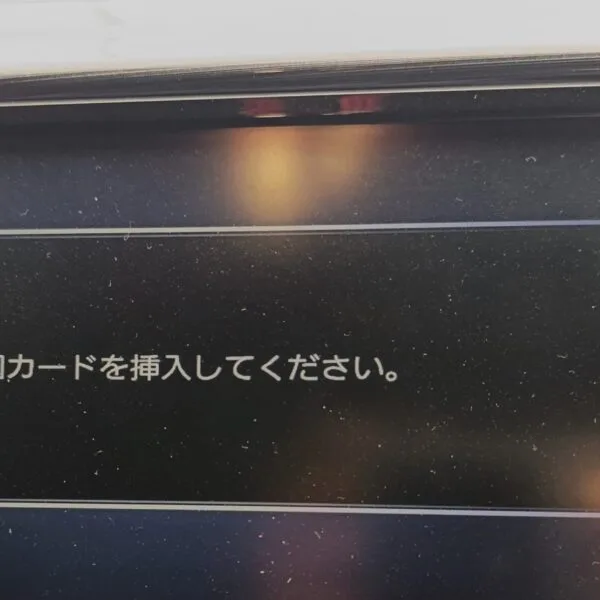
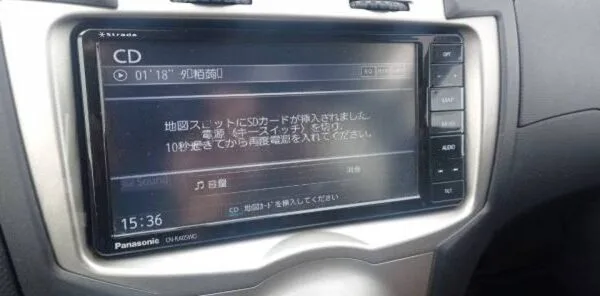
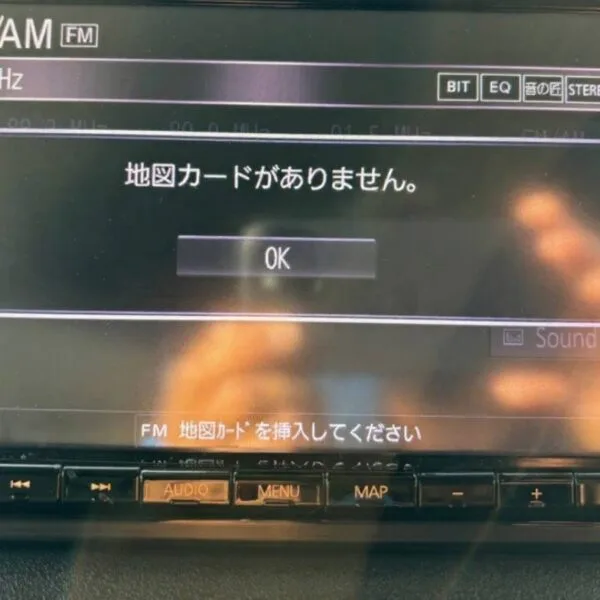
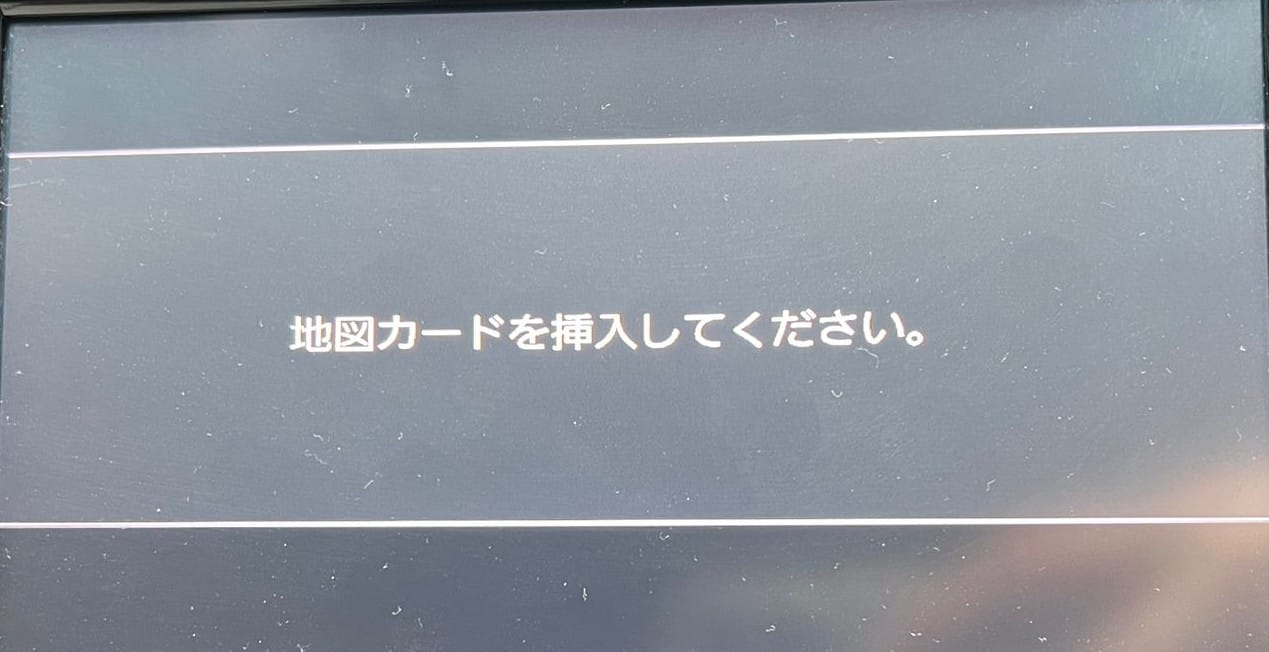
The Honda Gathers VXM-195VFi Map SD Card clears on-screen Japanese error messages such as 「地図ディスクを確認しています しばらくお待ち下さい」, 「ディスプレイを開き地図SDカードに入れてください」, 「プログラムを読み込むことができません」, 地図カードがありません。, and ファイルが見つかりません。SDカードをご確認ください。. It restores default OEM infotainment functions for JDM import vehicles in the UK, Australia, NZ, Ireland, Mauritius, Jamaica, Singapore, and 54 target countries.
Honda Gathers VXM-195VFi Map SD Card OEM Feature Restoration Matrix
| OEM Infotainment Parameter | Locked Error State | Restored via JapanRadios |
|---|---|---|
| Japanese Error Display | ❌ "地図SDカードを挿入してください" | ✅ Cleared / Full System Access |
| Bluetooth Calling & Audio | ❌ Settings Inaccessible | ✅ Restored (if available) |
| Reversing & 360° Camera Feed | ❌ Screen Frozen / Black | ✅ Active Guides (where equipped) |
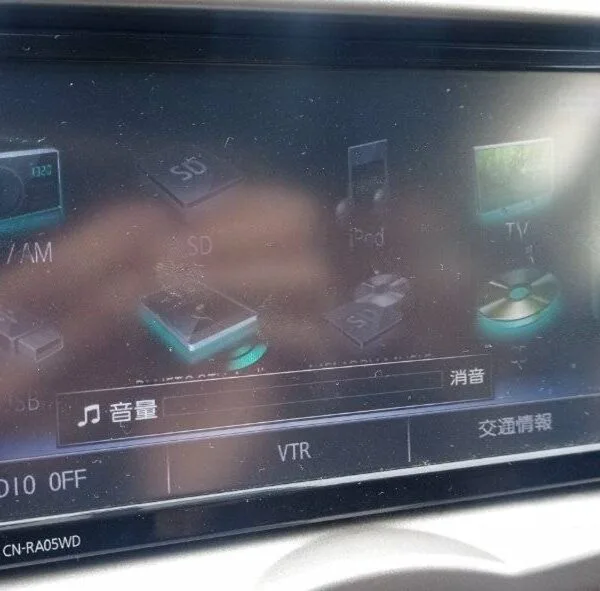
| AM/FM Radio, CD/DVD & USB | ❌ Blocked Audio Output | ✅ Fully Active (if available) |
What Is the Honda Gathers VXM-195VFi Map SD Card?
The Honda Gathers VXM-195VFi Map SD Card is a dedicated boot storage medium containing the proprietary operating system firmware and navigation software required to initialize the Panasonic infotainment head unit found in Japanese-market Honda vehicles. Without this authentic software-matched SD card inserted into the dedicated map drive, the infotainment unit remains trapped in an unbootable state, disabling on-screen media, smartphone connectivity, and audio controls.
Table of Contents
Why Does Your VXM-195VFi Display an “Insert Map SD Card” Error?
In Japanese Domestic Market (JDM) Honda vehicles, the Gathers VXM-195VFi system loads core telematics and audio drivers from the map SD card. Disconnecting the 12V battery clears volatile memory, causing the head unit to lock on the Japanese error screen (“地図SDカードを挿入してください” / “Please insert correct map SD card”) until verified boot media is provided.
“Japanese automotive infotainment systems developed under the Honda Gathers specification utilize hardware-matched boot cards to safeguard internal operating system partitions and verify regional system parameters before enabling telematics.”
Does the Honda Gathers VXM-195VFi Support Apple CarPlay?
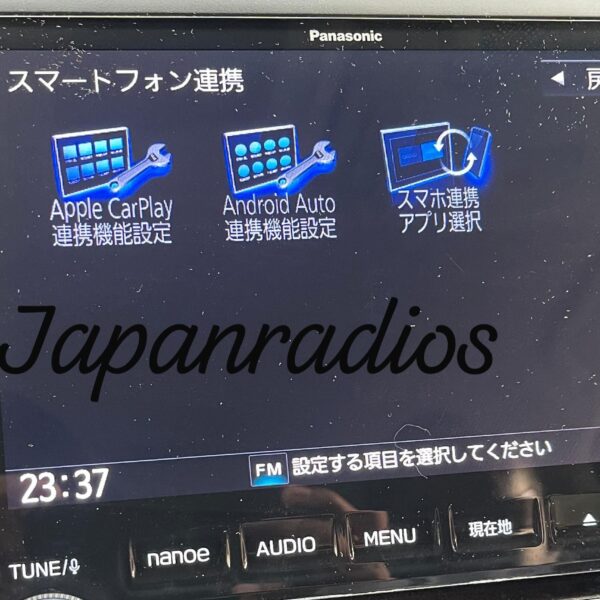
Yes, the Honda Gathers VXM-195VFi natively supports Apple CarPlay via a wired USB connection. Once the system initializes from the map SD card, Apple CarPlay is fully unlocked, allowing you to run Google Maps, Apple Maps, Waze, and Spotify directly on the touchscreen in English.
“Apple CarPlay provides a smarter, safer way to use your iPhone in the car, allowing drivers to access navigation, make calls, send and receive messages, and enjoy music directly through the vehicle’s built-in display.”
Can the Honda Gathers VXM-195VFi Be Used in English?
While native Japanese factory menus remain in Japanese, multimedia audio streaming and smartphone apps operate seamlessly in English once the boot barrier is resolved.
What If Your Unit Asks for a Radio Security Unlock Code?
If your screen displays a security PIN request after battery reconnection, JapanRadios calculates your authentic 5-digit unlock code 24/7 via our Honda Radio Unlock Code Service.
How to Install the VXM-195VFi Map SD Card
- Turn off ignition completely before handling the navigation unit.
- Open the dedicated MAP SD card slot behind the front bezel.
- Insert the Honda Gathers VXM-195VFi Map SD Card with metallic contacts aligned properly.
- Turn ignition to ACC/ON. The system will initialize firmware and reboot within 60 to 90 seconds.
- Verify functions: Test radio tuner, Bluetooth, and multimedia features.
Technical Specifications
| Target Model | Honda Gathers VXM-195VFi (2019 Release) |
| OEM Manufacturer | Panasonic Corporation for Honda Motor Co., Japan |
| Primary Fitments | Honda Fit (GK), Freed (GB5-8), Vezel (RU), Stepwgn (RP) |
| Functions Restored | OS Boot, Apple CarPlay, Bluetooth Audio, AM/FM Tuner, Backup Camera |
| Delivery Format | Instant 24/7 Digital Setup + Worldwide Physical SD Card |
Frequently Asked Questions
What happens if my Honda Gathers VXM-195VFi has no map SD card?
The unit cannot boot its operating system, leaving the display frozen on the Japanese insert map SD error screen and disabling audio features.
Will this SD card restore Apple CarPlay on my VXM-195VFi?
Yes. Once the unit boots using the Honda Gathers VXM-195VFi Map SD Card, Apple CarPlay is fully reactivated via the vehicle USB smartphone port.
Is this compatible with other Gathers models?
Each Gathers model requires dedicated firmware. Browse our Honda Gathers Map SD Card category for other models.
How do I confirm my head unit model number?
The model number “VXM-195VFi” is printed directly on the front lower bezel or cassette/SD flap door of your unit.
What if the SD card does not resolve my boot error?
We provide a 100% money-back guarantee for verified VXM-195VFi units if our solution does not restore your system.
100% Compatibility & Customer Support Guarantee
Every Honda Gathers VXM-195VFi Map SD Card is tested on hardware benches to ensure seamless boot sequence recognition. For assistance, contact our technical team 24/7.
Need another model? Browse our complete Honda Gathers Map SD Card Unlocking & Diagnostic Hub or contact our 24/7 WhatsApp support to Get Instant Price for Unlock Code & SD Card →