## Detailed NSZT-W66T Troubleshooting Steps
### Solution 2: Complete SD Card Verification Process
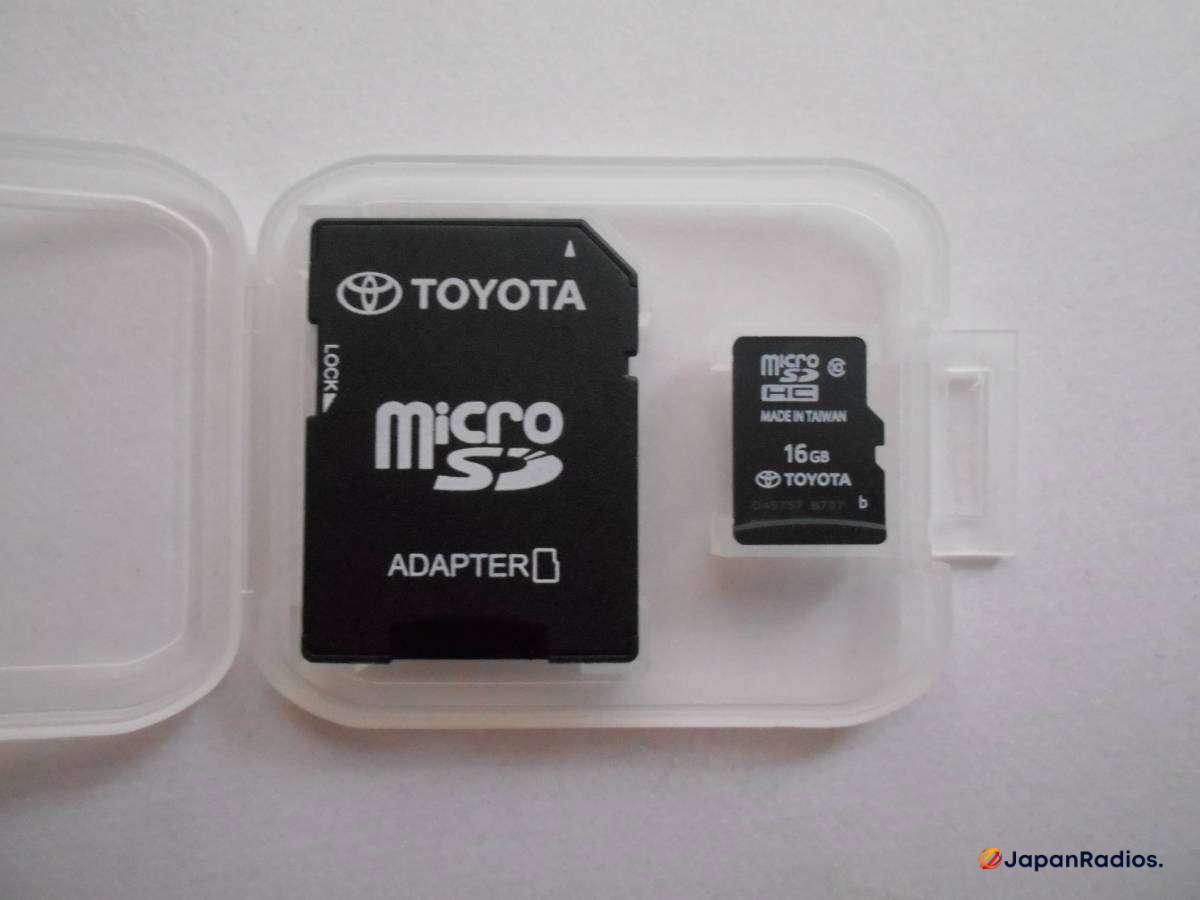
Step 2: Carefully remove the existing SD card if present
Step 3: Inspect the card for physical damage, cracks, or corrosion
Step 4: Clean the SD card contacts using isopropyl alcohol and a soft cloth
Step 5: Reinsert the card ensuring it clicks into place securely
Step 6: Power on the system and wait for initialization (this may take 2-3 minutes)
### Solution 3: Language Error Resolution
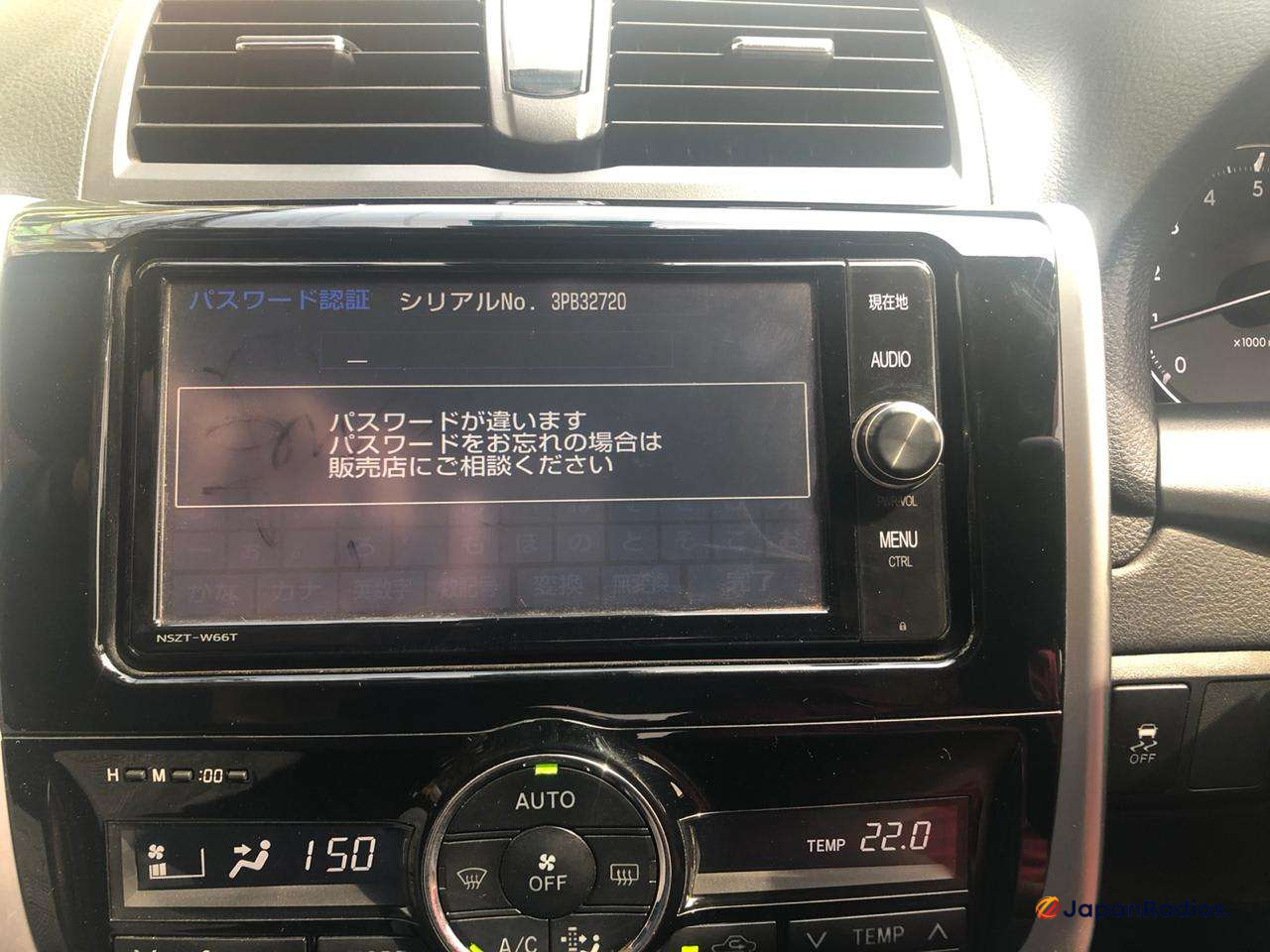
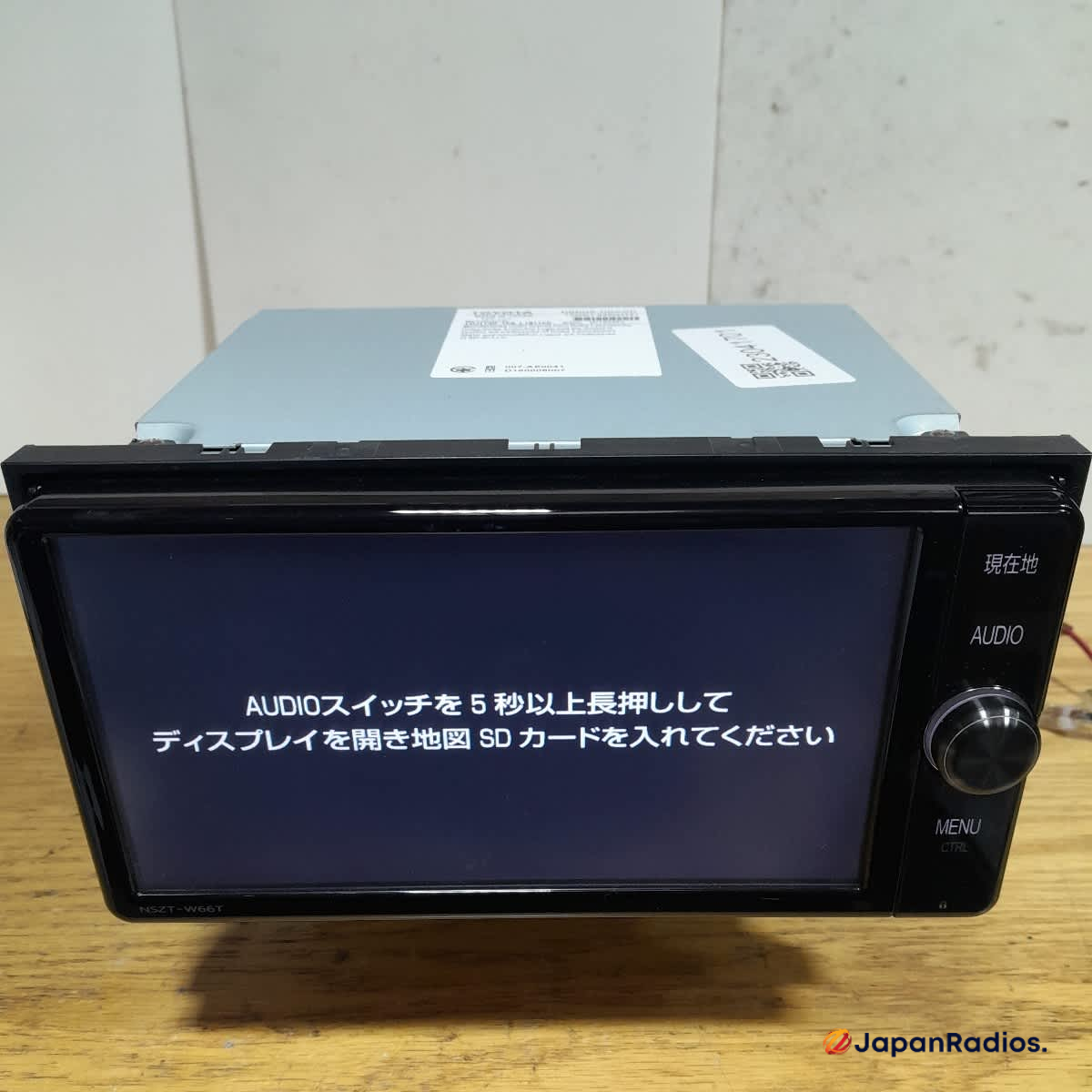
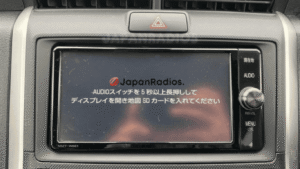
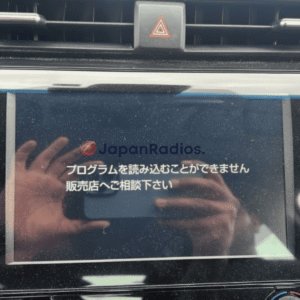
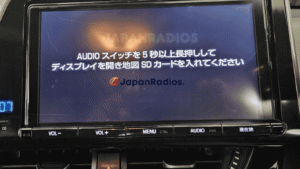
Many Toyota navigation systems display Japanese error messages even after SD card insertion. Here’s how to resolve language-related issues:
1. **Access Language Settings**: Navigate to システム設定 (System Settings)
2. **Language Selection**: Look for 言語 (Language) options
3. **Regional Settings**: Adjust 地域 (Region) to match your location
4. **Restart Process**: Power cycle the unit completely
### Solution 4: Hardware Connection Diagnostics
For persistent error messages, check these hardware connections:
– Verify SD card slot is not damaged or blocked
– Check for loose antenna connections
– Inspect wiring harness behind the unit
– Test with a known working SD card from another Toyota unit
## Advanced Troubleshooting for Persistent Issues
### ERC Code Integration
Some navigation error fixes require ERC (Electronic Radio Code) unlocking. This process involves entering a specific unlock sequence that varies by vehicle VIN and radio serial number. For comprehensive ERC unlocking procedures, refer to our complete [Toyota Sienta ERC Unlock Code guide](https://japanradios.com/toyota-sienta-erc-unlock-code/).
### Professional Map Data Recovery
When standard troubleshooting fails, professional map data recovery may be necessary. This service includes:
– Complete system diagnosis and error code analysis
– Custom SD card programming with region-specific maps
– Language conversion to English or other preferred languages
– Firmware updates and compatibility patches
For official Toyota map updates and technical support, visit the [Toyota Map Update Center](https://www.toyota.com/owners/parts-service/map-updates) for the most current navigation data and system information.
## Frequently Asked Questions (FAQ)
### Q1: How often should I update my navigation system maps?
**Answer**: Toyota recommends updating navigation maps annually or bi-annually for optimal performance. Newer map data includes updated road information, points of interest, and traffic patterns that improve navigation accuracy.
### Q2: Can I use a generic SD card instead of the Toyota original?
**Answer**: No, generic SD cards will not work with the system. The navigation unit requires specifically formatted Toyota SD cards with encrypted map data and authentication keys. Using incompatible cards will result in continued error messages.
### Q3: Why does my navigation system work in Japan but not in my current location?
**Answer**: Japanese domestic market navigation systems are geo-locked to specific regions. The map data only covers Japan and surrounding areas. International use requires region-specific map cards or system modification.
### Q4: What should I do if the SD card slot is physically damaged?
**Answer**: Physical SD card slot damage requires professional repair or unit replacement. Attempting DIY repairs may void warranties and cause additional system damage. Contact authorized Toyota service centers for proper diagnosis and repair options.
### Q5: Can language conversion fix navigation errors permanently?
**Answer**: Language conversion addresses display language but may not resolve all navigation functionality issues. Complete system localization involves language changes, regional map updates, and sometimes firmware modifications for full international compatibility.
## Prevention and Maintenance Tips
To prevent future navigation system issues:
– Handle SD cards carefully to avoid physical damage
– Keep the card slot clean and free from debris
– Avoid exposing the navigation unit to extreme temperatures
– Schedule regular system updates through authorized dealers
– Backup your current settings before making system changes
Regular maintenance ensures your Toyota navigation system continues providing reliable service for years to come.