This service is for legal vehicle owners to retrieve their lost radio code after battery reset. Misuse is strictly prohibited.

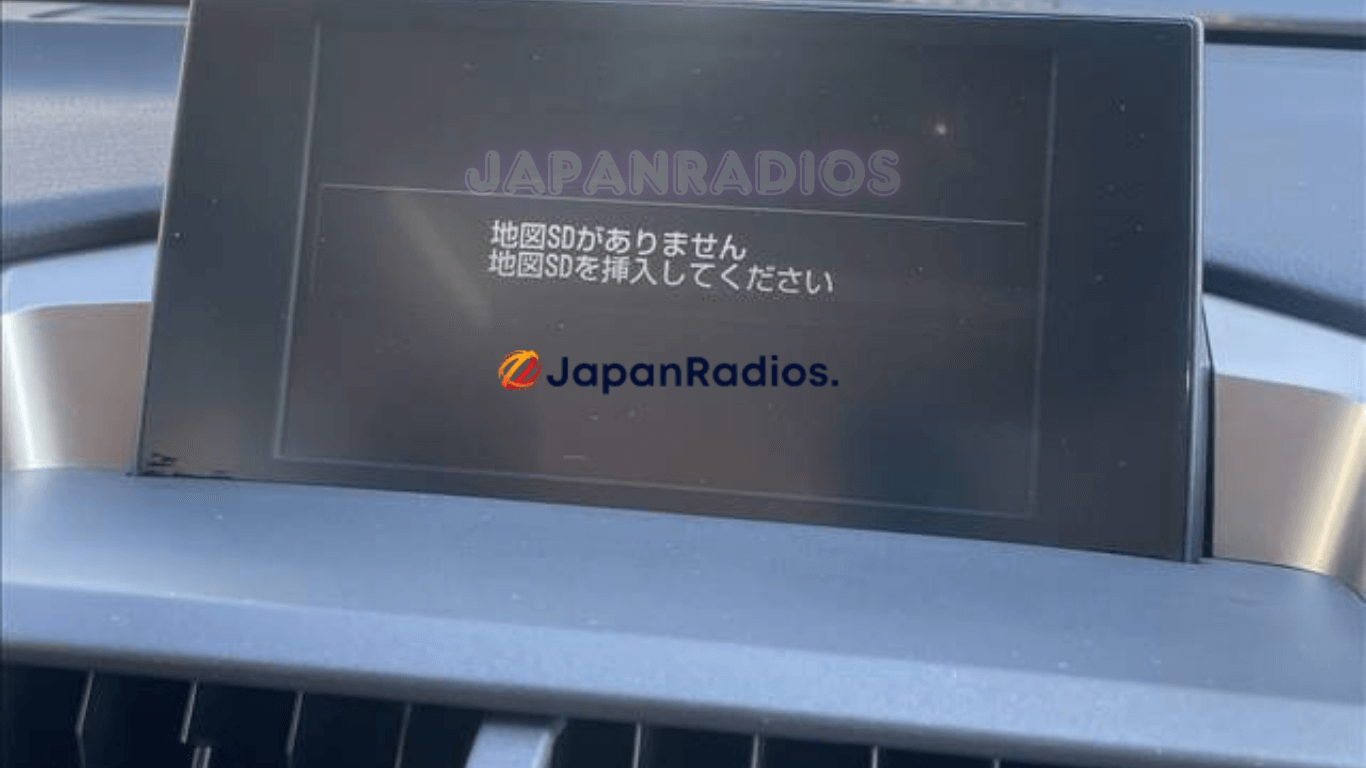
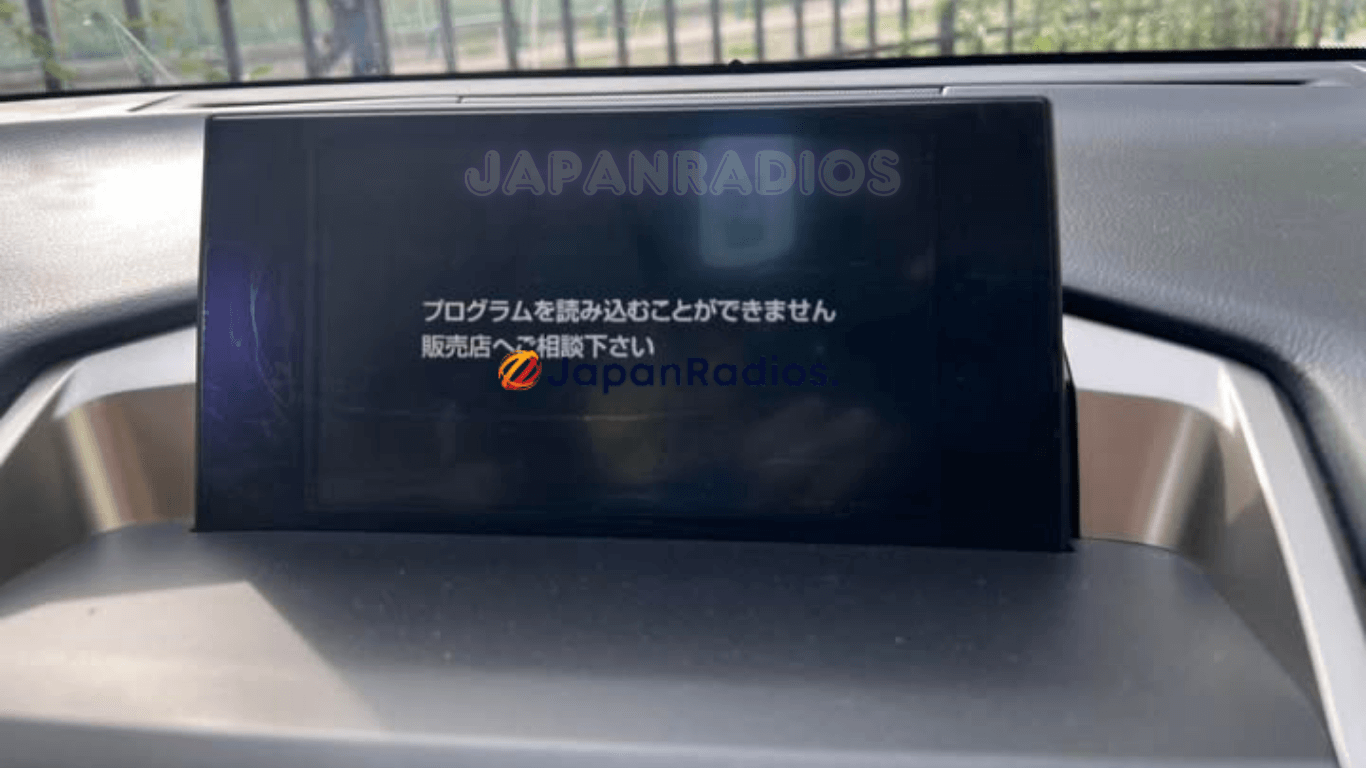
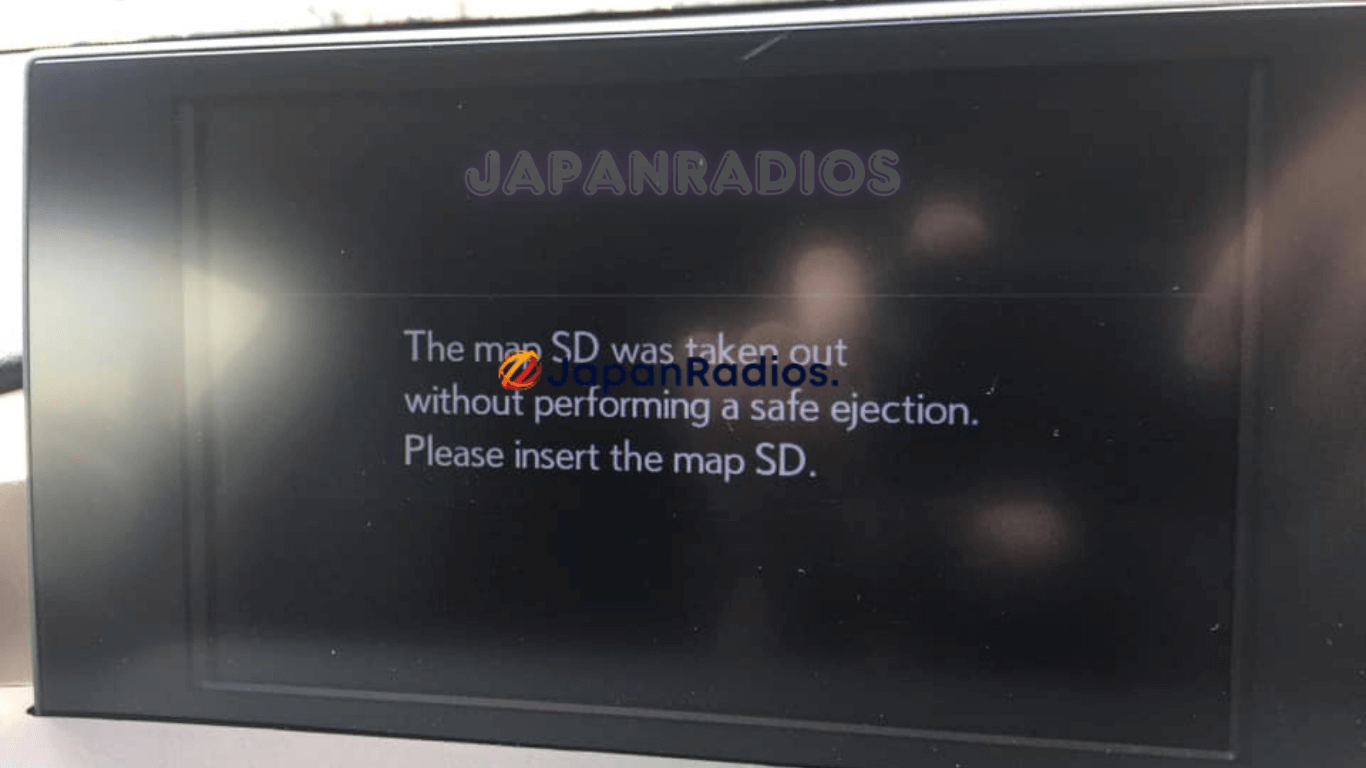
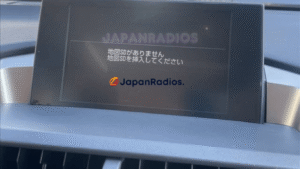

Are you seeing a Lexus NX200t Map SD Card Error on the screen of your recently imported Japanese vehicle? When you import a JDM Lexus, the multimedia system often locks up, leaving you unable to access your radio, climate controls, or vehicle settings.
It is important to know that this replacement SD card is designed specifically to restore your radio and system functionality, not your local GPS maps. Because the head unit is a Japan-spec model, only Japanese maps will work. However, fixing the Lexus NX200t Map SD Card Error is essential to unlocking the rest of your car’s features.
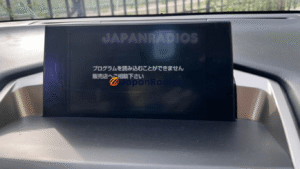
Lexus NX200t Map SD Card Error shown in detail before starting the English language restore process.
Once you insert this boot card, your system will reboot, allowing you to easily change the language from Japanese to English and update the system clock to your local time. You will instantly regain full access to pair your smartphone via Bluetooth for music and calls.
Beyond the radio, clearing this error gives you back control over vital vehicle customizations. You can finally access the menus to adjust your power rear gate height, change your auto door lock settings, and fine-tune your audio system’s sound and bass levels.
🛠️ How to Fix the Lexus NX200t Map SD Card Error
Step-by-Step Instructions:
-
Insert the Card: With your vehicle turned off, locate the Map SD card slot on your multimedia head unit and insert the replacement boot card.
-
Reboot the System: Start your vehicle. The multimedia system will read the new card and automatically reboot.
-
Change the Language: Once the system turns back on, navigate to the system settings and change the language from Japanese to English.
-
Update the Clock: Adjust the system clock from Japan Standard Time to your local time zone.
-
Set Up Bluetooth & Preferences: Your system is now fully unlocked! You can pair your smartphone via Bluetooth and access the vehicle customization menus to adjust your power rear gate, auto door locks, and audio equalizer.
🚘 Supported Models & Head Units Lexus NX200t Map SD Card Error
This replacement SD boot card is strictly compatible with Japanese Domestic Market (JDM) imports for the following:
Vehicles:
-
For Lexus NX200
-
For Lexus NX200t
Head Unit Models:
-
B9066
-
B9067
❓ Frequently Asked Questions (FAQ) Lexus NX200t Map SD Card Error
Q: Will this SD card give me local GPS navigation maps? A: No. Because your head unit is a Japan-spec model, the hardware only reads Japanese maps. This SD card is designed to bypass the error and restore your radio, climate controls, and system functionality—not to provide local GPS navigation.
Q: What exactly does this SD card unlock? A: Inserting this boot card clears the lock screen and restores full access to your multimedia and vehicle settings. This includes your radio, climate controls, Bluetooth smartphone pairing (for music and calls), system clock, and language settings.
Q: Can I change the system language to English with this card? A: Yes! Once the system reboots with the new SD card inserted, you will be able to access the settings menu and easily change the system language from Japanese to English.
Q: Will this fix allow me to change my car’s custom settings? A: Yes. Clearing the SD Card Error gives you back control over vital vehicle customizations. You will regain access to adjust your power rear gate height, auto door lock settings, and your audio/bass levels.
Q: Do I really need this card if I just use my phone for music? A: Yes, because the “Map SD Card Error” typically locks the entire dashboard screen. Without this boot card, you will not be able to access your climate controls (A/C and heat) or change important vehicle hardware settings.
-
Do not let a locked dashboard ruin the experience of your imported car. Resolve the Lexus NX200t Map SD Card Error today and take full control of your multimedia system!
hurryswan –
Lexus NX200t map SD card error fix worked quick and effective . I changed the language to English and updated the time. Thanks, Japan Radios.
cosmoslapel –
I imported a Lexus NX200t from Japan, and it initially came with a program that couldn’t be read and prompted me to consult a dealer. Then I discovered Japan Radios and ordered the SD card. I installed it in the radio deck SD slot, and it worked perfectly. They also helped me connect Bluetooth and change the language. I couldn’t be happier with the service highly recommended.