This service is for legal vehicle owners to retrieve their lost radio code after battery reset. Misuse is strictly prohibited.

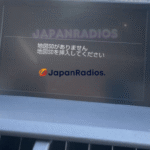
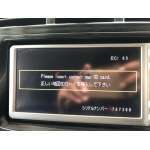
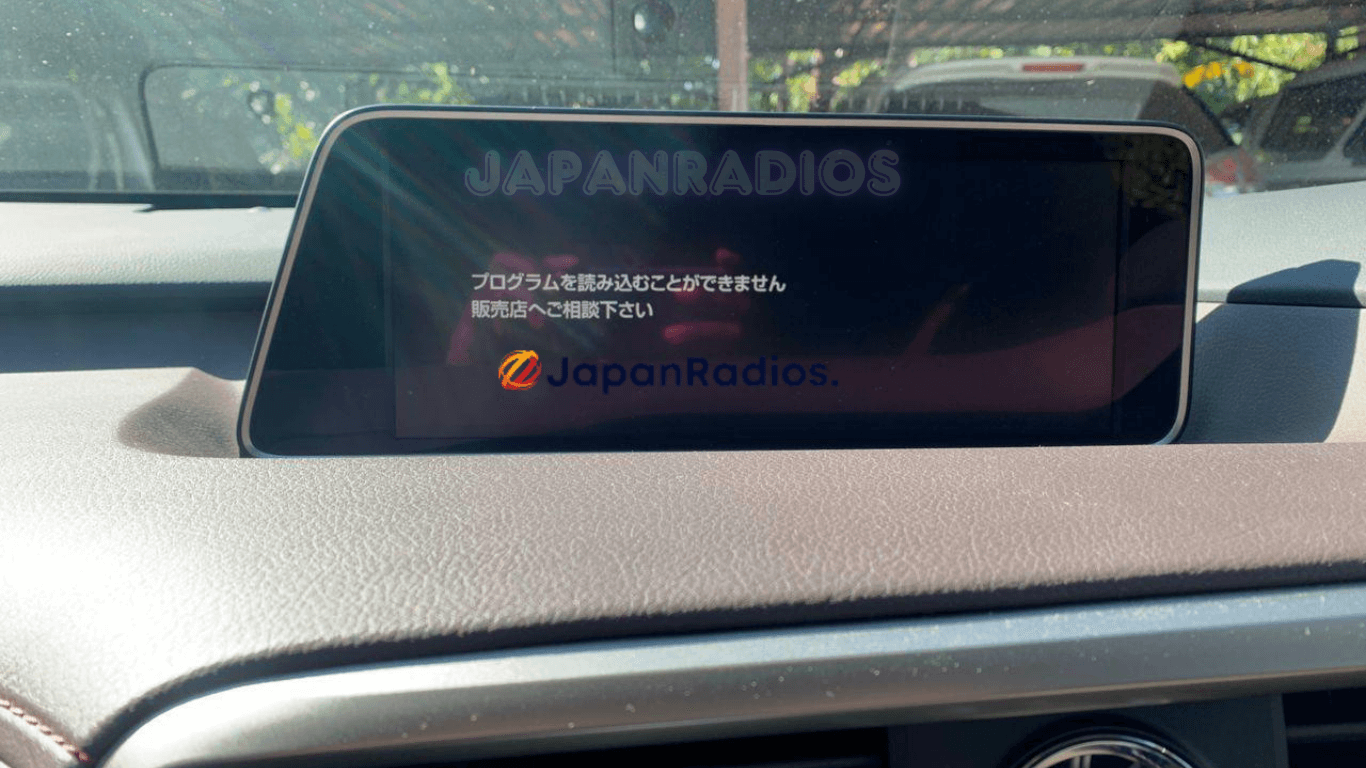
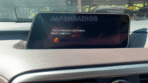

Did you recently import a stunning JDM vehicle, only to find you need a Lexus RX200T map SD card to bypass the locked multimedia screen? Many owners of imported Japanese vehicles encounter this frustrating boot error when the battery is disconnected or the original Japanese card goes missing.
It is important to understand that this specific Lexus RX200T map SD card is a system recovery tool, not a local GPS navigation update. Because your car’s head unit is a strict Japan-spec model, only Japanese maps are supported by the hardware. However, inserting this required boot card is absolutely essential to unlocking your radio and media functions.
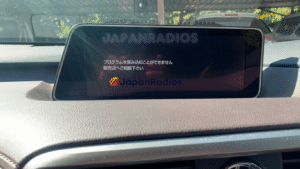
Lexus RX200T map SD card error locking the navigation system before an English conversion.
Once installed, your dashboard system will immediately reboot. This allows you to easily change the system language from Japanese to English. You can also update the digital clock to your local time and finally connect your smartphone via Bluetooth for seamless audio streaming and hands-free calls.
Beyond the entertainment features, fixing this boot error restores full access to your vital vehicle settings. You will smoothly regain control over your power rear gate height adjustment, automatic door lock preferences, and custom sound and bass settings. Restore your premium driving experience today with our reliable recovery solution!
🛠️ How to Fix the Lexus RX200t Map SD Card Error
Step-by-Step Instructions: Lexus RX200T map SD card
-
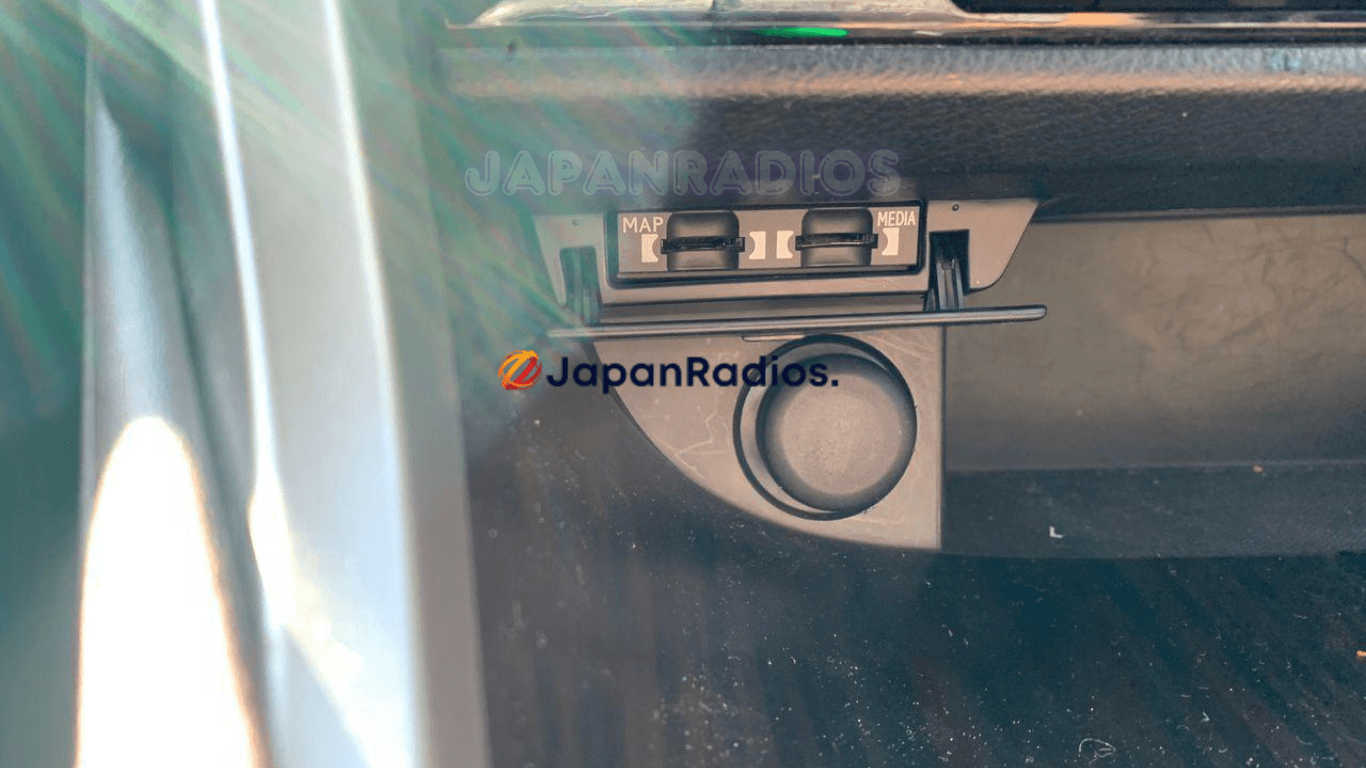
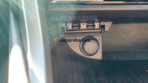
Insert the Card: With your Lexus turned off, locate the Map SD card slot on your multimedia head unit (typically found on the center console fascia) and insert the replacement boot card.
-
Reboot the System: Start your vehicle. The multimedia system will read the new card, bypass the error screen, and automatically reboot.
-
Change the Language: Once the system turns back on, navigate to the system settings and change the language from Japanese to English.
-
Update the Clock: Adjust the system clock from Japan Standard Time to your local time zone.
-
Set Up Bluetooth & Preferences: Your RX200t system is now fully unlocked! You can pair your smartphone via Bluetooth, use the infotainment mousepad/controls, and access the vehicle customization menus to adjust your power rear gate, auto door locks, and audio equalizer.
🚘 Supported Models : Lexus RX200T map SD card
This replacement SD boot card is strictly compatible with Japanese Domestic Market (JDM) imports for the following RX-series vehicles (typically 2015 and newer):
Vehicles:
-
Lexus RX200t
-
Lexus RX300 (JDM spec)
-
Lexus RX450h (JDM spec)
- B9080
B9081
B9112
(Note: Ensure your vehicle is a Japan-spec import displaying the “Map SD Card Error” on the dashboard screen.)
❓ Frequently Asked Questions (FAQ) : Lexus RX200T map SD card
Q: Will this SD card give me local GPS navigation maps? A: No. Because your Lexus RX is a Japan-spec model, the hardware only reads Japanese maps. This SD card is designed strictly to bypass the boot error and restore your radio, climate controls, and system functionality—not to provide local GPS navigation.
Q: What exactly does this SD card unlock? A: Inserting this boot card clears the lock screen and restores full access to your multimedia and vehicle settings. This includes your radio, climate controls, Bluetooth smartphone pairing (for music and hands-free calls), system clock, and language settings.
Q: Can I change the system language to English with this card? A: Yes! Once the system reboots with the new SD card inserted, you will be able to access the settings menu and easily change the infotainment system language from Japanese to English.
Q: Will this fix allow me to change my car’s custom settings? A: Yes. Clearing the SD Card Error gives you back control over vital vehicle customizations specific to the RX series. You will regain access to adjust your power rear gate height, auto door lock preferences, and your audio/bass levels.
Q: Do I really need this card if I just use my phone for music? A: Yes. The “Map SD Card Error” typically locks the entire dashboard screen. Without this boot card, you will be completely locked out of accessing your climate controls (A/C and heat) or making changes to important vehicle hardware settings.
canolaenvoy –
I recently purchased the Lexus RX200T map SD card for my 2017 model, and I’m happy with the results It was straightforward to install, and everything works seamlessly now. I greatly appreciate the excellent service from Japan Radios. Highly recommended for anyone needing an SD card.
leveloutlet –
Worked perfectly easy to install and excellent service from Japanradios.