
MM517D-L SD error fix – Android Auto & Apple CarPlay Restore for Nissan JDM Ultimate Fix
MM517D-L SD error fix for Japanese-import Nissan radios. Instantly resolve SD card errors and reactivate Android Auto and Apple CarPlay. Plug-and-play.
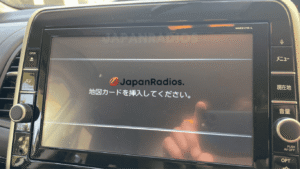
MM517D-L SD error fix card – Restore Android Auto & CarPlay on JDM Nissan
Guaranteed Safe Checkout

Features & Compatibility
MM517D-L SD error fix for Nissan (JDM import) – Android Auto & Apple CarPlay Restore
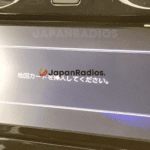
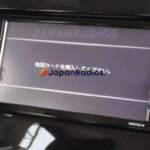
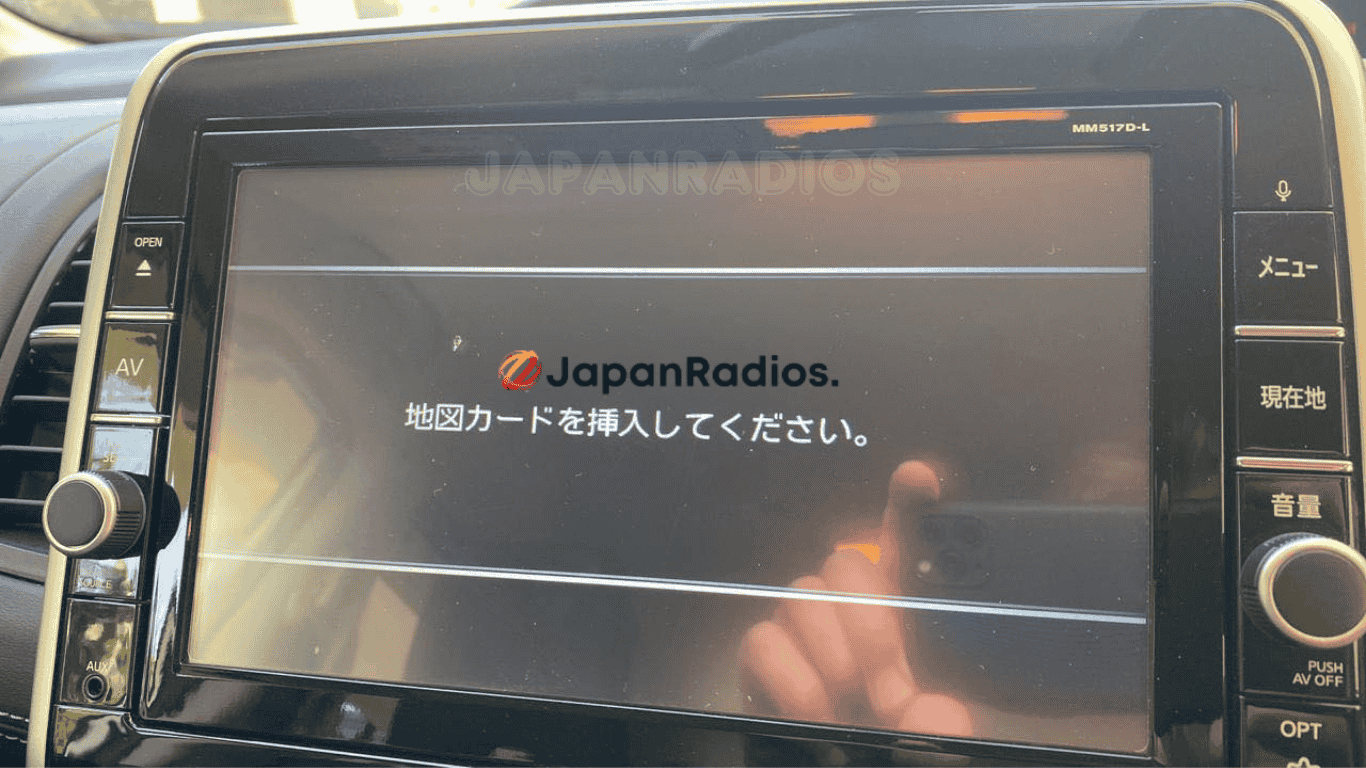
MM517D-L SD error fix is your instant, plug-and-play solution for Japanese-import Nissan vehicles with “Please insert SD card” or “SD error” on MM517D-L head units.
If your Nissan MM517D-L lost Android Auto or Apple CarPlay after SD card loss, export, or battery change, this dedicated SD error fix card restores your head unit fast—no dealer, no coding, no risk. Designed specifically for JDM Nissan vehicles equipped with MM517D-L radios and exported worldwide.
Key Features & Supported Functions
-
MM517D-L SD error fix clears SD card error messages and unlocks system functionality
-
Restores both Android Auto™ & Apple CarPlay connectivity for full smartphone integration (if factory equipped)
-
Plug-and-play for MM517D-L head units—no programming or dealer visit required
-
Full access to all built-in features, including:
-
Bluetooth® (hands-free calling & music streaming)
-
FM/AM radio
-
USB/SD/WALKMAN media playback (music, images, videos)
-
AUX input and multimedia mode
-
Hands-free phone
-
CD/DVD playback (if equipped)
-
-
Fast install, worldwide shipping, friendly customer support
Who It’s For
-
MM517D-L SD fix for Japanese-import Nissan vehicles outside Japan
-
Buyers who need to regain Android Auto, Apple CarPlay, Bluetooth, and media functions after SD failure
How to Use
-
Turn off your vehicle and MM517D-L head unit.
-
Insert the MM517D-L SD fix card into the SD slot.
-
Power on—the SD error is cleared and all tech features are restored.
What’s Included
-
MM517D-L SD error fix plug-and-play card
-
Simple, clear install instructions
-
Expert after-sales support
Important:
MM517D-L SD error fix is for Japanese-import/export Nissan vehicles. It only removes the SD error and restores original smart/media features (including Android Auto/Apple CarPlay when OEM-fitted). No map update, or region conversion is included; system remains as JDM spec (menus, frequencies unchanged).
Avoid costly hardware replacements and professional service fees. After a simple installation, your head unit will operate seamlessly.
This solution is compatible with a wide range of Nissan Panasonic MM series head units, including:
- MM11x Series: MM112-W, MM112D-W, MM113D-W, MM114D-W, MM115D-W, MM117D-DW
- MM22x Series: MM222D-L, MM222D-Le, MM223-L, MM223D-L, MM223D-Le
- MM31x / MM32x Series: MM312D-W, MM316D-W, MM316D-DW, MM317D-W, MM317D-DW, MM318D-L, MM318D-W, MM319D-L, MM319D-W, MM320D-L, MM320D-W, MM321D-L, MM322D-L, MM323D-L
- MM51x / MM52x Series: MM513D-L, MM514D-L, MM514D-W, MM515D-L, MM516D-L, MM516D-W, MM517D-L, MM517D-W, MM518D, MM518D-L, MM518D-W, MM519D, MM519D-L, MM520D-L, MM521D-L, MM522D-L, MM523D-L
- MME Series: MME15D-EV
liking that –
Finally, a permanent fix that just works just plugged it in and the error was gone for good. Android Auto and Apple CarPlay popped up immediately like they were supposed to. Worth every penny