
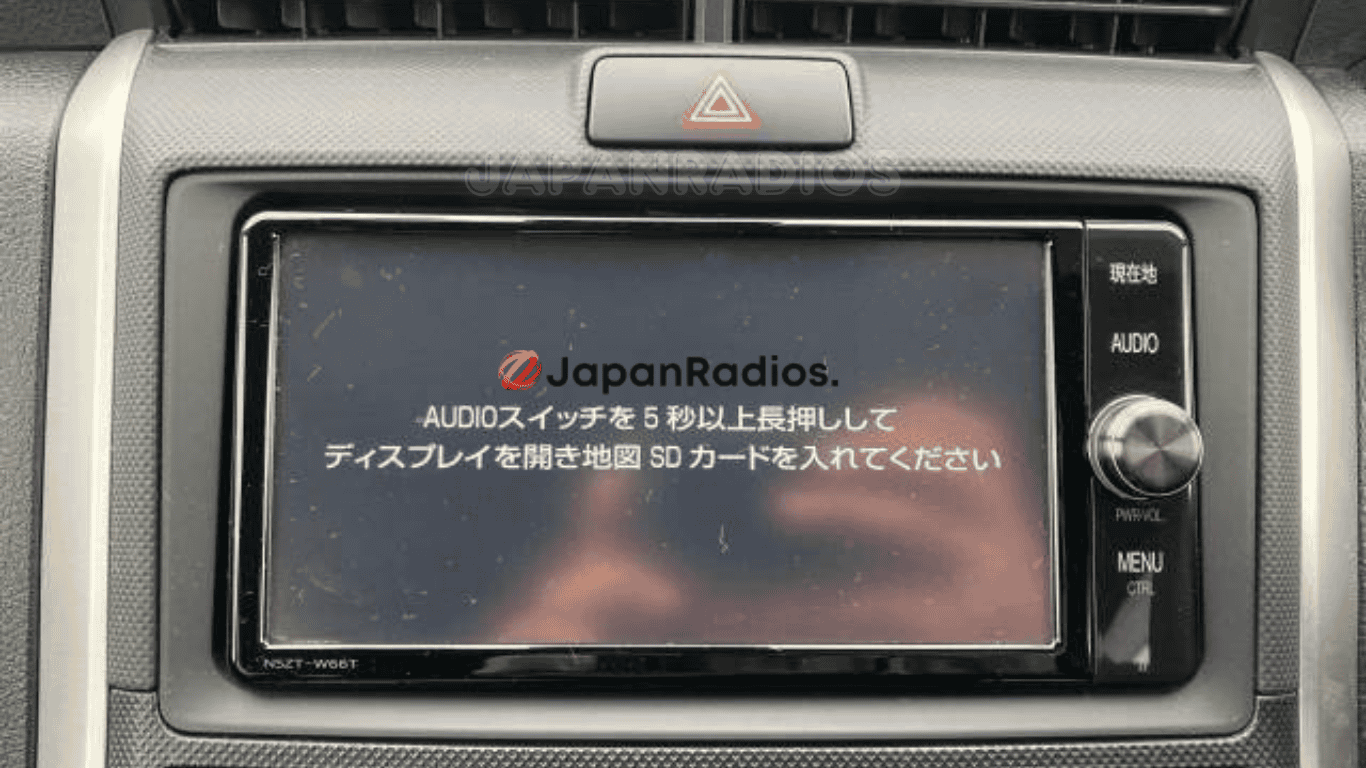

Toyota NSZT-W66T map SD card error solution delivers a guaranteed fix for “Insert correct SD card” and map SD card error, allowing full access to Bluetooth, FM radio, and USB functions.
This solution restores lost navigation features in Japanese import Toyotas by providing an authentic, ready-to-use SD card and expert technical support. Enjoy lifetime code retrieval, fast shipping worldwide, easy installation, and compatibility with all Toyota NSZT-W66T decks. Popular for Allion, Premio, Aqua, CHR, Vellfire, and more.
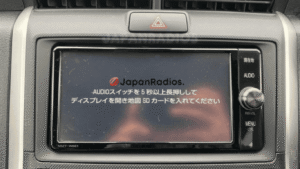
Unlock Toyota NSZT-W66T: SD card error solution for Bluetooth, FM, and USB features
Frequently Asked Questions : NSZT-W66T Map SD Card
Q: Is this SD card solution compatible with my Toyota vehicle?
Yes, this solution is compatible with all Toyota vehicles fitted with the NSZT-W66T radio system. The fix works universally across all models equipped with this specific head unit.
Q: What exactly will I receive with this purchase?
You will receive: NSZT-W66T Map SD Card
-
Micro SD card (pre-configured)
-
Media SD card (for play audio and video)
-
Radio unlock code (need after battery removal)
-
Installation instructions
-
24/7 technical support access
Q: What features does this solution unlock?
The solution permanently fixes the map SD card error and unlocks all radio features including Bluetooth connectivity, FM radio, CD/DVD playback, and USB functionality.
Q: Do I need any additional cables?
USB cable is optional and sold separately. If you need USB functionality and don’t have a compatible cable, we have them available for purchase on our website.
Q: Is this a permanent fix?
Yes, this is a permanent solution to the map SD card error. Once installed and configured, you won’t experience this issue again.
Q: Will I receive installation support?
Yes, we provide 24/7 technical support to help you with installation and setup. Our team will guide you through the process and help you configure your own custom password for security.
Q: How long does shipping take?
We ship via express shipping to ensure you receive your solution as quickly as possible. Delivery times vary by location.
Q: Can I change my security password later?
Yes, during the setup process with our technical support team, you can configure your own password and change it anytime you need.
bride badly –
My Toyota Vitz screen was just a constant error message. This W66T card brought it to life with full Bluetooth and USB functionality
pugglisten –
just plug it in. For my Toyota Aqua deck, that’s all it took to fix the map error and get my Bluetooth working.