
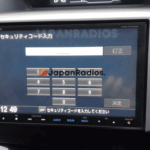
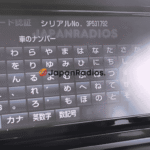
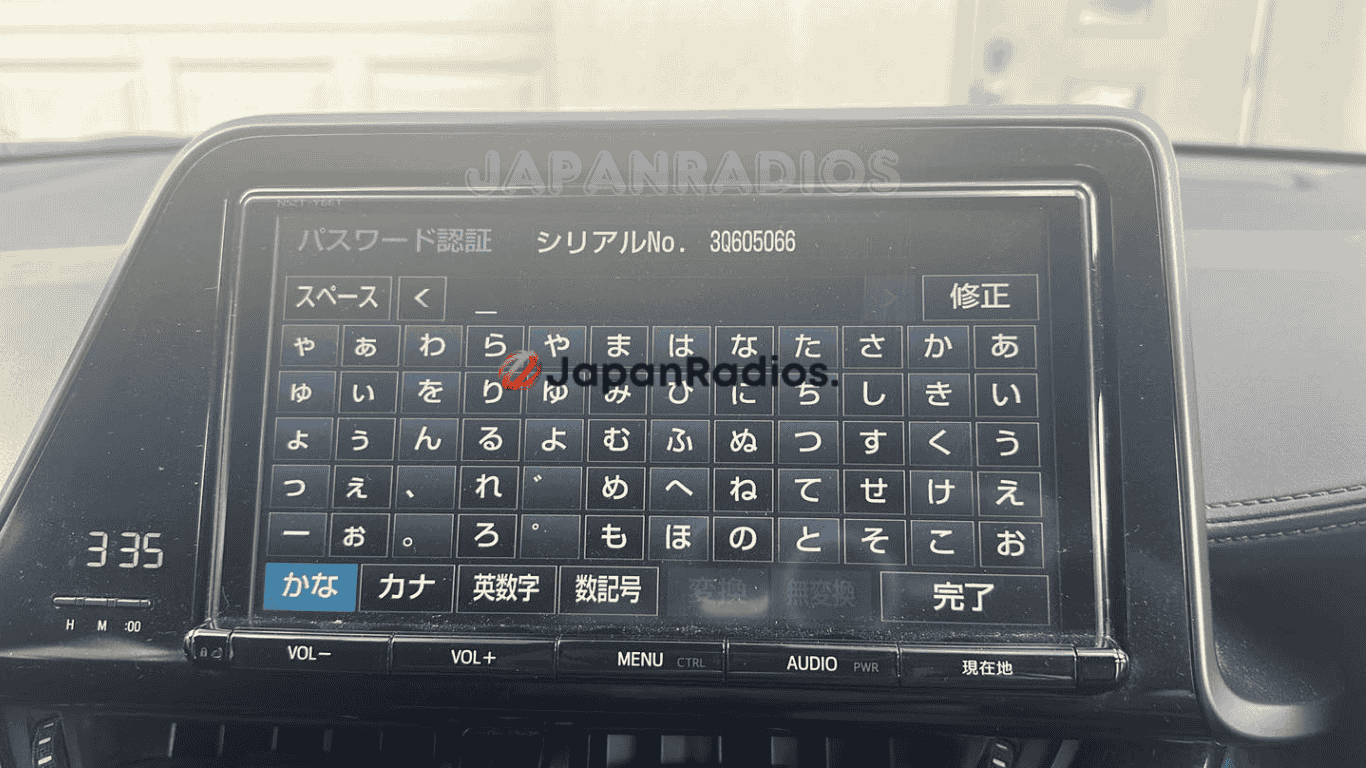
Toyota C‑HR NSZT‑Y68T unlock code online—instant 24/7 owner support to restore radio, Bluetooth, and settings fast. Lifetime unlock One code, permanent access
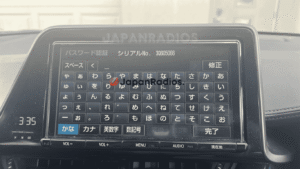
Toyota C‑HR NSZT‑Y68T locked screen (ERC code) – we provide a permanent lifetime unlock code.

Toyota C‑HR NSZT‑Y68T unlock code online is a fast, reliable way to restore access to your OEM Toyota multimedia/navigation head unit when it becomes locked and shows a security/ERC code screen. The NSZT‑Y68T is a Toyota genuine SD navigation/infotainment unit used in various Toyota setups, including Japanese‑import configurations.
This lock commonly happens after a battery disconnection/replacement, ECU reset, factory reset, or when the head unit is installed in a different vehicle. When it triggers, the system can block access to key functions (radio/media, Bluetooth, and settings) until the correct code is entered.
We provide a permanent owner-only unlock code generated specifically from the unique code displayed on your NSZT‑Y68T screen. No tools, no software, and no risky “hacks”—you enter the code once and your system is restored for normal use (it should not relock after future power loss if the same security state returns).
Toyota C‑HR NSZT‑Y68T locked screen (ERC code) – we provide a permanent lifetime unlock code.
✅ Restores access to (typical):
-
FM/AM radio and audio menus
-
Bluetooth pairing and hands‑free functions
-
Media playback controls (where supported by your unit)
-
System settings (where installed/available)
✅ What you’ll get
-
One-time NSZT‑Y68T unlock code matched to your displayed code
-
Delivery via WhatsApp
-
24/7 support for code reading + correct entry steps
-
Global service for Japanese-import Toyota vehicles (including Toyota C‑HR)
🧠 What triggers the lock?
-
Battery disconnect / battery replacement
-
ECU reset or electrical work
-
Factory reset / system reset
-
Head unit swap (import/installation changes)
📲 How it works
-
Turn on the Toyota C‑HR and let the NSZT‑Y68T boot to the lock/code screen.
-
Note or photograph the code shown on the display (ensure all characters are clear).
-
Send the code to us via WhatsApp/email (or place an order and upload it).
-
Receive your personalized unlock code.
-
Enter it once to regain full access.
-
How do I find my 16‑digit ERC code?
The ERC code is shown on the head unit’s lock screen or inside a diagnostic/service menu, depending on the model and vehicle.
Because the button sequence varies by unit (and publishing universal “button combos” can be misused), use your vehicle’s manual, your installer, or authorized support to get the correct steps for your exact model.
When you find it, take a clear photo of the full 16‑digit code (example formats: 68DD23CE134BAD23, 3B128A00F2506093) and keep the ignition on so the code doesn’t change on some units.Supported models
- Allion, Alphard, Aqua, bZ4X, Camry, Celsior, Century, C-HR, C+pod, Copen GR SPORT, Corolla, Crown (Crossover type), Crown (Estate type), Crown (Sedan type), Crown (Sport type), Esquire, Estima, GR Yaris, GR86, Harrier, Hiace, Hilux, JPN Taxi, Land Cruiser, Mark X, Mirai, Noah, Passo, Pixis, Porte, Premio, Prius, Raize, RAV4, Roomy, Sienta, Spade, Supra, Tank, Vellfire, Vitz, Voxy, Yaris
-
Latest supported models: NSZT-W68T, NSZT-Y68T, NSZN-Z68T, NSCN-W68, NSLN-W68, NSZT-Y68, NSZN-Z68
NS Series: NSCD-W66, NSCN-W59C, NSCN-W60, NSCN-W68, NSCP-W61, NSCP-W62, NSCP-W64, NSCT-W61, NSDD-W61, NSDN-W59, NSDN-W60, NSDT-W59, NSLN-W68, NSZN-Z68T, NSZA-X64T, NSZT-W60, NSZT-W61G, NSZT-W62G, NSZT-W64, NSZT-Y68, NSZN-Z68, NSZT-Y66T, NSZT-W66T, NSZT-W68T, NSZT-Y68T
NH Series: NH3N-W58, NH3T-W57, NHBA-W62G, NHDA-W61G, NHDT-W57, NHDT-W58, NHDT-W58G, NHDT-W59, NHDT-W59G, NHDT-W60G, NHZD-W62G, NHZN-W57, NHZN-W58, NHZN-W59C, NHZN-W59G, NHZN-W60G, NHZN-W61, NHZN-W61G, NHZT-W58, NHZT-W58G
ND Series: ND3T-W56, ND3T-W57, NDCN-D55, NDCN-W55, NDDA-W55, NDDA-W56, NDDN-W56, NDDN-W57, NDDN-W58
NM Series: NMCN-D51, NMCN-W51M, NMCT-W51
DS Series: DSZT-YC4T
How does the unlock service work?
-
You send the head unit model + a clear photo of the ERC code screen.
-
We generate a unit‑matched unlock code and send it by WhatsApp or email.
-
You enter it once to restore access to your OEM multimedia functions.
-
🤖
-
Toyota C‑HR NSZT‑Y68T unlock code online
-
NSZT‑Y68T locked after battery change
-
Toyota NSZT‑Y68T ERC code unlock
-
Unlock Toyota Japanese head unit NSZT‑Y68T
-
NSZT‑Y68T radio Bluetooth not working locked screen
🛒 Order Your NSZT-Y68T Unlock Code Now
Don’t let a locked radio hold you back. Submit your ERC code now and receive your NSZT-Y68T unlock code in minutes.
Restore full functionality to your Toyota radio system — securely and hassle-free.
circlegapaware –
The process was incredibly straightforward. After I made the purchase, I received the unlock code almost instantly, which was a pleasant surprise. I simply followed the instructions to retrieve my ERC serial number from the car’s audio unit, and it took just a few seconds. Once I entered the unlock code, everything worked perfectly. My radio deck was back up and running, restoring all functionalities including reverse camera and Bluetooth. I had been locked out for several days due to a battery issue, so being able to easily unlock my system was a huge relief.