This service is for legal vehicle owners to retrieve their lost radio code after battery reset. Misuse is strictly prohibited.


Toyota Yaris Radio Unlock Code – Instant & Permanent Service
Do you need a Toyota Yaris Radio Unlock Code? Our online service is the fastest, most reliable way to permanently restore access to your OEM multimedia head unit when it becomes locked. If you own a Japanese-import Toyota Yaris (or Vitz) and are stuck on a security screen, you need a specific Toyota Yaris Radio Unlock Code to get your system back online.
This lock commonly happens after a battery disconnection, replacement, ECU reset, or if the head unit has been removed. When triggered, the system blocks key features like the radio, Bluetooth, and navigation. We provide a guaranteed, permanent Toyota Yaris Radio Unlock Code generated specifically from the unique ERC ID displayed on your screen.
No tools, no software, and no risky “hacks”—simply enter your Toyota Yaris Radio Unlock Code once, and your system is restored to factory functionality forever.
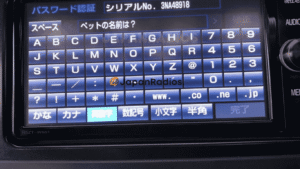
Toyota Yaris radio unlock code service—unlock after battery change or power loss.
🔒 Why do you need a Toyota Yaris Radio Unlock Code?
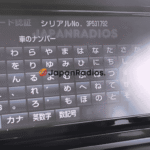
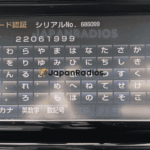
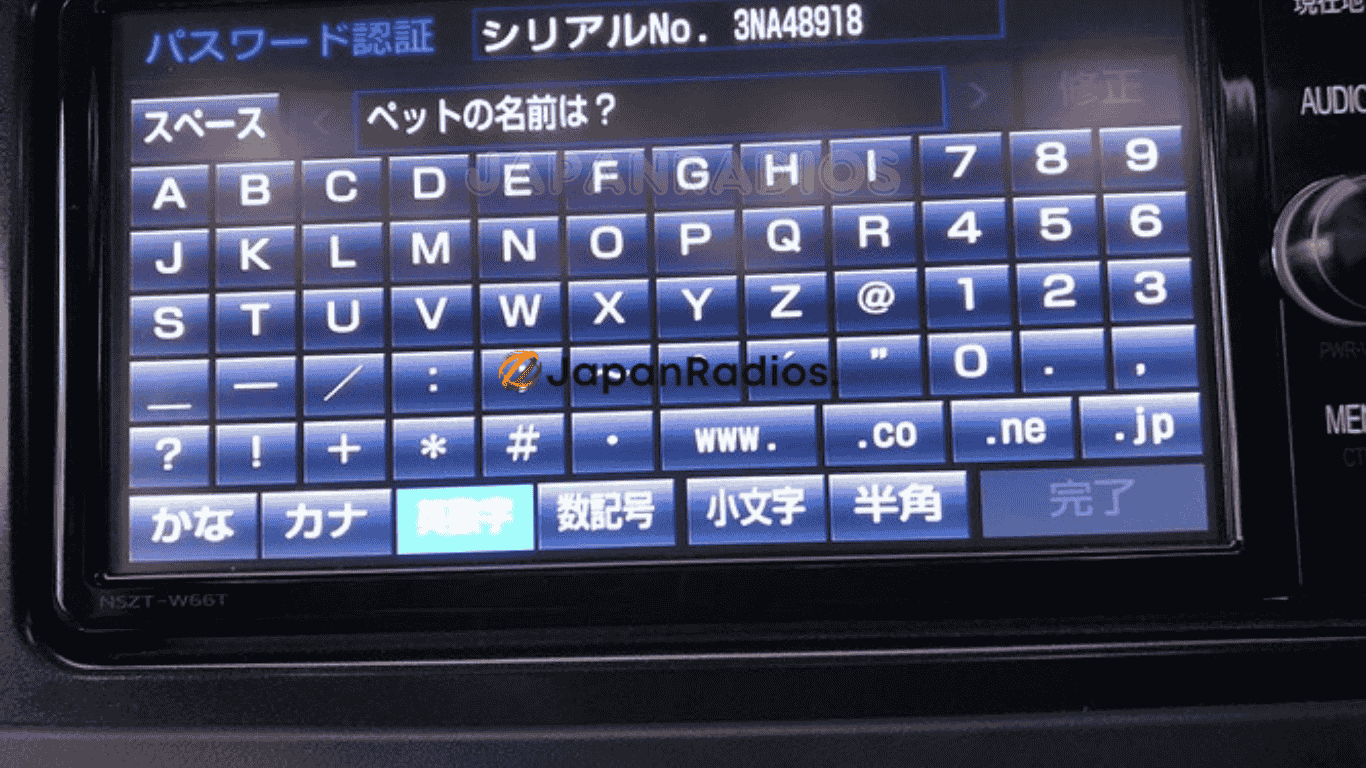
If your screen is stuck on a Japanese text menu asking for a password, your unit is security locked. The only way to bypass this is with the correct 16-digit passkey.
✅ Restores access to:
-
FM/AM radio and audio menus.
-
Bluetooth pairing and hands-free calling functions.
-
Media playback controls (CD/SD/USB).
-
System settings and Reverse Camera.
✅ What you’ll get:
-
One-time Toyota Yaris Radio Unlock Code matched 100% to your unit.
-
Permanent Unlock: The radio will not re-lock if the battery dies again (for the same security ID).
-
Delivery via WhatsApp or Email.
-
24/7 support for code reading and entry steps.
-
Global service for all Japanese-import Toyota Yaris / Vitz models.
🧠 What triggers the lock?
-
Battery issues: Disconnection, flat battery, or replacement is the #1 reason owners need a Toyota Yaris Radio Unlock Code.
-
Maintenance: ECU resets or electrical work.
-
System Changes: Factory resets or head unit swaps.
📲 How to get your Toyota Radio Unlock Code
-
Turn on your vehicle and let the unit boot to the lock screen.
-
Find the ERC: Perform the button interaction (usually holding a button while toggling lights) to reveal the 16-digit ERC ID.
-
Capture It: Take a clear photo of the code (e.g.,
68DD23CE134BAD23). -
Send it: Send the photo to us via WhatsApp or email.
-
Unlock: Receive your personalized Toyota Yaris Radio Unlock Code, enter it once, and regain full access.
How do I find the ERC for my Yaris Radio Unlock Code?
To generate your Toyota Radio Unlock Code, we need the ERC ID found inside the diagnostic menu (not the serial number on the sticker).
-
Button Sequence: Usually involves holding the “Menu” (or “Audio”) button and toggling the Parking lights on/off 3 times.
-
Take a Photo: When you see the 16-character code, take a clear photo. Keep the ignition on so the code doesn’t change.
🚘 Supported Models for Yaris Radio Unlock Code
We can generate a Toyota Radio Unlock Code for almost all Genuine Navigation systems found in the Yaris/Vitz series:
Latest Supported Models: NSZT-W68T, NSZT-Y68T, NSZN-Z68T, NSCN-W68, NSLN-W68, NSZT-Y68
NS Series: NSCD-W66, NSCN-W68, NSCP-W62, NSCP-W64, NSZN-Z68T, NSZA-X64T, NSZT-W61G, NSZT-W62G, NSZT-W64, NSZT-Y66T, NSZT-W66T, NSZT-Y68T
NH Series: NH3N-W58, NHDT-W59G, NHDT-W60G, NHZN-W59G, NHZN-W60G, NHZN-W61G, NHZT-W58G
ND / NM / DS Series: ND3T-W56, NDDN-W58, DSZT-YC4T
(Compatible with Toyota Yaris, GR Yaris, and Toyota Vitz imports)
🤖
Yaris Radio Unlock Code Toyota Yaris ERC unlock code Yaris NSZT-W66T unlock code Toyota Yaris locked after battery change Unlock Toyota Japanese head unit Yaris Toyota Yaris radio Bluetooth not working
🛒 Order Your Toyota Yaris Radio Unlock Code Now
Don’t drive in silence. Don’t let a locked radio hold you back. Submit your serial now and receive your Toyota Yaris Radio Unlock Code in minutes.
Restore full functionality with the #1 trusted Toyota Yaris Radio Unlock Code service.
Reviews
There are no reviews yet.