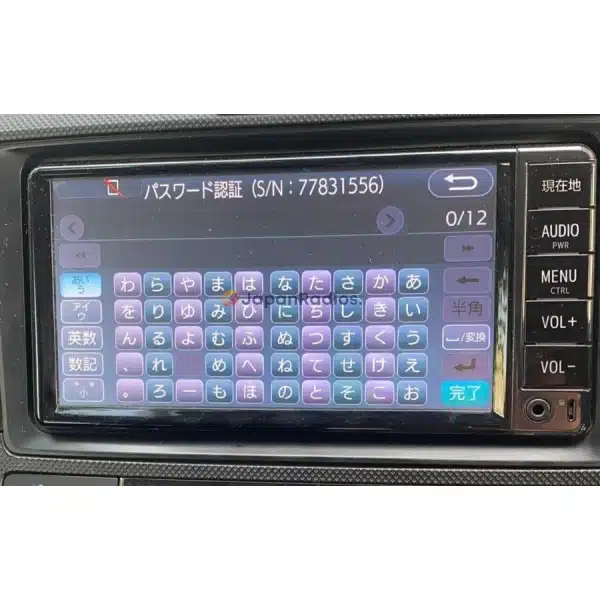
What is the Kenwood MDV-D205BT Unlock Code?
The Kenwood MDV-D205BT Unlock Code is the official anti-theft security PIN required to unlock Gathers/Kenwood infotainment units after a power reset. Our online service calculates your unique, factory-level unlock code from your unit's on-screen serial number in under 5 minutes.
Kenwood MDV-D205BT Unlock Code Feature Grid
| Infotainment Feature | Locked Status | Unlocked Status |
|---|
| Audio & Speaker Output | ❌ Muted (Locked) | ✅ Active (Stereo) |
| Bluetooth & Reversing Camera | ❌ Blocked Screen | ✅ Restored Settings |
Kenwood MDV-D205BT Unlock Code is a permanent, one-time solution to restore full access to your locked Japanese-import Kenwood head unit after a battery reset, or power interruption.
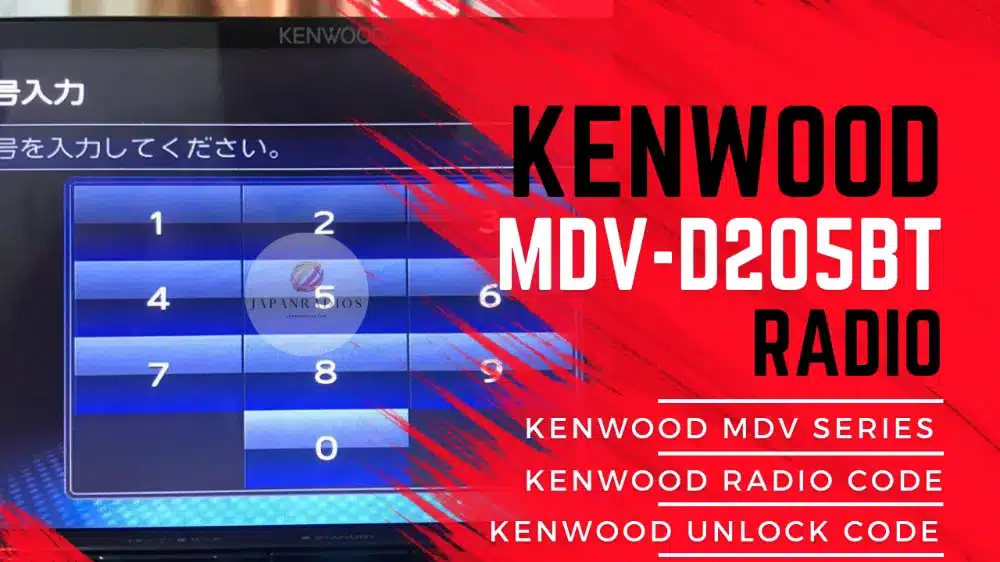
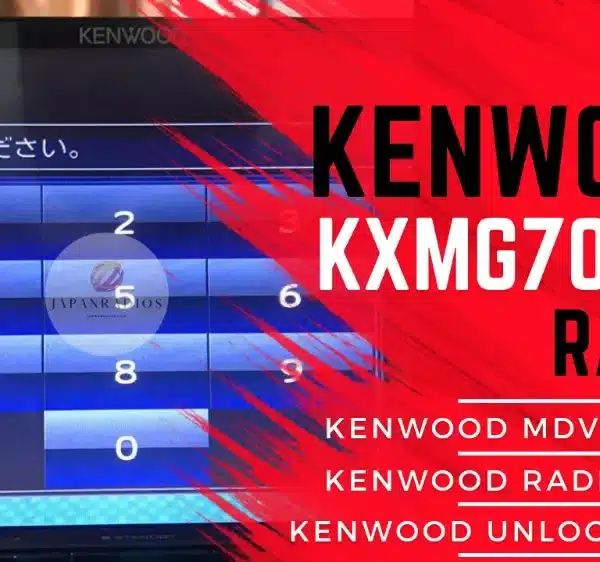
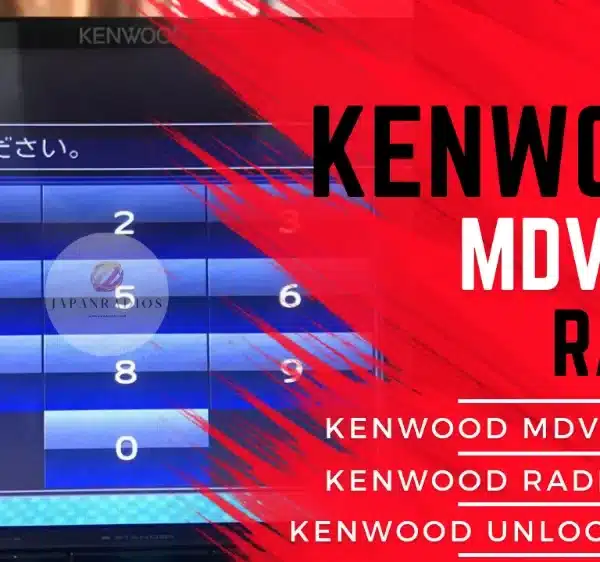
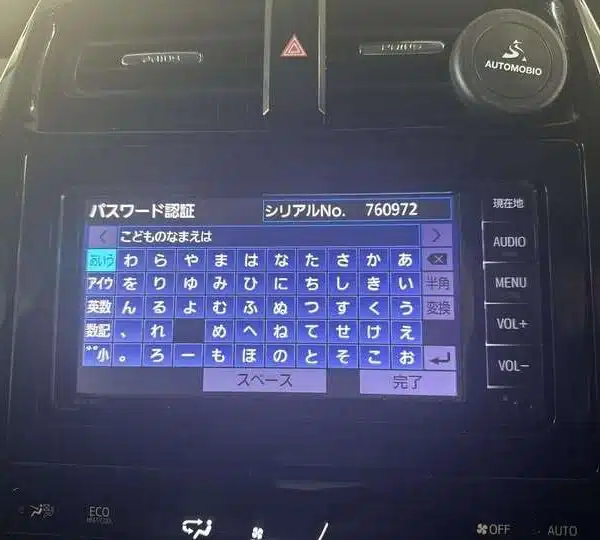
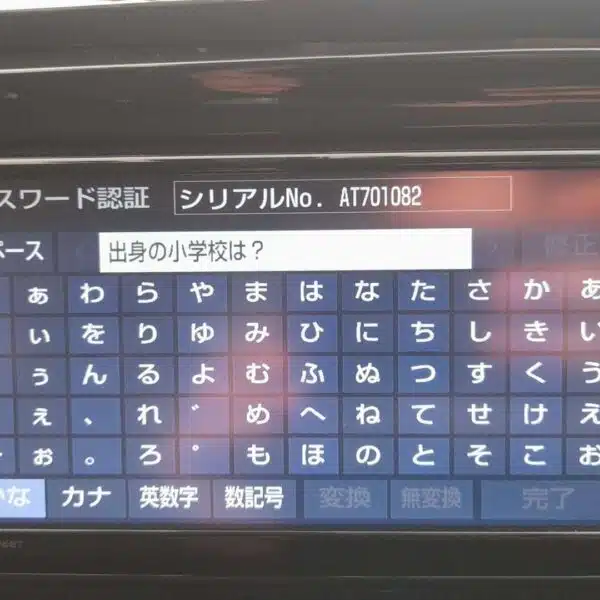
This model, like many Japanese Kenwood radios, often arrives with a security password still set by the original owner. When the battery is disconnected or the system is reset, the MDV-D205BT locks automatically and displays a password screen. Without the correct unlock code, features like Bluetooth, radio, DVD/CD, and system settings remain inaccessible.
We generate a custom Kenwood MDV-D205BT Unlock Code specifically matched to your unit. Enter it once via the touchscreen — no tools, software, or dealership visit required. Once unlocked, your system stays permanently accessible.
✅ What This Unlocks: Kenwood MDV-D205BT Unlock Code
🤖Kenwood MDV-D205BT Unlock Code
How to unlock Kenwood MDV-D205BT
Kenwood MDV-D205BT radio locked after battery change
Unlock code for MDV-D205BT Japanese head unit
Fix password screen on Kenwood MDV-D205BT
MDV-D205BT permanent unlock code
Japanese Kenwood radio locked solution
✅ Other Supported Kenwood Models
Kenwood MDV-D205BT Unlock Code
We also support dozens of other Kenwood units including:
MDV-S811HDF, MDV-S811HDL, MDV-S711HDW, MDV-S711HD, MDV-D711W, MDV-D711, MDV-D311W, MDV-D311, MDR-D211W, MDR-D211, MDV-M910HDF, MDV-M910HDL
MDV-S810F, MDV-S810L, MDV-S710W, MDV-S710, MDV-L310W, MDV-L310, MDV-D710W, MDV-D710, MDV-D410W, MDV-D410, MDV-D310W, MDV-D310
MDV-D210W, MDV-D210, KXMG710W, KXMG710, KXMG310W, MDV-M909HDF, MDV-M909HDL, MDV-M809HDW, MDV-M809HD, MDV-S809F, MDV-S809L, MDV-S709W
MDV-S709, MDV-L309W, MDV-L309, MDV-D709BTW, MDV-D709BT, MDV-D409BTW, MDV-D409BT, MDV-D309BTW, MDV-D309BT, MDV-D209BTW, MDV-D209BT, MDV-D209
KXMG709BTW, KXMG709BT, KXMG3009BTW, MDV-M908HDF, MDV-M908HDL, MDV-M808HDW, MDV-M808HD, MDV-S708L, MDV-S708W, MDV-S708, MDV-L308L, MDV-L308W
MDV-L308, MDV-D708BTW, MDV-D708BT, MDV-D408BTW, MDV-D408BT, MDV-D308BTL, MDV-D308BTW, MDV-D308BT, MDV-D208BTW, MDV-D208BT, MDV-D208, KXMG708BTW
KXMG708BT, KXMG308BTW,
MDV-M907HDF, MDV-M907HDL, MDV-M807HDW, MDV-M807HD, MDV-S707L, MDV-S707W, MDV-S707, MDV-L407W, MDV-L407, MDV-D707BTW, MDV-D707BT, MDV-D407BTW
MDV-D407BT, MDV-D307BTW, MDV-D307BT, MDV-D307BTL, MDV-D307W, MDV-D307, MDV-D207BT, MDV-D207, MDV-M906HDL, MDV-M906HDW, MDV-M906HD, MDV-S706L
MDV-S706W, MDV-S706, MDV-L406W, MDV-L406, MDV-D706BTW, MDV-D706BT, MDV-D406BTW, MDV-D406BT, MDV-D306BT, MDV-D306W, MDV-D306, MDV-D206BT
MDV-D206, TZ-NAV11K, KXMG706BTW, KXMG706BT, KXMG406BTW, MDV-Z905W, MDV-Z905, MDV-L505W, MDV-L505, MDV-L405W, MDV-L405, MDV-D505BTW
MDV-D505BT, MDV-D405BTW, MDV-D405BT, MDV-D305BT, MDV-D305W, MDV-D305, MDV-D205BT, MDV-D205, KXMG505BTW, KXMG505BT, KXMG305BTW
MDV-M805L, MDV-M705W, MDV-M705, MDV-L504W, MDV-L504, MDV-L404W, MDV-L404, MDV-D504BTW, MDV-D504BT, MDV-D404BTW, MDV-D404BT, MDV-D304WT
MDV-D304W, MDV-D304, MDV-D204BT, MDV-D204, MDV-Z904W, MDV-Z904, MDV-Z704W, MDV-Z704, MDV-L503W, MDV-Z503, MDV-L403W, MDV-L403
MDV-D503W, MDV-D503, MDV-D403W, MDV-D403, MDV-D303ML, MDV-D303, MDV-D203BT, MDV-D203, MDV-Z702W, MDV-Z702, MDV-X702W, MDV-X702
MDV-X802L, MDV-L502W, MDV-L502, MDV-L402, MDV-D502BTW, MDV-D502BT, MDV-D402BT, MDV-D302ML, MDV-D302, MDV-D202ML, MDV-D202, DKX-A801
MDV-Z701W, MDV-Z701, MDV-X701W, MDV-X701, MDV-L401, MDV-L301, MDV-L201, DKX-A800, MDV-Z700W, MDV-Z700, MDV-R700, MDV-X500
MDV-L500, MDV-L300, MDV-L100, MDV-737HUD, MDV-737DT, MDV-535DT, MDV-434DT, MDV-333, MDV-131
📩 Message us now with your model to confirm compatibility.
Why is my Kenwood MDV-D205BT locked?
The unit locks when the battery is disconnected or reset if the original password from the Japanese owner hasn’t been removed.
Is the unlock code permanent?
Yes — the code is entered once and your unit will remain unlocked permanently.
Do I need special tools or software?
No. You only need to enter the code via the unit’s screen or front buttons. No cables or programs required.
Does this unlock code work globally?
Yes. It supports all regions using Japanese-import Kenwood MDV-D205BT head units.
Video Unlocking Demonstration Guide