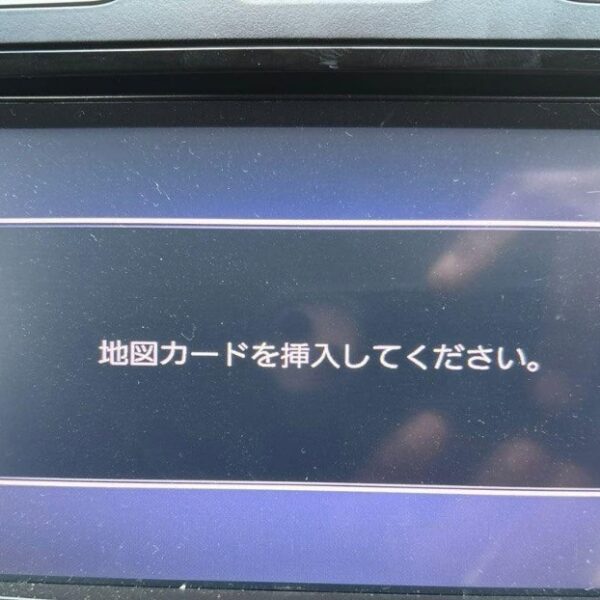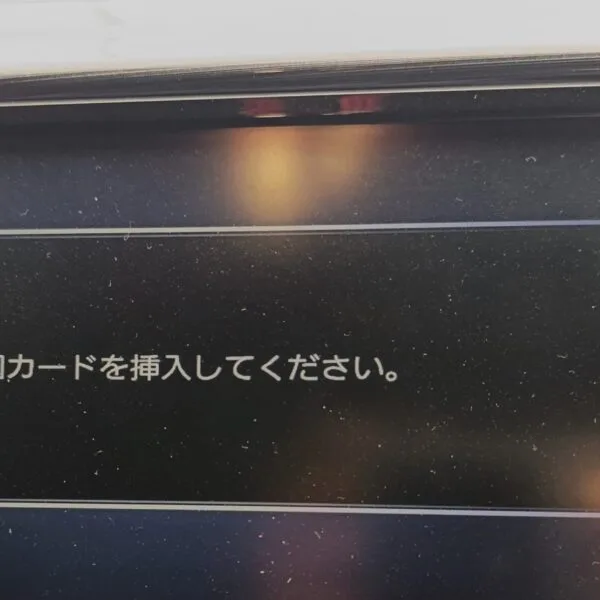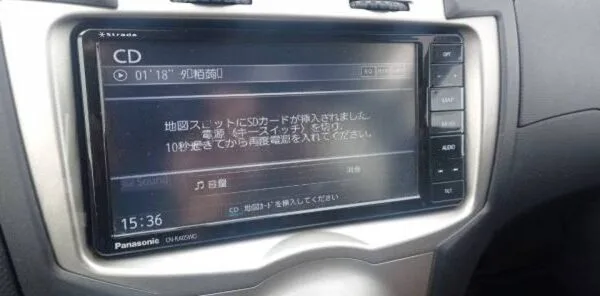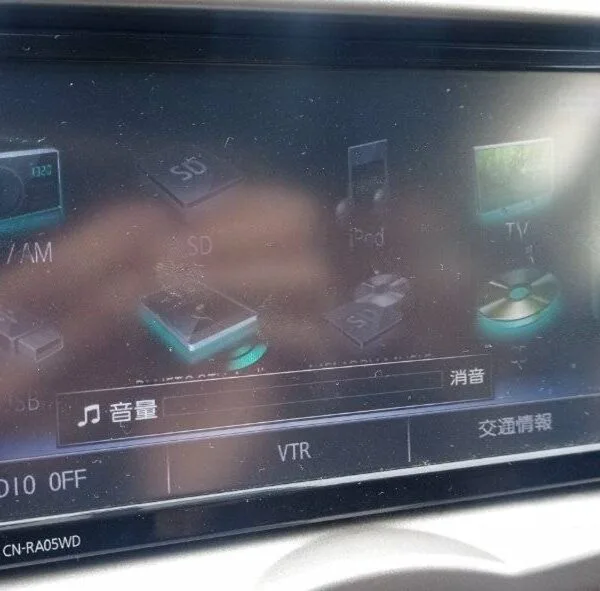
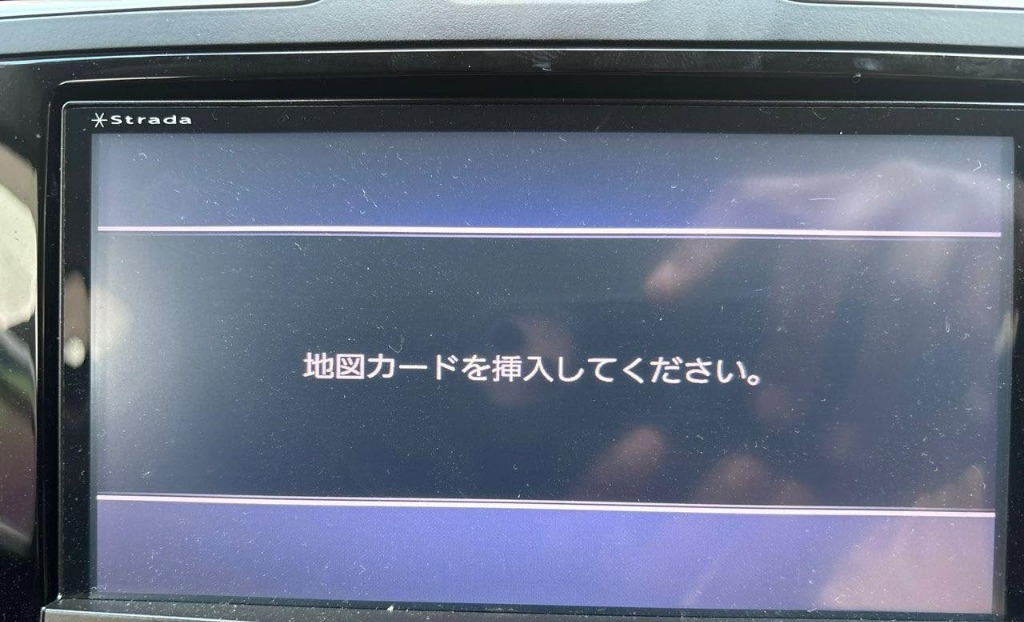
Panasonic Strada JDM Navigation Insert Map Card error display
🚨 Panasonic CN-RX04D or CN-RX04WD Radio Locked? Get This Trusted SD Card Fix Today!
If your JDM radio shows messages like:
❗ Insert Map SD Card
❗ Check Map SD / Please Consult Dealer
❗ Correct Memory Card Required
…then your Panasonic CN-RX04D or CN-RX04WD unit is locked due to missing or corrupted SD card firmware—a common issue for Japanese-imported vehicles.
🔧 Why Does This Happen?
The SD card contains vital system firmware beyond just navigation maps. Without it:
The radio won’t start
Bluetooth, FM/AM, DVD, and camera functions are disabled
The screen freezes or displays errors
The system becomes unresponsive
Common causes include:
Lost or damaged original SD card
Battery disconnection or replacement
Radio reset, update, or reinstall
✅ What You’ll Get from JapanRadios
📦 Authentic Panasonic Map SD Card for CN-RX04D / CN-RX04WD
🌍 Worldwide express shipping
🧠 Expert support specialized in JDM radios
🔄 Plug-and-play installation — no tools or coding needed
🛠️ Simple Installation Steps
Insert the provided SD card into the CN-RX04D / CN-RX04WD radio’s SD card slot.
The system auto-detects and reboots.
Your radio is restored and fully functional in minutes.
⭐ Key Benefits
✅ 100% compatible with Panasonic CN-RX04D & CN-RX04WD radios
✅ Fixes “Insert Map SD Card” and firmware lock errors
✅ Restores all radio features: Bluetooth, DVD, FM/AM, backup camera
✅ Safe, reversible fix with no dealer visit needed
✅ Saves you time, money, and hassle
🚗 Compatible Models
Designed for JDM vehicles equipped with Panasonic CN-RX04D / CN-RX04WD radios. Verify your model before ordering.
❓ Frequently Asked Questions (FAQ)
Q: Will this fix frozen or black screen problems?
✅ Yes, the card contains firmware essential for the radio to boot properly.
Q: Is special technical knowledge required?
✅ No, just insert the SD card and the radio restores itself automatically.
Q: Does this include local or international maps?
⚠️ No, it contains only original Japanese firmware and navigation data for restoration purposes.
🔒 Why Choose JapanRadios?
With thousands of JDM radios successfully restored, JapanRadios offers reliable, OEM-quality fixes with fast shipping and expert support — no dealership markup.
JDM Radio Troubleshooting & Support
Experiencing battery disconnect lockout, anti-theft code prompt, or JDM insert map SD card error on your Japanese imported vehicle navigation unit? JapanRadios offers official unlock solutions and boot recovery files for Toyota, Honda Gathers, Kenwood, Nissan, Daihatsu, and Alpine stereos. Get permanent solutions with 24/7 technical chat support and direct secure processing.