

Premium SD card for Honda Gathers VXM-165VFi—enables GPS navigation, radio, and Bluetooth in Japanese import vehicles.
Honda Gathers VXM-165VFi SD Card is the ONLY solution to fix critical errors like “SDカードがありません” or “No SD card inserted” in Japanese import Hondas. Without this essential OS component, your Bluetooth, radio, navigation, and system settings are completely disabled.
💬 Need Quick Compatibility Verification for Honda Gathers VXM-165VFi SD Card Ultimate Error Solution?
Send a photo of your locked radio screen or Japanese error message to our 24/7 WhatsApp support. We will confirm the exact solution and processing time instantly before you order.
Get Instant Price for Unlock Code & SD Card →What Japanese errors does the Honda Gathers VXM-165VFi SD Card Ultimate Error Solution resolve?
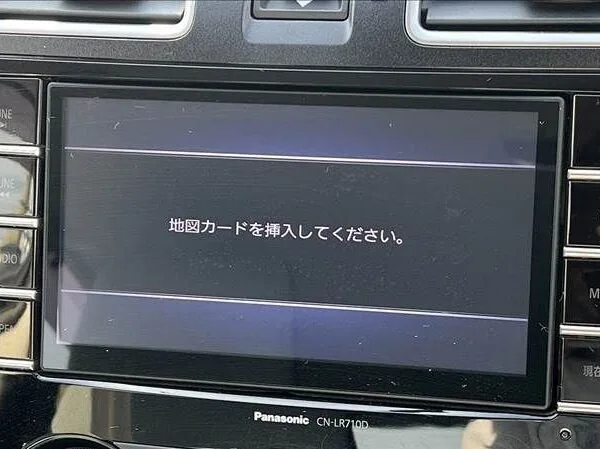
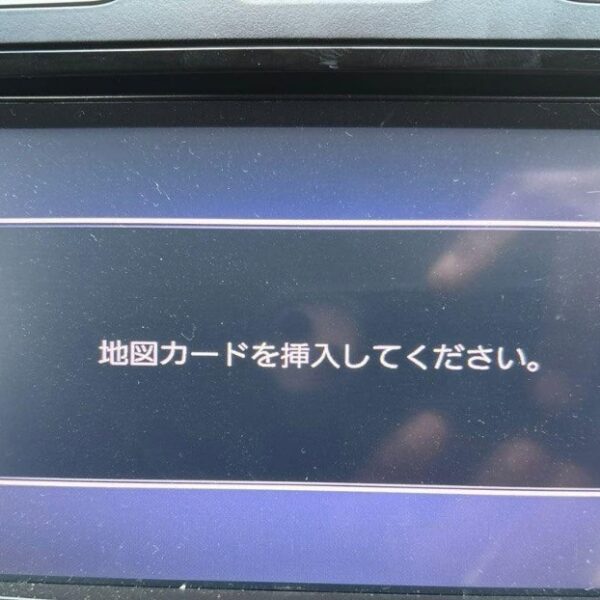
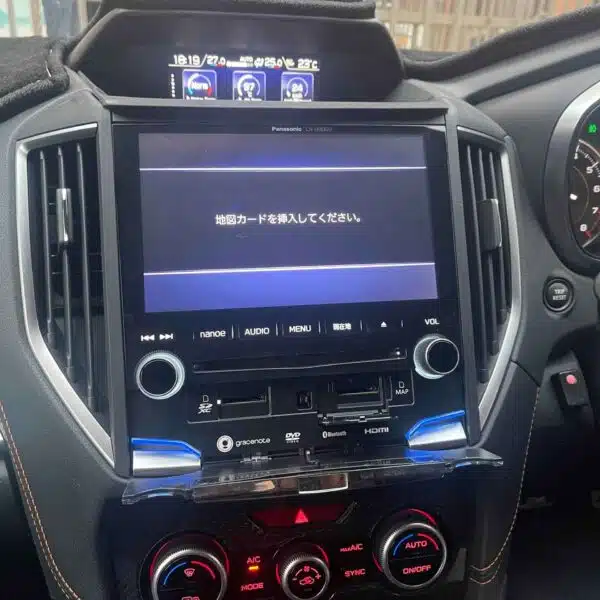
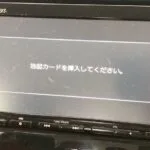
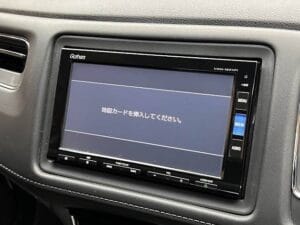
The Honda Gathers VXM-165VFi SD Card Ultimate Error Solution clears on-screen Japanese error messages such as 「地図ディスクを確認しています しばらくお待ち下さい」, 「ディスプレイを開き地図SDカードに入れてください」, 「プログラムを読み込むことができません」, 地図カードがありません。, and ファイルが見つかりません。SDカードをご確認ください。. It restores default OEM infotainment functions for JDM import vehicles in the UK, Australia, NZ, Ireland, Mauritius, Jamaica, Singapore, and 54 target countries.
Honda Gathers VXM-165VFi SD Card Ultimate Error Solution OEM Feature Restoration Matrix
| OEM Infotainment Parameter | Locked Error State | Restored via JapanRadios |
|---|---|---|
| Japanese Error Display | ❌ "地図SDカードを挿入してください" | ✅ Cleared / Full System Access |
| Bluetooth Calling & Audio | ❌ Settings Inaccessible | ✅ Restored (if available) |
| Reversing & 360° Camera Feed | ❌ Screen Frozen / Black | ✅ Active Guides (where equipped) |
| AM/FM Radio, CD/DVD & USB | ❌ Blocked Audio Output | ✅ Fully Active (if available) |
Honda Gathers VXM-165VFi SD Card | Essential System Restore for Japanese Import Hondas
Restore Full Functionality to Your Honda Gathers VXM-165VFi System – Genuine JDM Solution
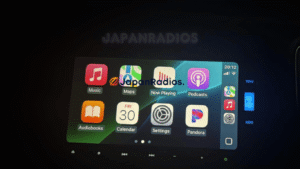
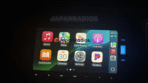
✅ Apple CarPlay Activated! Honda Gathers VXM-165VFi Post-SD Error Fix | Ultimate Solution Result
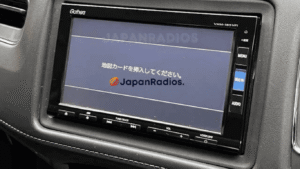
⚠️ Common SD Card Error on Honda Gathers VXM-165VFi Blocking Apple CarPlay | See How We Fixed It!
Why Your Honda Gathers VXM-165VFi Requires This SD Card
If your Japanese import Honda displays error messages like “SDカードがありません”, “No SD card inserted”, or “Please insert map SD card”, this genuine Honda Gathers VXM-165VFi SD Card is the ONLY solution to restore your system. Without this essential component:
- 🚫 Bluetooth becomes disabled
- 🚫 Radio and media players stop working
- 🚫 Navigation system fails
- 🚫 System settings become inaccessible
This isn’t just a navigation accessory – it’s the core operating system component that makes your Honda Gathers VXM-165VFi multimedia system functional.
Technical Specifications
Complete System Restore Capabilities
This Honda Gathers VXM-165VFi SD Card instantly restores:
✅ Bluetooth Connectivity – Hands-free calling and audio streaming
✅ Radio/Media Functions – AM/FM radio, CD/DVD playback, USB connectivity
✅ System Settings – Full access to customization options
✅ Error Resolution – Eliminates all SD card error messages
Vehicle Compatibility Guide
✅ Perfect Match For:
- Honda Gathers VXM-165VFi head units (ALL model years)
- Japanese Domestic Market (JDM) Honda vehicles (2008-2013)
- Honda Fit/Jazz, Freed, Airwave, Stepwgn, Odyssey ,Nbox,Vezel ,Crv (JDM versions)
How to Verify Compatibility:
- Check your head unit for “Gathers VXM-165VFi” label
- Locate the SD card slot (typically behind motorized screen)
- Confirm error messages match those listed above
Installation Guide: 60-Second System Restore
Simple Step-by-Step Process:
- Turn ignition to ACC or ON position
- Press “OPEN” button to reveal SD card slot
- Insert SD card label-side UP until it clicks
- Wait for system recognition (15-30 seconds)
- Turn ignition OFF then ON to complete initialization
- Verify all functions are working
Troubleshooting Tip: If system shows “Reading SD card…” for over 2 minutes, remove card, restart vehicle, and reinsert.
Frequently Asked Questions
Q: What does “SDカードがありません” mean?
A: This Japanese error means “No SD card” – your system requires the genuine Honda Gathers VXM-165VFi SD card to function.Q: Will this fix “Please insert map SD card program” error?
A: YES – This is the exact OEM solution for that specific error message.Q: Can I use this for Honda Gathers VXM-165VS?
A: NO – This card ONLY works for VXM-165VFi models. Verify your model number first.Q: Does this include map updates?
A: No, this SD card contains the original Japan maps. Map updates are not available for this system outside of Japan.Q: Where is the SD card slot located?
A: It’s typically behind the motorized touchscreen. Press the “OPEN” button to access.Q: Will this restore Bluetooth connectivity?
A: ABSOLUTELY – The SD card contains essential Bluetooth authentication files.Why Choose Our Genuine Honda Gathers VXM-165VFi SD Card
✅ Complete System Restore – Unlocks all features without errors
✅ Japan Maps Included – Original JDM navigation data
✅ Free Technical Support – Expert assistance when needed
✅ Express Shipping – Get your system working quicklyOrder Your Honda Gathers VXM-165VFi SD Card Today
Stop error messages and restore full functionality to your JDM Honda!
Need another model? Browse our complete Map SD Card Unlocking & Diagnostic Hub or contact our 24/7 WhatsApp support to Get Instant Price for Unlock Code & SD Card →