Kenwood MDV-D203 Unlock Code – Permanent Fix for Japanese Car Radio, DVD, Deck & Navigation Head Unit
Get Instant Price for Unlock Code & SD Card
Send us your radio model or a photo on WhatsApp. We reply with pricing and next steps in under 10 minutes.
Chat on WhatsAppGet Instant Price & Unlock Code⚡ Quick Product Specifications
What is this product and how does it help?
This product provides a permanent Kenwood MDV-D203 Unlock Code – Permanent Fix for Japanese Car Radio, DVD, Deck & Navigation Head Unit digital radio unlock code designed for Japanese import vehicles. It resolves the locked system error screen that appears after a battery reset or disconnection. The unlock code is generated using your radio's serial number and is delivered instantly via email. Once entered, it restores full access to the radio, CD player, Bluetooth pairing, and climate controls.
📦 What You Receive in Your Order
- 1x Custom Radio Unlock Code: Generated specific to your unit serial.
- 1x Step-by-Step Entry PDF Guide: Simple visual guide showing exactly how to enter the code.
- 100% Unlock Guarantee: Full refund if the code does not unlock your unit.
- Lifetime Customer Support: Access to our technical team via email and WhatsApp.
💬 Need Quick Compatibility Verification for Kenwood MDV-D203 Unlock Code?
Send a photo of your locked radio screen or Japanese error message to our 24/7 WhatsApp support. We will confirm the exact solution and processing time instantly before you order.
Get Instant Price for Unlock Code & SD Card →How does the Kenwood MDV-D203 Unlock Code unlock service work?
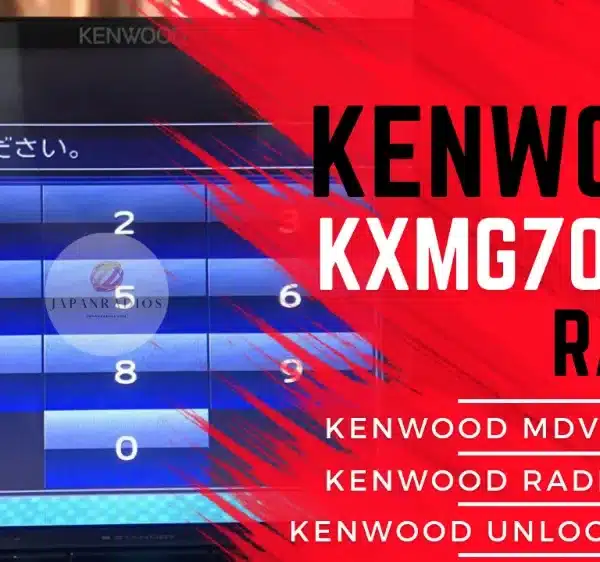
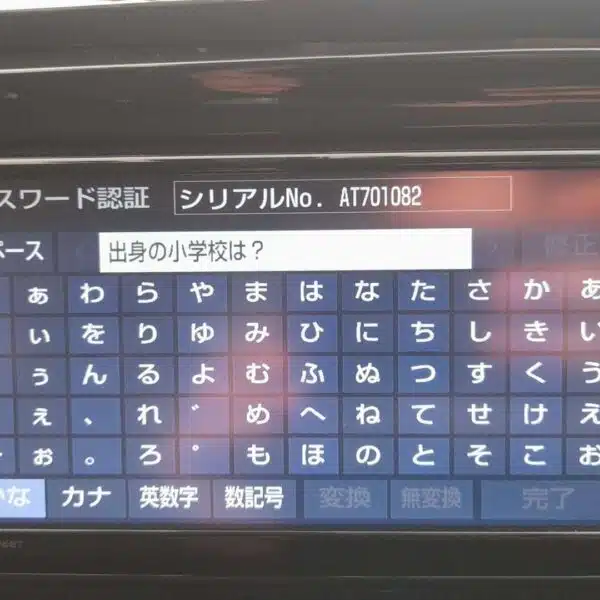
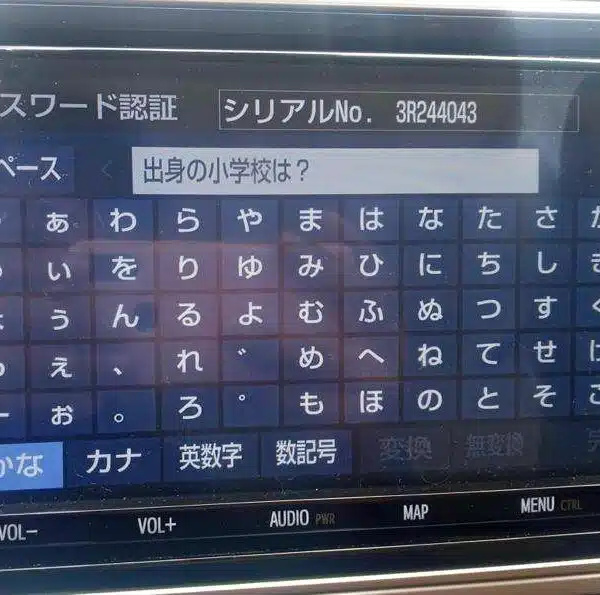
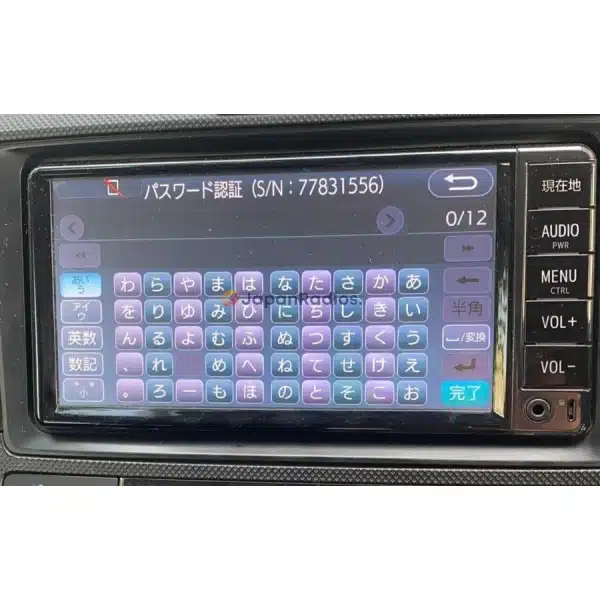
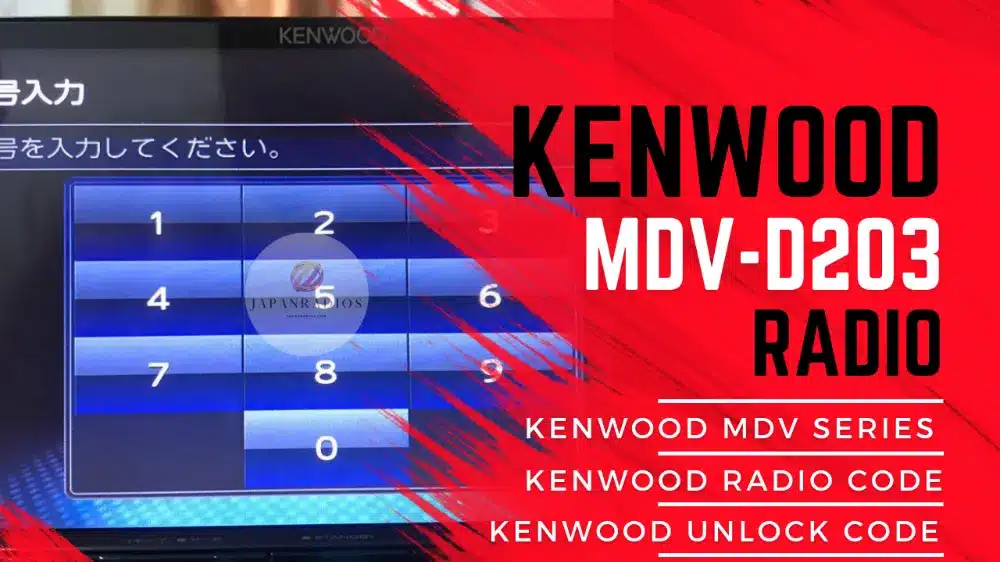
The Kenwood MDV-D203 Unlock Code calculates your factory security code from your radio screen serial number or 16-character ERC code (resolving 暗証番号を入力してください and ダイアグ検査メニュー lock screens). Standard codes are delivered in 0–10 minutes via WhatsApp with a 100% Working Guarantee.
Kenwood MDV-D203 Unlock Code Recovery Status Grid
| Infotainment System Function | Locked Security State | Unlocked via JapanRadios |
|---|---|---|
| Touchscreen & System Setup | ❌ Locked PIN Prompt | ✅ Unlocked / Full Setup Menu |
| Bluetooth Phone & Audio | ❌ Blocked Connection | ✅ Restored (if available) |
| Reverse Camera & Steering Controls | ❌ Disabled Feed | ✅ Active (where equipped) |
Kenwood MDV-D203 Unlock Code — recovered remotely from your unit’s serial and security data, delivered in 0–10 minutes with a 100% money-back guarantee.
your Kenwood head unit is the guaranteed, permanent fix to restore access to your locked Japanese Car Radio, DVD, Deck & Navigation Head Unit after battery replacement, ECU reset, or power loss.
Like many Japanese-import Kenwood radios, the MDV-D203 model locks automatically when the battery is disconnected — especially if the previous Japanese owner set a password that wasn’t removed before export. The result is a password screen that blocks access to all functions.
We provide a one-time, permanent your Kenwood head unit tailored to your specific device. It’s easy to enter, requires no tools or software, and permanently restores access to Bluetooth, FM/AM, DVD/CD, and system menus.
What This Unlocks:your Kenwood head unit
FM/AM radio
DVD/CD playback
Bluetooth connectivity
Sound settings and system configuration
your Kenwood head unit
How to unlock Kenwood MDV-D203
MDV-D203 password screen after battery change
Kenwood MDV-D203 locked radio fix
Unlock MDV-D203 without dealer or software
Japanese Kenwood head unit unlock code
Permanent fix for MDV-D203 radio lock
Other Supported Kenwood Models
We also support dozens of other Kenwood units including
MDV-S811HDF, MDV-S811HDL, MDV-S711HDW, MDV-S711HD, MDV-D711W, MDV-D711, MDV-D311W, MDV-D311, MDR-D211W, MDR-D211, MDV-M910HDF, MDV-M910HDL
MDV-S810F, MDV-S810L, MDV-S710W, MDV-S710, MDV-L310W, MDV-L310, MDV-D710W, MDV-D710, MDV-D410W, MDV-D410, MDV-D310W, MDV-D310
MDV-D210W, MDV-D210, KXMG710W, KXMG710, KXMG310W, MDV-M909HDF, MDV-M909HDL, MDV-M809HDW, MDV-M809HD, MDV-S809F, MDV-S809L, MDV-S709W
MDV-S709, MDV-L309W, MDV-L309, MDV-D709BTW, MDV-D709BT, MDV-D409BTW, MDV-D409BT,
MDV-D309BTW, MDV-D309BT, MDV-D209BTW, MDV-D209BT, MDV-D209, KXMG709BTW, KXMG709BT, KXMG3009BTW, MDV-M908HDF, MDV-M908HDL, MDV-M808HDW, MDV-M808HD
MDV-S708L, MDV-S708W, MDV-S708, MDV-L308L, MDV-L308W, MDV-L308, MDV-D708BTW, MDV-D708BT, MDV-D408BTW, MDV-D408BT, MDV-D308BTL, MDV-D308BTW
MDV-D308BT, MDV-D208BTW, MDV-D208BT, MDV-D208, KXMG708BTW, KXMG708BT, KXMG308BTW, MDV-M907HDF, MDV-M907HDL, MDV-M807HDW, MDV-M807HD, MDV-S707L
MDV-S707W, MDV-S707, MDV-L407W, MDV-L407, MDV-D707BTW, MDV-D707BT, MDV-D407BTW, MDV-D407BT, MDV-D307BTW, MDV-D307BT, MDV-D307BTL, MDV-D307W
MDV-D307, MDV-D207BT, MDV-D207, MDV-M906HDL, MDV-M906HDW, MDV-M906HD, MDV-S706L, MDV-S706W, MDV-S706, MDV-L406W, MDV-L406, MDV-D706BTW
MDV-D706BT, MDV-D406BTW, MDV-D406BT, MDV-D306BT, MDV-D306W, MDV-D306, MDV-D206BT, MDV-D206, TZ-NAV11K, KXMG706BTW, KXMG706BT, KXMG406BTW
MDV-Z905W, MDV-Z905, MDV-L505W, MDV-L505, MDV-L405W, MDV-L405, MDV-D505BTW, MDV-D505BT, MDV-D405BTW, MDV-D405BT, MDV-D305BT, MDV-D305W
MDV-D305, MDV-D205BT, MDV-D205, KXMG505BTW, KXMG505BT, KXMG305BTW
MDV-M805L, MDV-M705W, MDV-M705, MDV-L504W, MDV-L504, MDV-L404W, MDV-L404, MDV-D504BTW, MDV-D504BT, MDV-D404BTW, MDV-D404BT, MDV-D304WT
MDV-D304W, MDV-D304, MDV-D204BT, MDV-D204, MDV-Z904W, MDV-Z904, MDV-Z704W, MDV-Z704, MDV-L503W, MDV-Z503, MDV-L403W, MDV-L403
MDV-D503W, MDV-D503, MDV-D403W, MDV-D403, MDV-D303ML, MDV-D303, MDV-D203BT, MDV-D203, MDV-Z702W, MDV-Z702, MDV-X702W, MDV-X702
MDV-X802L, MDV-L502W, MDV-L502, MDV-L402, MDV-D502BTW, MDV-D502BT, MDV-D402BT, MDV-D302ML, MDV-D302, MDV-D202ML, MDV-D202, DKX-A801
MDV-Z701W, MDV-Z701, MDV-X701W, MDV-X701, MDV-L401, MDV-L301, MDV-L201, DKX-A800, MDV-Z700W, MDV-Z700, MDV-R700, MDV-X500
MDV-L500, MDV-L300, MDV-L100, MDV-737HUD, MDV-737DT, MDV-535DT, MDV-434DT, MDV-333, MDV-131
📩 Message us now with your model to confirm compatibility.
FAQ + Product & FAQ Schema
your car stereo
Why is my Kenwood MDV-D203 locked?
The unit locks automatically when power is lost if a password was never removed by the original Japanese owner.
Is the unlock code permanent?
Yes — the code is entered once and permanently restores access, even after future resets.
Do I need tools or software?
No. You can enter the code manually using the screen or front panel.
Will this work in my country?
Yes. Our service supports Japanese Kenwood MDV-D203 radios used worldwide.
Video Unlocking Demonstration Guide
📝 Browse all Kenwood radio code unlock services for every supported MDV, NMZK and KXM model.
your car stereo — How It Works
Send the serial and security numbers shown on your Kenwood unit’s screen — the factory code is calculated remotely and delivered in 0–10 minutes, backed by a money-back guarantee.
Every order includes step-by-step entry instructions, lifetime after-sales help from our own specialists, and a full refund policy if the solution does not work on your vehicle. Your device details are used only to restore the factory functions and are never shared with third parties.
Support is available around the clock, and most orders are completed the same day. If you ever need help with the entry process, our team walks you through it screen by screen until everything is restored.
Kenwood MDV-D203 Unlock Code \u2014 How It Works
The MDV-D203 Unlock Code is calculated remotely from the serial and security numbers shown on your unit\u2019s screen and delivered in 0\u201310 minutes, backed by a money-back guarantee.
Need another model? Browse our complete Japanese Radio Unlock Unlocking & Diagnostic Hub or contact our 24/7 WhatsApp support to Get Instant Price for Unlock Code & SD Card →
Per Alpine’s official owner documentation: an Alpine head unit’s security code protection engages whenever unit power is interrupted — such as a battery disconnection or replacement — and full operation resumes only after the original security code tied to the unit’s serial number is re-entered.— Source: Alpine Electronics owner’s manual documentation
⚙️ How the Unlock Process Works
Identify Unit
Take a photo of your radio lock screen showing the serial or code entry screen.
Place Order
Place your order online and input your serial number during checkout.
Generation
We generate the factory unlock code and send it to your email in minutes.
Instant Fix
Enter the code on your screen to permanently restore and unlock your system.
Please verify your radio model number matches exactly. Unlocks and firmware are generated specific to your unit's serial number. We do not provide physical returns for digital codes once generated, but we guarantee our solutions 100% when compatibility is verified before purchase.