
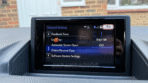
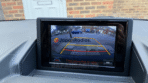
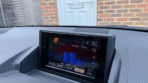
💬 Need Quick Compatibility Verification for Lexus CT200h B9063 Map SD Card?
Send a photo of your locked radio screen or Japanese error message to our 24/7 WhatsApp support. We will confirm the exact solution and processing time instantly before you order.
Get Instant Price for Unlock Code & SD Card →What Japanese errors does the Lexus CT200h B9063 Map SD Card resolve?
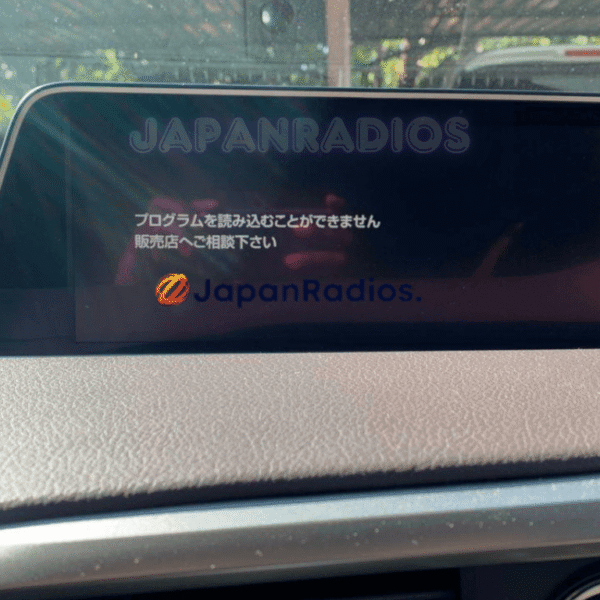
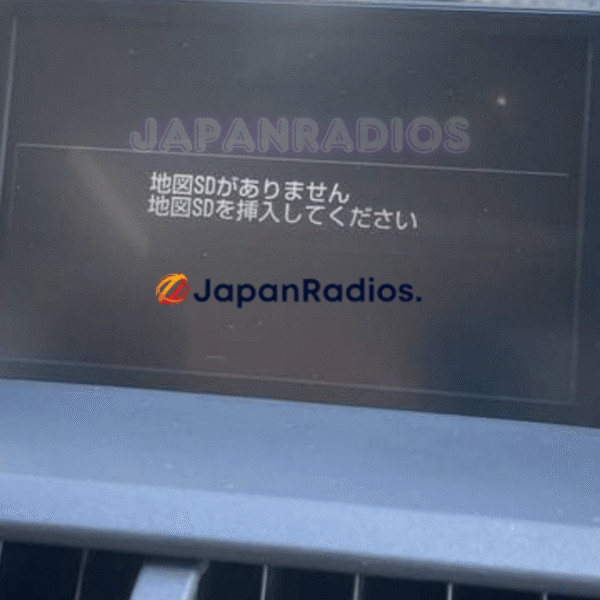
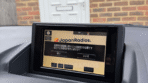
The Lexus CT200h B9063 Map SD Card clears on-screen Japanese error messages such as 「地図ディスクを確認しています しばらくお待ち下さい」, 「ディスプレイを開き地図SDカードに入れてください」, 「プログラムを読み込むことができません」, 地図カードがありません。, and ファイルが見つかりません。SDカードをご確認ください。. It restores default OEM infotainment functions for JDM import vehicles in the UK, Australia, NZ, Ireland, Mauritius, Jamaica, Singapore, and 54 target countries.
Lexus CT200h B9063 Map SD Card OEM Feature Restoration Matrix
| OEM Infotainment Parameter | Locked Error State | Restored via JapanRadios |
|---|---|---|
| Japanese Error Display | ❌ "地図SDカードを挿入してください" | ✅ Cleared / Full System Access |
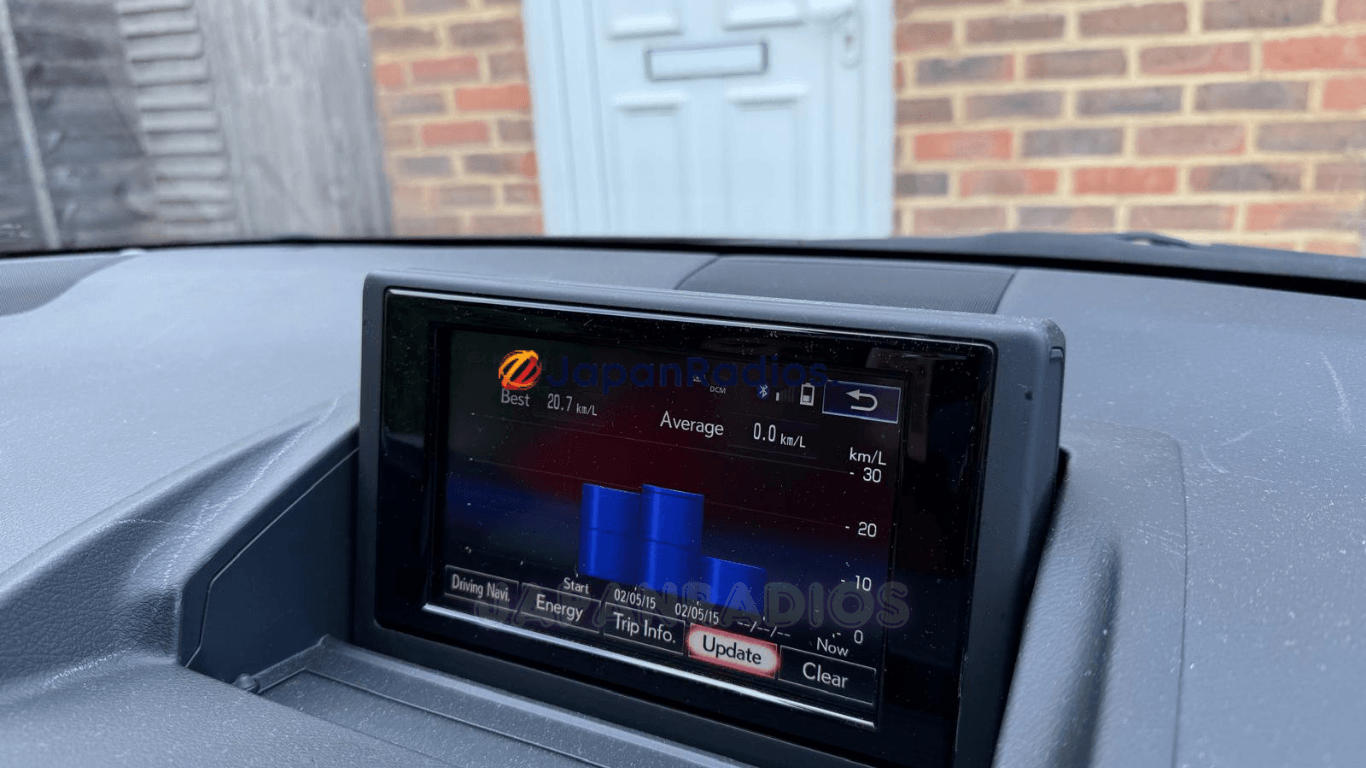
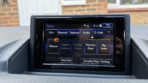
| Bluetooth Calling & Audio | ❌ Settings Inaccessible | ✅ Restored (if available) |
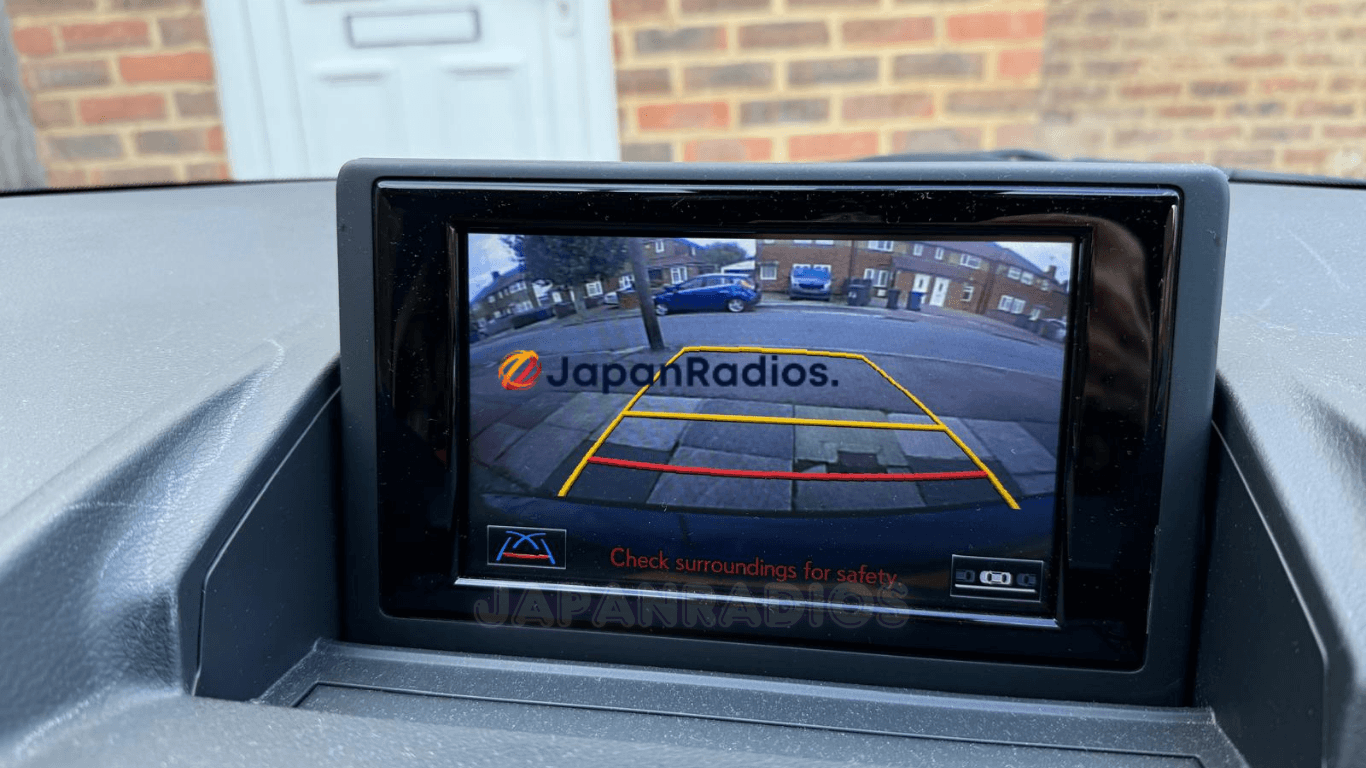
| Reversing & 360° Camera Feed | ❌ Screen Frozen / Black | ✅ Active Guides (where equipped) |
| AM/FM Radio, CD/DVD & USB | ❌ Blocked Audio Output | ✅ Fully Active (if available) |
Complete System Recovery: Lexus CT200h B9063 Map SD Card (MicroSD 86271-76020)
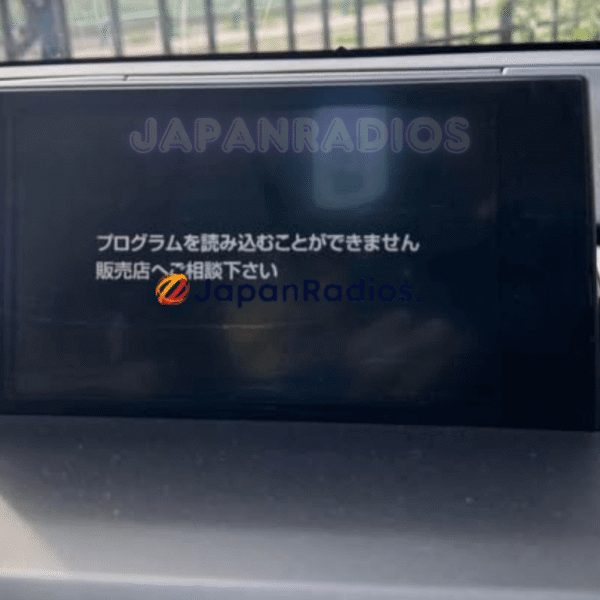
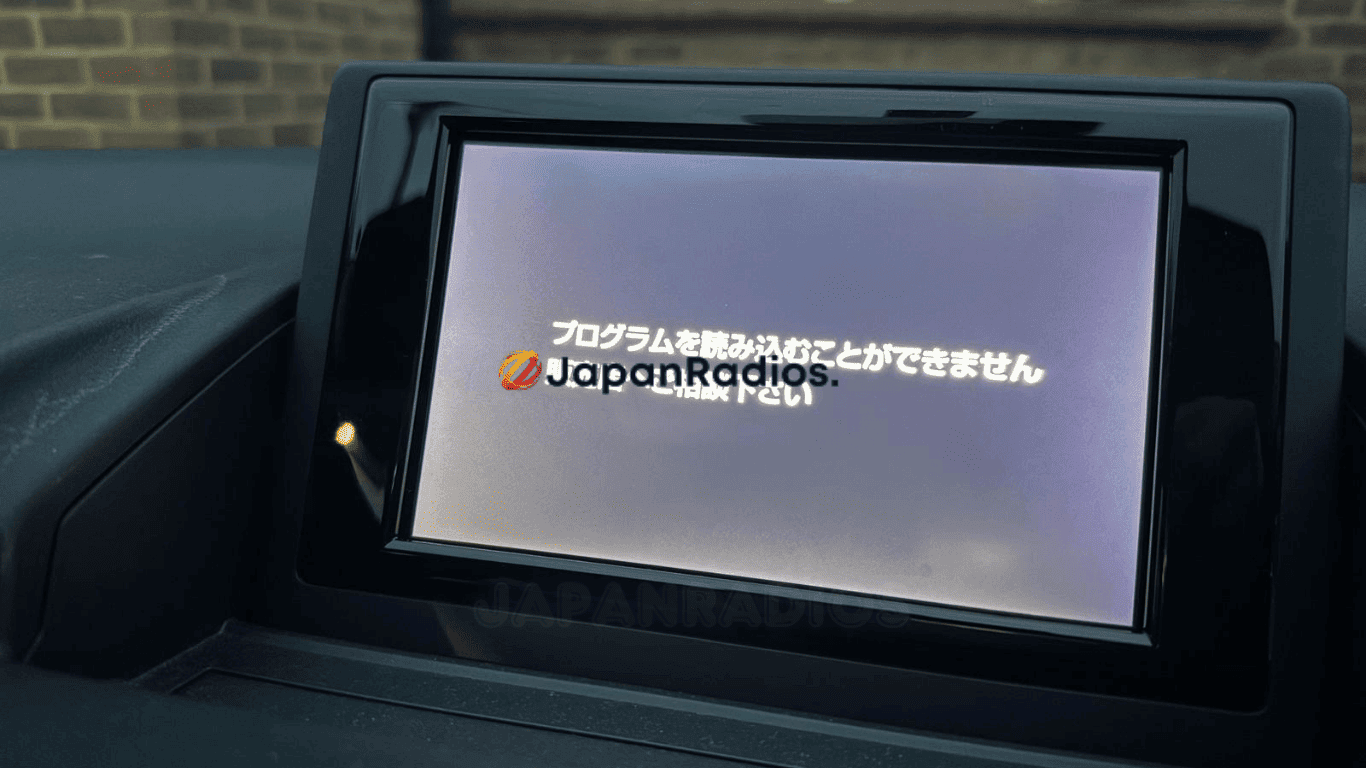
Restore navigation, audio, and vehicle customization with our tested, plug-and-play Lexus CT200h B9063 map SD card (86271-76020). If your Japanese import Lexus CT200h (ZWA10) screen is locked on “プログラムを読み込むことができません。販売店へご相談下さい” (“The program cannot be read. Please consult your dealer”), your head unit is missing its bootable operating software.
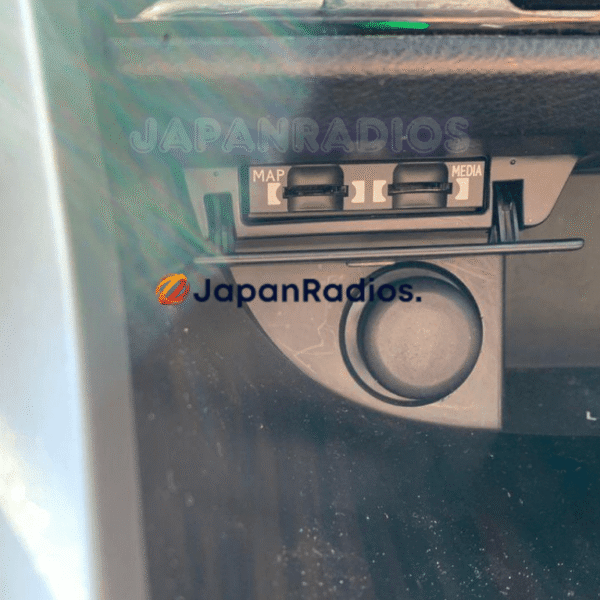
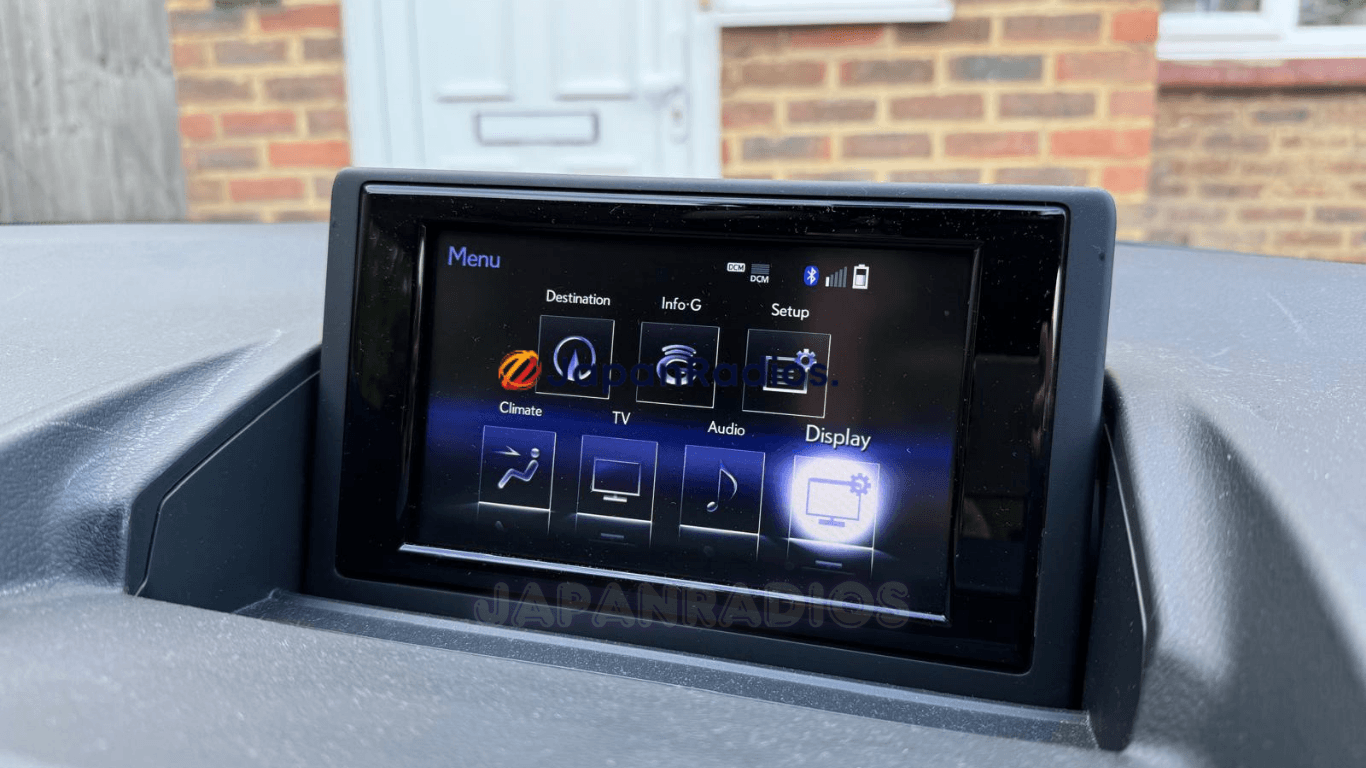
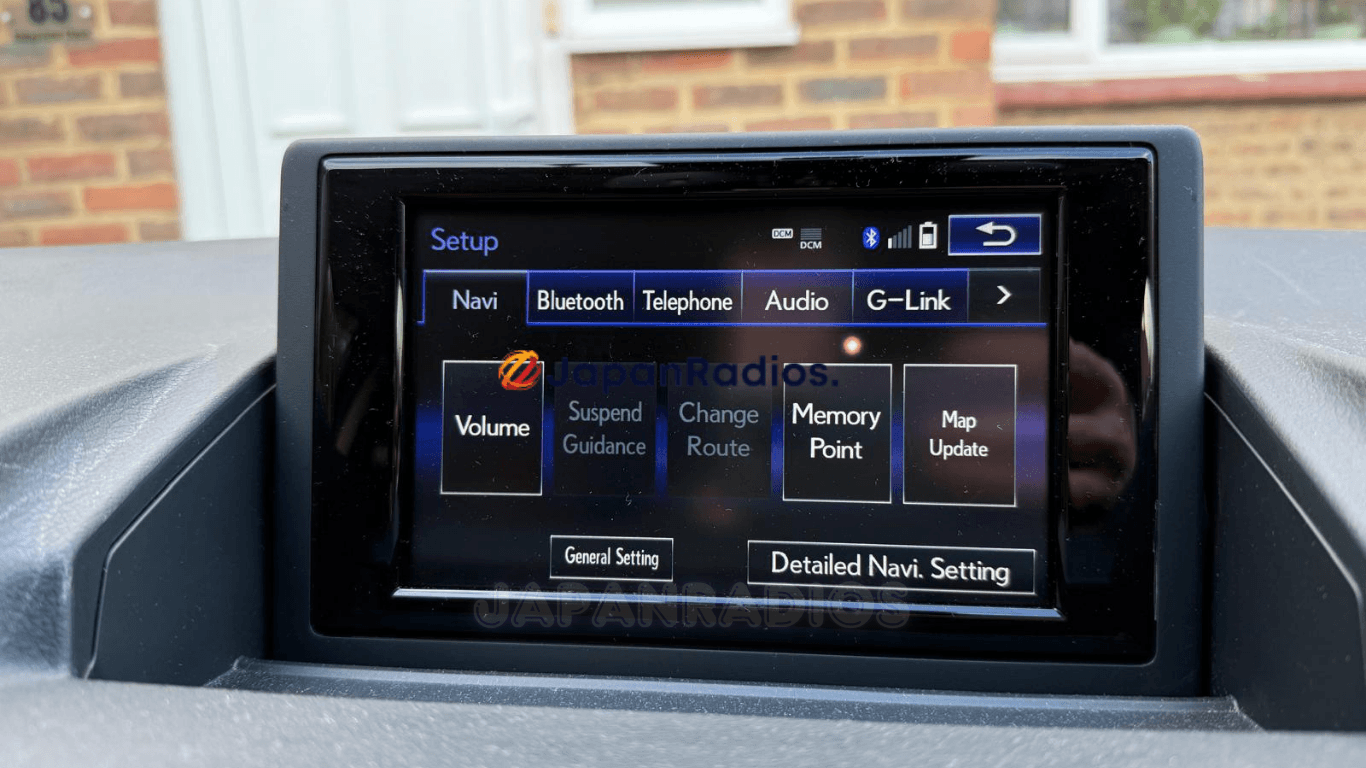
Whenever the 12V battery runs flat, is disconnected, or replaced, the Lexus B9063 head unit reboots and searches the center MicroSD slot for the original 86271-76020 card. Because original cards are often removed before export or become corrupted over time, the screen locks up—disabling your Bluetooth, Radio/Audio, Reverse Camera, and Setup menus.
Our tested, Plug-and-Play Lexus CT200h B9063 map SD card (86271-76020) loads the factory operating firmware back into your stereo in seconds, clearing all error screens and unlocking your controls.
How to Confirm This Lexus CT200h B9063 Map SD Card Fits Your Vehicle
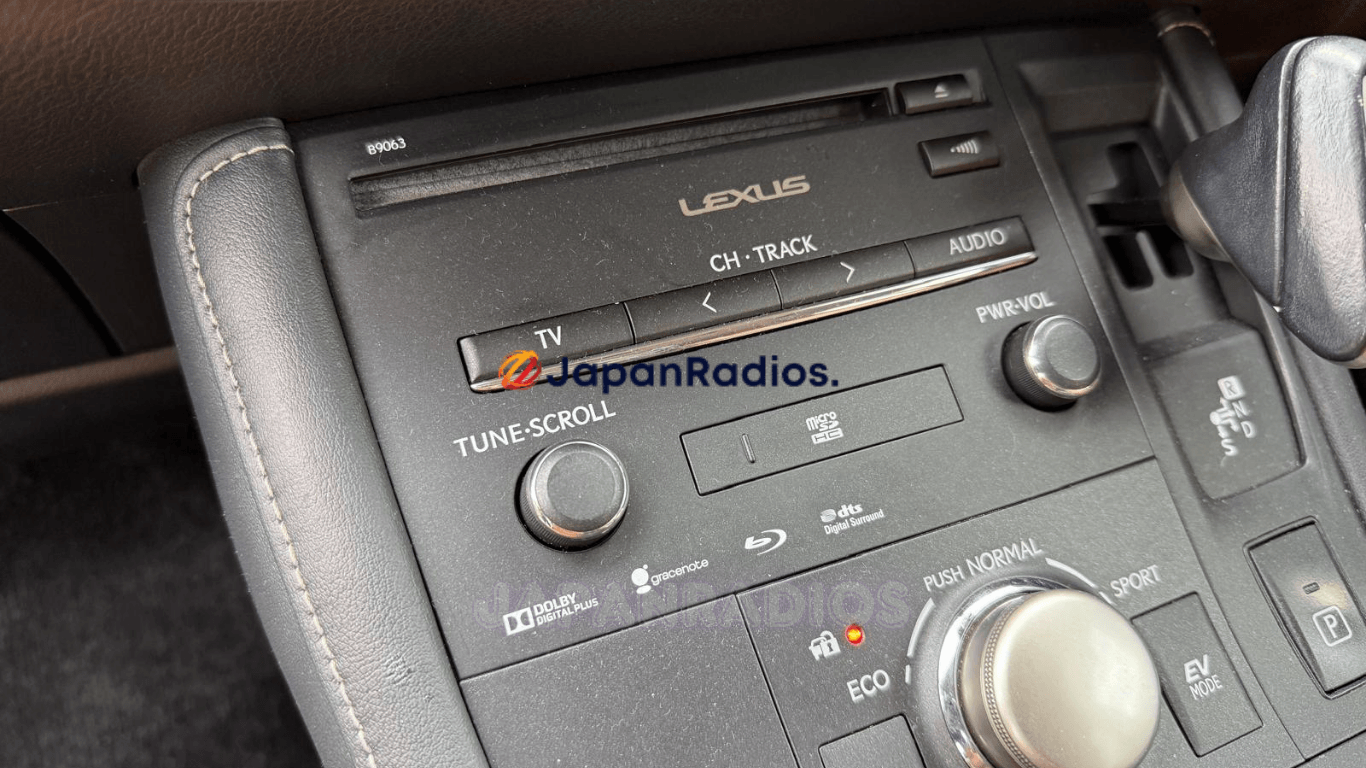
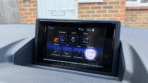
- Check the Faceplate Model Stamp: Look at the top-left corner of your radio bezel/faceplate (see Photo #2 in our gallery). It must be stamped B9063 (sometimes misread as B9083).
- Locate the MicroSD Card Slot: Look at the center of the radio panel for the flip-down cover labeled microSD HC.
- Check Your Screen Error: Your display shows プログラムを読み込むことができません。販売店へご相談下さい.
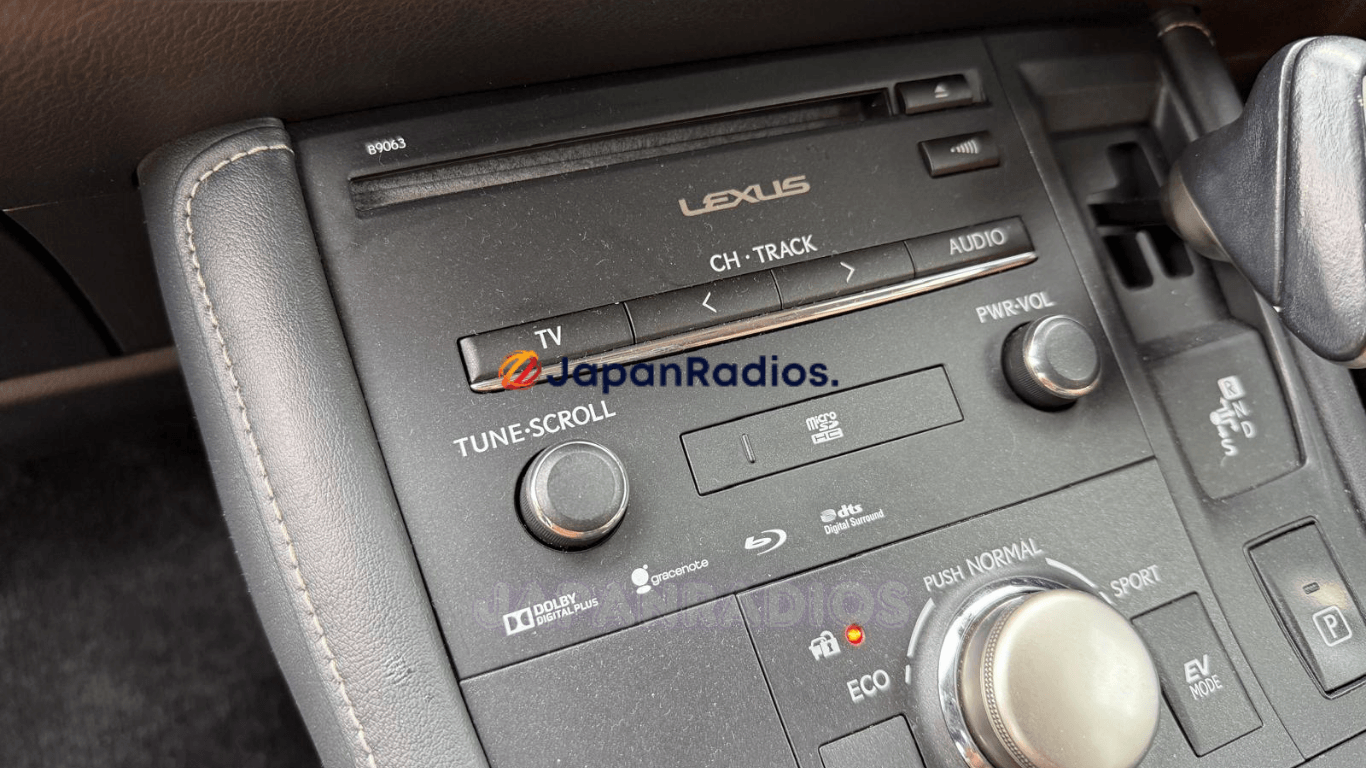
(Have a different Lexus CT200h model like B9094 or B91133? Contact us on WhatsApp at JapanRadios—we have all 800+ JDM models in stock, or browse our Lexus Map SD Card category!)
️ Step-by-Step Installation & Initial Pairing Guide
Installing your genuine Lexus CT200h B9063 map SD card replacement takes under 2 minutes:
- Turn Ignition OFF: Ensure your Lexus CT200h is completely switched off.
- Insert the MicroSD Card: Open the microSD HC slot door on the B9063 faceplate and insert our 86271-76020 card until it clicks.
- Turn Ignition ON (ACC/READY): The screen will display a loading bar as it reads the system software.
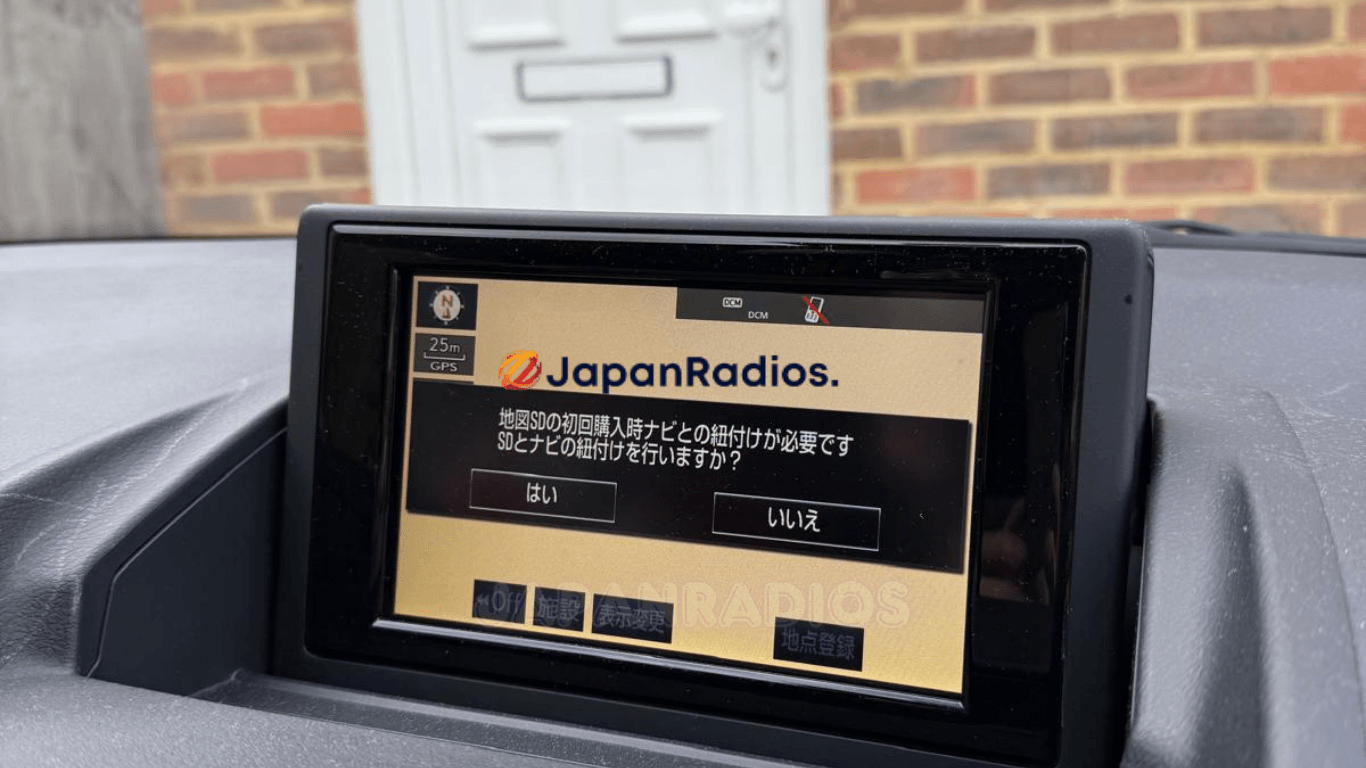
- Initial Pairing Prompt (If Displayed): If your screen displays the Japanese pairing message:
👉 地図SDの初回購入時ナビとの紐付けが必要です。SDとナビの紐付けを行いますか?
(Translation: “Initial pairing between the Map SD and navigation unit is required. Pair SD card with navigation?”)
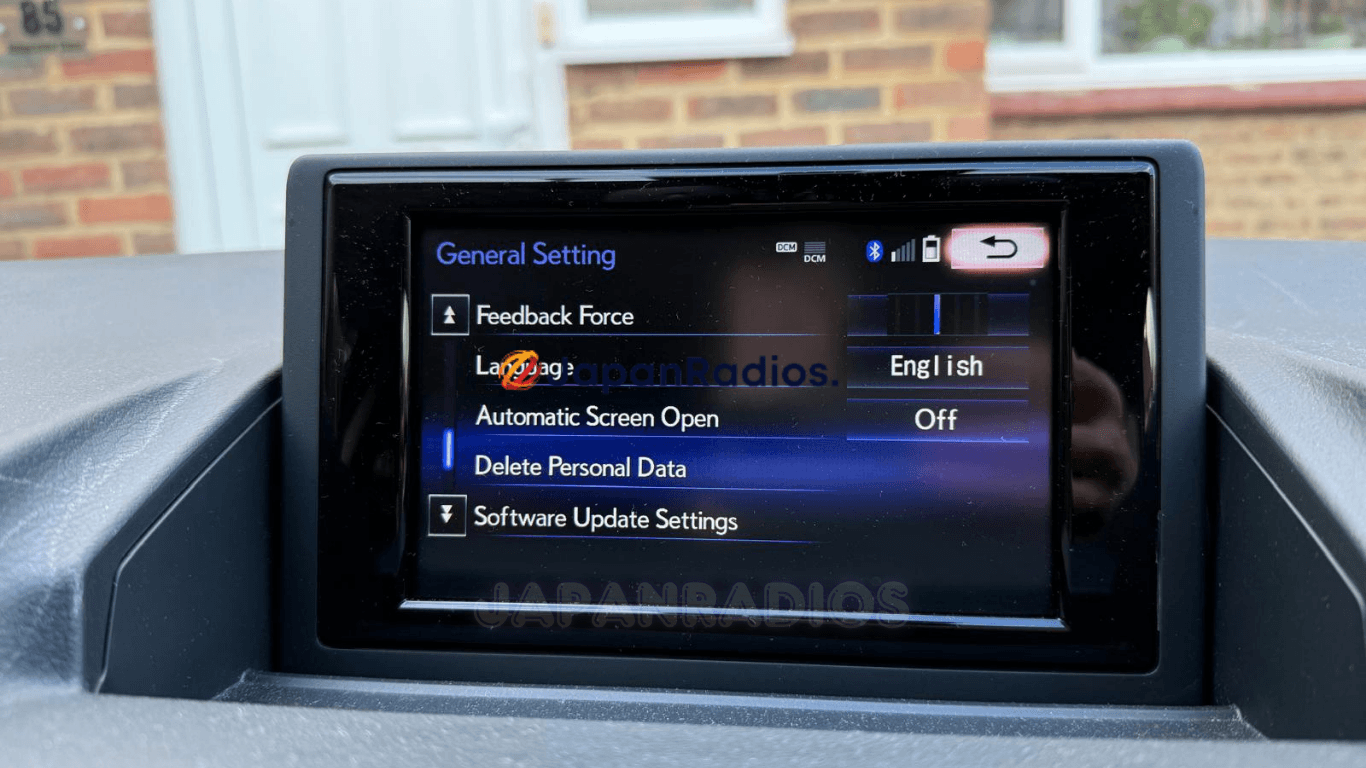
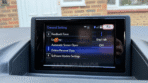
Simply select はい (Yes – Left Button) on the screen. Your system will finish booting and immediately unlock your Audio, Bluetooth, Camera, and Setup menus!
Technical Specifications
| Specification | Details |
|---|---|
| Vehicle | Lexus CT / CT200h (ZWA10 Japanese Import, 2011–2013 Pre-Facelift) |
| Radio / Navigation Model | B9063 |
| OEM Card Part Number | 86271-76020 / 8627176020 |
| Solution | JapanRadios Lexus CT200h B9063 map SD card system recovery service |
| Functions Restored | FM/AM/CD/DVD Audio, Bluetooth Calling & Music Streaming, Factory Reverse Camera, Setup & Vehicle Menus, Language & Local Clock Access |
| Shipping Regions | Fast Express Tracked Delivery to the UK, Ireland, Malta, Cyprus, Hong Kong, Malaysia & Worldwide (48 RHD import countries). |
OEM Architecture Reference: Verified for the Lexus CT (ZWA10) hybrid platform and factory B9063 navigation specifications.
Need another model? Browse our complete Lexus Map SD Card Unlocking & Diagnostic Hub or contact our 24/7 WhatsApp support to Get Instant Price for Unlock Code & SD Card →
Per official Lexus JDM navigation system documentation: when 12V vehicle battery power is interrupted or the map media is removed, the head unit clears volatile RAM and requires the model-matched boot program files on the Map SDHC card to initialize the operating system, touchscreen controls, Bluetooth, and camera feeds.— Source: Lexus JDM Navigation System Owner’s Manual & Technical Documentation