
Alpine Big X Map SD Card — XF11NX / EX11Z / EX10Z / X9Z JDM Boot Fix
Request Compatibility Check & Complete Quote
Recover your original Japanese car radio where a verified recovery solution is available. Confirm the exact unit and error before paying.
Chat on WhatsAppConfirm Unit & Complete Quote on WhatsAppAlpine Big X Map SD Card — XF11NX / EX11Z / EX10Z / X9Z JDM Boot Fix: Fix “地図SDカードを挿入してください” & boot errors on XF11NX, XF11NX2, EX11Z, EX11V, EX10Z, EX9Z, X9Z, X9V, 7WZ, 7DV, X008V. Restores Bluetooth, camera & audio fast — send a bezel photo on WhatsApp for 100% matched delivery.
⚡ Quick Product Specifications
What is this product and how does it help?
This product provides a replacement bootable Map SD Card or firmware download files for Alpine Big X Map SD Card — XF11NX / EX11Z / EX10Z / X9Z JDM Boot Fix. It resolves the 'Insert Map SD Card' or 'Unable to Read Data' error screen typical in JDM imported vehicles. The SD card is pre-loaded with the exact software files required by your vehicle's multimedia head unit. Inserting this card will automatically bypass the lock screen, reboot the system, and restore A/C climate controls, Bluetooth, and radio features.
📦 What You Receive in Your Order
- 1x Pre-loaded high-speed Map SD Card (or fast download links if files chosen).
- 1x System Boot Recovery Firmware: Pre-flashed and model-matched files.
- 1x Step-by-Step Installation Notes: Simple guide to plug-and-play.
- Warranty Protection: Fully covered against data corruption.
- Lifetime Technical Support: Full assistance with system setup and conversion.
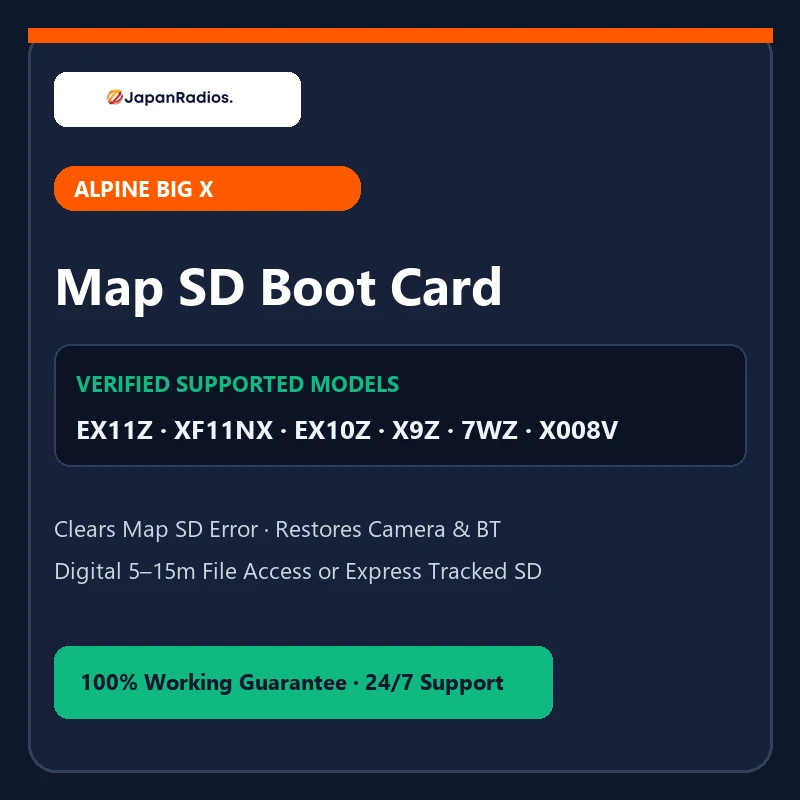
When a Japanese import Alpine Big X unit (XF11NX, XF11NX2, EX11Z, EX11V, EX10Z, EX9Z, X9Z, X9V, 7WZ, 7DV, X008V) shows “地図SDカードを挿入してください” (Please insert Map SD card), “SDカードを確認してください”, or freezes on “プログラムを読み込めません”, JapanRadios restores Bluetooth, FM/audio, reversing/360° camera, and steering controls via exact 5–15 min digital boot access or tracked Express SD dispatch across RHD markets worldwide.
Supported Alpine Big X Models & Part Numbers
| Head-Unit Models | OEM SD Part #s | Common JDM Vehicles |
|---|---|---|
| XF11NX, XF11NX2, EX11Z, EX11V, EX10Z, EX9Z, X9Z, X9V, 7WZ, 7DV, X008V | HCE-S206A / HCE-S207A / HCE-E105 / Alpine OEM MicroSD & SD Boot Pack | Toyota Alphard, Vellfire, Voxy, Noah, Esquire, Harrier, Prius, C-HR, Prado |
What This Bootable Map SD Card Restores
- Clears persistent Japanese
地図SDカード/ Insert Correct Map SD Card boot lockouts after battery replacement or import shipping. - Reactivates Bluetooth calling/streaming, DVD/SD media, FM/AM audio, steering-wheel keys, and factory reversing/360° camera lines (plus Settings / English menu where fitted).
- Verified Worldwide RHD Delivery: UK, New Zealand, Australia, Ireland, Cyprus, Malta, Singapore, Hong Kong, Malaysia & Caribbean/Pacific RHD import markets.
Confirm Your Model on WhatsApp → Related: Alpine Big X Hub · JDM English Conversion
Frequently Asked Questions
Will this Alpine Big X Map SD card fix a blank or boot-error screen?
Yes. A missing or mismatched Japanese Map SD card prevents Alpine Big X navigation units from booting core audio, Bluetooth, and camera modules. A matched recovery card clears the boot error immediately.
How fast do I receive the Alpine Big X Map SD fix?
Compatible digital boot access is available in 5–15 minutes worldwide, or via Express tracked physical SD dispatch with 100% Working Guarantee.
Do I need to remove my stereo from the dashboard?
No. For standard front-loading or SD-slot Alpine Big X units, insert the matched SD card with ignition off, or message us a bezel photo on WhatsApp first for free verification.
⚙️ How the Unlock Process Works
Identify Unit
Locate the SD card slot on your unit (usually on front or behind screen).
Place Order
Select your exact car radio model number and complete checkout.
Generation
We configure the files. We ship the SD card or send instant download links.
Instant Fix
Insert the card, reboot the radio, and enjoy full functions in English.
Please verify your radio model number matches exactly. Unlocks and firmware are generated specific to your unit's serial number. We do not provide physical returns for digital codes once generated, but we guarantee our solutions 100% when compatibility is verified before purchase.