
💬 Need Quick Compatibility Verification for Panasonic CN-RZ753 Suzuki Radio SD Card?
Send a photo of your locked radio screen or Japanese error message to our 24/7 WhatsApp support. We will confirm the exact solution and processing time instantly before you order.
Get Instant Price for Unlock Code & SD Card →What Japanese errors does the Panasonic CN-RZ753 Suzuki Radio SD Card resolve?
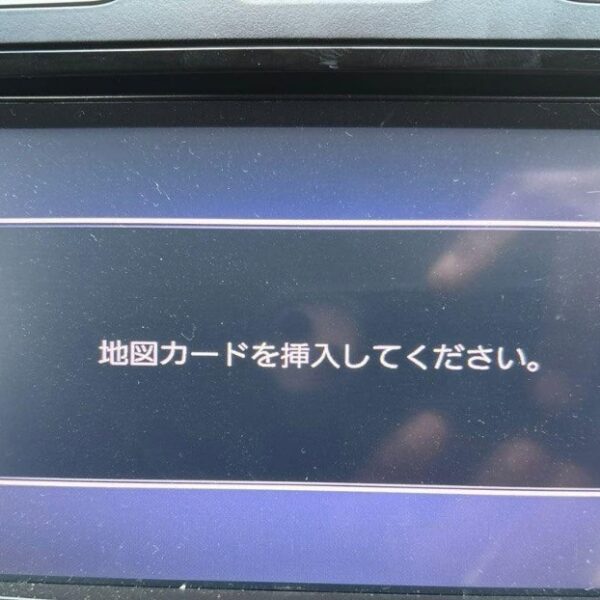
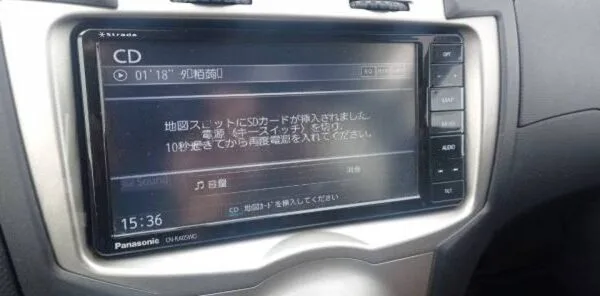
The Panasonic CN-RZ753 Suzuki Radio SD Card clears on-screen Japanese error messages such as 「地図ディスクを確認しています しばらくお待ち下さい」, 「ディスプレイを開き地図SDカードに入れてください」, 「プログラムを読み込むことができません」, 地図カードがありません。, and ファイルが見つかりません。SDカードをご確認ください。. It restores default OEM infotainment functions for JDM import vehicles in the UK, Australia, NZ, Ireland, Mauritius, Jamaica, Singapore, and 54 target countries.
Panasonic CN-RZ753 Suzuki Radio SD Card OEM Feature Restoration Matrix
| OEM Infotainment Parameter | Locked Error State | Restored via JapanRadios |
|---|---|---|
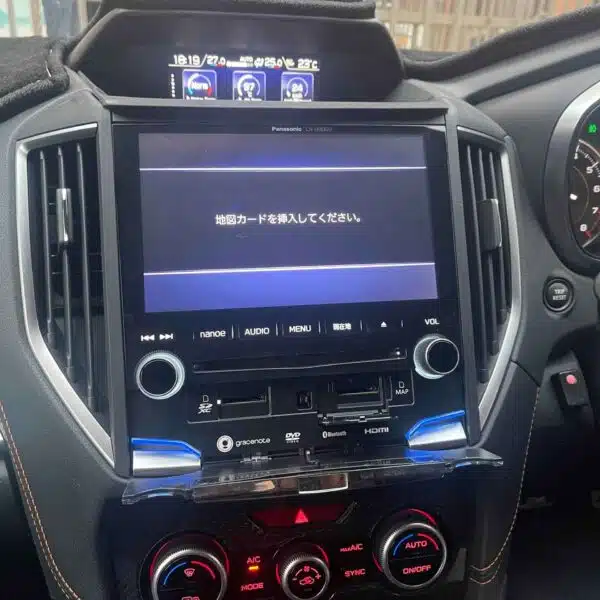
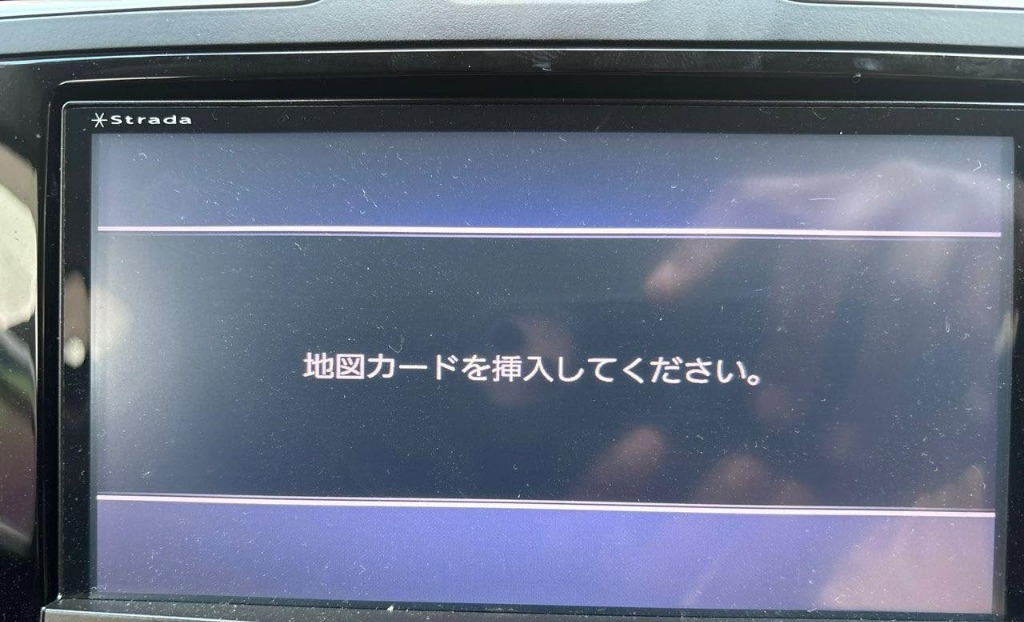
| Japanese Error Display | ❌ "地図SDカードを挿入してください" | ✅ Cleared / Full System Access |
| Bluetooth Calling & Audio | ❌ Settings Inaccessible | ✅ Restored (if available) |
| Reversing & 360° Camera Feed | ❌ Screen Frozen / Black | ✅ Active Guides (where equipped) |
| AM/FM Radio, CD/DVD & USB | ❌ Blocked Audio Output | ✅ Fully Active (if available) |
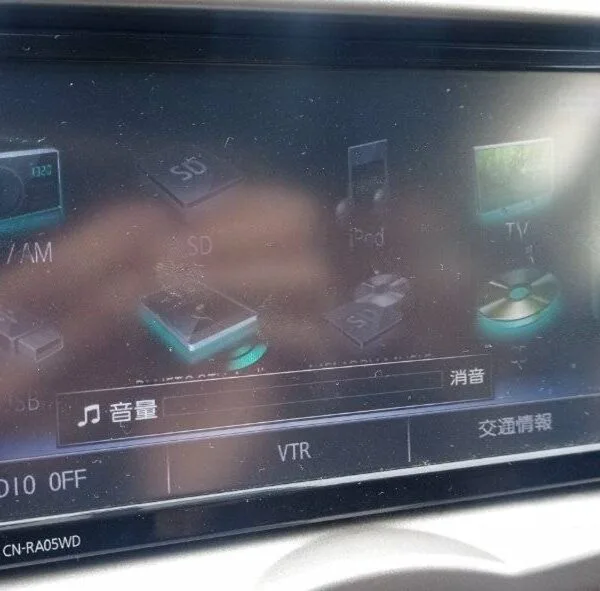
Panasonic Strada JDM Navigation Insert Map Card error display
🚨 Panasonic CN-RZ753 “Insert Map SD Card” Error? We Have the Ultimate Fix!
If your Suzuki’s Panasonic CN-RZ753 radio is showing errors like:
❗ Insert Map SD Card
❗ Check Map SD / Please Consult Dealer
❗ Correct Memory Card Required
…it means your radio system is locked due to a missing or corrupted SD card — a common problem for Japanese-import Suzuki vehicles.
🔧 Why This Happens
The SD card for the CN-RZ753 is more than just a navigation map — it contains essential system firmware that allows your radio to boot and operate fully. Without it:
Your radio will not start
Bluetooth, FM/AM, DVD playback, and camera features won’t work
The screen may freeze or display error messages
The system becomes unresponsive
This problem often occurs when:
The original SD card is lost or damaged
The car battery was disconnected or replaced
The radio unit was reset, updated, or reinstalled
✅ What You Get from JapanRadios
📦 Genuine Panasonic Map SD Card preloaded for CN-RZ753
🌐 Worldwide fast shipping
🧠 Expert support specialized in Japanese import radios
🔄 Plug-and-play solution — no tools or coding required
✅ Easy Installation
Insert the provided SD card into your Panasonic CN-RZ753 radio slot
The system will auto-detect and reboot
Within minutes, your Suzuki radio will be fully restored and working
⭐ Key Benefits
✅ 100% compatible with Panasonic CN-RZ753 radios
✅ Fixes all “Insert Map SD Card” and related firmware errors
✅ Restores full radio functions: Bluetooth, DVD, FM/AM, backup camera
✅ Safe, reversible, and requires no dealer visit
✅ Saves time, hassle, and expensive dealer fees
🚗 Compatible Suzuki Models
Suzuki Jimny (JDM)
Suzuki Swift (JDM)
Suzuki Vitara (JDM)
Suzuki Alto (JDM)
Suzuki Wagon R (JDM)
And other models equipped with Panasonic CN-RZ753
Please verify your radio model before ordering.
❓ Frequently Asked Questions (FAQ)
Q: Will this fix a frozen or black screen?
A: Yes, the SD card contains firmware essential for the radio to boot properly.
Q: Is installation complicated?
A: No, just insert the SD card—no tools or technical skills required.
Q: Does this SD card include local maps?
A: No. It contains the original Japanese maps and firmware only, meant for restoring system functionality.
🔒 Why Choose JapanRadios?
With over 1,000 successful JDM radio fixes, JapanRadios is your trusted source for OEM-quality solutions without the dealer price tag. Fast shipping, expert support, and verified compatibility guaranteed.
Need another model? Browse our complete Map SD Card Unlocking & Diagnostic Hub or contact our 24/7 WhatsApp support to Get Instant Price for Unlock Code & SD Card →
JDM Import Radio Recovery & Troubleshooting Guide
When Japanese import vehicles are battery-disconnected during shipping or maintenance, their factory head units reboot into Japanese security lockouts or SD error screens. Common error messages include 「プログラムを読み込むことができません 販売店へご相談下さい」, 「地図SDカードが音楽SDスロットに挿入されています」, 暗証番号を入力してください, and ダイアグ検査メニュー.
Frequently Asked Questions for Overseas JDM Owners
- How fast will I get my radio unlock code? Standard unlock codes are delivered within 0–10 minutes via WhatsApp and Email (24/7 service). Rare complex models take 2–5 working days with instant status updates.
- What delivery options are available for Map SD cards? We offer 0–60 minute Digital Download File Access for self-flashing onto a blank SD card (T&Cs apply) as well as Express Tracked Physical SD Card Dispatch (dispatched within 24 hours, 3–7 business days delivery worldwide).
- What functions will be restored on my imported car radio? Our solutions restore default OEM touchscreen menus, AM/FM radio, CD/DVD, AUX, Bluetooth calling/streaming (if available), reversing and 360-degree cameras (where equipped), USB inputs, and steering wheel controls.
- Do you offer Japanese to English conversion or CarPlay? Yes, we offer Japanese-to-English Menu Conversion and Apple CarPlay / Android Auto retrofit adapters (if supported for your model) for local overseas navigation.
JapanRadios provides a 100% Working Solution with Zero Failure Guarantee. If an unlock code or software card provided does not unlock a verified serial number (verified via photo or video of the screen error), a full 100% refund is issued immediately.