

Kenwood DKX-A800 Unlock Code & Password Reset Online (Zero Removal — Permanent Radio Code)
Get Current Price via WhatsApp
Recover your original Japanese car radio where a verified recovery solution is available. Confirm the exact unit and error before paying.
Chat on WhatsAppGet Current Price via WhatsAppDirect Answer: Locked out of your Japanese import Kenwood DKX-A800 showing ENTER CODE, 暗証番号を入力してください (PIN/Password), セキュリティコードを入力してください, or ダイアグ検査メニュー (Diagnostic Screen) after a battery change? We calculate your permanent DKX-A800 radio unlock code remotely from your 8-digit serial & 16-digit security code in 5–15 minutes — 100% online with zero dashboard removal and no garage visit required (supports Toyota Vitz, Premio, Harrier, Noah, Nissan X-Trail, Honda Fit, Mazda Demio, Subaru, Suzuki & Daihatsu imports).
⚡ Quick Product Specifications
What is this product and how does it help?
This product provides a permanent Kenwood DKX-A800 Unlock Code & Password Reset Online (Zero Removal — Permanent Radio Code) digital radio unlock code designed for Japanese import vehicles. It resolves the locked system error screen that appears after a battery reset or disconnection. The unlock code is generated using your radio's serial number and is delivered instantly via email. Once entered, it restores full access to the radio, CD player, Bluetooth pairing, and climate controls.
📦 What You Receive in Your Order
- 1x Custom Radio Unlock Code: Generated specific to your unit serial.
- 1x Step-by-Step Entry PDF Guide: Simple visual guide showing exactly how to enter the code.
- 100% Unlock Guarantee: Full refund if the code does not unlock your unit.
- Lifetime Customer Support: Access to our technical team via email and WhatsApp.
Direct Answer — How to Unlock Kenwood DKX-A800 Radio Code: If your Japanese import Kenwood DKX-A800 (Kenwood DKX-A800 / DKX-A801 8-Inch Premium OEM-Style JDM Navigation) is locked on 「セキュリティコードを入力してください」 (Please enter security code), 「パスワードを入力してください」, or “CODE ERROR / SECURITY LOCK” after a battery change, our remote decoding service calculates your permanent 4-to-8 digit PIN from your unit’s serial and security data in 0 to 10 minutes — 100% guaranteed with no dashboard disassembly needed.
Restore full access to your locked Kenwood DKX-A800 Japanese car stereo with our official, remotely calculated Kenwood DKX-A800 radio unlock code. Built as part of the Kenwood DKX-A800 / DKX-A801 8-Inch Premium OEM-Style JDM Navigation (2015–2018 JDM Production) with a 8-Inch WVGA High-Contrast Capacitive Touchscreen, the Kenwood DKX-A800 triggers an anti-theft security lockout whenever 12V battery power is disconnected during maintenance or vehicle shipping from Japan.
Instead of paying USD 150–300 at a dealership or replacing the head unit, our JDM electronics engineers generate your permanent Kenwood DKX-A800 unlock code directly from your screen photo / serial data. Once entered, all factory functions return immediately: Bluetooth Hands-Free Calling & A2DP Audio Streaming, CD/DVD/SD/USB Playback, 1seg / Full-seg Digital TV Tuner, Rear Camera Guideline Overlay, and Japanese FM (76–95 MHz Wide FM).
Kenwood DKX-A800 Technical Specifications & JDM Vehicle Compatibility
This remote decoding service is engineered specifically for the Kenwood DKX-A800 hardware platform and its JDM vehicle installations:
| Parameter | Kenwood DKX-A800 Technical Details |
|---|---|
| Supported Model & Variants | Kenwood DKX-A800 (Kenwood DKX-A800, DKX-A800 / DKX-A801 High-Resolution Audio Series) |
| Navigation Architecture | Kenwood DKX-A800 / DKX-A801 8-Inch Premium OEM-Style JDM Navigation — 2015–2018 JDM Production |
| Display & Console Size | 8-Inch WVGA High-Contrast Capacitive Touchscreen — 8-Inch Large-Format Custom Dashboard Fitment |
| Common JDM Vehicles | Toyota Alphard / Vellfire, Voxy / Noah, Harrier, Prius, Aqua, and Subaru / Daihatsu 8-Inch Console Vehicles |
| Restored OEM Functions | Bluetooth Hands-Free Calling & A2DP Audio Streaming, CD/DVD/SD/USB Playback, 1seg / Full-seg Digital TV Tuner, Rear Camera Guideline Overlay, and Japanese FM (76–95 MHz Wide FM) |
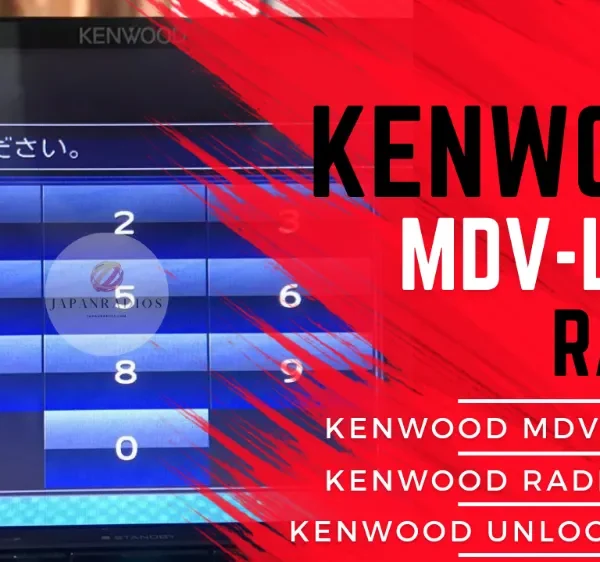
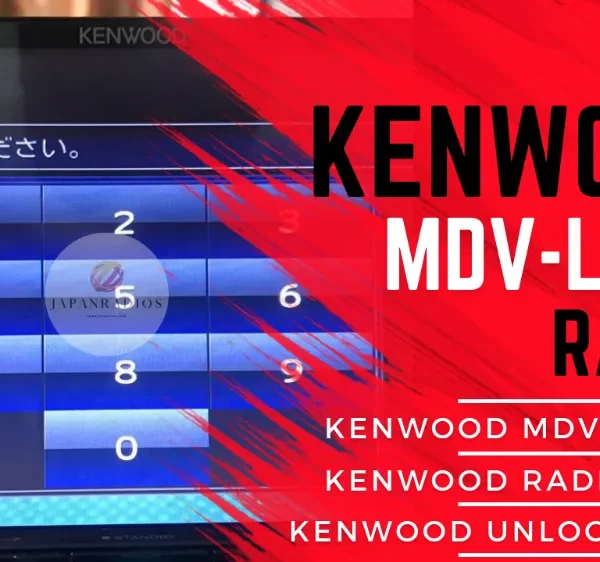
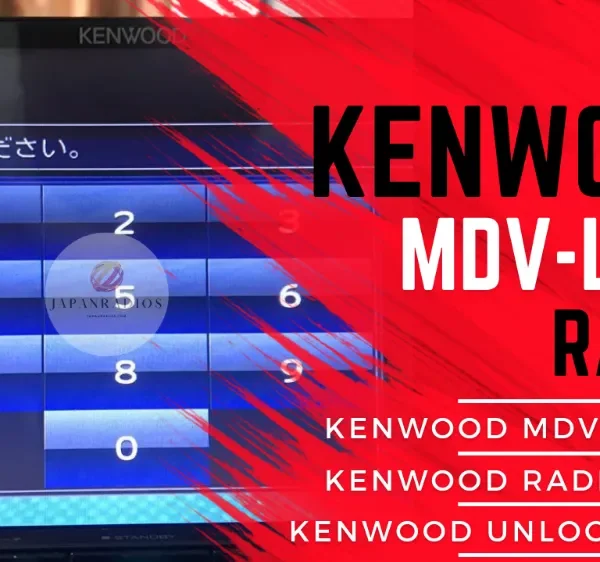
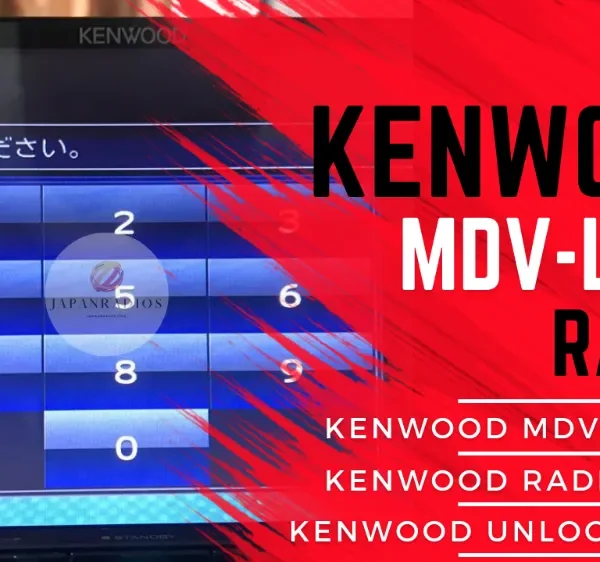
| Japanese Lock Screen Prompts | セキュリティコードを入力してください (Enter Security Code) / パスワードを入力してください / WAITING / CODE ERROR |
| Required Unlock Data | Send a clear photo of your locked Kenwood DKX-A800 screen alongside the 8-digit Serial Number (S/N) and 16-digit Security / Hardware ID string (searchable via the diagnostic screen or top chassis label) |
| Turnaround & Guarantee | 0 to 10 Minutes (24/7 Digital Delivery) — 100% Money-Back Working Code Guarantee |
Kenwood DKX-A800 Video Unlocking Demonstration Guide (@japanradios)
Watch our official step-by-step video demonstration showing how to check your locked Kenwood DKX-A800 screen and enter your permanent factory unlock code in seconds with zero dashboard removal:
How to Unlock Your Kenwood DKX-A800 in 3 Easy Steps
- Step 1 — Send Your Locked Kenwood DKX-A800 Screen Photo & Serial Info: Switch your car ignition to ACC/ON. Take a clear photo of the locked Kenwood DKX-A800 screen (or provide the 8-digit Serial Number and 16-digit Security ID shown in the diagnostic window / chassis sticker). Our specialists guide you step by step if you need help displaying the screen ID.
- Step 2 — Automated Kenwood Algorithm Calculation: Submit your order online or send your photo via WhatsApp. Our JDM Kenwood database cross-references your DKX-A800 serial and security string to generate the exact factory PIN.
- Step 3 — Enter Your Code & Tap 決定 (Confirm): Receive your permanent Kenwood DKX-A800 radio unlock code via email/WhatsApp in 0–10 minutes. Input the PIN on the touchscreen keypad and press 決定 (Enter/OK) to unlock your stereo permanently.
Kenwood DKX-A800 Radio Unlock Code — Frequently Asked Questions
Why is my Kenwood DKX-A800 asking for a security code after a battery change?
Japanese-market Kenwood DKX-A800 navigation units store an anti-theft security password in non-volatile memory. When the 12V battery is disconnected, replaced, or goes flat during export from Japan, the stereo boots into セキュリティコードを入力してください (Please enter security code) and mutes all audio until the factory PIN is entered.
What if my Kenwood DKX-A800 screen says “WAITING” (お待ちください)?
If too many incorrect codes were entered previously, the Kenwood DKX-A800 enters a temporary WAITING timer lock. Leave the ignition switched ON (ACC) for 30 to 60 minutes without touching the buttons until the keypad reappears, then enter the verified code we provide.
Can I unlock my Kenwood DKX-A800 without removing the radio from the dashboard?
In the vast majority of cases, yes! On Kenwood DKX-A800 units, we guide you to pull up the on-screen 8-digit Serial Number and 16-digit Security ID using a simple button combination on the front panel—no tools or dashboard disassembly required.
What if the unlock code does not work on my Kenwood DKX-A800?
Every order includes our 100% Money-Back Guarantee and 24/7 live engineer support via JapanRadios Support and WhatsApp. Browse all Kenwood radio code unlock services for every supported MDV, NMZK, MDR, DKX, and KXMG model.
Kenwood DKX-A800 unlock code — How It Works
The DKX-A800 unlock code is calculated remotely from the serial and security numbers shown on your unit’s screen and delivered in 0–10 minutes, backed by a 100% money-back guarantee.
Kenwood DKX-A800 Screen Prompts (暗証番号 / ダイアグ検査メニュー / ENTER CODE) & JDM Vehicle Fitment
Whether your Kenwood DKX-A800 is installed in a Japanese import Toyota Vitz, Toyota Premio, Toyota Harrier, Toyota Noah, Toyota Aqua, Prius, Nissan X-Trail, Nissan Note, Serena, Honda Fit, Honda Vezel, Mazda Demio, Subaru Forester/Impreza, Suzuki Swift/Jimny, or Daihatsu Tanto/Taft/Move, we decode your permanent factory PIN remotely without removing the stereo or visiting a garage:
1. My Kenwood DKX-A800 shows 暗証番号を入力してください, セキュリティコード, or ENTER CODE after a battery change. How do I unlock it?
When 12V battery power is disconnected during shipping or battery replacement, the DKX-A800 activates its anti-theft lock displaying 暗証番号を入力してください (Please enter PIN/password), セキュリティコードを入力してください (Please enter security code), or ENTER CODE. Send a photo of your screen and model code on WhatsApp to receive your permanent unlock code in 5–15 minutes.
2. My DKX-A800 shows ダイアグ検査メニュー (Diagnostic Screen). What photos and numbers do I need to send?
On the ダイアグ検査メニュー (Diagnostic Inspection Menu) screen, your Kenwood DKX-A800 displays its internal 8-digit Serial Number and 16-digit Security Code (or Y39-6750-01 prompt). Simply take a clear photo of that diagnostic screen (or your locked prompt + bezel model number) and send it via WhatsApp—no dashboard removal required.
3. Can you calculate a Kenwood DKX-A800 radio code from the serial number and ERC code, or is there a free DKX-A800 radio code generator?
Many Japanese import owners search for an DKX-A800 ERC unlock code or a free DKX-A800 radio code generator. Unlike Toyota Denso units that use a 16-digit ERC algorithm, JVCKenwood head units use an encrypted 8-digit serial + 16-digit security hash. Free public ERC generators cannot calculate Kenwood hashes and guessing wrong codes will lock your keypad. Our engineers calculate your exact factory DKX-A800 PIN remotely with a 100% working guarantee.
4. Can a Japanese import Kenwood DKX-A800 be unlocked remotely without removing it from the car or visiting a garage?
Yes! 100% of our Kenwood DKX-A800 unlocks are completed remotely online in 5–15 minutes without pulling the radio out of the dashboard and without visiting a local garage or dealership.
Related Kenwood JDM Series Unlock Models
Looking for another Kenwood Saisoku Master, Memory Navi, or Toyota / Daihatsu / Suzuki / Subaru OEM Kenwood model? Select a sibling model below or browse the complete Kenwood Radio Code & Navigation Unlock Hub (All 123+ Models):
⚙️ How the Unlock Process Works
Identify Unit
Take a photo of your radio lock screen showing the serial or code entry screen.
Place Order
Place your order online and input your serial number during checkout.
Generation
We generate the factory unlock code and send it to your email in minutes.
Instant Fix
Enter the code on your screen to permanently restore and unlock your system.
Please verify your radio model number matches exactly. Unlocks and firmware are generated specific to your unit's serial number. We do not provide physical returns for digital codes once generated, but we guarantee our solutions 100% when compatibility is verified before purchase.