MM318D-W Map SD Card.Quickly fix errors in Nissan Japanese-imported radios, restoring Nissan MM318D-A, MM318D-W, MM318D-WM, MM318D-L full multimedia functionality effortlessly.
💬 Need Quick Compatibility Verification for MM318D-W Map SD Card Error Solution for Nissan Japanese Car Radio, DVD, and Navigation Head Unit?
Send a photo of your locked radio screen or Japanese error message to our 24/7 WhatsApp support. We will confirm the exact solution and processing time instantly before you order.
Get Instant Price for Unlock Code & SD Card →What Japanese errors does the MM318D-W Map SD Card Error Solution for Nissan Japanese Car Radio, DVD, and Navigation Head Unit resolve?
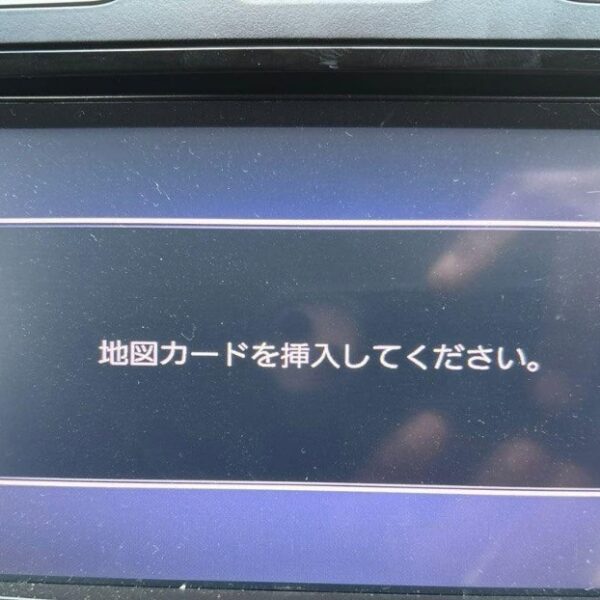
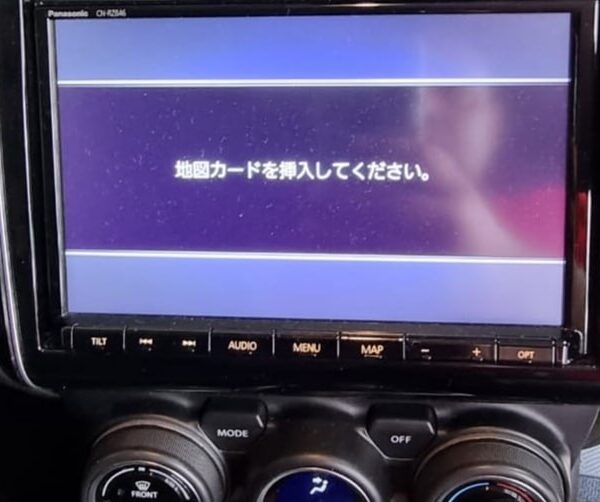
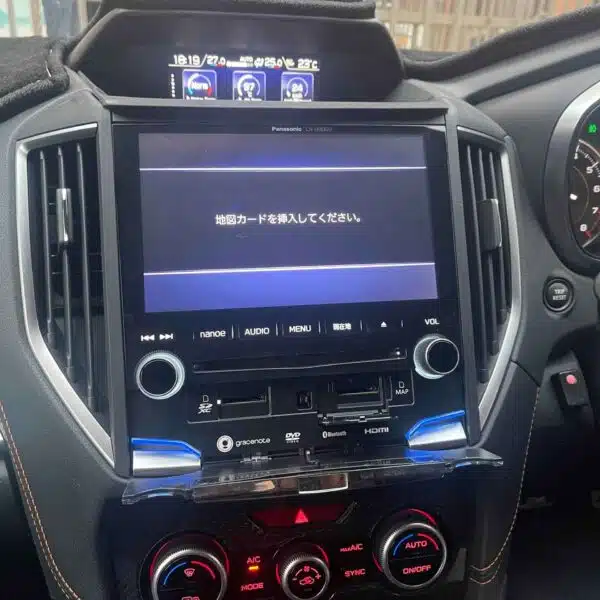
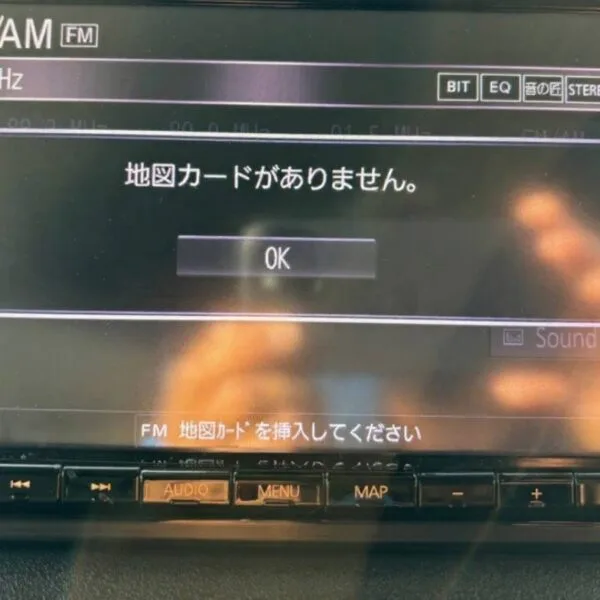
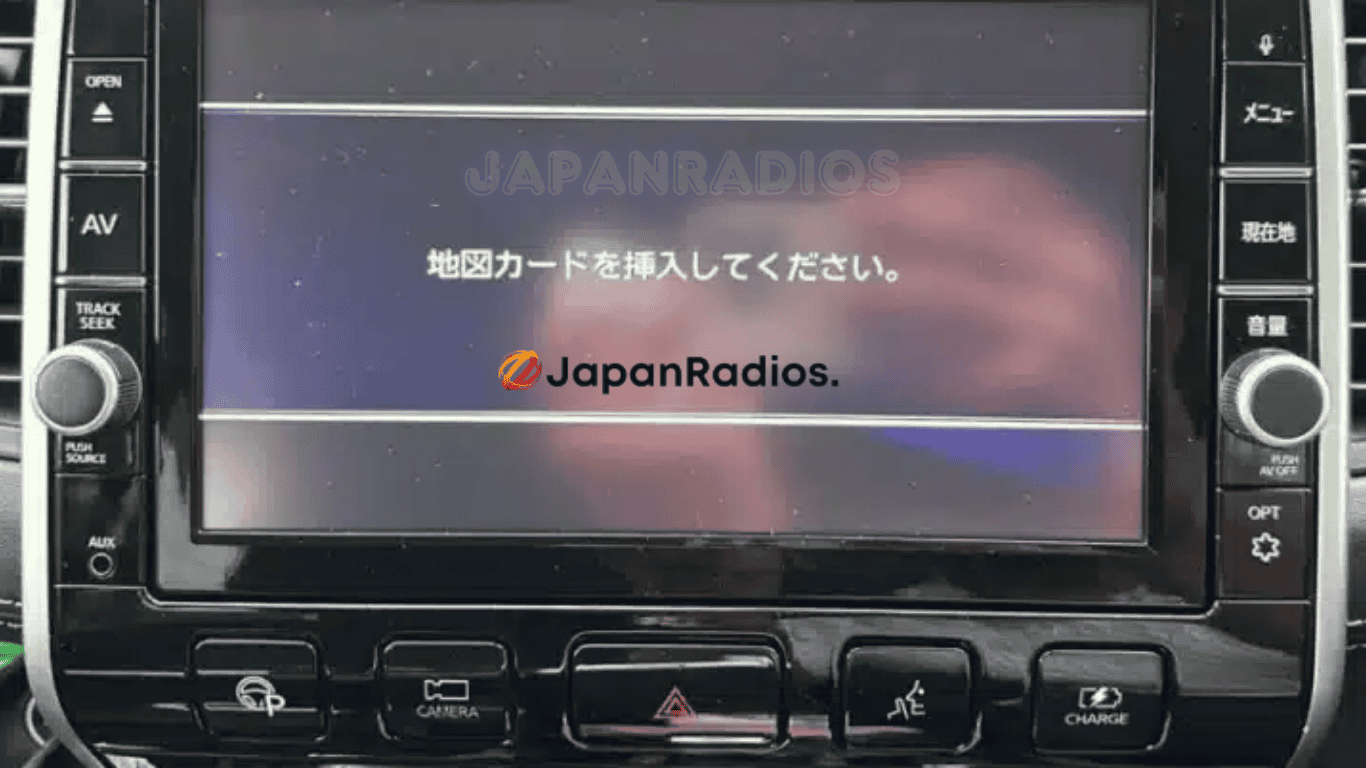
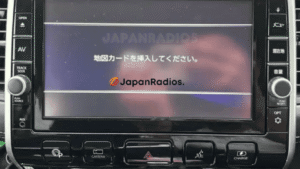
The MM318D-W Map SD Card Error Solution for Nissan Japanese Car Radio, DVD, and Navigation Head Unit clears on-screen Japanese error messages such as 「地図ディスクを確認しています しばらくお待ち下さい」, 「ディスプレイを開き地図SDカードに入れてください」, 「プログラムを読み込むことができません」, 地図カードがありません。, and ファイルが見つかりません。SDカードをご確認ください。. It restores default OEM infotainment functions for JDM import vehicles in the UK, Australia, NZ, Ireland, Mauritius, Jamaica, Singapore, and 54 target countries.
MM318D-W Map SD Card Error Solution for Nissan Japanese Car Radio, DVD, and Navigation Head Unit OEM Feature Restoration Matrix
| OEM Infotainment Parameter | Locked Error State | Restored via JapanRadios |
|---|---|---|
| Japanese Error Display | ❌ "地図SDカードを挿入してください" | ✅ Cleared / Full System Access |
| Bluetooth Calling & Audio | ❌ Settings Inaccessible | ✅ Restored (if available) |
| Reversing & 360° Camera Feed | ❌ Screen Frozen / Black | ✅ Active Guides (where equipped) |
| AM/FM Radio, CD/DVD & USB | ❌ Blocked Audio Output | ✅ Fully Active (if available) |
Instantly solve the common “Map SD Card” error on your Nissan Japanese-imported car radio with our MM318D-W Map SD Card solution. Specifically designed for Nissan MM318D-W and Nissan MM318D-A, MM318D-W, MM318D-WM, MM318D-L head units, this solution quickly resolves frustrating issues caused by missing or corrupted SD cards, enabling you to regain complete functionality of your car’s entertainment system.
Our product helps eliminate error messages, restore full functionality to FM radio, Bluetooth connectivity, DVD/CD playback, USB ports, and AUX inputs. After installation, your Nissan’s head unit will operate smoothly without requiring costly hardware replacements or professional intervention.
MM318D-W Map SD Card error fix card unlocks all Bluetooth, Afeatures on Japanese-import Nissan vehicles.
Also compatible with the following Nissan Panasonic MM series head units:
MM112D-W, MM113D-W, MM114D-W, MM115D-W, MM117D-DW, MM312D-W, MM517D-W, MM319D-W, MM317D-DW, MM318D-W, ММ320D-W, MM513DL, MM514D-W, MM516D-W, MM316D-DW, MM517D-W L, MM518D, MM519D, MM515DL, ММ520D-L
Installation Instructions
Turn off your vehicle.
Insert the new MM318D-W Map SD Card into the head unit slot.
Start your vehicle.
Issues Addressed
MM-318D-W Map SD Card error message
Radio locked after battery reset
Loss of FM, Bluetooth, DVD/CD, USB functionality
Frequently Asked Questions (FAQ) – MM318D-W Map SD Card
Q: What is the MM318D-W Map SD Card solution? A: It is a replacement software SD card designed to instantly fix the common “Map SD Card” error on specific Japanese-imported Nissan head units. It contains the necessary system files to unlock your car radio and restore all its functions.
Q: What is the main problem this SD card solves? A: This card solves the error message that appears when the original system SD card is missing, corrupted, or removed. This error typically locks out most of your head unit’s features, including the FM radio, Bluetooth, and media playback functions. It is also the perfect solution for when your radio becomes locked after the vehicle’s battery has been disconnected or replaced.
Q: Is this a permanent fix? A: Yes. As long as the SD card remains in the head unit, it will function correctly. The card provides the essential operating files the system needs every time it starts up.
Q: Which Nissan head unit models is this SD card compatible with? A: This solution is specifically designed for the Nissan MM318D-W series, including models MM318D-A, MM318D-W, MM318D-WM, and MM318D-L.
It is also fully compatible with the following Nissan Panasonic MM series head units:
MM112D-W,MM113D-W,MM114D-W,MM115D-WMM117D-DWMM312D-W,MM316D-DW,MM317D-DW,MM318D-W,MM319D-W,ММ320D-WMM513DL,MM514D-W,MM515DL,MM516D-WMM517D-W,MM517D-W L,MM518D,MM519D,ММ520D-L
Q: How can I find my head unit’s model number? A: The model number is typically printed on the front of the head unit, often on the frame or near the screen.
Q: What specific features will be restored after I use this card? A: Using this card will restore full functionality to your entertainment system, including:
- FM/AM Radio
- Bluetooth Connectivity (for calls and audio streaming)
- DVD/CD Player
- USB Port Functionality
- AUX Input
Q: Will this provide me with local GPS navigation maps (e.g., for USA, Europe, Australia)? A: No. The primary purpose of this SD card is to unlock the head unit and restore its multimedia functions. While it is called a “Map SD Card,” the navigation data on the card is for Japan only and will not provide local navigation outside of Japan.
Q: How do I install the SD card? Is it difficult? A: Installation is incredibly simple and requires no technical expertise. Just follow these steps:
- Turn your vehicle’s ignition completely off.
- Locate the SD card slot on your head unit and gently insert the new
MM318D-WMap SD Card. - Start your vehicle.
The head unit will now boot up using the files on the new card, the error message will disappear, and all functions will be restored.
Q: Do I need to visit a dealer or a mechanic for installation? A: Absolutely not. This product is designed as a DIY (Do-It-Yourself) solution that saves you the cost and hassle of professional intervention or hardware replacement. The entire process takes less than a minute.
Q: Can I remove the SD card after the system is working? A: No. The SD card must remain in the head unit at all times. The system reads files from the card every time the vehicle starts. If you remove it, the error will return.
Need another model? Browse our complete Nissan MM Series Map SD Card Unlocking & Diagnostic Hub or contact our 24/7 WhatsApp support to Get Instant Price for Unlock Code & SD Card →