MM514D-L SD error fix for Japanese-import Nissan. Instantly restore your head unit with a plug-and-play SD card. Fix missing/corrupted SD card error. Bluetooth and multimedia support.
💬 Need Quick Compatibility Verification for MM514D-L SD error fix?
Send a photo of your locked radio screen or Japanese error message to our 24/7 WhatsApp support. We will confirm the exact solution and processing time instantly before you order.
Get Instant Price for Unlock Code & SD Card →What Japanese errors does the MM514D-L SD error fix resolve?
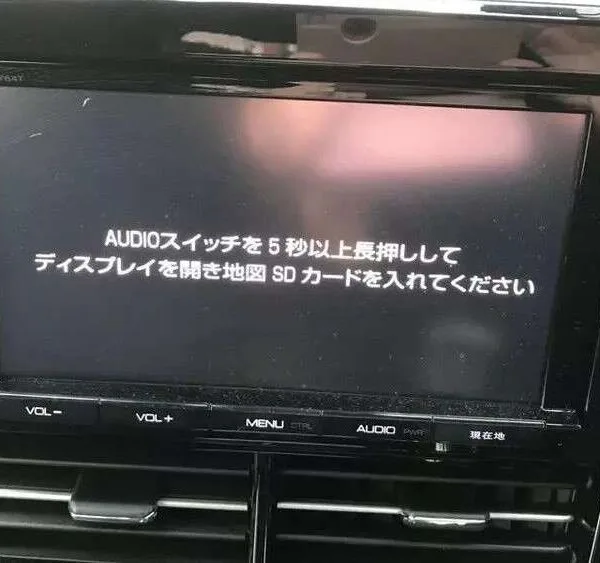
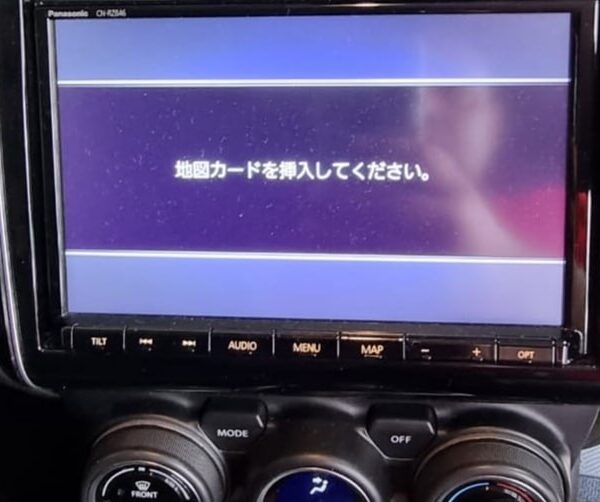
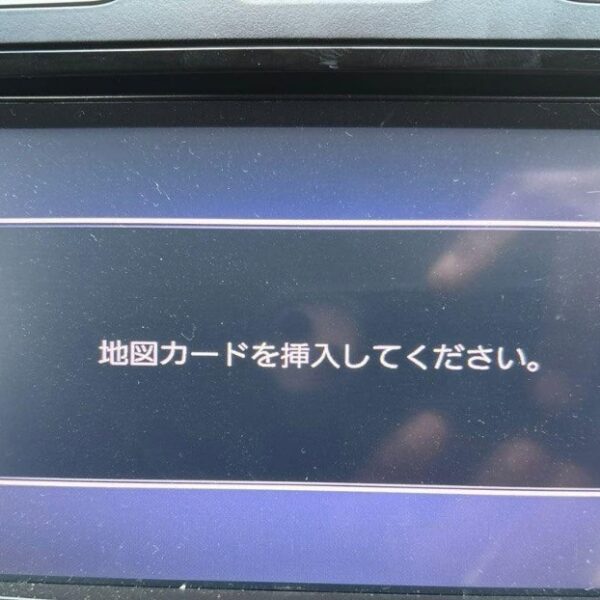
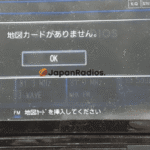
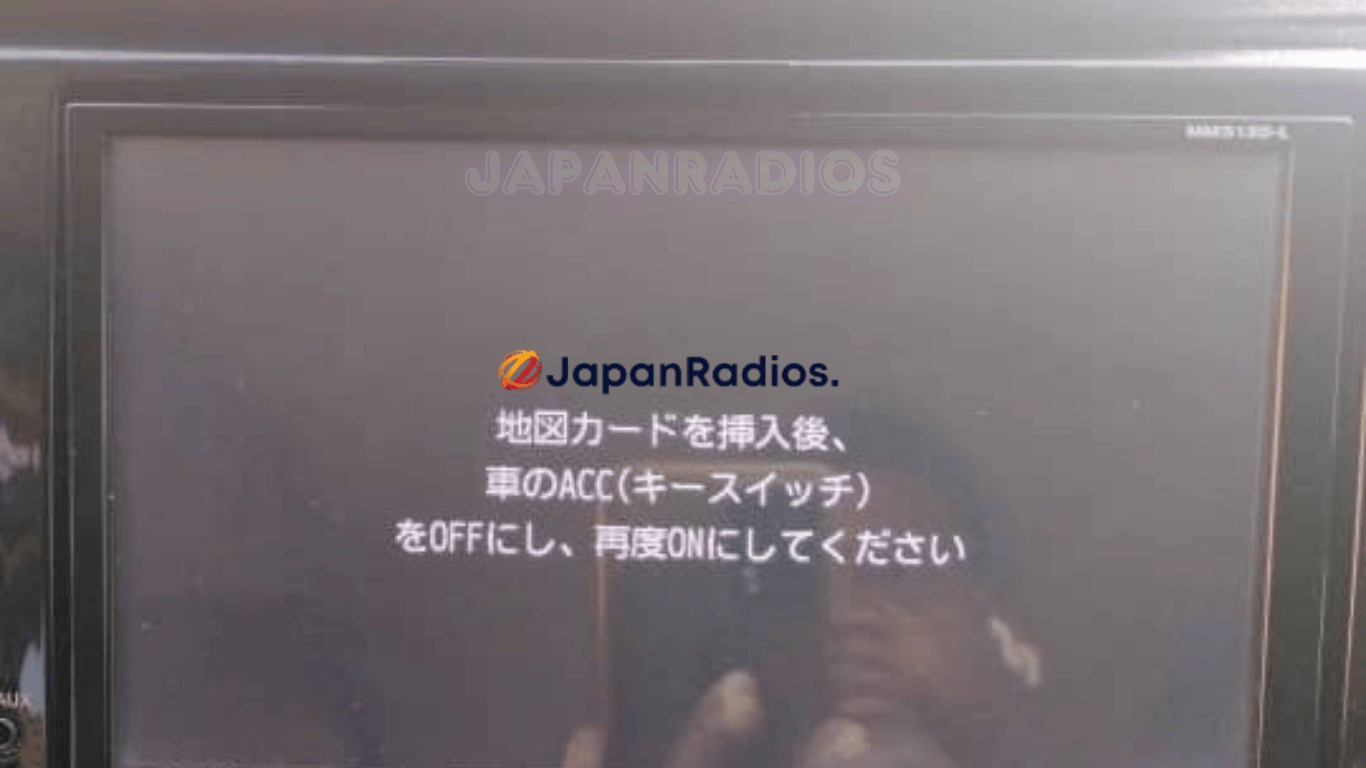
The MM514D-L SD error fix clears on-screen Japanese error messages such as 「地図ディスクを確認しています しばらくお待ち下さい」, 「ディスプレイを開き地図SDカードに入れてください」, 「プログラムを読み込むことができません」, 地図カードがありません。, and ファイルが見つかりません。SDカードをご確認ください。. It restores default OEM infotainment functions for JDM import vehicles in the UK, Australia, NZ, Ireland, Mauritius, Jamaica, Singapore, and 54 target countries.
MM514D-L SD error fix OEM Feature Restoration Matrix
| OEM Infotainment Parameter | Locked Error State | Restored via JapanRadios |
|---|---|---|
| Japanese Error Display | ❌ "地図SDカードを挿入してください" | ✅ Cleared / Full System Access |
| Bluetooth Calling & Audio | ❌ Settings Inaccessible | ✅ Restored (if available) |
| Reversing & 360° Camera Feed | ❌ Screen Frozen / Black | ✅ Active Guides (where equipped) |
| AM/FM Radio, CD/DVD & USB | ❌ Blocked Audio Output | ✅ Fully Active (if available) |
MM514D-L SD error fix for Nissan (JDM import)
MM514D-L SD error fix is the simple, plug-and-play solution for Japanese-import Nissan vehicles displaying “Please insert SD card” or “SD error” on MM514D-L head units.
Is your Nissan MM514D-L radio locked due to a missing or corrupted SD card after export, battery change, or auction? Our ready-to-use SD error fix card restores your head unit instantly—no coding, no dealer visit, no risk. Compatible with JDM Nissan vehicles equipped with the MM514D-L series.
Key Features & Supported Functions
MM514D-L SD error fix clears SD card error messages and unlocks your system
Plug-and-play for MM514D-L head units in Nissan JDM models (no programming required)
Instantly restores built-in features, including:
Bluetooth® (hands-free calling & music streaming)
FM/AM Radio
USB/SD/WALKMAN audio, image & video playback
CD/DVD playback (if equipped)
Hands-free call functionality
AUX input, multi-media system access
Fast installation and worldwide shipping
Friendly and responsive after-sales support
MM514D-L SD error fix card – Nissan Japanese import
Who It’s For
MM514D-L SD error fix for Japanese-import Nissan vehicles (not offered inside Japan)
Ideal for owners with lost, missing, or unreadable SD cards
How to Use
Turn off your vehicle and MM514D-L head unit.
Insert the MM514D-L SD error fix card into the SD slot.
Power on—the SD error will clear and all system functions will be restored.
What’s Included
MM514D-L SD error fix plug-and-play card
Quick installation instructions
Helpful customer support
Important:
MM514D-L SD error fix is for vehicles imported from Japan and not for use/sale within Japan. This product ONLY clears SD error screens and restores standard multimedia and Bluetooth functions. Radio frequency bands, menu language, and region settings remain unchanged (JDM). No map update or region conversion is included.
Avoid costly hardware replacements and professional service fees. After a simple installation, your head unit will operate seamlessly.
This solution is compatible with a wide range of Nissan Panasonic MM series head units, including:
- MM11x Series: MM112-W, MM112D-W, MM113D-W, MM114D-W, MM115D-W, MM117D-DW
- MM22x Series: MM222D-L, MM222D-Le, MM223-L, MM223D-L, MM223D-Le
- MM31x / MM32x Series: MM312D-W, MM316D-W, MM316D-DW, MM317D-W, MM317D-DW, MM318D-L, MM318D-W, MM319D-L, MM319D-W, MM320D-L, MM320D-W, MM321D-L, MM322D-L, MM323D-L
- MM51x / MM52x Series: MM513D-L, MM514D-L, MM514D-W, MM515D-L, MM516D-L, MM516D-W, MM517D-L, MM517D-W, MM518D, MM518D-L, MM518D-W, MM519D, MM519D-L, MM520D-L, MM521D-L, MM522D-L, MM523D-L
- MME Series: MME15D-EV
Need another model? Browse our complete Map SD Card Unlocking & Diagnostic Hub or contact our 24/7 WhatsApp support to Get Instant Price for Unlock Code & SD Card →