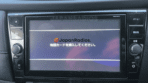
MM519D-L SD error fix – Ultimate Android Auto & Apple CarPlay Restore for Nissan JDM
Get Instant Price for Unlock Code & SD Card
Send us your radio model or a photo on WhatsApp. We reply with pricing and next steps in under 10 minutes.
Chat on WhatsAppGet Instant Price & Unlock CodeMM519D-L SD error fix for Japanese-import Nissan radios. Instantly resolve SD card errors and reactivate Android Auto and Apple CarPlay. Plug-and-play.
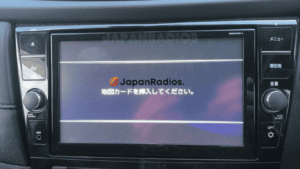
MM519D-L SD error fix card – Restore Android Auto & CarPlay on JDM Nissan
⚡ Quick Product Specifications
What is this product and how does it help?
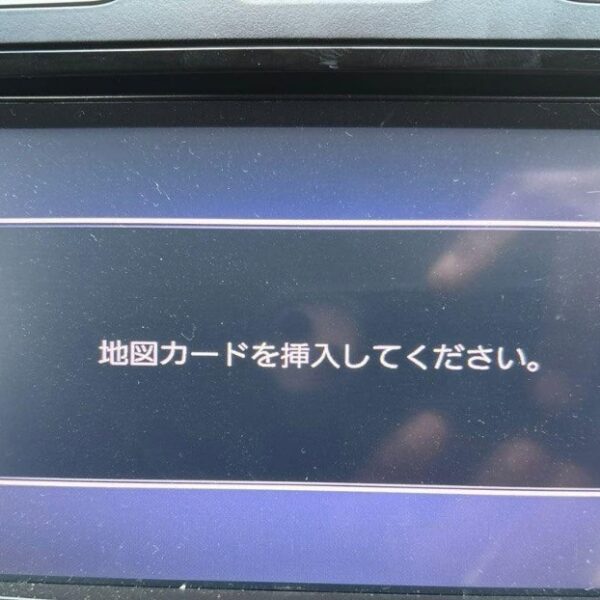
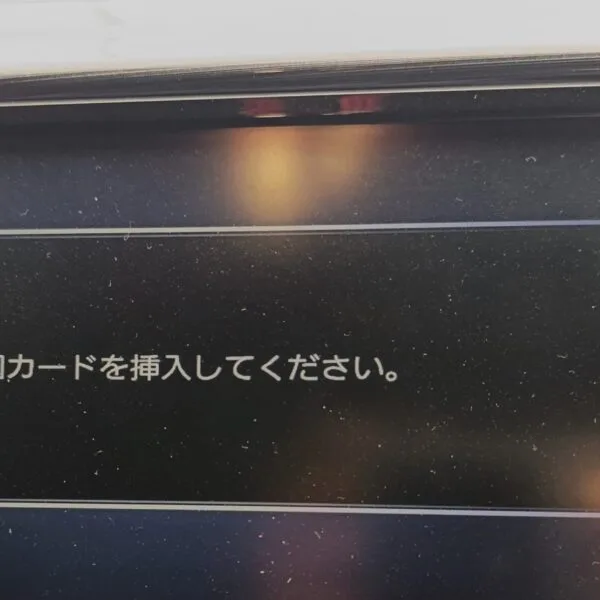
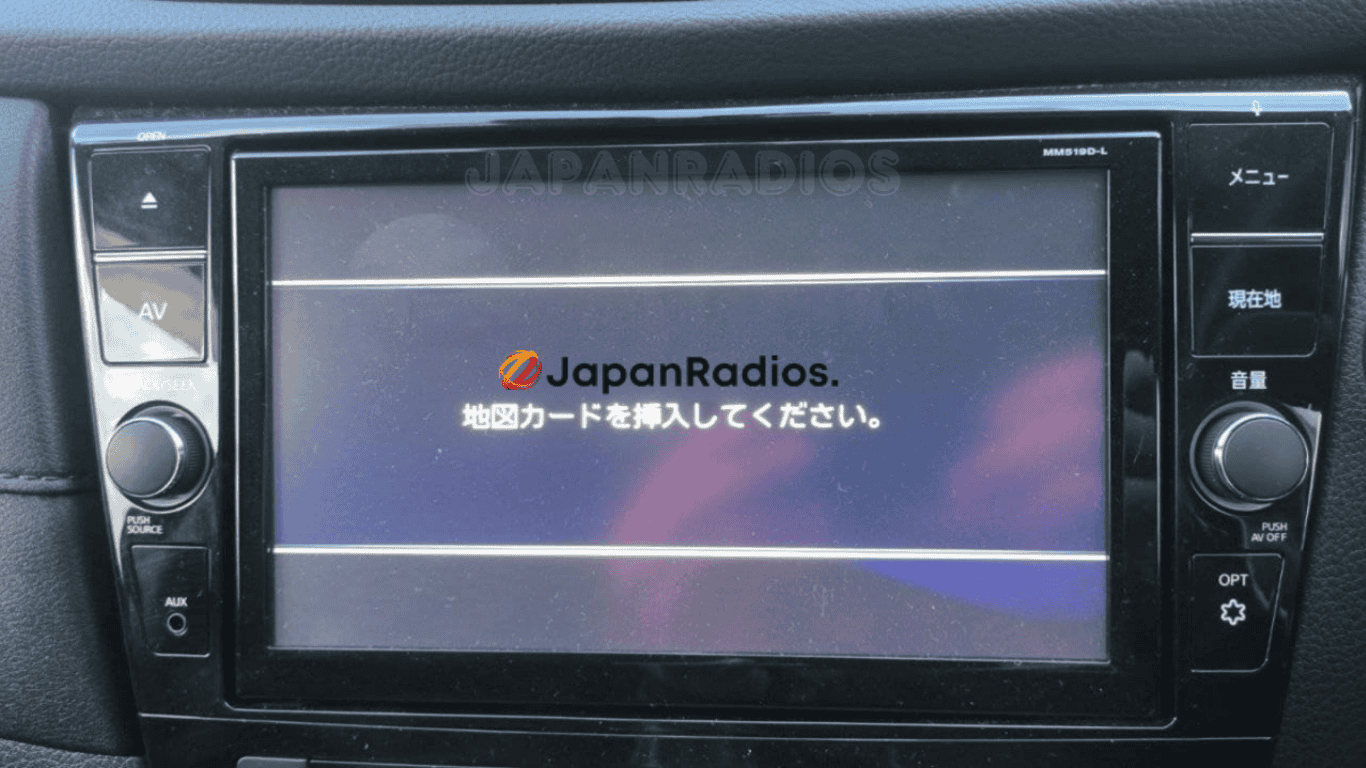
This product provides a replacement bootable Map SD Card or firmware download files for MM519D-L SD error fix – Ultimate Android Auto & Apple CarPlay Restore for Nissan JDM. It resolves the 'Insert Map SD Card' or 'Unable to Read Data' error screen typical in JDM imported vehicles. The SD card is pre-loaded with the exact software files required by your vehicle's multimedia head unit. Inserting this card will automatically bypass the lock screen, reboot the system, and restore A/C climate controls, Bluetooth, and radio features.
📦 What You Receive in Your Order
- 1x Pre-loaded high-speed Map SD Card (or fast download links if files chosen).
- 1x System Boot Recovery Firmware: Pre-flashed and model-matched files.
- 1x Step-by-Step Installation Notes: Simple guide to plug-and-play.
- Warranty Protection: Fully covered against data corruption.
- Lifetime Technical Support: Full assistance with system setup and conversion.
💬 Need Quick Compatibility Verification for MM519D-L SD error fix?
Send a photo of your locked radio screen or Japanese error message to our 24/7 WhatsApp support. We will confirm the exact solution and processing time instantly before you order.
Get Instant Price for Unlock Code & SD Card →How does the MM519D-L SD error fix unlock service work?
The MM519D-L SD error fix calculates your factory security code from your radio screen serial number or 16-character ERC code (resolving 暗証番号を入力してください and ダイアグ検査メニュー lock screens). Standard codes are delivered in 0–10 minutes via WhatsApp with a 100% Working Guarantee.
MM519D-L SD error fix Recovery Status Grid
| Infotainment System Function | Locked Security State | Unlocked via JapanRadios |
|---|---|---|
| Touchscreen & System Setup | ❌ Locked PIN Prompt | ✅ Unlocked / Full Setup Menu |
| Bluetooth Phone & Audio | ❌ Blocked Connection | ✅ Restored (if available) |
| Reverse Camera & Steering Controls | ❌ Disabled Feed | ✅ Active (where equipped) |
MM519D-L SD error fix for Nissan (JDM import) – Android Auto & Apple CarPlay Restore
MM519D-L SD error fix is your instant, plug-and-play solution for Japanese-import Nissan vehicles stuck on “Please insert SD card” or “SD error” with the MM519D-L head unit.
Has your MM519D-L radio lost Android Auto or Apple CarPlay after SD card loss, export, or battery change? Our exclusive SD error fix card restores your head unit immediately—no dealer, no coding, zero risk required. Ideal for JDM Nissan models with MM519D-L radios, exported worldwide.
Key Features & Supported Functions
MM519D-L SD error fix instantly clears SD card error messages and system lock
Restores both Android Auto™ & Apple CarPlay (where factory-equipped) for seamless smartphone integration
Plug-and-play operation: No programming/coding or dealer visit needed
Instantly unlocks all default multimedia and convenience features, including:
Bluetooth® (hands-free calling & audio streaming)
FM/AM radio
USB/SD/WALKMAN media playback (music, images, video)
AUX input & multimedia switching
Hands-free phone
CD/DVD playback (where fitted)
Fast install, quick shipping, and friendly customer support
Who It’s For
MM519D-L SD error fix for Japanese-import Nissan vehicles (not for use in Japan)
Owners looking to restore Android Auto, Apple CarPlay, Bluetooth, and all media features after SD card problems
How to Use
Power off your vehicle and MM519D-L head unit.
Insert the MM519D-L SD error fix card into the SD slot.
Power on—the SD error will clear, and all smartphone/connectivity features are restored.
What’s Included
MM519D-L SD error fix plug-and-play card
Clear installation instructions
Direct technical support
Important:
MM519D-L SD fix is only for Nissan vehicles imported/exported from Japan. It erases SD error screens and reactivates Android Auto, Apple CarPlay, and all original multimedia/Bluetooth features. Head unit region, menu language, and radio frequencies remain JDM.
Avoid costly hardware replacements and professional service fees. After a simple installation, your head unit will operate seamlessly.
This solution is compatible with a wide range of Nissan Panasonic MM series head units, including:
- MM11x Series: MM112-W, MM112D-W, MM113D-W, MM114D-W, MM115D-W, MM117D-DW
- MM22x Series: MM222D-L, MM222D-Le, MM223-L, MM223D-L, MM223D-Le
- MM31x / MM32x Series: MM312D-W, MM316D-W, MM316D-DW, MM317D-W, MM317D-DW, MM318D-L, MM318D-W, MM319D-L, MM319D-W, MM320D-L, MM320D-W, MM321D-L, MM322D-L, MM323D-L
- MM51x / MM52x Series: MM513D-L, MM514D-L, MM514D-W, MM515D-L, MM516D-L, MM516D-W, MM517D-L, MM517D-W, MM518D, MM518D-L, MM518D-W, MM519D, MM519D-L, MM520D-L, MM521D-L, MM522D-L, MM523D-L
- MME Series: MME15D-EV
Need another model? Browse our complete Map SD Card Unlocking & Diagnostic Hub or contact our 24/7 WhatsApp support to Get Instant Price for Unlock Code & SD Card →
⚙️ How the Unlock Process Works
Identify Unit
Locate the SD card slot on your unit (usually on front or behind screen).
Place Order
Select your exact car radio model number and complete checkout.
Generation
We configure the files. We ship the SD card or send instant download links.
Instant Fix
Insert the card, reboot the radio, and enjoy full functions in English.
Please verify your radio model number matches exactly. Unlocks and firmware are generated specific to your unit's serial number. We do not provide physical returns for digital codes once generated, but we guarantee our solutions 100% when compatibility is verified before purchase.