Toyota C‑HR NSZT‑Y68T unlock code online—instant 24/7 owner support to restore radio, Bluetooth, and settings fast. Lifetime unlock One code, permanent access

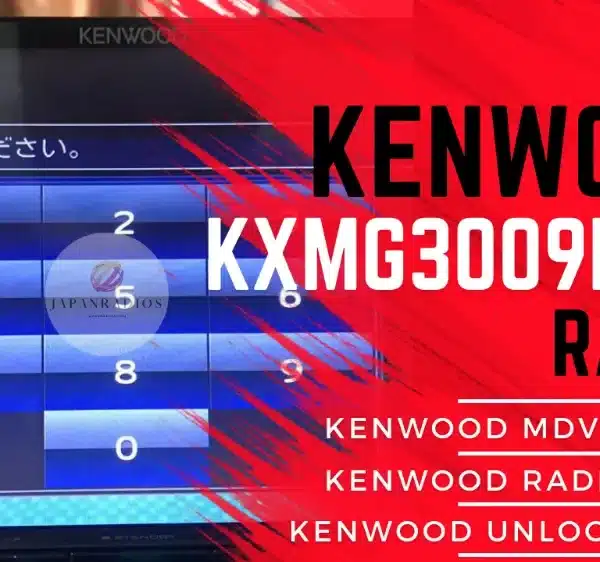
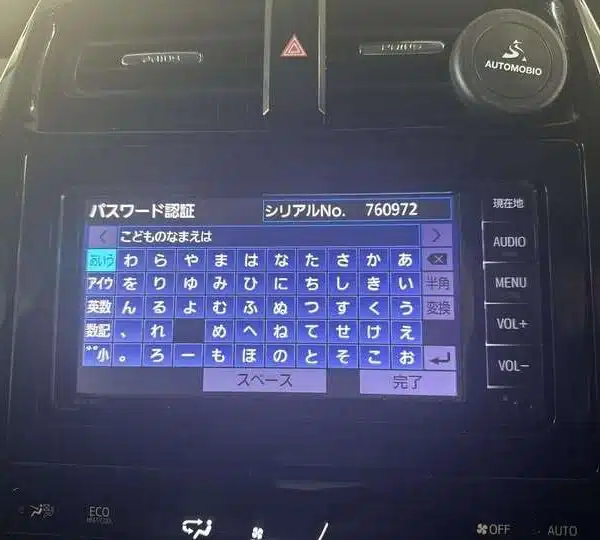
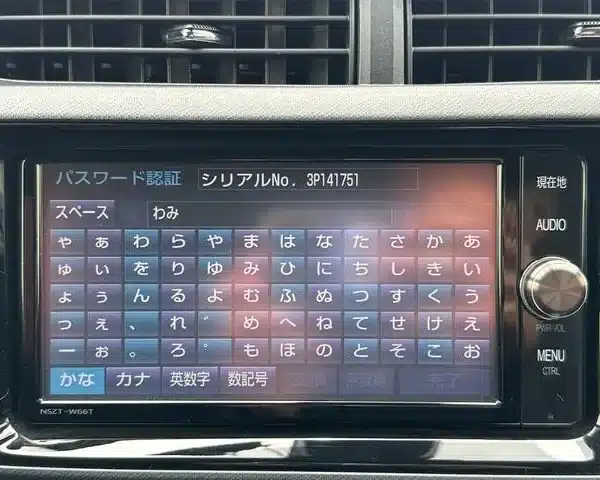
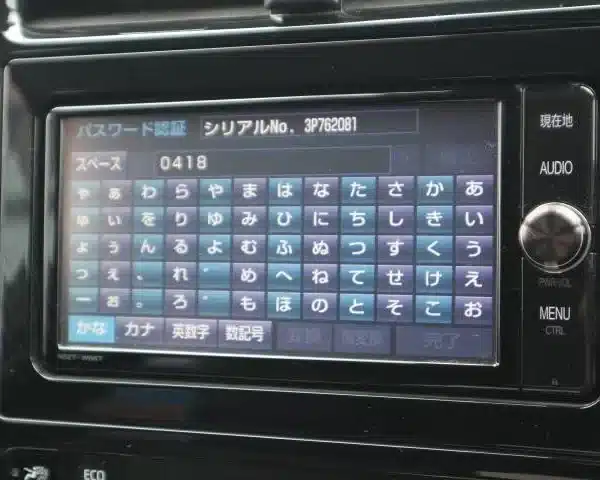
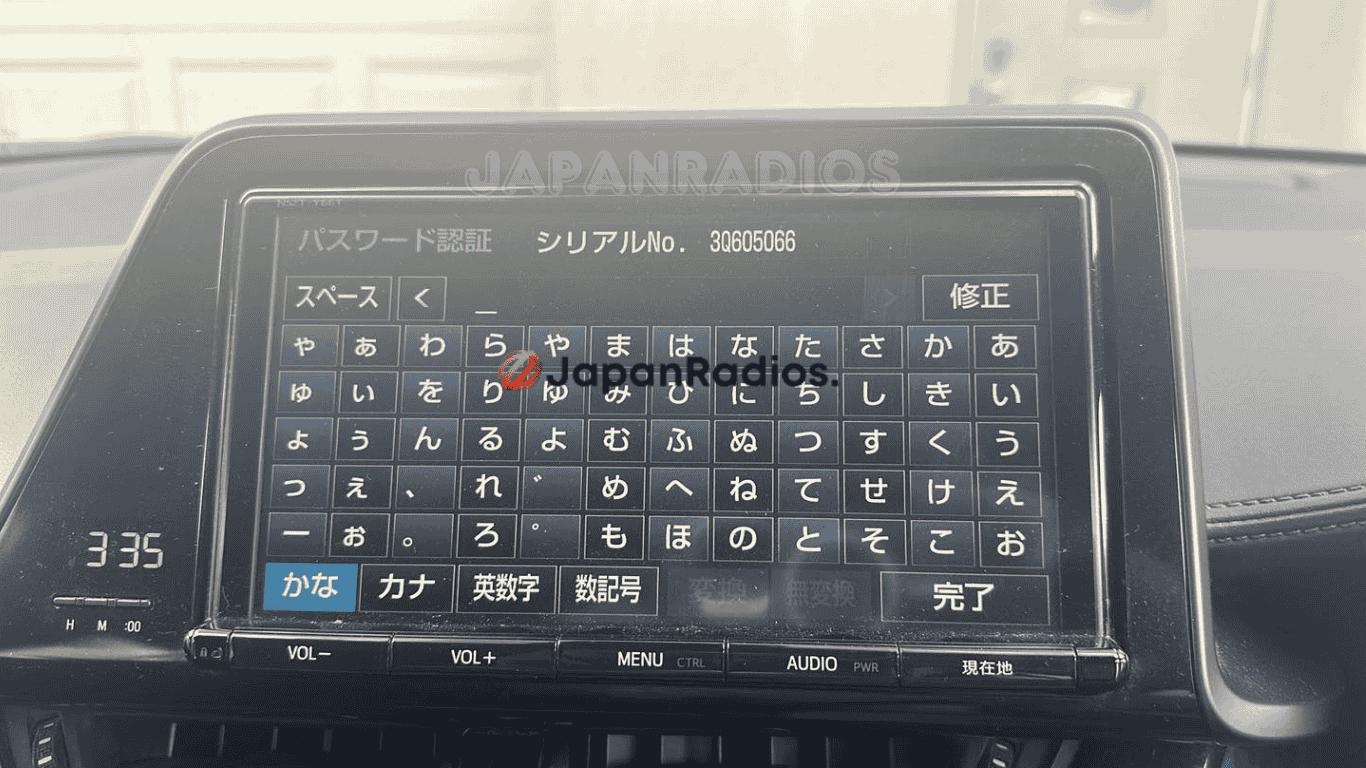
Toyota C‑HR NSZT‑Y68T locked screen (ERC code) – we provide a permanent lifetime unlock code.
💬 Need Quick Compatibility Verification for Toyota C?
Send a photo of your locked radio screen or Japanese error message to our 24/7 WhatsApp support. We will confirm the exact solution and processing time instantly before you order.
Get Instant Price for Unlock Code & SD Card →How does the Toyota C unlock service work?
The Toyota C calculates your factory security code from your radio screen serial number or 16-character ERC code (resolving 暗証番号を入力してください and ダイアグ検査メニュー lock screens). Standard codes are delivered in 0–10 minutes via WhatsApp with a 100% Working Guarantee.
Toyota C Recovery Status Grid
| Infotainment System Function | Locked Security State | Unlocked via JapanRadios |
|---|---|---|
| Touchscreen & System Setup | ❌ Locked PIN Prompt | ✅ Unlocked / Full Setup Menu |
| Bluetooth Phone & Audio | ❌ Blocked Connection | ✅ Restored (if available) |
| Reverse Camera & Steering Controls | ❌ Disabled Feed | ✅ Active (where equipped) |
Toyota C‑HR NSZT‑Y68T unlock code online is a fast, reliable way to restore access to your OEM Toyota multimedia/navigation head unit when it becomes locked and shows a security/ERC code screen. The NSZT‑Y68T is a Toyota genuine SD navigation/infotainment unit used in various Toyota setups, including Japanese‑import configurations.
This lock commonly happens after a battery disconnection/replacement, ECU reset, factory reset, or when the head unit is installed in a different vehicle. When it triggers, the system can block access to key functions (radio/media, Bluetooth, and settings) until the correct code is entered.
We provide a permanent owner-only unlock code generated specifically from the unique code displayed on your NSZT‑Y68T screen. No tools, no software, and no risky “hacks”—you enter the code once and your system is restored for normal use (it should not relock after future power loss if the same security state returns).
Toyota C‑HR NSZT‑Y68T locked screen (ERC code) – we provide a permanent lifetime unlock code.
✅ Restores access to (typical):
FM/AM radio and audio menus
Bluetooth pairing and hands‑free functions
Media playback controls (where supported by your unit)
System settings (where installed/available)
✅ What you’ll get
One-time NSZT‑Y68T unlock code matched to your displayed code
Delivery via WhatsApp
24/7 support for code reading + correct entry steps
Global service for Japanese-import Toyota vehicles (including Toyota C‑HR)
🧠 What triggers the lock?
Battery disconnect / battery replacement
ECU reset or electrical work
Factory reset / system reset
Head unit swap (import/installation changes)
📲 How it works
Turn on the Toyota C‑HR and let the NSZT‑Y68T boot to the lock/code screen.
Note or photograph the code shown on the display (ensure all characters are clear).
Send the code to us via WhatsApp/email (or place an order and upload it).
Receive your personalized unlock code.
Enter it once to regain full access.
How do I find my 16‑digit ERC code?
The ERC code is shown on the head unit’s lock screen or inside a diagnostic/service menu, depending on the model and vehicle.
Because the button sequence varies by unit (and publishing universal “button combos” can be misused), use your vehicle’s manual, your installer, or authorized support to get the correct steps for your exact model.
When you find it, take a clear photo of the full 16‑digit code (example formats: 68DD23CE134BAD23, 3B128A00F2506093) and keep the ignition on so the code doesn’t change on some units.Supported models
- Allion, Alphard, Aqua, bZ4X, Camry, Celsior, Century, C-HR, C+pod, Copen GR SPORT, Corolla, Crown (Crossover type), Crown (Estate type), Crown (Sedan type), Crown (Sport type), Esquire, Estima, GR Yaris, GR86, Harrier, Hiace, Hilux, JPN Taxi, Land Cruiser, Mark X, Mirai, Noah, Passo, Pixis, Porte, Premio, Prius, Raize, RAV4, Roomy, Sienta, Spade, Supra, Tank, Vellfire, Vitz, Voxy, Yaris
Latest supported models: NSZT-W68T, NSZT-Y68T, NSZN-Z68T, NSCN-W68, NSLN-W68, NSZT-Y68, NSZN-Z68
NS Series: NSCD-W66, NSCN-W59C, NSCN-W60, NSCN-W68, NSCP-W61, NSCP-W62, NSCP-W64, NSCT-W61, NSDD-W61, NSDN-W59, NSDN-W60, NSDT-W59, NSLN-W68, NSZN-Z68T, NSZA-X64T, NSZT-W60, NSZT-W61G, NSZT-W62G, NSZT-W64, NSZT-Y68, NSZN-Z68, NSZT-Y66T, NSZT-W66T, NSZT-W68T, NSZT-Y68T
NH Series: NH3N-W58, NH3T-W57, NHBA-W62G, NHDA-W61G, NHDT-W57, NHDT-W58, NHDT-W58G, NHDT-W59, NHDT-W59G, NHDT-W60G, NHZD-W62G, NHZN-W57, NHZN-W58, NHZN-W59C, NHZN-W59G, NHZN-W60G, NHZN-W61, NHZN-W61G, NHZT-W58, NHZT-W58G
ND Series: ND3T-W56, ND3T-W57, NDCN-D55, NDCN-W55, NDDA-W55, NDDA-W56, NDDN-W56, NDDN-W57, NDDN-W58
NM Series: NMCN-D51, NMCN-W51M, NMCT-W51
DS Series: DSZT-YC4T
How does the unlock service work?
You send the head unit model + a clear photo of the ERC code screen.
We generate a unit‑matched unlock code and send it by WhatsApp or email.
You enter it once to restore access to your OEM multimedia functions.
🤖
Toyota C‑HR NSZT‑Y68T unlock code online
NSZT‑Y68T locked after battery change
Toyota NSZT‑Y68T ERC code unlock
Unlock Toyota Japanese head unit NSZT‑Y68T
NSZT‑Y68T radio Bluetooth not working locked screen
Order Your NSZT-Y68T Unlock Code Now
Don’t let a locked radio hold you back. Submit your ERC code now and receive your NSZT-Y68T unlock code in minutes.
Restore full functionality to your Toyota radio system — securely and hassle-free.
Need another model? Browse our complete Japanese Radio Unlock Unlocking & Diagnostic Hub or contact our 24/7 WhatsApp support to Get Instant Price for Unlock Code & SD Card →