
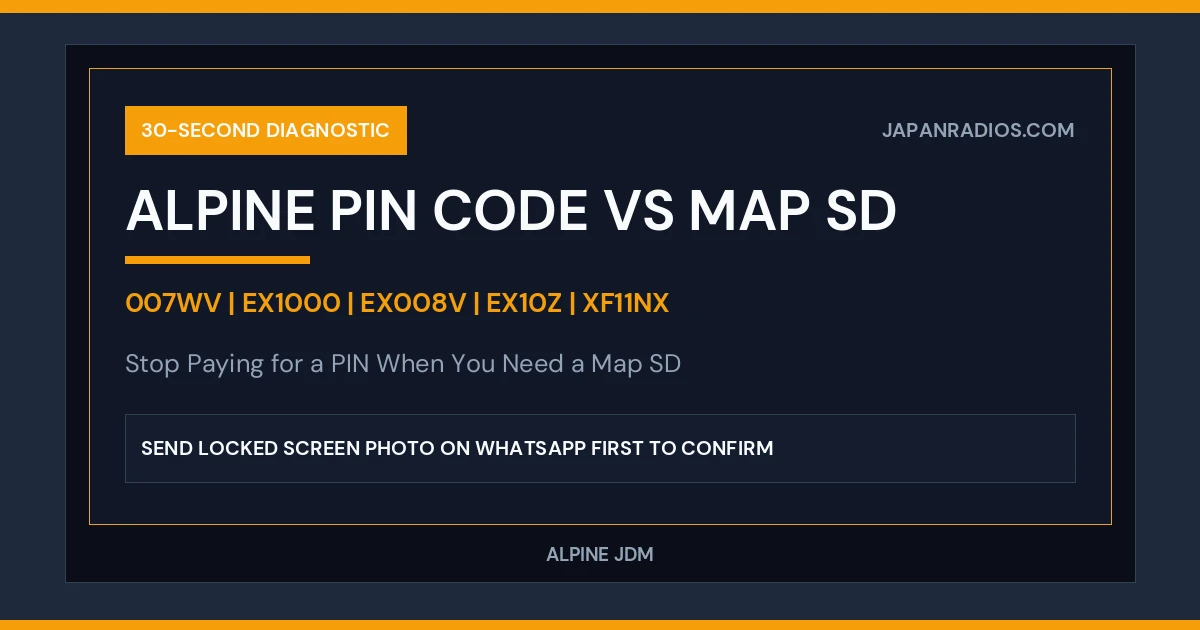
Direct Answer: One of the most expensive mistakes JDM buyers make is ordering an Alpine unlock PIN when the radio is actually waiting for a missing or corrupted Map SD card — especially on Alpine 007WV, EX1000, EX008V, 700W, and VIE-X008 units. Use this 30-second visual check to confirm which solution your head unit really needs before paying. Send a clear photo of your locked display and front bezel model stamp on WhatsApp first so we confirm PIN unlock vs. Map SD compatibility and quote your exact total before you pay.
Side-by-Side Comparison: Security PIN Lock vs. Map SD Boot Fault
| Check Point | Security PIN / Password Lock | Missing or Corrupted Map SD Card |
|---|---|---|
| Screen Prompt | パスワードを入力してください / 暗証番号を入力してください / CODE IN | 地図SDカードを挿入してください / システムを起動できません |
| On-Screen Keypad | Numeric/character entry buttons visible | Static warning screen or reboot loop; no PIN entry pad |
| Most Affected Models | EX11V/Z, XF11NX, EX10Z, EX9V, X9V, 007WV, C9A6 | 007WV-B/S, EX1000, EX008V, 700W, VIE-X008/X009, EX10Z |
| Correct Fix | Alpine Radio Code Unlock Hub → | Alpine Big X Map SD Card Recovery → |
Why Can a Locked Alpine Unit Look Like Both?
Occasionally an imported JDM Alpine receiver shows a Map SD warning first (because a dealer removed the original SD card in Japan) and then reveals a security PIN screen once the boot card is inserted—or vice versa. That is why sending a screen photo on WhatsApp before paying eliminates guesswork.
Next Step Before Spending Anything
Turn your ignition to ACC, photograph the current display message plus the lower-bezel model number, and send both to JapanRadios on WhatsApp. We confirm within minutes whether you need an unlock code, an Alpine Map SD card, or both.
Verify Your Screen Photo First (Before Paying)
- Photograph your locked screen message (
CODE IN,パスワードを入力してください, or地図SDカード) and lower-bezel model code. - Send the photo on WhatsApp to confirm PIN Unlock vs. Map SD eligibility and receive a complete price.
- Proceed only after compatibility across our 44 approved right-hand-drive markets is verified.
Real Alpine Radio Unlock Proof & Customer Feedback
Watch genuine customer unlock feedback and Big X walkthrough clips from our official @japanradios YouTube channel (click any card to load the player).


Frequently Asked Questions
Can an unlock code fix an Alpine 007WV that says 地図SDカードを挿入してください?
No—that message literally means “Please insert Map SD card.” You need genuine compatible Alpine SD boot/map data, not a numeric PIN.
Why do buyers get confused between the two on EX1000 and VIE-X008?
Both locks block Bluetooth, FM radio, and camera displays right after a 12V battery swap, so checking the exact Japanese text is critical.
If I put in a blank FAT32 SD card, will my Alpine boot?
No—Alpine Big X SD cards use paired map/boot signatures; consumer blank cards will not bypass the boot check.
Will JapanRadios verify which one I need before I pay?
Yes—send your photo on WhatsApp first for zero-obligation compatibility and price confirmation.