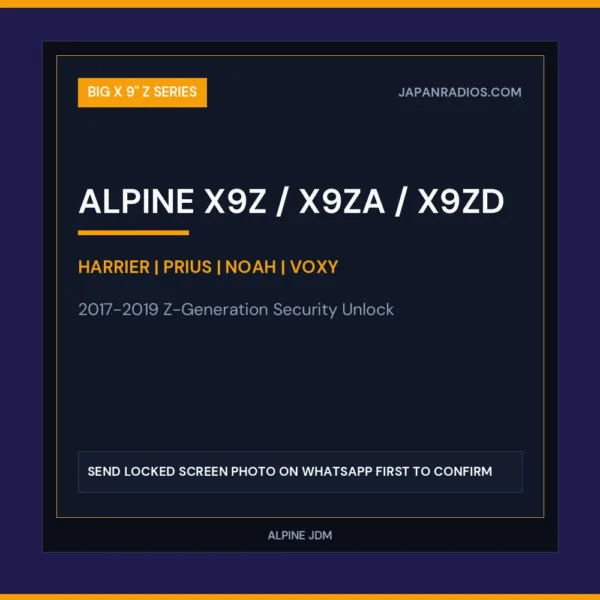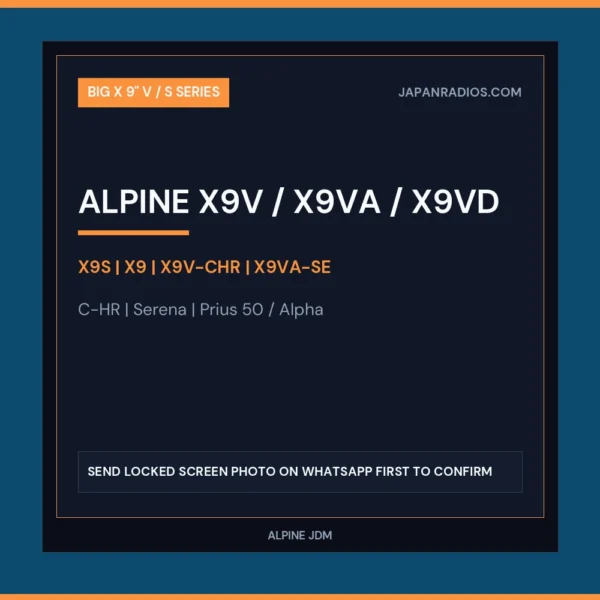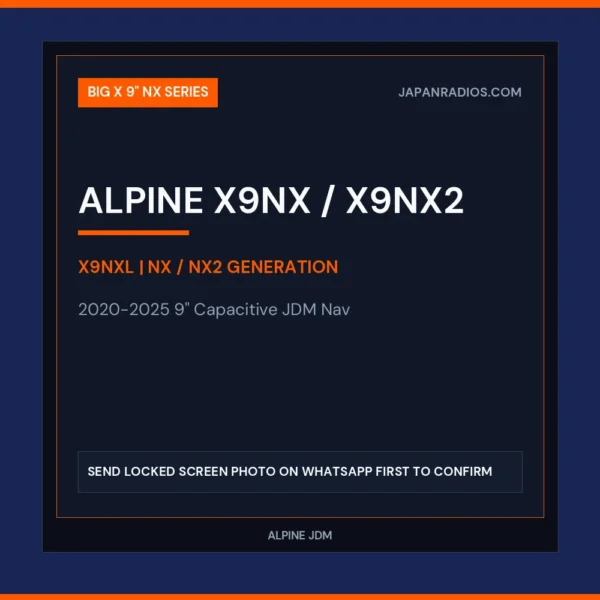
Direct Answer: Unlike dash-molded EX11 kits, Alpine Floating Big X units (XF11Z, XF11NX, XF11NX-LL, XF11NX2) mount via a telescoping floating 11-inch LCD arm attached to a standard 2DIN chassis—making them popular across HiAce, RAV4, Land Cruiser Prado, Delica D:5, and Jimny imports. Send a clear photo of your locked display and front bezel model stamp on WhatsApp first so we confirm PIN unlock vs. Map SD eligibility and quote your exact total before you pay.
11-Inch Floating Mechanism WXGA Display (XF11) — Compatibility & Model Coverage
| Specification | Verified Coverage |
|---|---|
| Display Class | 11-Inch Floating Mechanism WXGA Display (XF11) |
| Production Years | 2017–2026 (XF11Z, NX Simple/LL & NX2 Alexa/CarPlay) |
| Included Sub-Models | XF11NX, XF11NX-LL, XF11NX2, XF11Z |
| Compatible JDM Vehicles | Toyota HiAce TRH200, RAV4, Land Cruiser Prado 150, Mitsubishi Delica D:5, Suzuki Jimny |
| Typical Lock Prompts | セキュリティ解除キーを入力してください / パスワードを入力してください / CODE IN |
Series Architecture & Decoding Notes
XF11NX-LL (Log-Less / Audio-focused variant) omits onboard Japanese map navigation in favor of Apple CarPlay/Android Auto smartphone mirroring, whereas XF11NX2 adds high-contrast optical bonding. Both retain anti-theft security locks that activate when vehicle power is disconnected.
PIN Lock vs. Map SD Diagnostic: Note that XF11Z uses a map SD slot behind the screen assembly, whereas XF11NX-LL relies primarily on internal storage; always photograph the exact screen prompt so we separate PIN lock from boot-media errors. Compare with Alpine Big X Map SD Card Recovery →
4-Step Screen Verification Workflow
- Photograph your locked screen showing the Japanese prompt or
CODE INmessage plus the lower-bezel model letters. - Message the photo to JapanRadios WhatsApp for free PIN-vs-SD verification and a complete price quote.
- Approve the verified service only once compatibility (and serial sticker requirement, if any) is confirmed.
- Enter your confirmed unlock code cleanly using our guided step instructions.
Real 11-Inch Floating Mechanism WXGA Display (XF11) Unlock Proof & Customer Feedback
Watch genuine customer unlock feedback and Big X walkthrough clips from our official @japanradios YouTube channel (click any card to load the player).

Related Alpine Hub & Vehicle Guides
- Explore All Floating Big X & JDM Alpine Models
- Browse All 20 Alpine Big X & VIE Series Hubs →
- Alpine Japanese Lock Screen & CODE IN Error Dictionary
Frequently Asked Questions
What is the difference between XF11NX and XF11NX-LL?
XF11NX includes Japanese onboard navigation alongside CarPlay/Android Auto, while XF11NX-LL omits the internal navigation map module. Both share the same security unlock verification flow.
My XF11NX2 asks for a 16-character or corner sequence—can you help?
Yes. Depending on firmware year, XF11 series models ask either for a numeric PIN or an Alpine Security Release Key. We identify the exact format from your screen photo.
Does tilt-angle calibration survive after unlocking XF11?
Yes, unlocking clears the anti-theft state while preserving display tilt memory, Bluetooth pairing menu, and reverse camera trigger inputs.
Why send the lower-bezel text AND the screen photo?
Because XF11Z (2017) and XF11NX2 (2022+) share almost identical floating screens externally while using different security firmware underneath.