
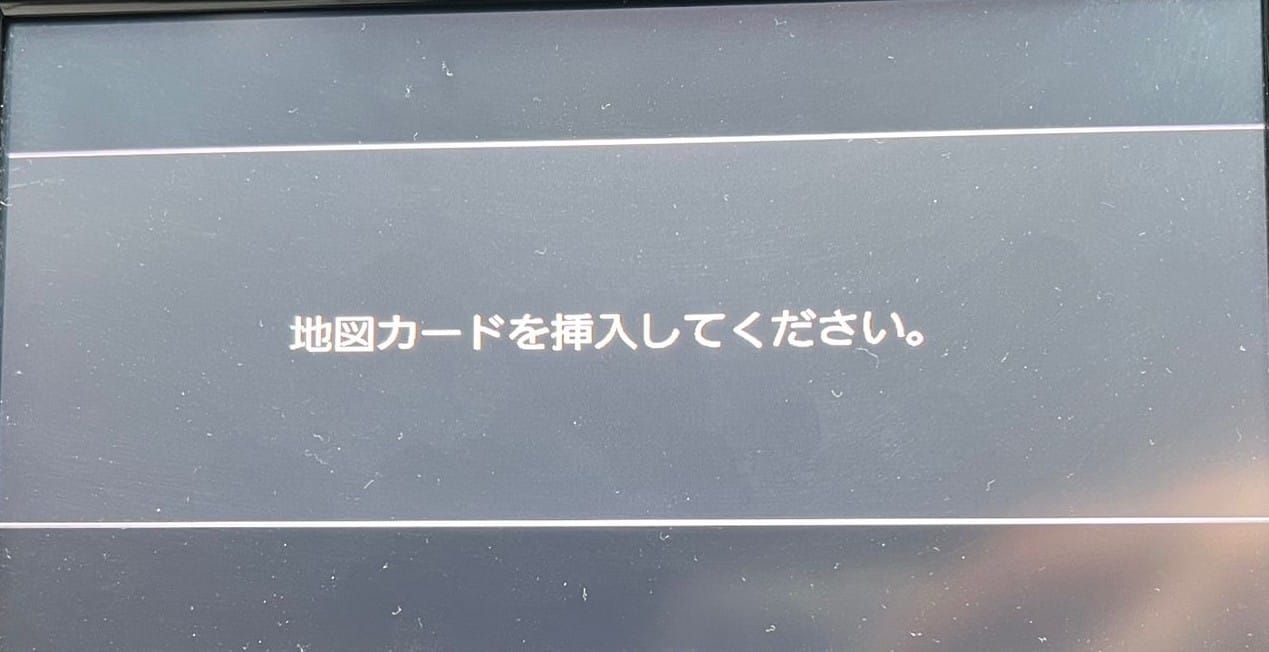
Quick Fix for Honda Gathers VXM-215VFEi: When your JDM Honda Gathers VXM-215VFEi locks after battery replacement with “SDカードを挿入してください” or black screen, insert the genuine matched Honda Access 08A40-2U0-400 / 08A40-PF6-400 / 08A40-PM5-400 / 08A40-5Z0-420 Map SD card to restore Apple CarPlay, Bluetooth, FM/AM, USB & Reverse Camera in under 60 seconds.
| Gathers Model | VXM-215VFEi (215 Series) |
|---|---|
| OEM Part Reference | 08A40-2U0-400 / 08A40-PF6-400 / 08A40-PM5-400 / 08A40-5Z0-420 |
| Hardware Builder | Panasonic Automotive / Honda Access OEM |
| Apple CarPlay Status | Apple CarPlay & Full Factory Media Restored ✅ |
| Japanese Errors Cleared | SDカードを挿入してください / 地図SDカードを確認してください / 地図SDが挿入されていません |
| Common Honda Fitment | Compatible JDM Honda vehicles (Honda Fit (GR), Freed (GB5-8), Vezel (RV), Shuttle, Stepwgn) |
3-Step Honda Gathers VXM-215VFEi SD Recovery
- Confirm Bezel Code: Verify
VXM-215VFEiprinted on the bottom-right or top bezel corner and photo it to JapanRadios WhatsApp Support. - Receive Matched SD Solution: Download verified recovery files (5–15 mins on supported digital units) or receive Tracked Express Worldwide OEM Map SD shipping.
- Boot in MAP SD Slot: Turn ignition OFF, insert into the MAP SD slot (not AUDIO/music SD), switch to ACC, and wait ~60s until home menu, camera & audio return.
Official @japanradios Honda Gathers Map SD Video Guide
Frequently Asked Questions — Honda Gathers VXM-215VFEi
Does my Honda Gathers VXM-215VFEi support Apple CarPlay?
Yes — Honda Gathers 165, 175, 185, 195, 187, 197, 207, 217, 227, and 237 Series units support Apple CarPlay via genuine USB cable once the system firmware boots cleanly with a matched Map SD card.
Why does VXM-215VFEi ask to insert a Map SD card after a dead battery?
Honda Gathers navigation units require the matched 08A40-* Map SD card to initialize OS software, Bluetooth modules, and reverse camera parking guidelines whenever power is disconnected without the card inserted.
Will I also need a 5-digit Honda Gathers radio anti-theft code?
Some units display both a Map SD error and an ERC/anti-theft PIN lock screen. We recover both — see our Honda Gathers Radio Unlock Code page or message us on WhatsApp.
Does JapanRadios ship or deliver to my RHD import country?
Yes. We provide instant digital recovery files where supported plus Express Tracked Worldwide shipping for New Zealand, Australia, UK, Ireland, Jamaica, Trinidad & Tobago, Barbados, Singapore, Malaysia, Fiji, PNG, Mauritius, Zimbabwe, Botswana, Namibia, Zambia, Malawi, and 40+ RHD markets.
Where do I insert the Map SD card on VXM-215VFEi?
Tilt or open the front display bezel (or locate the dual SD cover) and insert into the dedicated MAP SD slot — never the upper Music/AUDIO SD slot.
Related products
Honda Gathers VRU-225CVi Map SD Card | Navigation Boot Fix & Unlock
💬 Get Current Price via WhatsApp Honda Gathers VRU-215CVi Map SD Card | Navigation Boot Fix & Unlock
💬 Get Current Price via WhatsApp Honda Gathers VRU-205CVi Map SD Card | Navigation Boot Fix & Unlock
💬 Get Current Price via WhatsApp Honda Gathers VRU-195CVi Map SD Card | Navigation Boot Fix & Unlock
💬 Get Current Price via WhatsApp Honda Gathers VRM-195VFEi Map SD Card | Navigation Boot Fix & Unlock
💬 Get Current Price via WhatsApp