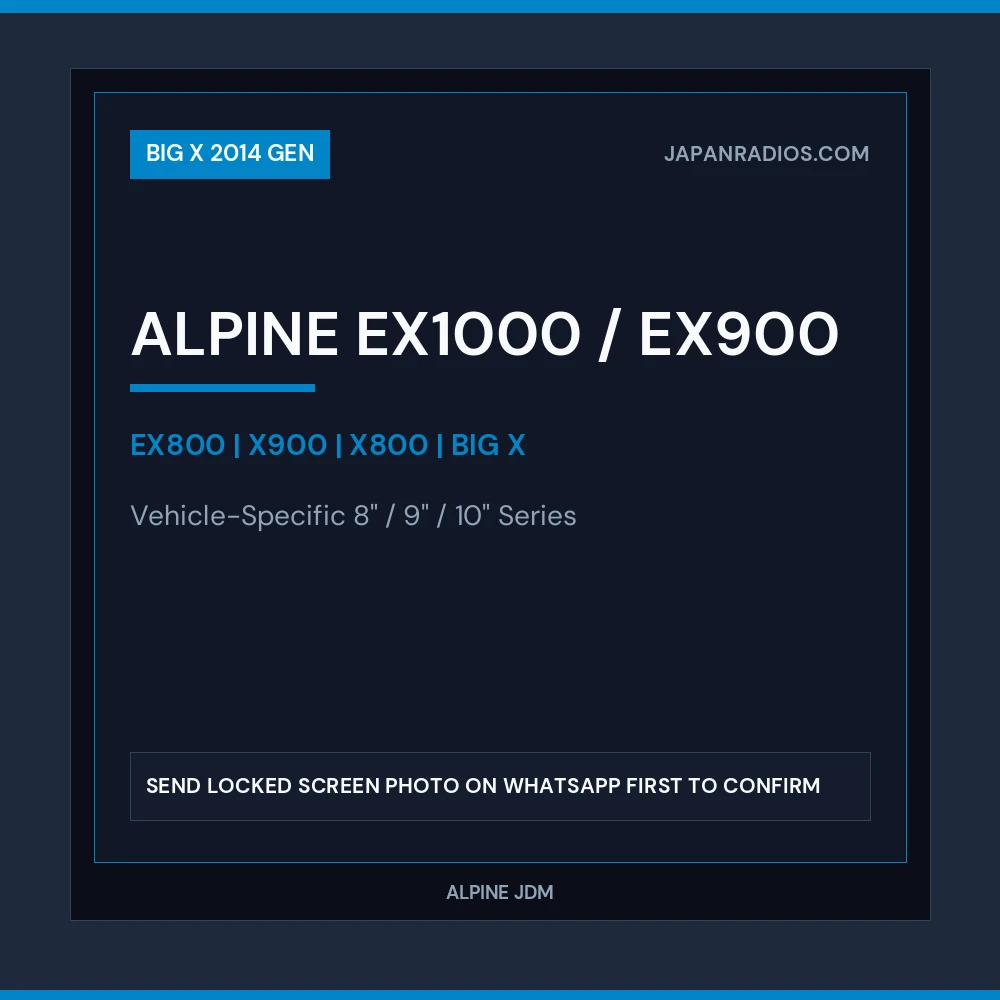
Direct Answer: Released in 2014 as Alpine’s breakthrough Big X lineup across 8-inch, 9-inch, and 10-inch JDM dash panels, the EX1000, EX900, EX800, X900, and X800 share a tightly related 2014 security and SD-card boot architecture. Send a clear photo of your locked display and front bezel model stamp on WhatsApp first so we confirm PIN unlock vs. Map SD eligibility and quote your exact total before you pay.
2014 Big X Generation (8" X800/EX800, 9" X900/EX900, 10" EX1000) — Compatibility & Model Coverage
| Specification | Verified Coverage |
|---|---|
| Display Class | 2014 Big X Generation (8" X800/EX800, 9" X900/EX900, 10" EX1000) |
| Production Year | 2014 JDM Model Year |
| Included Sub-Models | EX1000, EX900, EX800, X900, X800 |
| Compatible JDM Vehicles | Toyota Alphard 20, Vellfire 20, Voxy ZRR80, Noah ZRR80, Harrier ZSU60, Estima |
| Typical Lock Prompts | パスワード入力 / 暗証番号 / 地図SDカードを確認してください |
Series Architecture & Decoding Notes
Because 2014-generation EX1000/X900 decks frequently experience BOTH anti-theft PIN locks AND unreadable 10-year-old map SD cards at the same time after shipping from Japan, pre-verification avoids paying for the wrong fix.
PIN Lock vs. Map SD Diagnostic: Roughly 1 in 3 EX1000/X900 inquiries show a corrupted Map SD boot halt instead of (or right after) the PIN prompt—check our PIN-vs-SD diagnostic link below before ordering. Compare with Alpine Big X Map SD Card Recovery →
4-Step Screen Verification Workflow
- Photograph your locked screen showing the Japanese prompt or
CODE INmessage plus the lower-bezel model letters. - Message the photo to JapanRadios WhatsApp for free PIN-vs-SD verification and a complete price quote.
- Approve the verified service only once compatibility (and serial sticker requirement, if any) is confirmed.
- Enter your confirmed unlock code cleanly using our guided step instructions.
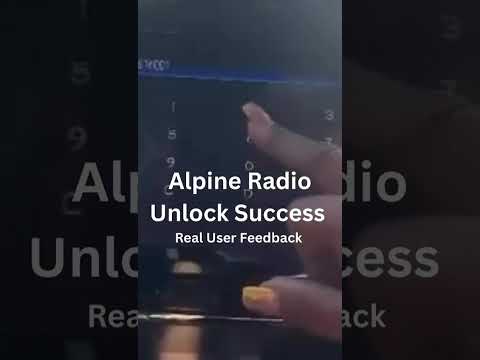
Real 2014 Big X Generation (8" X800/EX800, 9" X900/EX900, 10" EX1000) Unlock Proof & Customer Feedback
Watch genuine customer unlock feedback and Big X walkthrough clips from our official @japanradios YouTube channel (click any card to load the player).

Related Alpine Hub & Vehicle Guides
- Check Alpine Password Lock vs. Missing Map SD Card
- Browse All 20 Alpine Big X & VIE Series Hubs →
- Alpine Japanese Lock Screen & CODE IN Error Dictionary
Frequently Asked Questions
Are EX1000, EX900, and EX800 essentially the same 2014 generation?
Yes—the prefix indicates vehicle-specific dash bezel kits (EX) vs modular kits (X), and the trailing digit indicates 10-inch, 9-inch, or 8-inch display size from the 2014 platform.
What if my EX1000 boots to a Japanese error saying Map SD missing?
Then a numeric PIN will not bypass the boot block. Send a photo of that screen on WhatsApp so we confirm whether you need an Alpine Map SD card instead.
Can EX900 or X900 unlock codes be checked from a serial sticker?
Yes, if your model cannot access the on-screen ID view, photographing the serial sticker on top of the metal unit lets us confirm exact compatibility.
Do you lock customers into paying before checking EX800/X800 eligibility?
Never—send the screen photo and model first, get compatibility confirmed with a complete quote, and proceed only once confirmed.