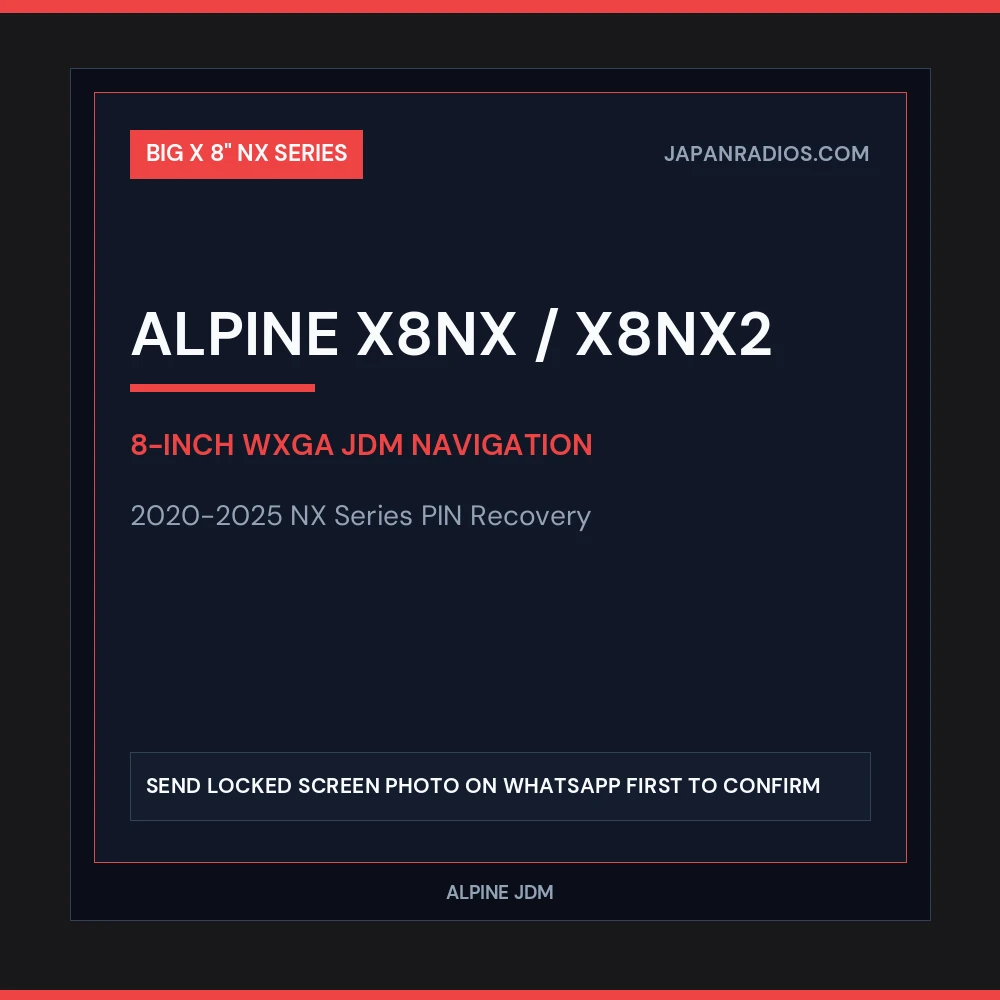
Direct Answer: Designed for modern JDM compact hatchbacks, kei crossovers, and subcompact SUVs needing an 8-inch flush mount without a protruding 11-inch arm, the X8NX and X8NX2 bring current-generation NX security onto a compact 8-inch WXGA frame. Send a clear photo of your locked display and front bezel model stamp on WhatsApp first so we confirm PIN unlock vs. Map SD eligibility and quote your exact total before you pay.
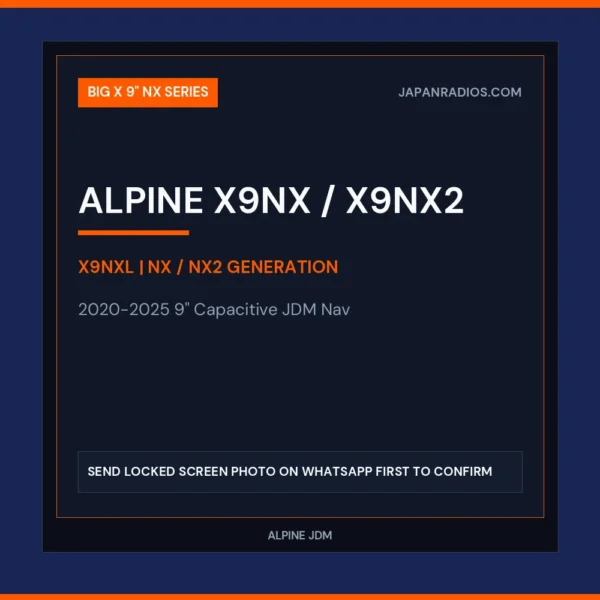
8-Inch NX / NX2 Capacitive Big X — Compatibility & Model Coverage
| Specification | Verified Coverage |
|---|---|
| Display Class | 8-Inch NX / NX2 Capacitive Big X |
| Production Years | 2020–2025 (X8NX & X8NX2) |
| Included Sub-Models | X8NX, X8NX2 |
| Compatible JDM Vehicles | Toyota Yaris, Aqua, Suzuki Swift, Honda Fit, Nissan Note, Daihatsu Rocky |
| Typical Lock Prompts | セキュリティ解除キー / パスワードを入力してください |
Series Architecture & Decoding Notes
X8NX and X8NX2 use late-model Alpine NX firmware where owner-set passwords or post-import security locks remain active until the valid unlock string is entered.
PIN Lock vs. Map SD Diagnostic: Always verify the model stamp at the bottom corner (X8NX vs older X8Z/X8V) because earlier and later 8-inch boards decode differently. Compare with Alpine Big X Map SD Card Recovery →
4-Step Screen Verification Workflow
- Photograph your locked screen showing the Japanese prompt or
CODE INmessage plus the lower-bezel model letters. - Message the photo to JapanRadios WhatsApp for free PIN-vs-SD verification and a complete price quote.
- Approve the verified service only once compatibility (and serial sticker requirement, if any) is confirmed.
- Enter your confirmed unlock code cleanly using our guided step instructions.
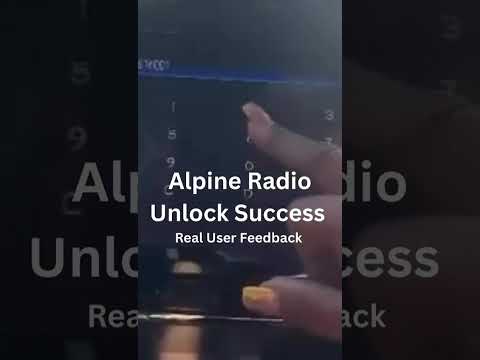
Real 8-Inch NX / NX2 Capacitive Big X Unlock Proof & Customer Feedback
Watch genuine customer unlock feedback and Big X walkthrough clips from our official @japanradios YouTube channel (click any card to load the player).

Related Alpine Hub & Vehicle Guides
- Check Alpine Lock Prompts in the Error Dictionary
- Browse All 20 Alpine Big X & VIE Series Hubs →
- Alpine Japanese Lock Screen & CODE IN Error Dictionary
Frequently Asked Questions
Is X8NX2 unlocked the same way as older X8 models?
No—X8NX2 is part of the newer NX2 hardware generation. Always confirm your exact bezel badge on WhatsApp first.
What vehicles most commonly carry X8NX / X8NX2?
Compact RHD imports with 8-inch Alpine Perfect Fit bezels such as Yaris, Aqua, Swift, Note, and Rocky.
Will CarPlay and Bluetooth hands-free return after unlocking?
Yes, unlocking clears only the anti-theft barrier while keeping all factory tuner and smartphone features intact.
What do I need to send first?
A clear photo of the lock screen and lower bezel badge sent to WhatsApp for zero-obligation compatibility verification.