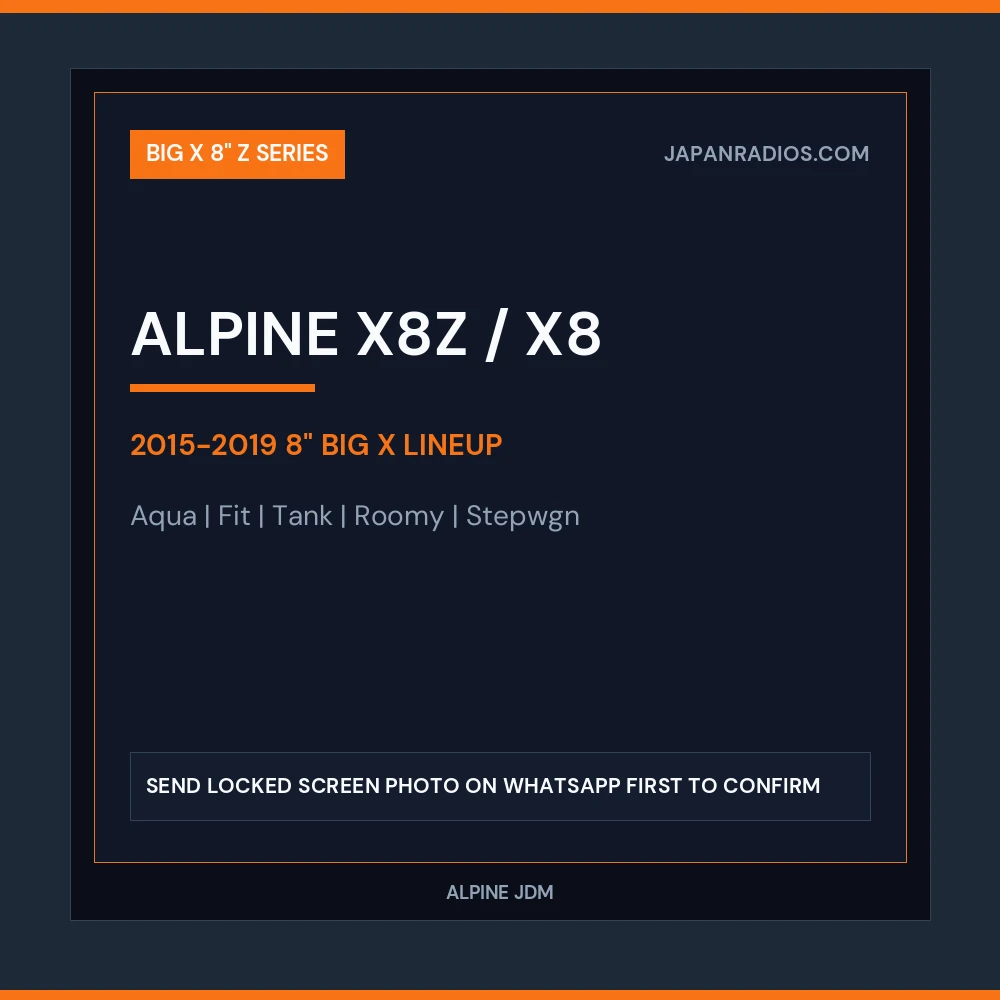
Direct Answer: Fitting Toyota Tank, Roomy, Aqua, Honda Freed, and Stepwgn dashboards cleanly with an 8-inch WXGA bezel, the Alpine X8 and X8Z enforce anti-theft PIN security whenever battery power drops during transport or servicing. Send a clear photo of your locked display and front bezel model stamp on WhatsApp first so we confirm PIN unlock vs. Map SD eligibility and quote your exact total before you pay.
8-Inch Z / Base Series Big X — Compatibility & Model Coverage
| Specification | Verified Coverage |
|---|---|
| Display Class | 8-Inch Z / Base Series Big X |
| Production Years | 2015–2019 (X8 & X8Z) |
| Included Sub-Models | X8Z, X8 |
| Compatible JDM Vehicles | Toyota Tank M900A, Roomy, Aqua NHP10, Honda Freed, Honda Stepwgn |
| Typical Lock Prompts | CODE IN / 暗証番号を入力してください / パスワードを入力してください |
Series Architecture & Decoding Notes
Toyota Tank/Roomy and Aqua imports equipped with Alpine X8Z often lose radio unlock memory during battery swaps at docks or pre-delivery inspection yards.
PIN Lock vs. Map SD Diagnostic: Make sure the screen actually prompts for a code rather than reporting missing navigation map SD files before ordering. Compare with Alpine Big X Map SD Card Recovery →
4-Step Screen Verification Workflow
- Photograph your locked screen showing the Japanese prompt or
CODE INmessage plus the lower-bezel model letters. - Message the photo to JapanRadios WhatsApp for free PIN-vs-SD verification and a complete price quote.
- Approve the verified service only once compatibility (and serial sticker requirement, if any) is confirmed.
- Enter your confirmed unlock code cleanly using our guided step instructions.
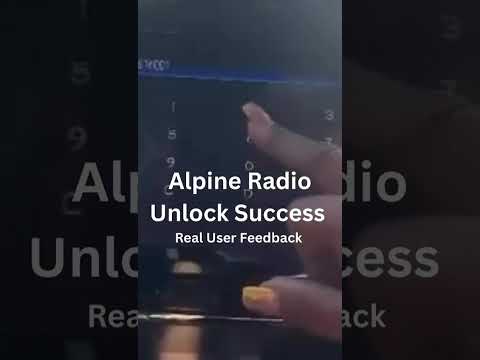
Real 8-Inch Z / Base Series Big X Unlock Proof & Customer Feedback
Watch genuine customer unlock feedback and Big X walkthrough clips from our official @japanradios YouTube channel (click any card to load the player).

Related Alpine Hub & Vehicle Guides
- Compare X8Z vs. X8V vs. X8NX in Our All-Models Guide
- Browse All 20 Alpine Big X & VIE Series Hubs →
- Alpine Japanese Lock Screen & CODE IN Error Dictionary
Frequently Asked Questions
How can I tell X8Z apart from X8 or X800?
Check the bottom-right or bottom-left corner of the Alpine front fascia—the exact generation suffix (X8, X8Z, X800) is printed there directly.
Does X8Z require dashboard removal?
Not always—send your locked screen photo on WhatsApp first so we confirm whether your serial is visible or requires label access.
Can wrong PIN guesses permanently lock an X8Z?
Repeated incorrect entries trigger extended wait timers and lockout states. Stop guessing and check with us first.
How is pricing confirmed?
Every quote is confirmed transparently on WhatsApp once we verify your X8/X8Z unit photo.