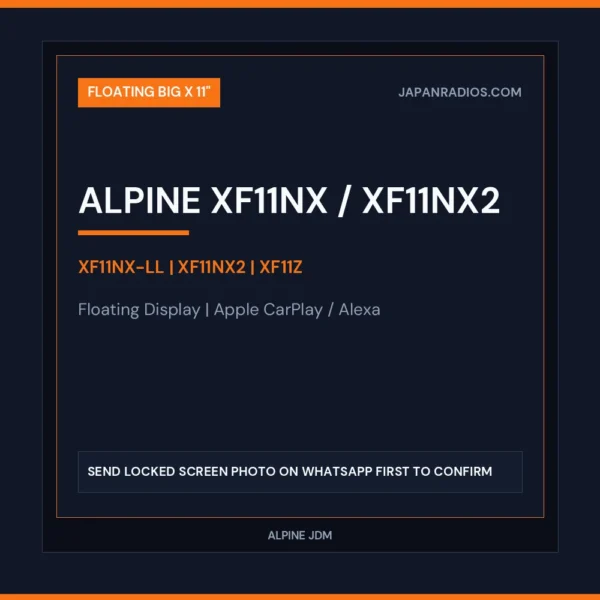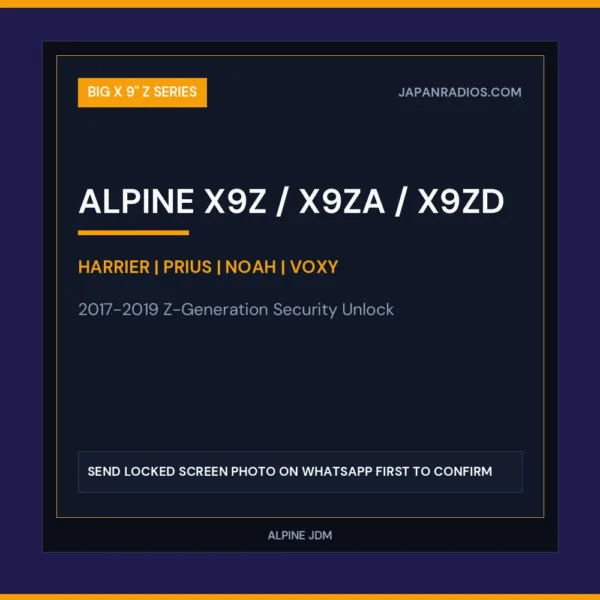
Direct Answer: Factory-fitted 11-inch Big X head units (EX11V, EX11Z, EX11NX, EX11NX2) integrate directly with Toyota Alphard 30, Vellfire 30, Voxy 80, Noah 80, and Esquire dashboards. Whenever the main 12V battery or hybrid auxiliary battery disconnects during shipping or servicing, anti-theft security triggers and blocks audio, HDMI rear-seat entertainment, and reversing cameras. Send a clear photo of your locked display and front bezel model stamp on WhatsApp first so we confirm PIN unlock vs. Map SD eligibility and quote your exact total before you pay.
11-Inch WXGA High-Contrast Capacitive Big X Bezel — Compatibility & Model Coverage
| Specification | Verified Coverage |
|---|---|
| Display Class | 11-Inch WXGA High-Contrast Capacitive Big X Bezel |
| Production Years | 2016–2024 (V-Series, Z-Series & NX/NX2 Generations) |
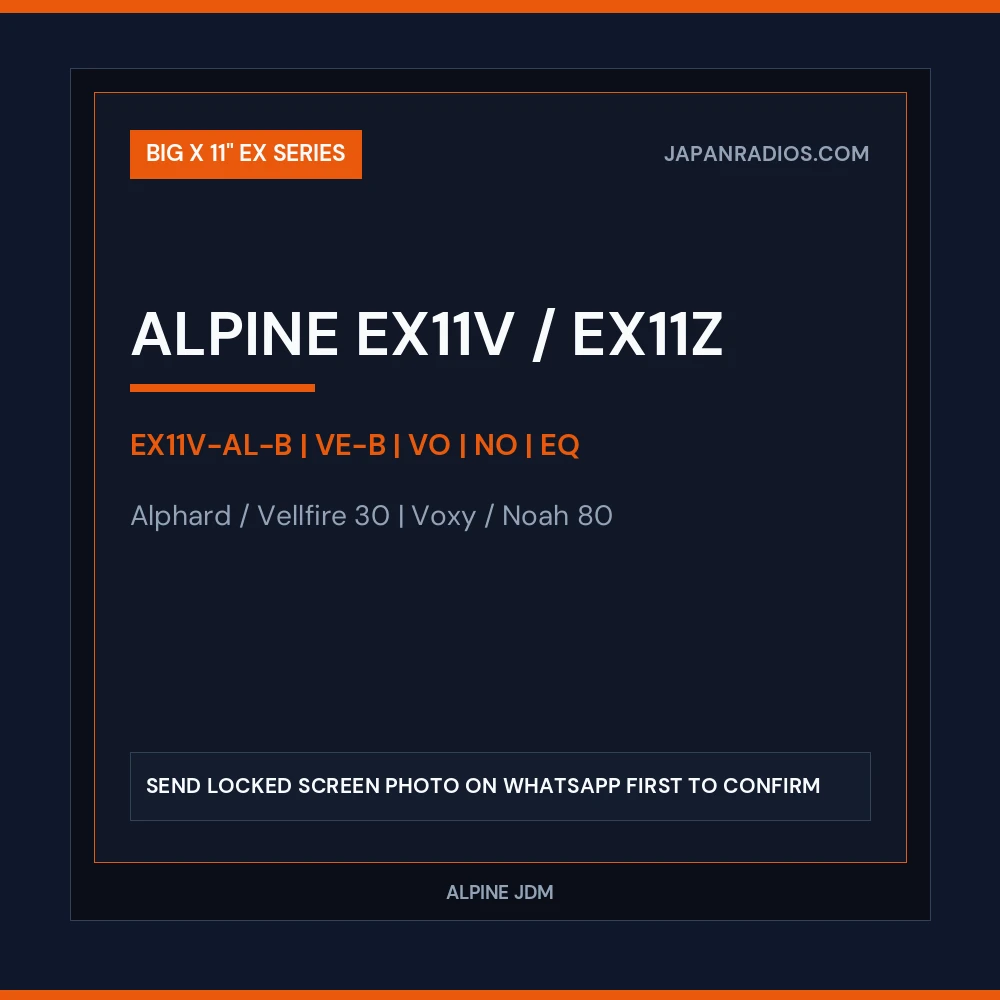
| Included Sub-Models | EX11V, EX11Z, EX11NX, EX11NX2, EX11V-AL-B, EX11V-VE-B, EX11V-VO, EX11V-NO, EX11V-EQ |
| Compatible JDM Vehicles | Toyota Alphard AGH30/AYH30, Vellfire 30, Voxy ZRR80/ZWR80, Noah 80, Esquire |
| Typical Lock Prompts | パスワードを入力してください / 暗証番号を入力してください / CODE IN |
Series Architecture & Decoding Notes
EX11-series units use vehicle-matched fascia kits (-AL-B for Alphard black, -VE-B for Vellfire, -VO for Voxy, -NO for Noah). On 2020+ EX11NX and EX11NX2 generations, Alpine shifted internal security routines compared to 2016 EX11V hardware—meaning a photo of the exact lock screen plus the lower bezel code is essential before calculating any recovery key.
PIN Lock vs. Map SD Diagnostic: If your EX11V/EX11Z stays stuck on a map card prompt (地図SDカードを挿入してください) rather than a PIN keypad, verify with us first so you do not pay for a security code when the unit needs map boot data. Compare with Alpine Big X Map SD Card Recovery →
4-Step Screen Verification Workflow
- Photograph your locked screen showing the Japanese prompt or
CODE INmessage plus the lower-bezel model letters. - Message the photo to JapanRadios WhatsApp for free PIN-vs-SD verification and a complete price quote.
- Approve the verified service only once compatibility (and serial sticker requirement, if any) is confirmed.
- Enter your confirmed unlock code cleanly using our guided step instructions.
Real 11-Inch WXGA High-Contrast Capacitive Big X Bezel Unlock Proof & Customer Feedback
Watch genuine customer unlock feedback and Big X walkthrough clips from our official @japanradios YouTube channel (click any card to load the player).


Related Alpine Hub & Vehicle Guides
- Read the Alphard & Vellfire 11-Inch Big X Unlock Guide
- Browse All 20 Alpine Big X & VIE Series Hubs →
- Alpine Japanese Lock Screen & CODE IN Error Dictionary
Frequently Asked Questions
What suffix codes belong to the EX11 Big X family?
Bezel plates often print EX11V, EX11Z, EX11NX, or EX11NX2, while rear chassis labels show vehicle-specific kit codes such as EX11V-AL-B, EX11V-VE-B, EX11V-VO, EX11V-NO, or EX11V-EQ. We cover every kit under this EX11 hub.
Will unlocking restore my rear flip-down monitor and steering controls?
Yes. Once the factory security lock clears, existing CAN-bus steering buttons, parking guidelines, and Alpine rear entertainment output resume normally without re-wiring.
Do I have to pull the 11-inch EX11 dash surround apart?
Send your locked screen photo first. We verify immediately whether your specific EX11 generation can be confirmed from on-screen details or requires the top chassis barcode label.
Is it safe to try common four-digit combinations on EX11Z or EX11NX2?
No. Repeated wrong entries trigger security wait lockouts or disable keypad entry. Send a photo of the current screen on WhatsApp before attempting guesses.